Password List in a Notes App? The Risk
A password list in a notes app feels convenient, but notes apps are not built to protect passwords: notes sync widely, stay searchable, and often lack the encryption a password vault provides. Moving the list to a proper vault is one of the highest-value security chores you can do.
TL;DR / Quick Fix
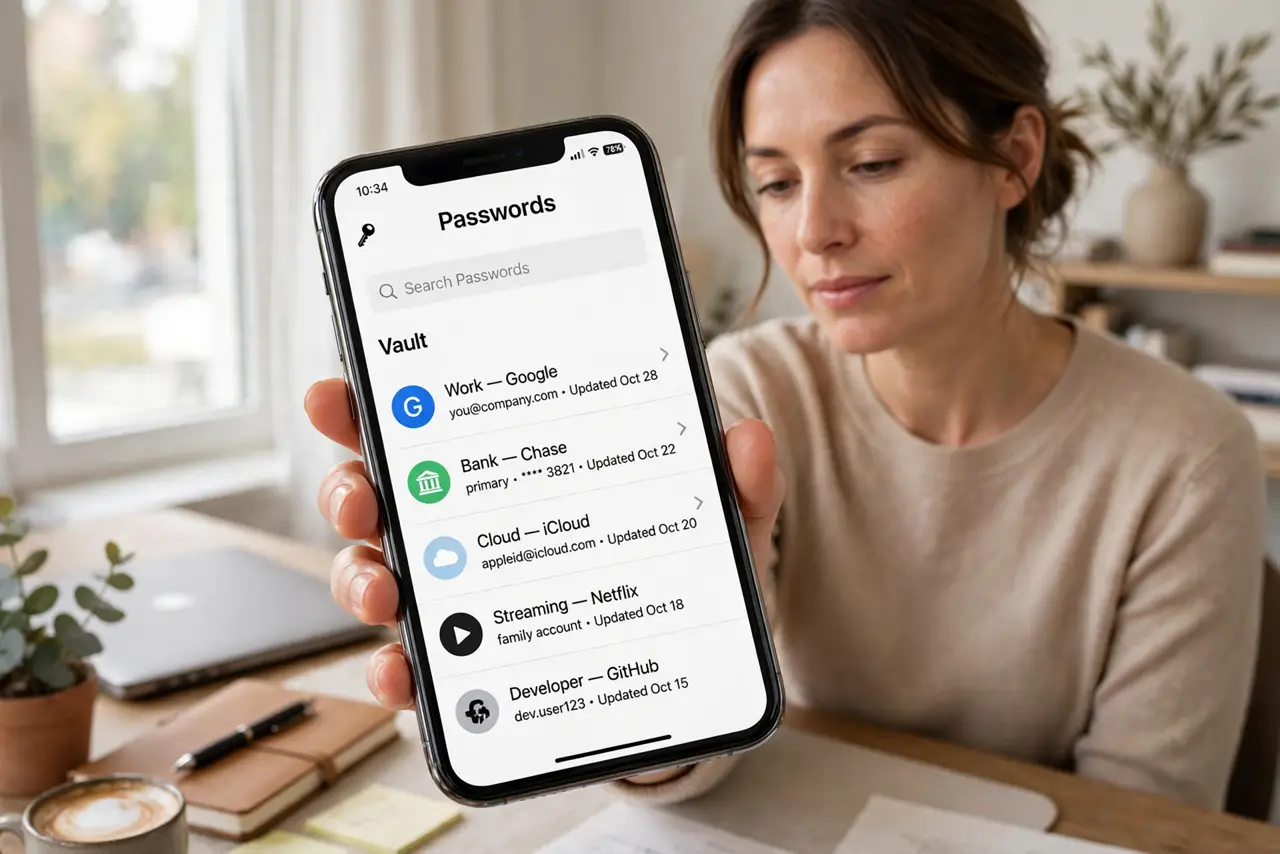
Quick fix: Stop adding passwords to the notes app today. Set up a password manager and a strong master password. Move passwords into the vault, a few at a time. Change the most important passwords first. Delete the old list from notes and trash. Then verify the result.
Follow these steps
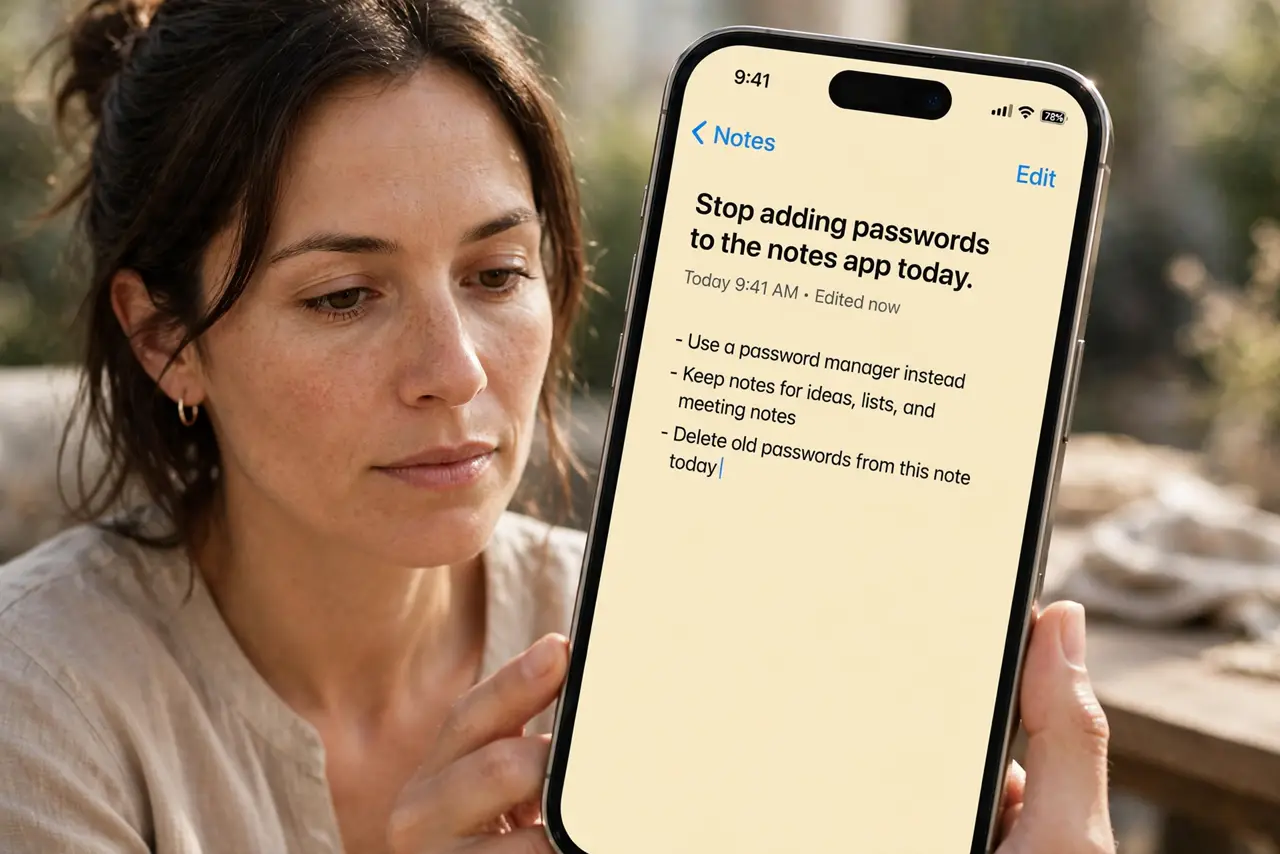
- Stop adding passwords to the notes app today. Draw the line now: no new passwords go into notes from this moment. Every new password goes straight into the vault instead.
- Set up a password manager and a strong master password. Choose a reputable manager, create one strong master password you can remember, and turn on its lock and backup options.
- Move passwords into the vault, a few at a time. Transfer entries in small batches, checking each one works as you go. Rushing a bulk move creates errors you discover at login time.
- Change the most important passwords first. Change banking, email, and primary account passwords first, since email access can reset many others. Work down from the most sensitive.
- Delete the old list from notes and trash. Delete the notes list, then empty the notes trash and check synced devices. A deleted note that lingers in trash or on another device is still exposed.
- Turn on two-factor authentication for key accounts. With passwords moved, add a second factor to email, banking, and the vault itself. Two factors protect you even if a password leaks again.
What NOT to do
- Do not keep the notes list just in case after moving. A backup copy in notes defeats the whole move.
- Do not use the same master password as an old notes password. The master password must be new and unique.
- Do not email the password list to yourself as a transfer method. Email copies linger in sent folders and servers.
- Do not skip changing important passwords. Moving a list that was already exposed does not un-expose it.
Frequently asked questions
Why is a notes app unsafe for passwords?
Because notes are designed for sharing and searching, not for encrypted vault storage, and they sync to many places.
Is a password manager really safer?
Yes. Vaults encrypt entries, generate strong unique passwords, and warn about reuse and breaches.
What if I forget the master password?
Use the manager's recovery options, set up before you need them, and keep a written backup in a safe place at home.