Password Manager Autofill Wrong Site? Fix It
Autofill that fills credentials on the wrong site is more than annoying; it can hand your password to a lookalike page. The usual cause is an entry whose site address is too broad, or a page that closely imitates the real one.
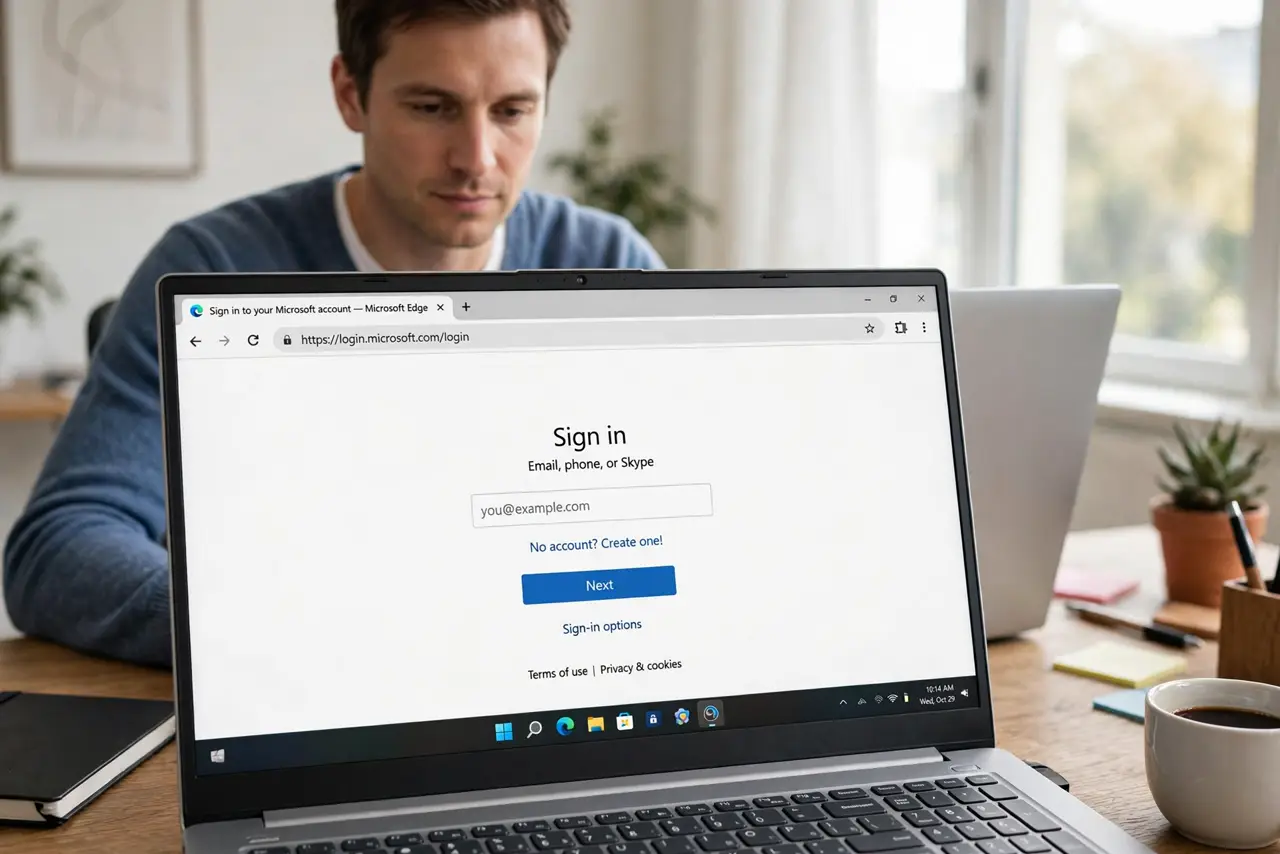
TL;DR / Quick Fix
Quick fix: Check the exact address of the page. Correct the site address on the saved entry. Turn off autofill for that entry if unsure. Check for duplicate entries for the same site. Test autofill on the verified real site. Review the saved password after any change.
Follow these steps
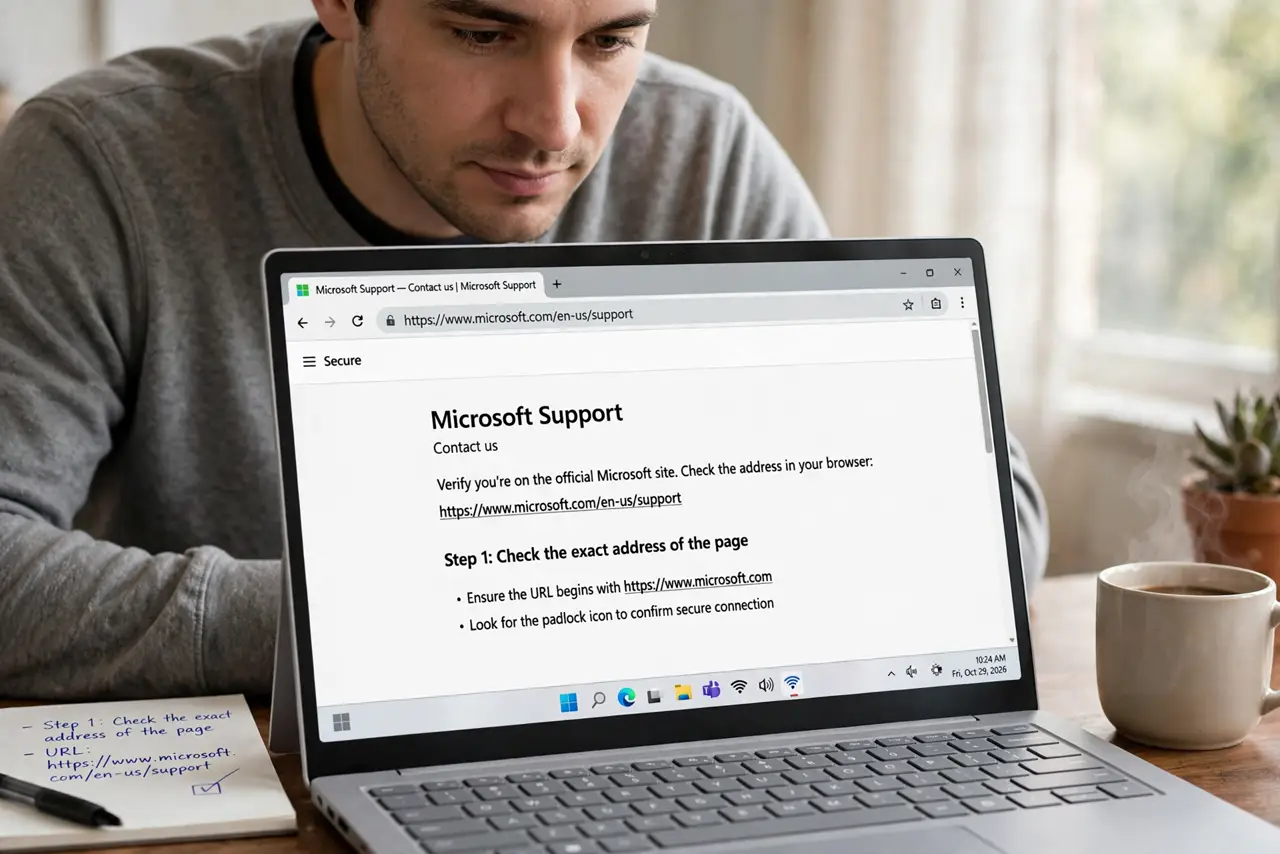
- Check the exact address of the page. Read the address bar character by character. Lookalike domains swap letters or add words, and autofill on such a page is a warning, not a convenience.
- Correct the site address on the saved entry. Open the entry and confirm its address matches the real site exactly. A broad or mistyped address lets autofill fire on related but wrong pages.
- Turn off autofill for that entry if unsure. If you cannot confirm the page is genuine, disable autofill for the entry and type the password manually only on the verified site.
- Check for duplicate entries for the same site. Duplicate entries with different addresses can make autofill pick the wrong one. Keep one correct entry per site and delete the rest.
- Test autofill on the verified real site. Visit the real site by typing its address yourself, and confirm autofill now fills there and only there.
- Review the saved password after any change. If you changed the password during this confusion, confirm the saved entry holds the new password, not an old one.
What NOT to do
- Do not accept an autofill offer on a page you did not verify. An unexpected fill is a signal to stop and check the address.
- Do not save a password on a lookalike page. That teaches the manager the wrong site is legitimate.
- Do not keep duplicate entries with different addresses. Duplicates are how the wrong entry gets picked.
- Do not ignore a fill on the wrong site as a quirk. Investigate it; it may indicate a deceptive page.
Frequently asked questions
Why did autofill fill on the wrong site?
Usually the entry's address is too broad or mistyped, or the page is a lookalike of the real site.
Is autofill on a lookalike page dangerous?
Yes. It can submit your credentials to a page designed to capture them.
Should I turn autofill off entirely?
No. Fix the entry address and delete duplicates. Autofill on verified sites is safe and convenient.