What If Your Password Manager Is Breached?
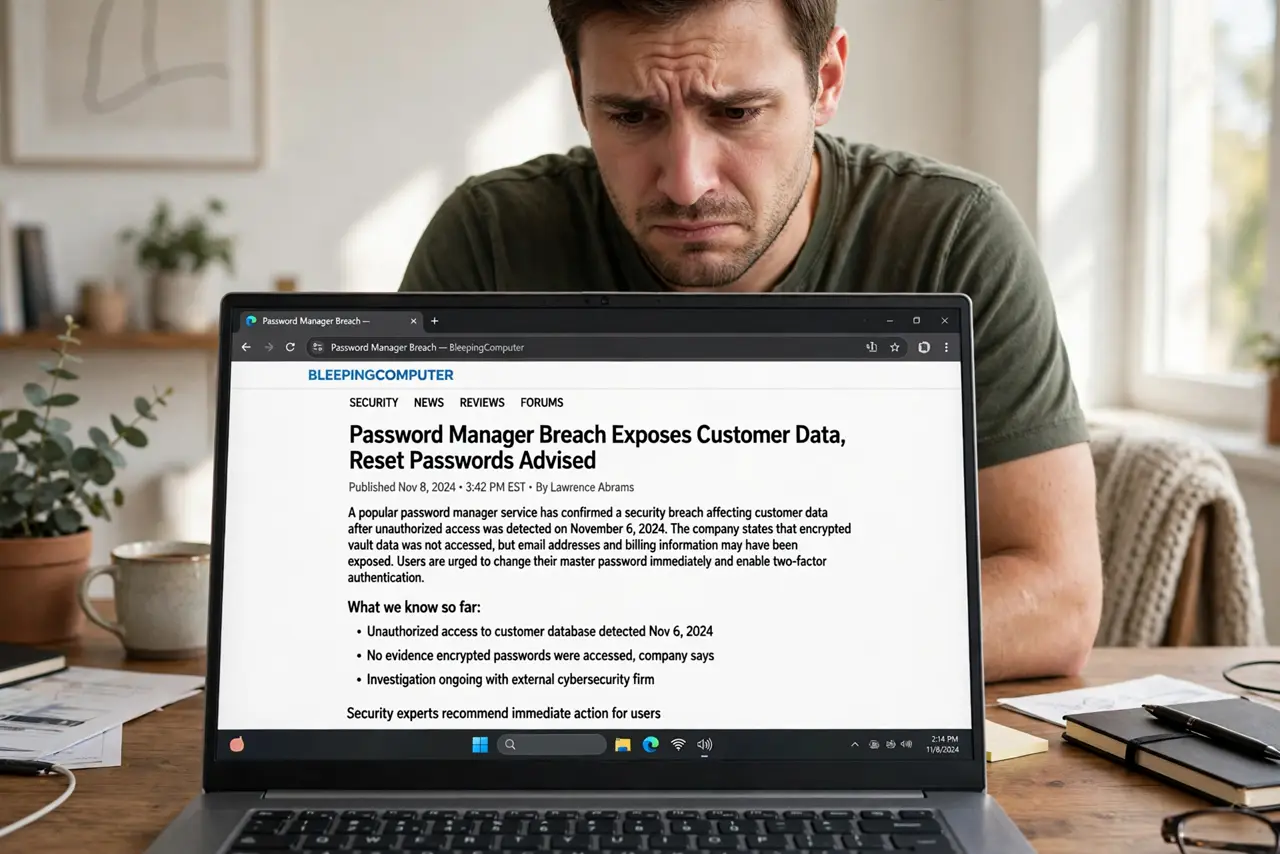
News breaks that your password manager was breached, and the panic is instant — every password in one place, now in someone else's hands? The reality is more nuanced: well-built managers encrypt your vault so thoroughly that a breach of their servers does not expose your passwords. This guide explains what actually happens and the calm, correct response.
TL;DR / Quick Fix
Quick fix: do not panic-delete your vault. Reputable managers use zero-knowledge encryption — the company never holds your master password, so stolen vault data is unreadable without it. Change your master password, enable two-factor on the account, and follow the company's official guidance.
Follow these steps
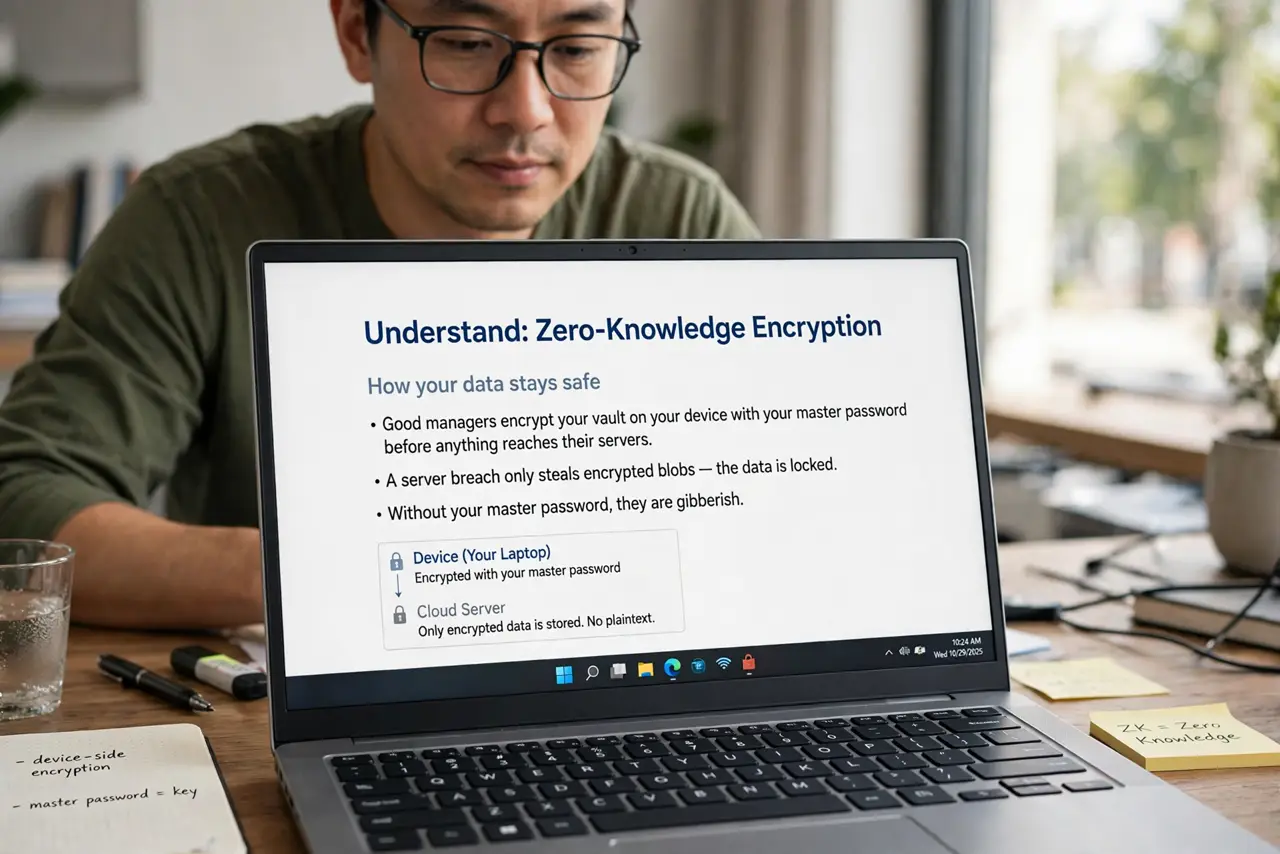
- Understand zero-knowledge encryption. Good managers encrypt your vault on your device with your master password before anything reaches their servers. A server breach steals encrypted blobs — without your master password, they are gibberish.
- Read the company's official notice. Skip the hot takes: read what the company actually says was accessed. 'Encrypted vaults' and 'plaintext personal data' are very different situations demanding different responses.
- Change your master password. Even though the vault is encrypted, a fresh, strong master password is cheap insurance. Make it long, unique, and memorable — it is the one password you must never reuse.
- Enable two-factor on the manager account. Add an authenticator app to your password-manager account itself. Account access is a separate layer from vault encryption — lock both.
- Check your breach exposure elsewhere. Check whether your email was exposed: if the breach leaked emails or personal details, watch for targeted phishing using that information. The vault may be safe while your inbox becomes the target.
- Know when to actually rotate passwords. If the company confirms unencrypted data was taken, prioritize rotating high-value logins — email, bank, and anything without two-factor. A calm, prioritized rotation beats a panicked all-nighter.
What NOT to do
- Do not abandon password managers for a notebook or memory. A breached-but-encrypted vault still beats reused passwords everywhere — the alternative is worse.
- Do not reuse your master password anywhere. The entire zero-knowledge model rests on that one password being unique and strong.
- Do not trust random 'breach checker' sites from the news cycle. Use the company's official channels and established breach-notification services only.
- Do not ignore the phishing wave that follows. Breach news triggers phishing impersonating the company — verify senders before clicking anything.
Frequently asked questions
Has a password manager breach ever exposed passwords?
Major managers' zero-knowledge designs have held up — breaches exposed metadata or encrypted vaults, not plaintext passwords. The architecture is the protection.
Should I switch managers after a breach?
Not automatically — evaluate how the company handled it. Transparent, fast disclosure is a good sign; evasion is not. Switching is reasonable if trust is gone.
Is writing passwords on paper safer?
No — paper is lost, photographed, and unencrypted. An encrypted vault with a strong master password remains the safer choice.