Password Manager Master Password Forgotten?
A password manager master password is deliberately hard to reset, because anyone who could reset it could read your vault. That design protects you, but it means recovery depends on options you set before forgetting it. Work through them calmly, in order.
TL;DR / Quick Fix
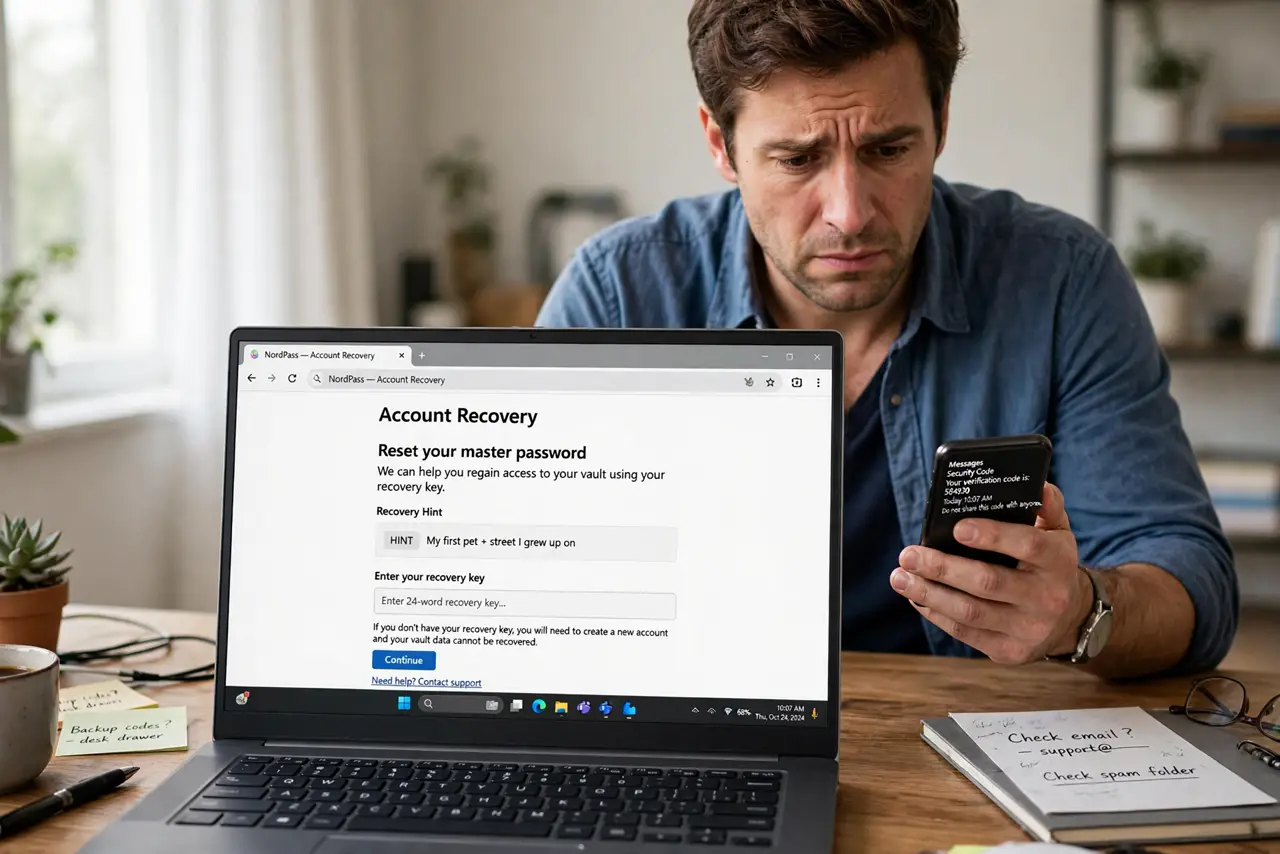
Quick fix: try your password hint and any recovery options the manager offers, such as a recovery key or emergency contact. If none work, you may need to reset the vault and rebuild it, starting with email and banking, from saved logins elsewhere.
Follow these steps
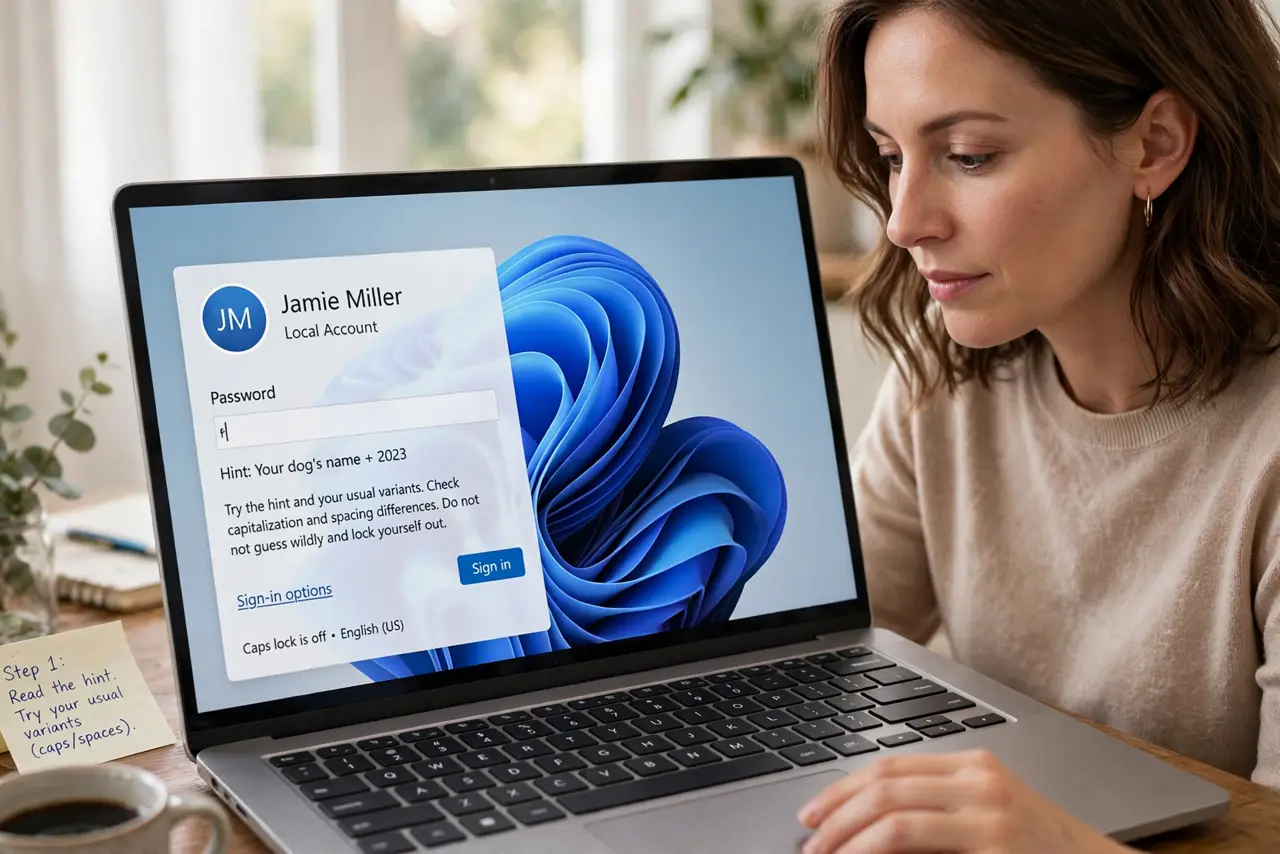
- Try the hint and your usual variants. Read the password hint if you set one, and try the variants you actually use, including capitalization and spacing differences. Do not guess wildly and lock yourself out.
- Use the recovery key if you saved one. If the manager gave you a recovery key, account recovery code, or emergency kit, use it now. That key exists precisely for this moment.
- Check emergency access. If you set up emergency access for a trusted person, ask them to start that process. Emergency access usually involves a waiting period, so start it early.
- Check other devices still signed in. Check phones, tablets, or browsers still signed into the vault. A signed-in device may let you export passwords, change the master password, or set a new recovery option.
- Reset the vault only as a last resort. If no recovery works, resetting the vault deletes its contents. Accept that loss, rather than paying a stranger who promises to unlock it, which is a scam.
- Rebuild starting with email and banking. After a reset, rebuild the vault starting with email, banking, and payment accounts, using fresh, unique passwords. Save a recovery key this time, in a safe offline place.
What NOT to do
- Do not pay anyone who claims they can unlock your vault. A genuine manager cannot be unlocked by a third party, and the offer is a scam.
- Do not reuse a weak master password after recovery just to avoid forgetting again. A master password should be long, memorable, and unique.
- Do not store the recovery key in the same vault it unlocks. Keep it offline, separate from the device, where only you can reach it.
- Do not keep guessing until the account locks. Use the official recovery route, and accept a reset if no route works.
Frequently asked questions
Can the manager company reset my master password?
Usually no, by design. If it could, an attacker who compromised the company could too. That is why recovery keys and emergency access exist.
What if a device is still signed in?
Use it to export or view passwords before signing out, and to change the master password if the app allows it. Do that before the session expires.
How do I avoid this next time?
Write the recovery key on paper, store it in a safe place, and set emergency access with a trusted person. Test recovery once, while you still remember the password.