Password Reused Across Many Sites? Fix It Now
Reusing one password feels convenient until one site leaks it, and then every account sharing it is at risk. You do not need to fix everything in one day, but start with the accounts that matter most, and make each new password unique.
TL;DR / Quick Fix
Quick fix: change email and banking passwords first to fresh, unique ones, then work through other accounts in order of importance. Store the new passwords in a password manager, and turn on two-factor authentication where offered. Change the important ones first today.
Follow these steps
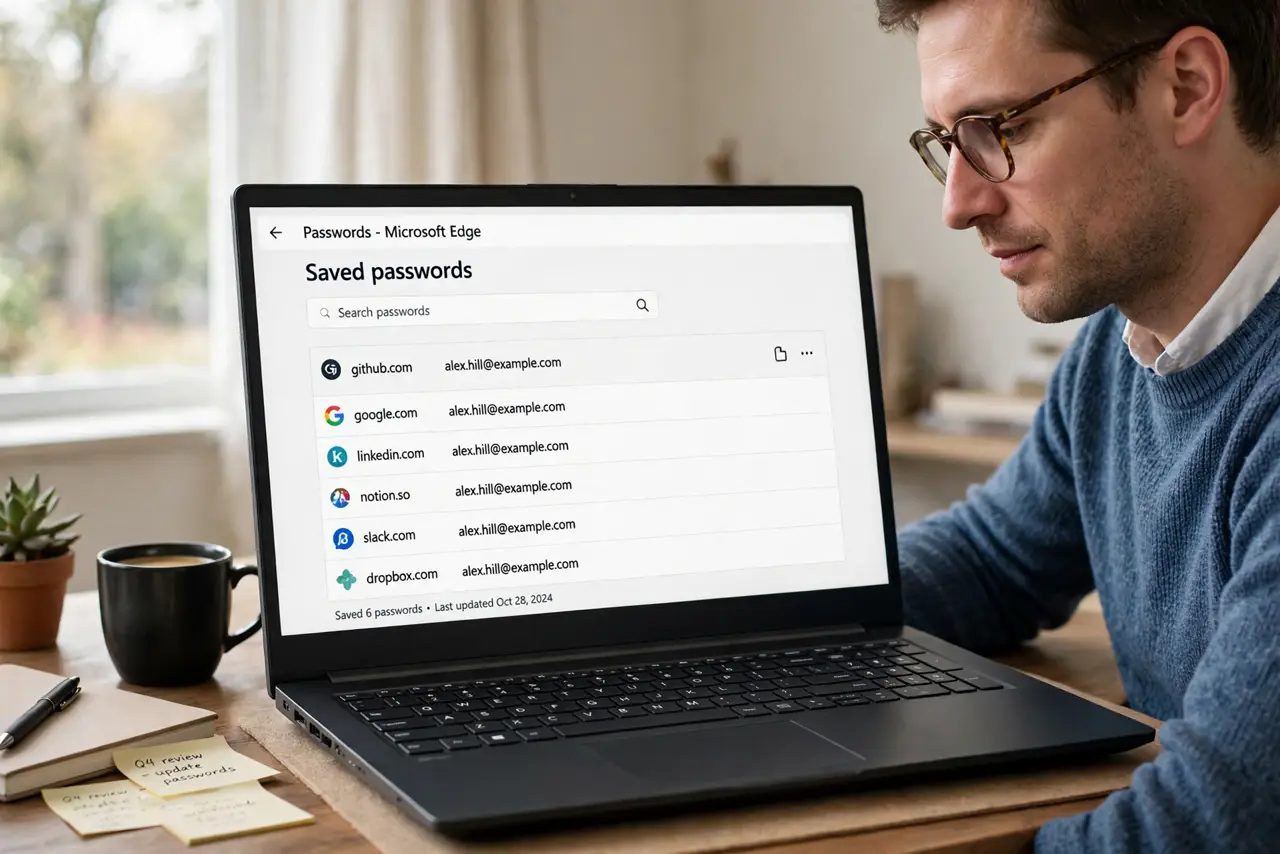
- List where the password is reused. Think through, or check in your browser saved passwords, where the same password appears. Write the list privately, starting with email, banking, and work accounts.
- Change email first. Change your email password first, to a fresh, unique one. Email unlocks password resets for many other accounts, so it deserves priority.
- Change banking and payment next. Change banking, payment, and shopping accounts next. These hold money or card details, and a leaked password there costs more than elsewhere.
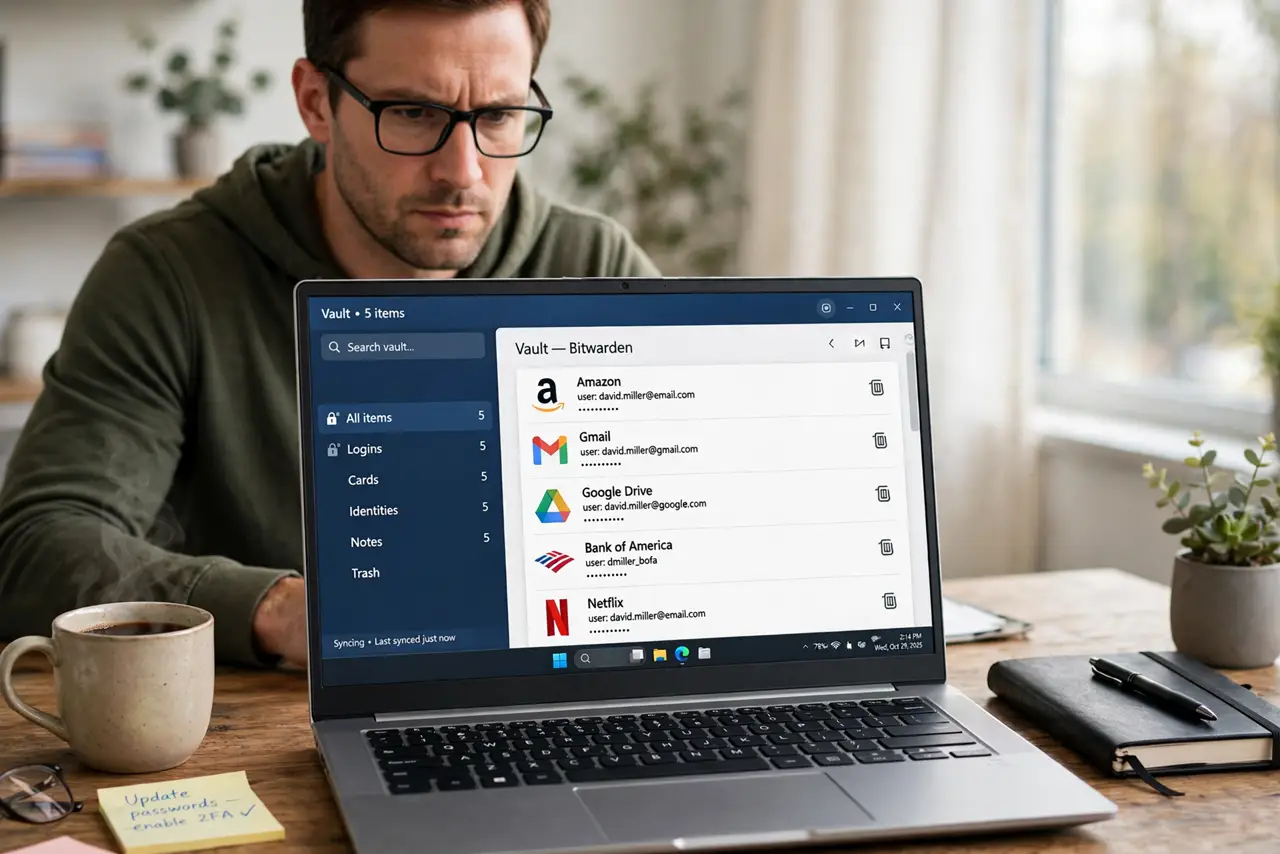
- Move the rest to a password manager. Store every account in a password manager, and let it generate a unique password for each one. You then remember one strong master password, not dozens.
- Turn on two-factor authentication. Turn on two-factor authentication on email, banking, and social accounts. A second factor protects an account even if its password leaks again.
- Work through the list steadily. Change a few accounts each day until the list is done. Steady progress beats a grand plan that never starts, and each change shrinks the risk.
What NOT to do
- Do not change passwords to small variations of the old one. Attackers try variations first, so each new password must be genuinely different.
- Do not keep the list of reused accounts in an unprotected note. Use the password manager itself, or a private note you delete when done.
- Do not skip email because it feels less important. Email is the key to resetting most other accounts.
- Do not reuse a new password on two important accounts just to finish faster. Unique is the whole point of the exercise.
Frequently asked questions
How do I remember dozens of unique passwords?
You do not. A password manager remembers them, and you remember one strong master password plus a second factor.
What if a site limits password length?
Use the longest, most random password that site allows, and rely on two-factor authentication for extra protection there.
Should I change all passwords at once?
Start with email and banking today, then work steadily. Urgency matters most for accounts holding money, email access, or identity details.