Password Manager Vault Locked Out? Fix It
Being locked out of your vault feels catastrophic because it holds everything, but lockouts are usually temporary or recoverable through options you set up earlier. Stay calm, avoid repeated guessing, and work through recovery in order.
TL;DR / Quick Fix
Quick fix: Stop guessing the master password repeatedly. Try the recovery options you set up. Check a trusted device that is still signed in. Use your written master-password backup if you kept one. Recover backup codes alongside the vault. Reset and rebuild only as a last resort.
Follow these steps
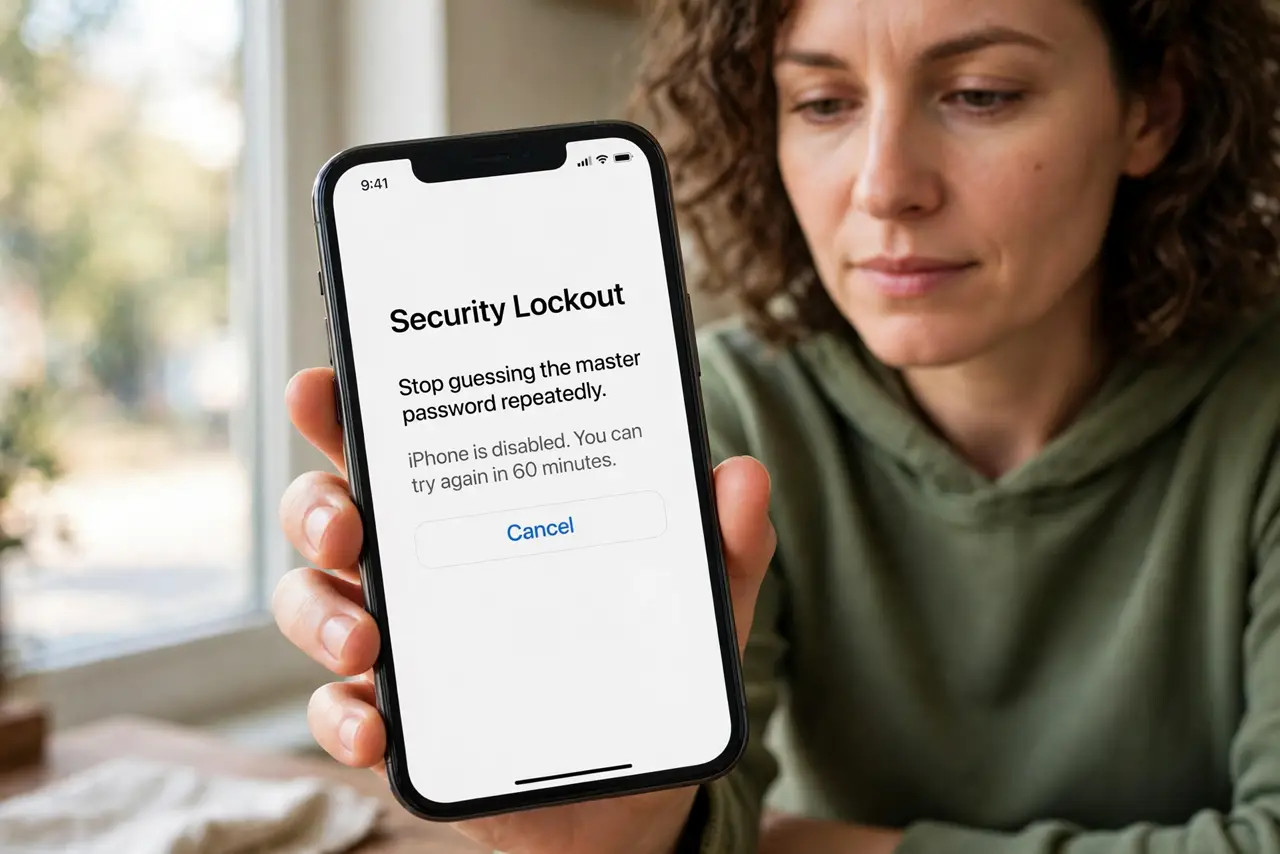
- Stop guessing the master password repeatedly. Repeated wrong guesses can extend lockouts or trigger stricter blocks. Pause, and recall the password deliberately instead of trying variations rapidly.
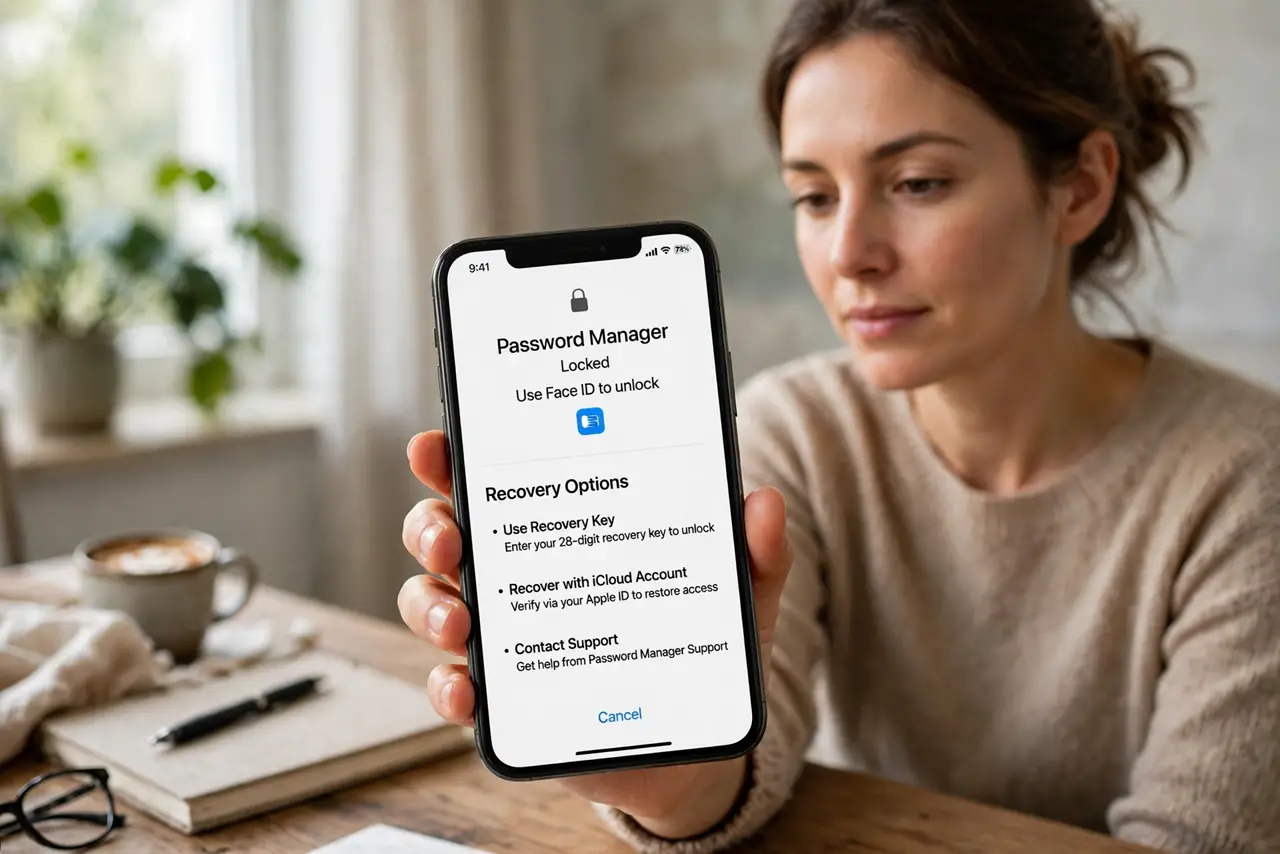
- Try the recovery options you set up. Use the manager's recovery method, such as a recovery key, trusted device, or account recovery, exactly as the manager instructs.
- Check a trusted device that is still signed in. A phone or tablet still signed into the vault may let you view entries or approve recovery. Check those devices before assuming total lockout.
- Use your written master-password backup if you kept one. If you stored the master password on paper in a safe place at home, retrieve it now. That backup exists for exactly this moment.
- Recover backup codes alongside the vault. If the vault also holds two-factor secrets, plan to restore those too, so regaining the vault does not leave accounts half-accessible.
- Reset and rebuild only as a last resort. If recovery truly fails, reset the vault and change key account passwords directly. Rebuild with recovery options set up first this time.
What NOT to do
- Do not keep guessing until the vault locks harder. Guessing is the fastest way to turn a pause into a long lockout.
- Do not store the master password in an email or notes app. That recreates the exact risk the vault was meant to remove.
- Do not reset the vault before trying every recovery option. Resetting destroys entries you might still recover.
- Do not skip setting up recovery after regaining access. The next lockout should be a short inconvenience, not a crisis.
Frequently asked questions
Am I locked out forever?
Usually not. Most lockouts are temporary, or recoverable via a trusted device or recovery key.
What if I never set up recovery?
Recovery is much harder then. You may need to reset and change key passwords directly.
Should I write down my master password?
Yes, on paper kept safely at home, not in a digital note or photo.