Go Passwordless: How It Works
Passwords are the worst part of the internet — hard to remember, easy to steal, and reused everywhere. Passwordless login replaces typing a secret with proving it is you: your fingerprint, your face, or a tap on a security key. It is not magic, and it is not account recovery roulette — here is what actually happens.
TL;DR / Quick Fix
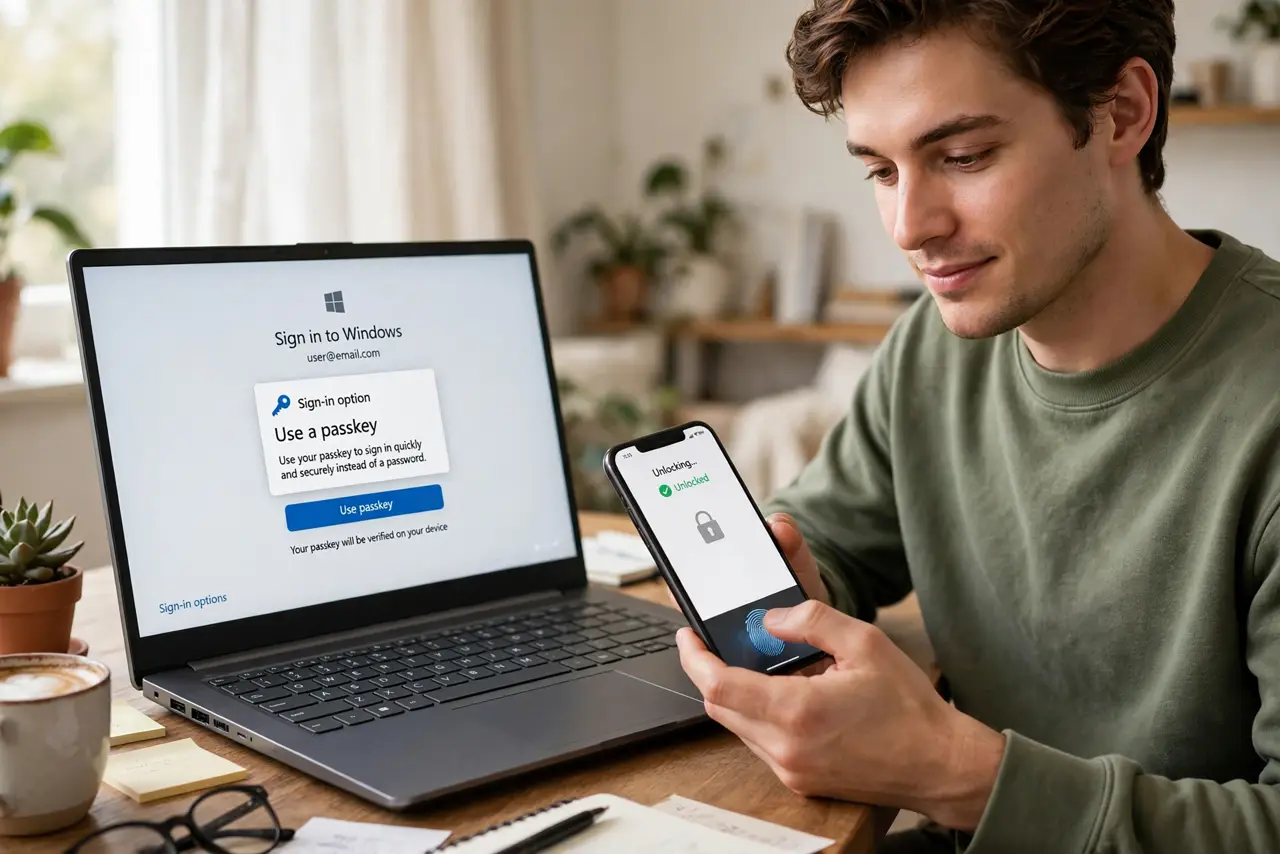
Passwordless login replaces typed passwords with proof it is you — a fingerprint, face scan, or security-key tap verified by cryptography. The standard is FIDO2; the everyday form is passkeys. Keep account recovery set up, because losing every device without recovery means losing the account.
Follow these steps
- Understand what replaces the password. Instead of a secret you type, your device proves possession of a cryptographic key and verifies your fingerprint or face locally. Nothing you could be tricked into typing travels over the network.
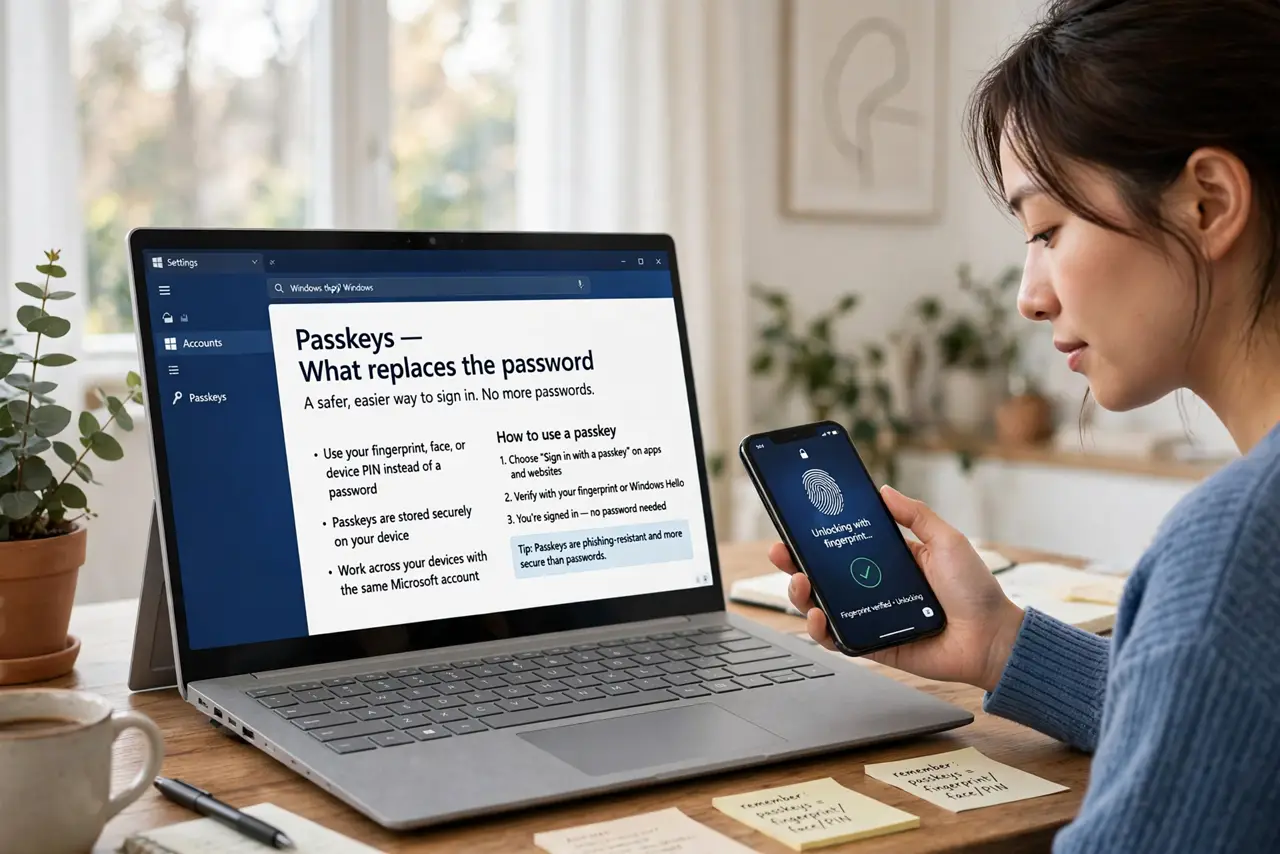
- Learn where passkeys live. Passkeys are the mainstream passwordless method — created per site, stored in your phone or password manager, and synced across your devices. The passkey explainer covers them in plain terms.
- Try it on one low-stakes account first. Enable passwordless sign-in on an account you could recover easily. Get comfortable with the flow — usually a prompt on your phone — before touching banking or email.
- Keep a fallback sign-in method. Most sites let you keep a password or backup codes alongside passwordless login. Do not delete every fallback until you are sure the new method works everywhere you sign in.
- Set up account recovery before you need it. Register a second device or save recovery codes somewhere safe. Passwordless is wonderful until your only phone is at the bottom of a lake.
- Know what phishing looks like now. Passwordless resists classic phishing because there is no password to steal. Stay wary of fake login prompts and urgent messages — attackers adapt, targeting the recovery process instead.
What NOT to do
- Do not go passwordless on every account in one afternoon. Migrate gradually so a surprise incompatibility never locks you out of something critical.
- Do not delete your passwords and backup codes immediately. Keep fallbacks until passwordless sign-in has worked reliably for weeks.
- Do not ignore the recovery setup screens. Skipping recovery options is how people lose accounts permanently when a device dies.
- Do not assume passwordless means no security thinking. Device PINs, screen locks, and software updates still protect the keys that protect you.
Frequently asked questions
Is passwordless actually safer than a strong password?
Yes for most people — it removes phishing and reuse, the two ways passwords usually fail. A unique strong password in a manager remains solid, but passwordless removes the human weak points.
What happens if I lose my phone?
If your passkeys sync through your account (Apple, Google, or a password manager), sign in on a new device to get them back. Without sync or recovery set up, you fall back to each site's account recovery.
Do I still need a password manager?
Probably yes — managers now store passkeys too, and plenty of sites still need passwords. Think of it as one home for all sign-in methods.