First-Build Mistakes
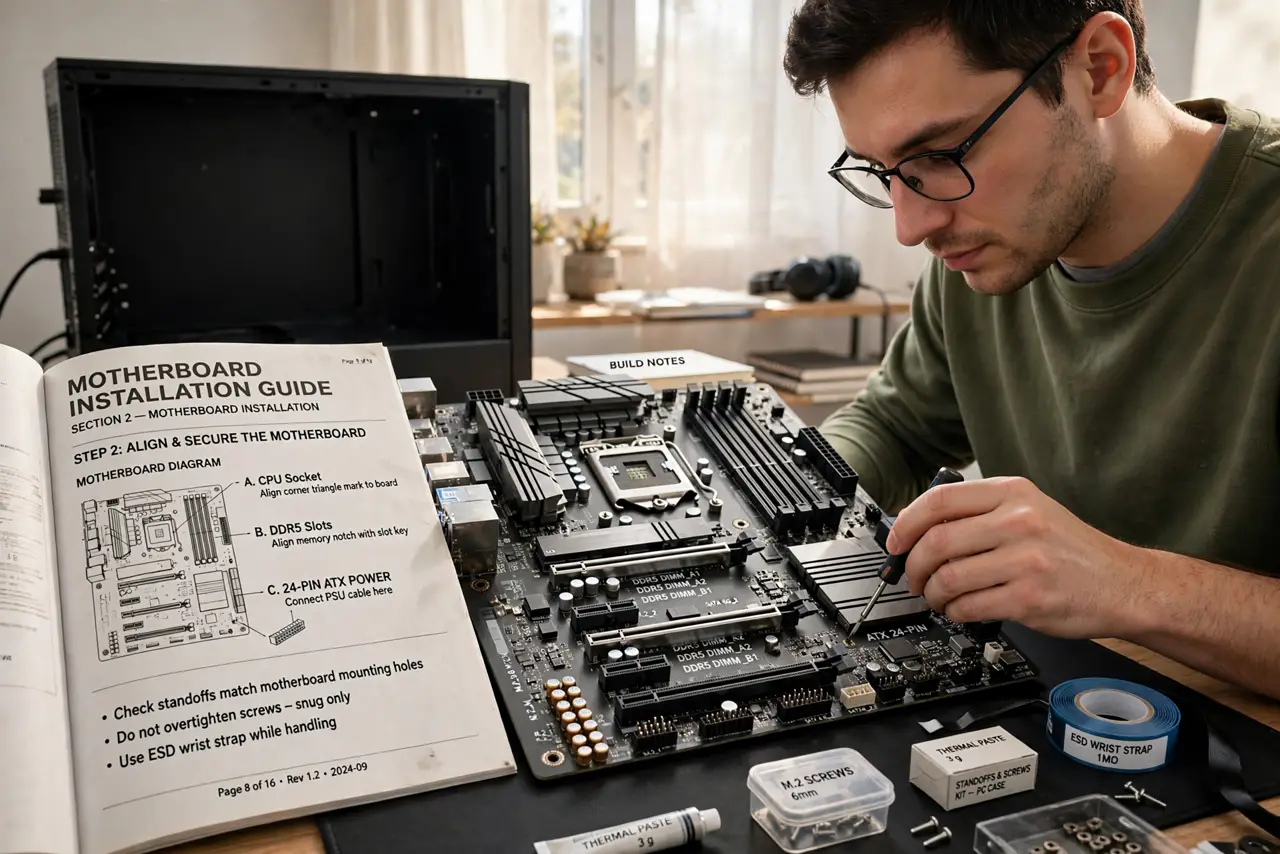
Every first-time builder makes the same handful of mistakes — the forums are full of identical panic posts, and every one of them was preventable. The good news: the mistakes are few, famous, and easy to dodge once you know them. This is the highlight reel of what goes wrong on first builds, so your build day stays boring in the best way. Read it alongside the build checklist before you touch a screwdriver.
TL;DR / Quick Fix
Quick fix: the classic first-build mistakes are forgetting the motherboard standoffs, plugging the monitor into the motherboard instead of the graphics card, and leaving the CPU power cable unplugged. Slow down, follow the manual, and test-boot before final assembly every time.
Follow these steps
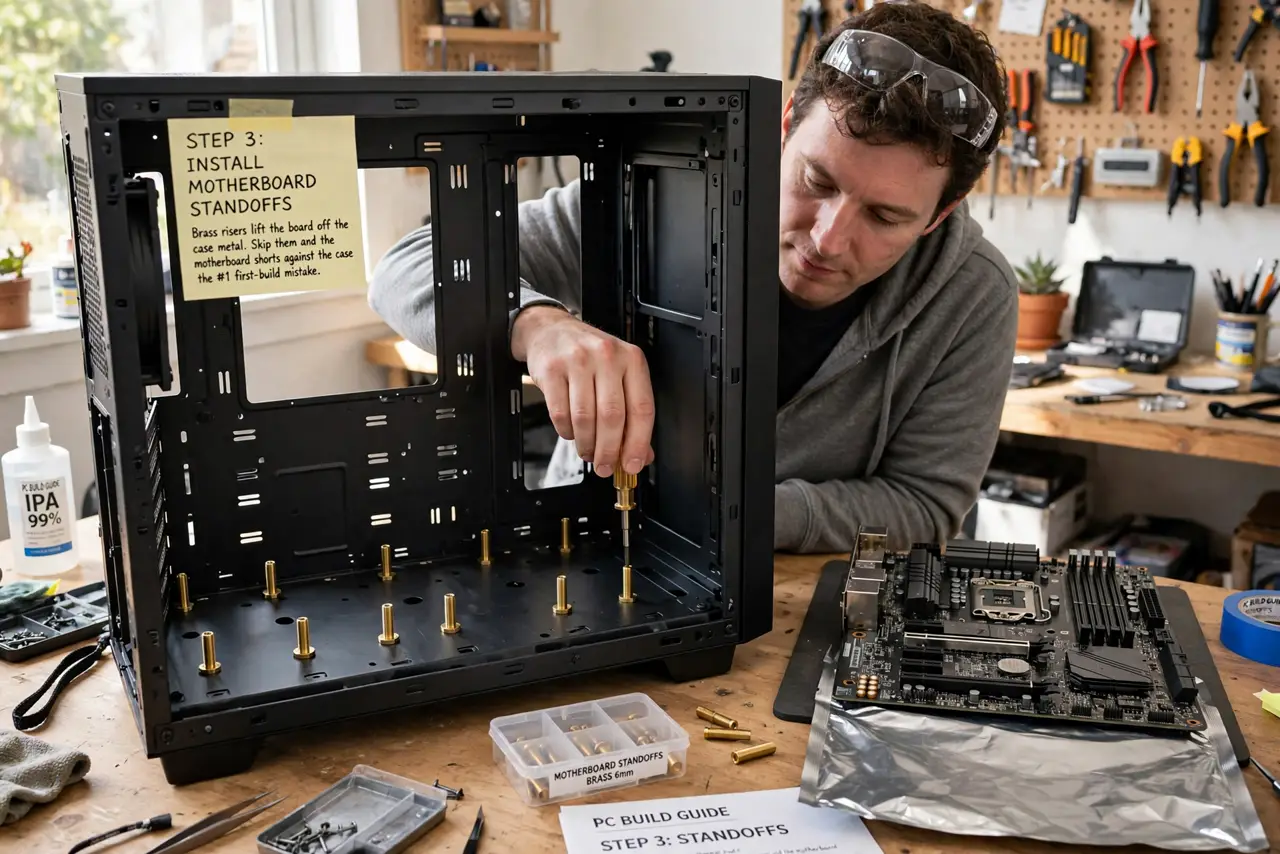
- Install the motherboard standoffs. Those little brass risers lift the board off the case metal. Skip them and the motherboard shorts against the case — the single most infamous first-build mistake.
- Plug the monitor into the graphics card. The motherboard's video ports go unused when a graphics card is installed. Plug into the card's ports, or you will boot to a black screen and panic.
- Connect the CPU power cable. The big 24-pin is obvious; the smaller 4 or 8-pin CPU connector near the top of the board is the forgotten one. No CPU power means fans spin and nothing else happens — see the CPU power guide.
- Seat the RAM fully. RAM needs a firm, even push until both clips click. Half-seated RAM is the king of mysterious no-boot situations.
- Test-boot before cable management. Assemble the core parts on the motherboard box and verify it posts before mounting everything. Finding a dead part now takes minutes; later takes an hour of disassembly.
- Do not force anything. PC parts fit with modest pressure in exactly one orientation. If something needs real force, stop — it is backwards or in the wrong slot.
What NOT to do
- Do not build on carpet in socks. Static is rare but real — work on a table and touch the case periodically.
- Do not forget to remove the plastic from the CPU cooler. That clear film melts into a mess under heat.
- Do not overtighten cooler screws. Snug and even beats cranked — overtightening can damage the board.
- Do not panic at first-boot failure. Nine times out of ten it is a cable, a seating issue, or the monitor on the wrong port.
Frequently asked questions
What is the most common first-build mistake?
Forgetting the CPU power cable or the standoffs, followed closely by the monitor plugged into the wrong port. All three are in this guide.
I built it and nothing happens — now what?
Check power cables, RAM seating, and monitor connection first. Then test-boot with minimal parts outside the case.
How do I know if I damaged something?
Visible damage is rare without force. If it posts and runs, you did not break it — PCs are tougher than beginners fear.