PC Build Checklist
Build day arrives, parts are scattered across the table, and you realize nobody ordered thermal paste. A PC build has dozens of small parts and one forgotten item can stall the whole day — or force a second order with shipping delays. A proper checklist, checked twice before you buy, is the difference between a triumphant first boot and a weekend of frustration. Start with the first-build planning if you have not picked parts yet.
TL;DR / Quick Fix
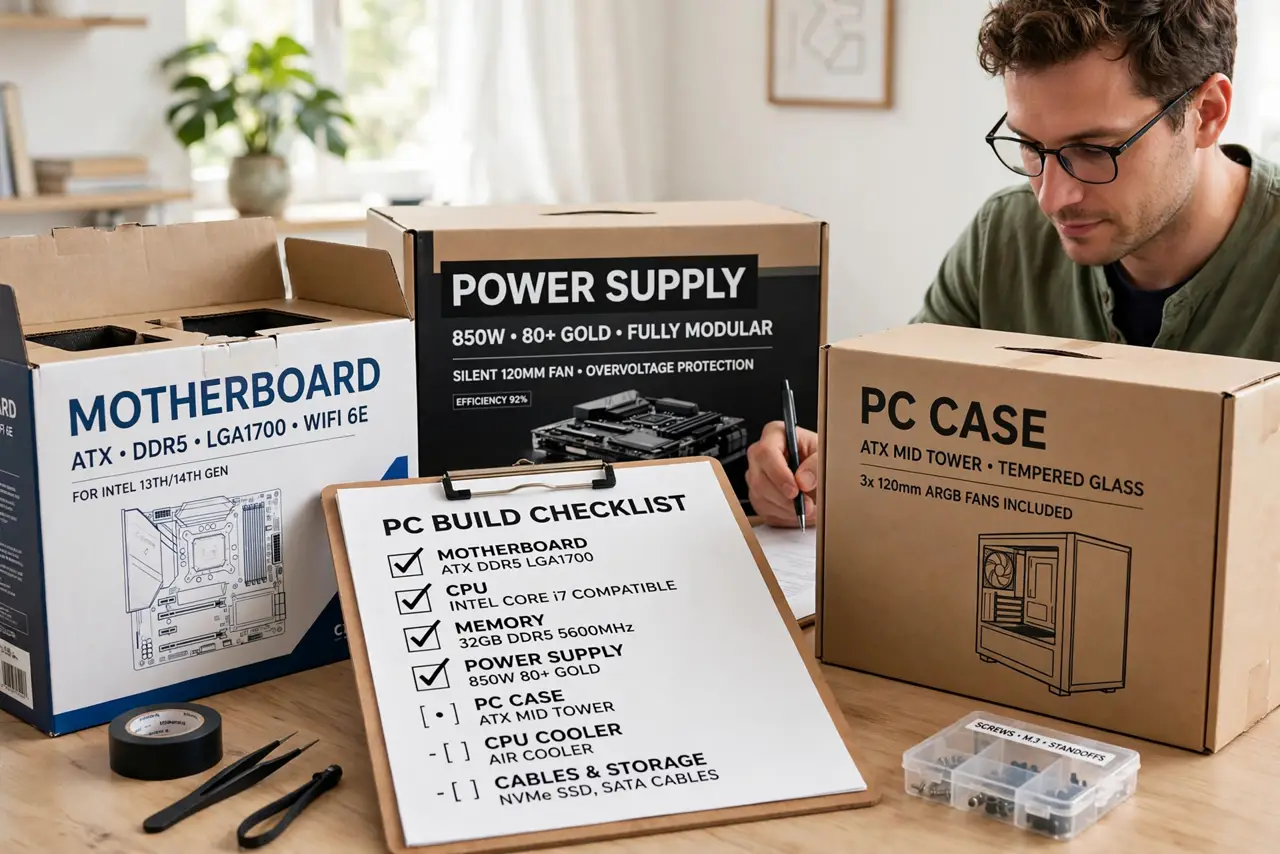
Quick fix: run through a full parts checklist before you buy — CPU, motherboard, RAM, storage, power supply, case, and cooler — then verify socket, RAM generation, and case clearance. Missing one small part or one compatibility check is what turns build day into a second trip to the store.
Follow these steps
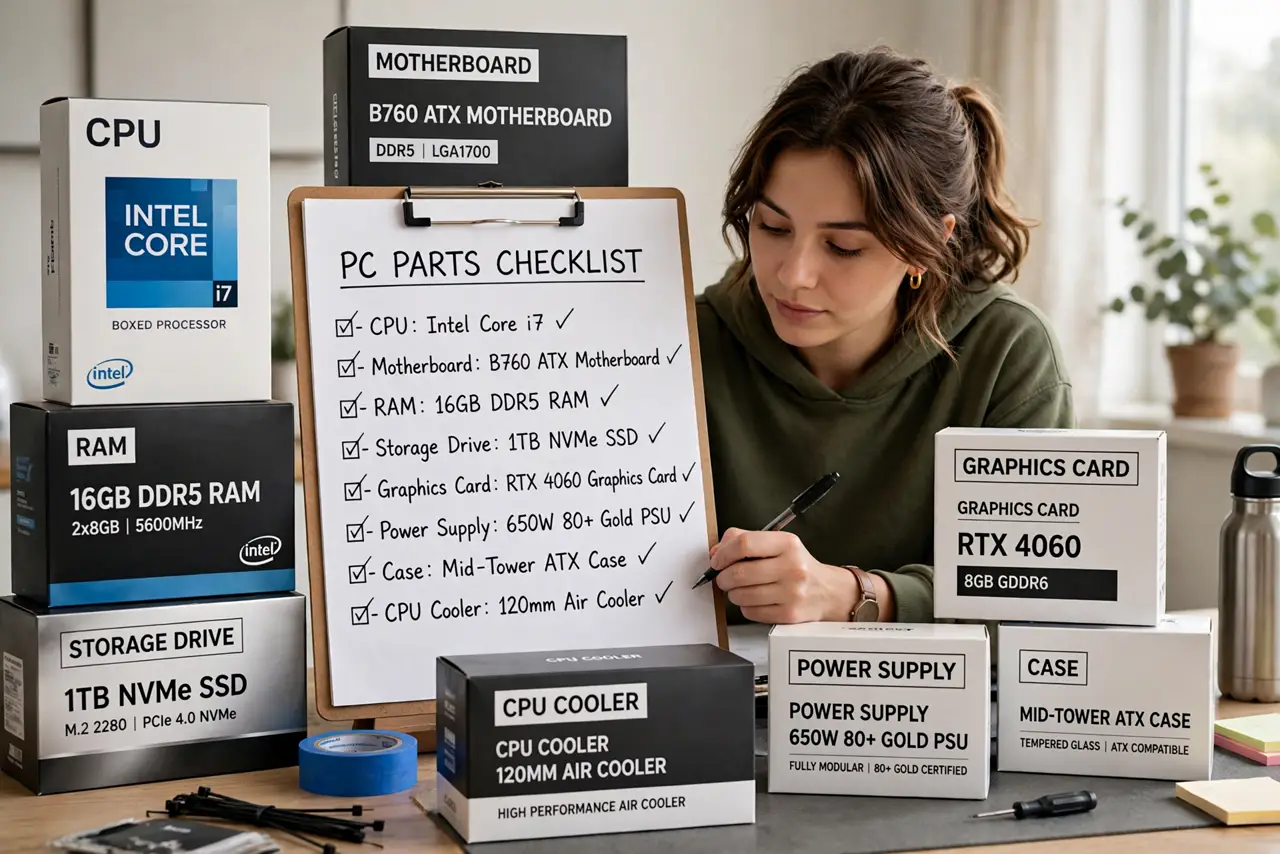
- List every core component. CPU, motherboard, RAM, storage drive, graphics card, power supply, case, and CPU cooler. Write them all down — the list is the plan, and the plan prevents the forgotten-part panic.
- Verify CPU and motherboard socket match. This is the classic expensive mistake. The CPU socket must equal the motherboard socket exactly — check both product pages, not just the brand.
- Confirm RAM type and speed. Motherboards accept one RAM generation. Buying the wrong generation is a same-day return you will resent — the product page lists exactly what fits.
- Check graphics card clearance. Measure the card's length against the case's maximum GPU clearance. Long cards and compact cases are the most common physical mismatch.
- Size the power supply with headroom. Total your parts' wattage and add comfortable headroom — the wattage guide walks through it. Include all connector types your parts need.
- Do not forget the small stuff. Thermal paste, extra SATA cables, case fans, a Phillips screwdriver, and zip ties. These tiny items stall more builds than any big component.
What NOT to do
- Do not order parts over several months. Return windows close and a dead-on-arrival part becomes your problem.
- Do not skip the motherboard manual. It tells you which RAM slots and which M.2 slot to use first.
- Do not assume the stock cooler is enough for hot CPUs. Check reviews for your specific processor.
- Do not forget an operating system plan. Decide how Windows gets installed before build day — see the USB install guide.
Frequently asked questions
What is the most forgotten part?
Thermal paste, motherboard standoffs, and the right power cables. The small stuff stalls builds disproportionately.
Should I buy extra case fans?
If the case ships with fewer than two or three, yes — airflow matters more than beginners expect, especially with a hot graphics card.
Can I reuse parts from an old PC?
Often yes: storage drives, cases, and sometimes power supplies carry over. Check compatibility and the PSU's age before trusting it.