Set Up Case Airflow Right
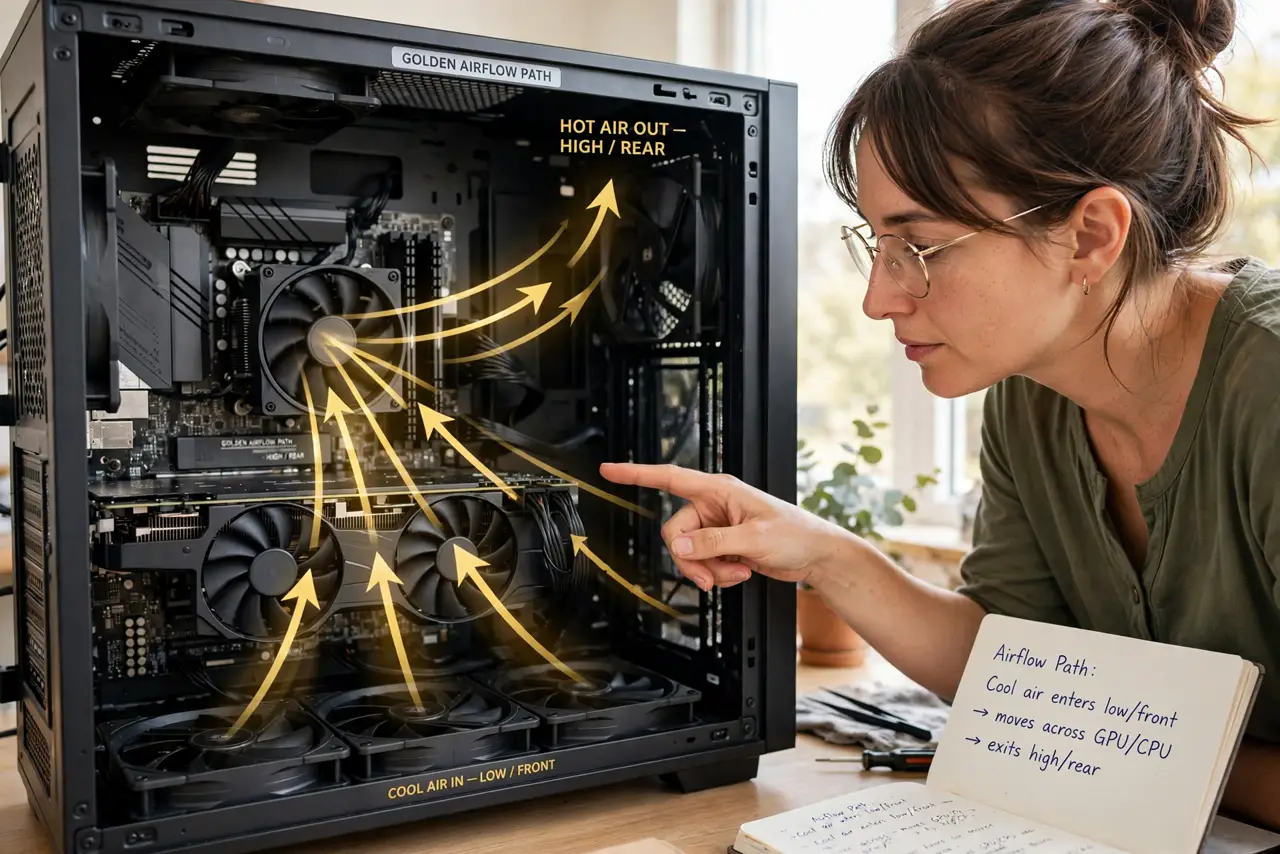
Cool air in, hot air out — case airflow sounds trivial until your GPU cooks itself in a beautiful glass box with no plan. Good airflow is just fans pointed the right way: intake at front and bottom, exhaust at rear and top. Here is the setup that works in nearly every case.
TL;DR / Quick Fix
Quick fix: set front and bottom fans as intake, rear and top fans as exhaust — heat rises, so work with it. Keep cables tied out of the airstream. Two to three fans in this layout beat five fans pointed randomly. More fans help only if they follow the path.
Follow these steps
- Learn the golden path. Cool air enters low and front, flows across components, exits high and rear. Heat rises — align with physics, not against it.
- Set front and bottom as intake. Front fans pull cool room air in; bottom fans feed the GPU directly. These are your supply.
- Set rear and top as exhaust. Rear and top fans push hot air out. Top exhaust is especially effective since heat already wants to go there.
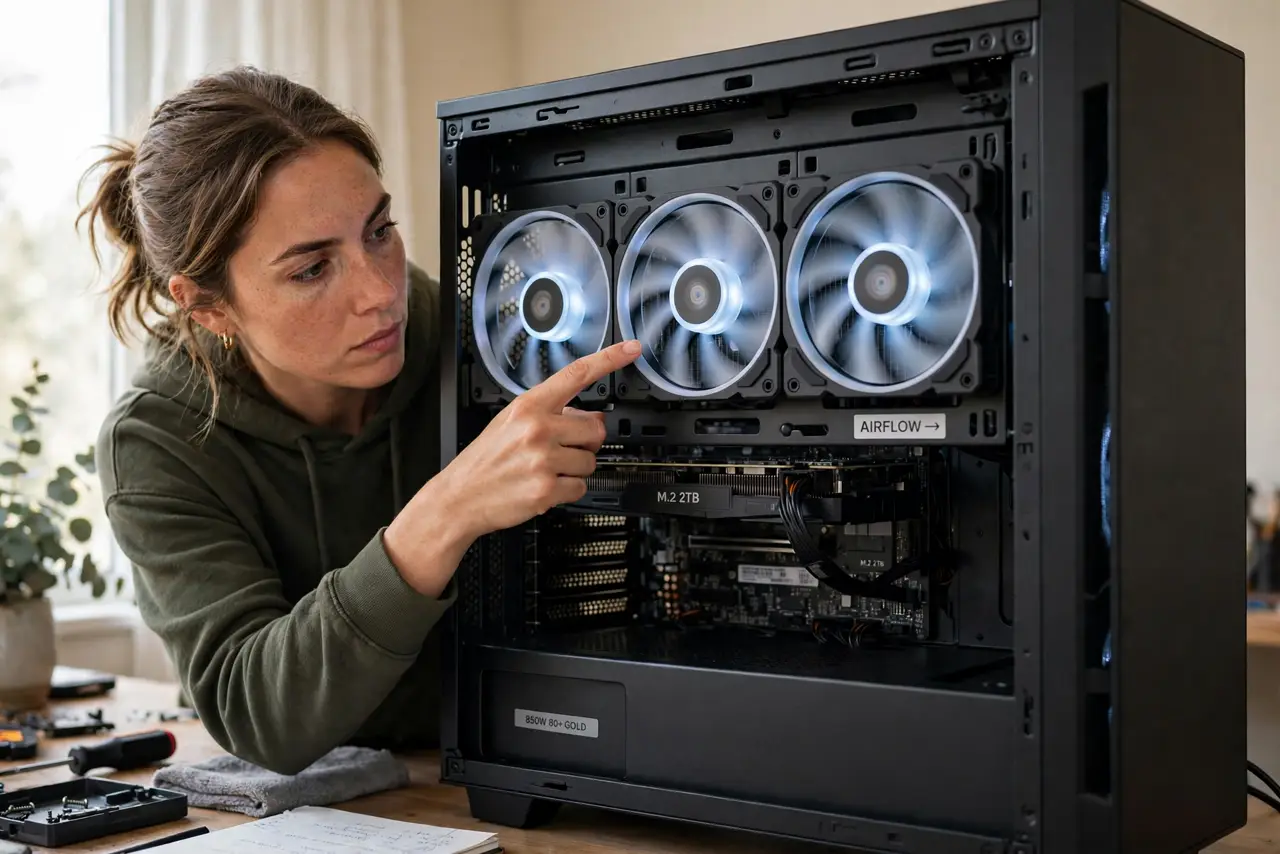
- Check fan direction. Fans blow toward the side with the support struts — or follow the arrow molded on the frame. Half of all 'bad airflow' is a backwards fan.
- Clear the airstream. Tie cables behind the motherboard tray. A cable nest in the middle of the case blocks the path you just built.
- Balance with [[pressure|pc-air-pressure-explained]] in mind. Slightly more intake than exhaust keeps dust out. Match this layout with the pressure guide for the full picture.
What NOT to do
- Do not point all fans inward. All-intake pressurizes the case with nowhere for hot air to escape — components stew.
- Do not mount the CPU tower cooler blowing the wrong way. It should push air toward the rear exhaust, joining the path.
- Do not block the front intake with a solid glass panel and no side vents. Looks kill thermals when air cannot enter.
- Do not add fans before fixing direction. Two correct fans beat six confused ones every time.
Frequently asked questions
How many case fans do I need?
Two to three in the right layout covers most builds. More helps hot, high-power systems — direction matters more than count.
Should fans run at full speed?
No — a gentle fan curve keeps noise down while moving enough air. Full speed is for stress tests, not daily use.
Does RGB affect airflow?
The lights do nothing to airflow; the fan underneath is what counts. See the RGB software conflicts guide if the lights misbehave.