PC Restarts Randomly? Find the Cause
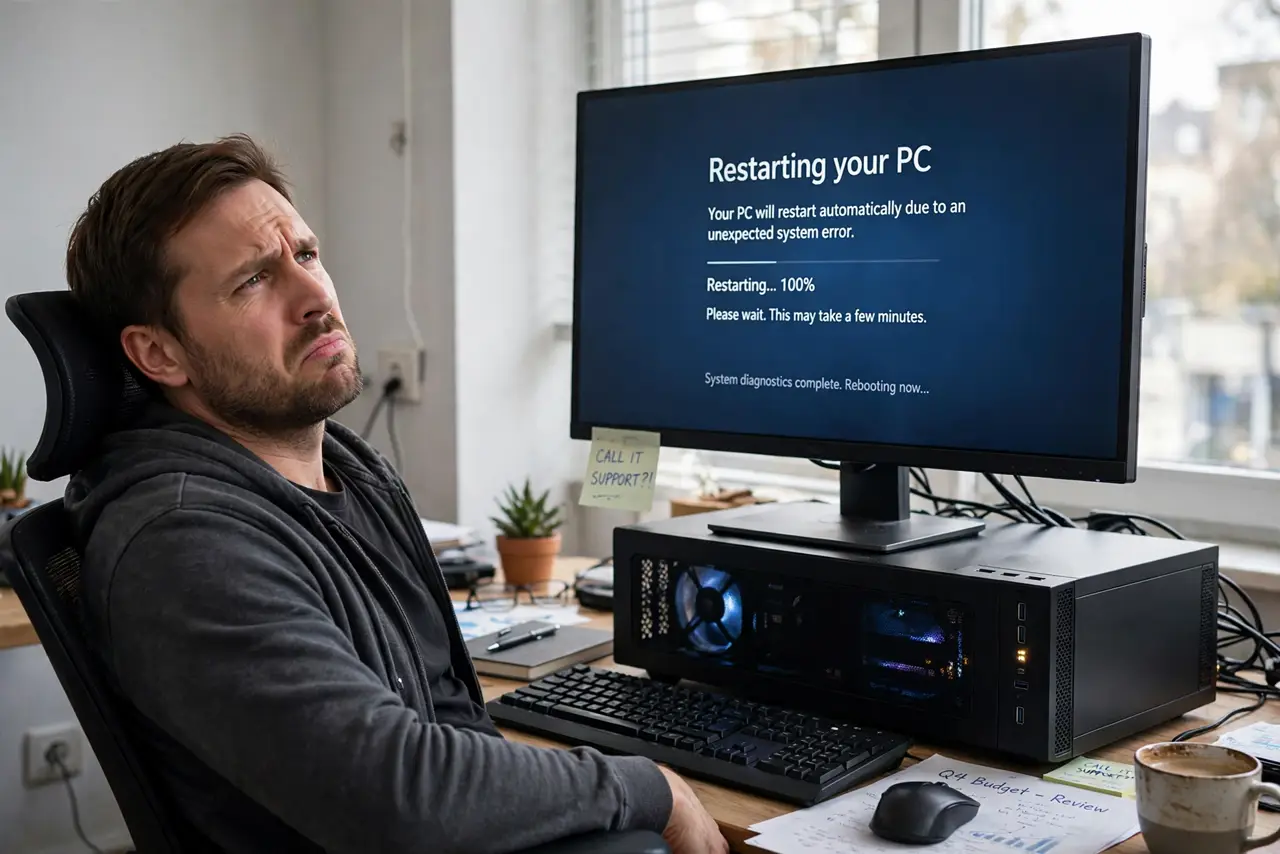
Your PC reboots without warning — mid-game, mid-document, sometimes at idle. Random restarts have a short list of usual suspects: overheating, a failing power supply, bad RAM, or a driver crashing the system. This guide narrows it down without guesswork.
TL;DR / Quick Fix
Quick fix: check temperatures first — overheating is the most common cause. Then note the pattern: restarts under load point to heat or power, restarts at idle point to RAM or drivers. Check the system event log for the error recorded just before each restart.
Follow these steps
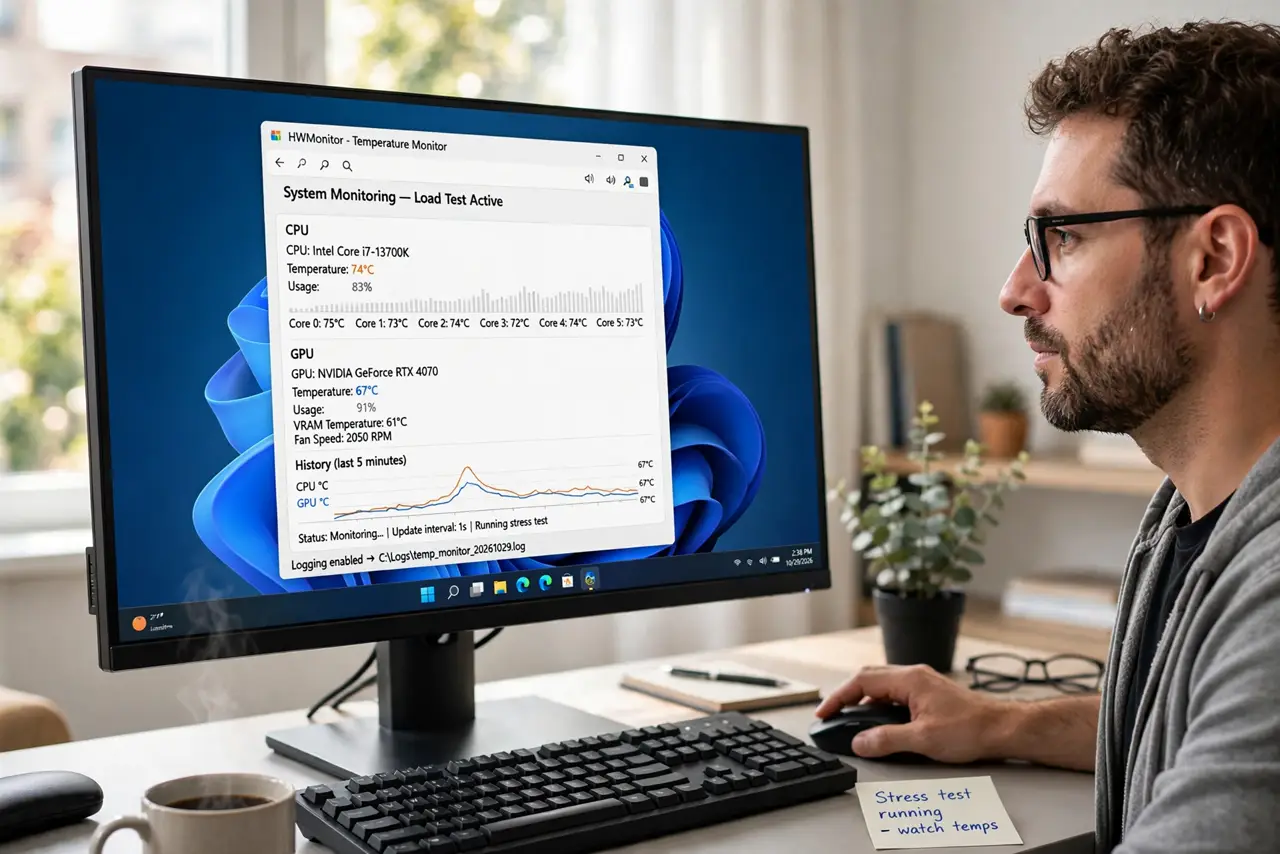
- Check temperatures under load. Install a temperature monitor and watch CPU and GPU heat during normal use. Sustained high temperatures trigger protective restarts — see dust buildup as the usual reason.
- Note when the restarts happen. Restarts only during games or heavy work point to heat or an undersized power supply. Restarts at idle or on the desktop point to RAM, drivers, or Windows itself.
- Read the event log. Open the system event viewer and look at critical errors timestamped just before each restart. The logged error often names the failing component directly.
- Test the RAM. Run the built-in memory diagnostic. Bad RAM causes the most mysterious random restarts, and the test is free and conclusive.
- Check the power supply. A failing or undersized PSU reboots the PC when demand spikes. If restarts cluster around high load and temperatures are fine, the PSU is the prime suspect.
- Update or roll back drivers. A bad graphics or chipset driver can crash the system into a reboot. Update to the latest stable driver — or roll back if the restarts started right after an update.
What NOT to do
- Do not keep using a PC that restarts during important work. Each hard reboot risks file corruption — back up before deep troubleshooting.
- Do not assume it is a virus. Malware rarely causes clean reboots; heat, power, RAM, and drivers are far more likely.
- Do not open the power supply. PSUs contain capacitors that hold charge — never open one, even unplugged.
- Do not ignore the pattern. Random is rarely truly random; the timing of the restarts is the biggest clue, so log a few before changing anything.
Frequently asked questions
Why does my PC restart by itself?
Most often overheating, a failing power supply, bad RAM, or a crashing driver. The pattern — under load vs at idle — narrows it fast.
Can overheating cause restarts?
Yes — it is the most common cause. CPUs and GPUs reboot the system to protect themselves when temperatures cross safe limits.
How do I check why Windows restarted?
Open Event Viewer, look under Windows Logs to System, and find the critical Kernel-Power or bugcheck entries before each restart.