PDF Form Won't Save Your Entries? Fix It
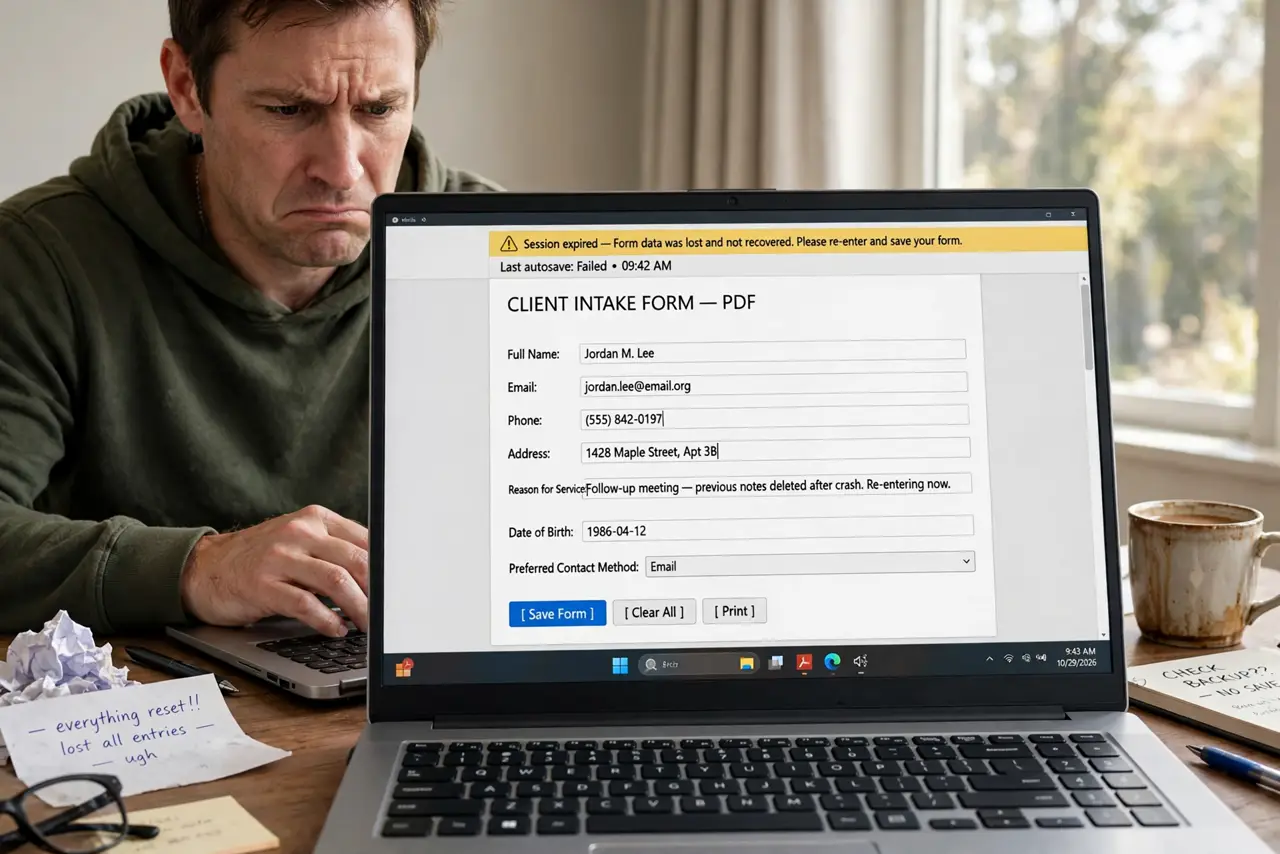
You fill in a PDF form, save it, and reopen to find everything blank. The form likely was not a real fillable form — just a flat PDF you typed on top of — or the viewer never saved your annotations. This guide shows how to make entries stick.
TL;DR / Quick Fix
Fill the form in a real PDF reader like Adobe Acrobat Reader, then use Save As to a new file. If entries still vanish, print to PDF to bake them into the page. Always reopen the saved file to confirm your entries survived.
Follow these steps
- Use a real PDF reader. Open the form in Adobe Acrobat Reader or another full PDF reader, not a browser tab. Browser viewers handle form saving inconsistently — macOS users hit the same wall with the Preview save problem.
- Check the form is fillable. Click a field. If you can type in highlighted boxes, it is a real form. If you are just placing text boxes on the page, the form was never fillable.
- Fill every field, then Save As. Complete the form and use Save As to write a new file, not just Save. Save As forces the reader to write all field data into the file.
- Print to PDF if entries vanish. If saving still loses entries, print the filled form to a new PDF. Printing bakes your entries into the page as permanent content.
- Reopen and verify. Close the reader completely, reopen the saved file, and check every field. Verification takes thirty seconds; resubmitting a blank form takes days.
- Keep a blank master copy. Save one untouched blank copy of the form. When you need to fill it again, start from the master instead of clearing a used copy.

What NOT to do
- Do not fill important forms in a browser tab. Browser PDF viewers are the top cause of vanishing entries.
- Do not trust that Save worked. Reopen the file and look — assumptions lose applications.
- Do not email the form without checking the attachment. Some readers attach the blank original instead of your filled version.
- Do not flatten the form before you are done. Once entries are baked in, you cannot edit them as fields anymore.
Frequently asked questions
Why won't my PDF form save what I typed?
You likely filled it in a browser viewer, or it was never a real fillable form. Use a full PDF reader and Save As.
Can I fill a PDF form on my phone?
Yes, with a proper PDF app. Phone browsers are even less reliable than desktop ones for form saving.
What does print to PDF do for forms?
It creates a new PDF with your entries baked in as permanent page content, so nothing can vanish afterward.