Merge PDFs Free
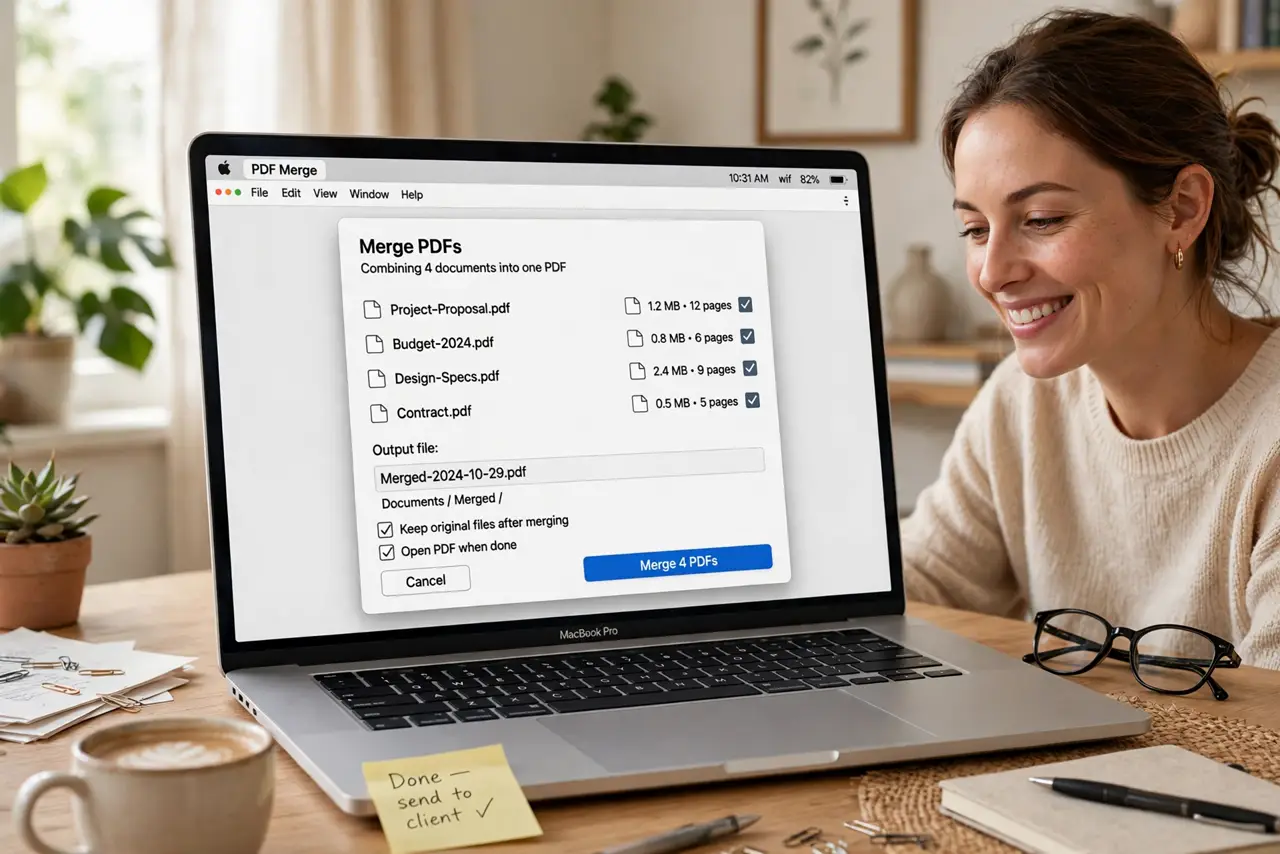
Your document is scattered across six PDFs — the contract in three parts, the receipts in two, the form in one. Emailing a pile is unprofessional and confusing. Merging them into one PDF is free on every platform, takes two minutes, and needs no sketchy website upload. Here is the clean way on each system.
TL;DR / Quick Fix
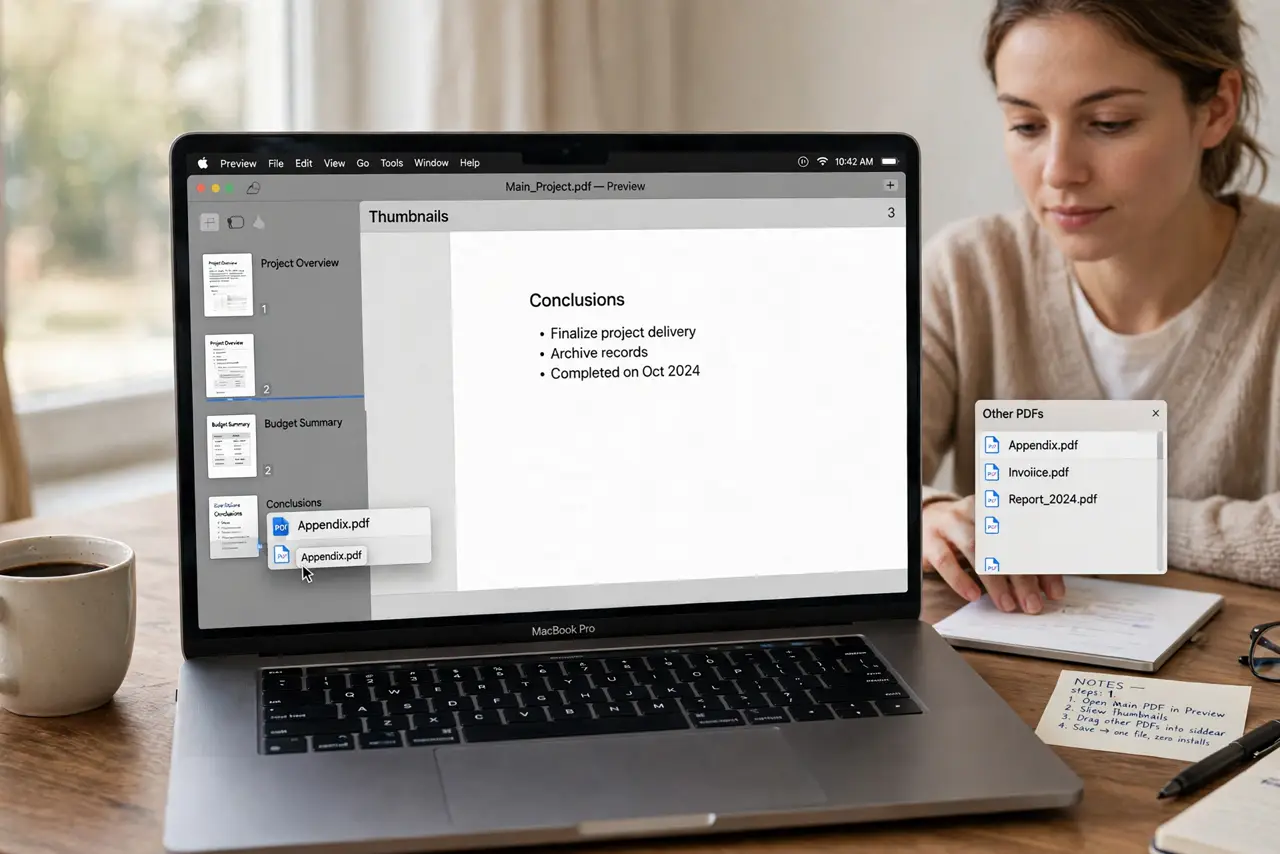
Quick fix: on Mac open the PDFs in Preview and drag thumbnails into one sidebar, then save. On Windows use a trusted offline tool — never upload sensitive documents to a random merge website. Order the pages first; merging is easy, reordering after is annoying.
Follow these steps
- Merge on Mac with Preview. Open the main PDF in Preview, show thumbnails, drag the other PDFs into the sidebar. Save — one file, zero installs.
- Merge on Windows offline. Use a reputable offline tool or the print-to-PDF assembly — the key word is offline. Never upload contracts or IDs to a free merge website.
- Order pages first. Arrange before merging — the page order guide covers the fiddly reordering. Merging is one click; fixing order after is ten.
- Check the result. Open the merged file and skim every page. Missing pages and upside-down inserts are the classic merge surprises — catch them now.
- Keep the originals. Archive the source PDFs until the merged one is accepted. Merging is non-destructive when you keep the inputs — disk space is cheap, regret is not.
- Name it properly. Contract 2026-10-29 merged beats Document1_final_FINAL. The merged file is the one people keep — name it like it matters.
What NOT to do
- Do not upload sensitive PDFs to random merge sites. Contracts, IDs, financials — offline tools only for those.
- Do not merge before ordering. Reordering a merged PDF is far more annoying than ordering first.
- Do not pay for PDF merging. Every platform does it free — paid tools sell convenience, not capability.
- Do not delete sources immediately. Keep the originals until the merged file has done its job.
Frequently asked questions
How do I merge PDFs for free?
Mac: Preview drag-and-drop. Windows: offline tools or print-to-PDF assembly. Both free, both quick.
Is it safe to use online PDF mergers?
For non-sensitive files, reputable ones are fine. For anything private — contracts, IDs — offline only.
Can I merge on my phone?
Yes — both iOS and Android have built-in or free options, best for a few pages. Big jobs belong on a computer.