Typed PDF Signatures: Are They Valid?
You type your name into a signature field and it appears in a script font — it looks nothing like a pen signature. Is that legally valid? Usually yes for everyday agreements, but the answer depends on what you are signing. This guide explains typed signatures honestly.
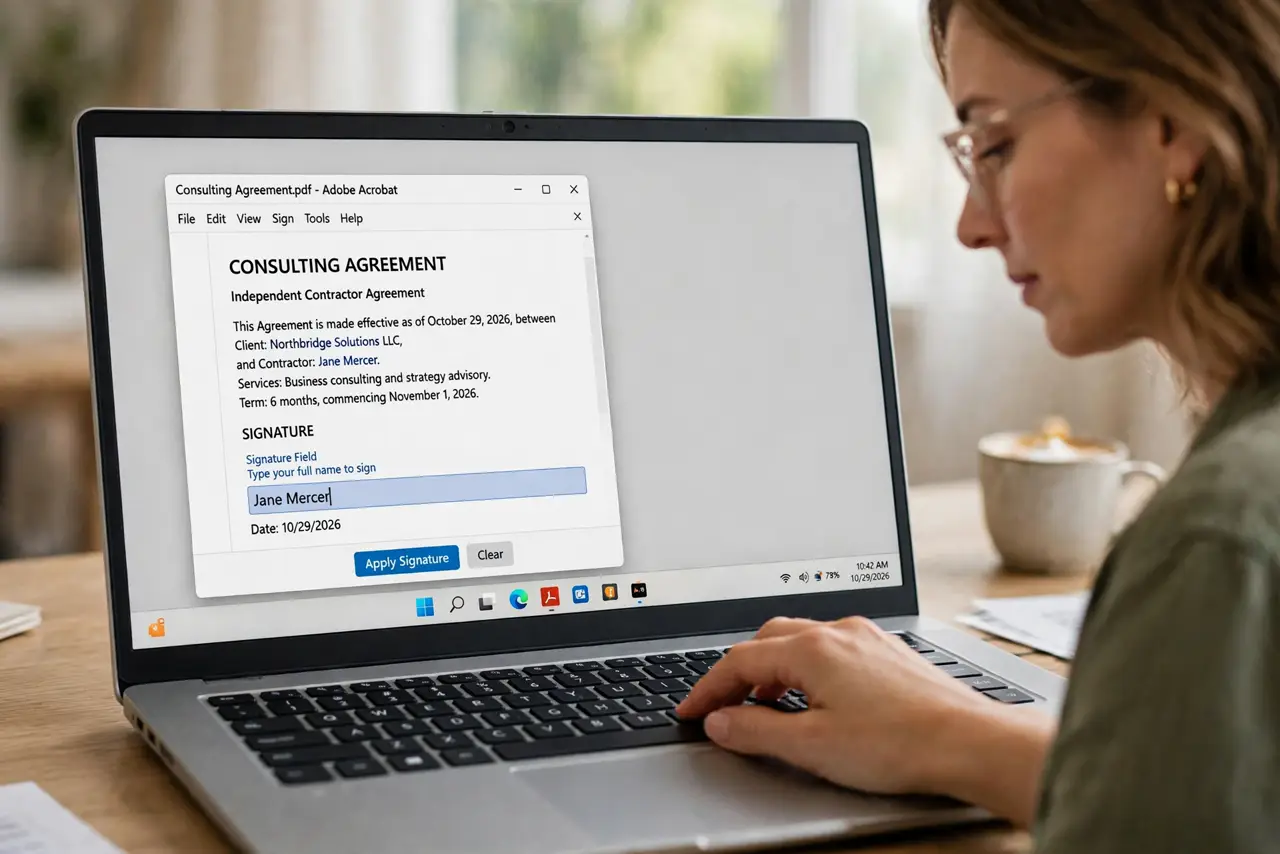
TL;DR / Quick Fix
Typed signatures are valid for most everyday agreements where both parties accept them. For high-stakes contracts, ask the other party what signature type they require. Always keep a copy of the signed document and the agreement to sign electronically yourself.
Follow these steps
- Understand what a typed signature is. Typing your name into a signature field creates an electronic signature, not a digital certificate signature. For most everyday uses — HR forms, rental applications — that is exactly what the form expects.
- Check what the other party accepts. Before worrying, read the form's instructions or ask the recipient. If they provided a type-to-sign field, they accept typed signatures.
- Fill the form before signing. Complete every field first — fill the form and confirm the entries save — because signing often locks the document against further edits.
- Type it consistently. Type your full legal name exactly as it appears on your ID. Consistency matters more than the font it renders in.
- Use a drawn signature for formal cases. If the document feels high-stakes, draw your signature with a mouse, stylus, or finger instead. A drawn mark carries more weight with skeptical recipients.
- Keep proof of the agreement. Save the signed copy and any email showing both sides agreed to sign electronically. The file plus the consent trail is your evidence.
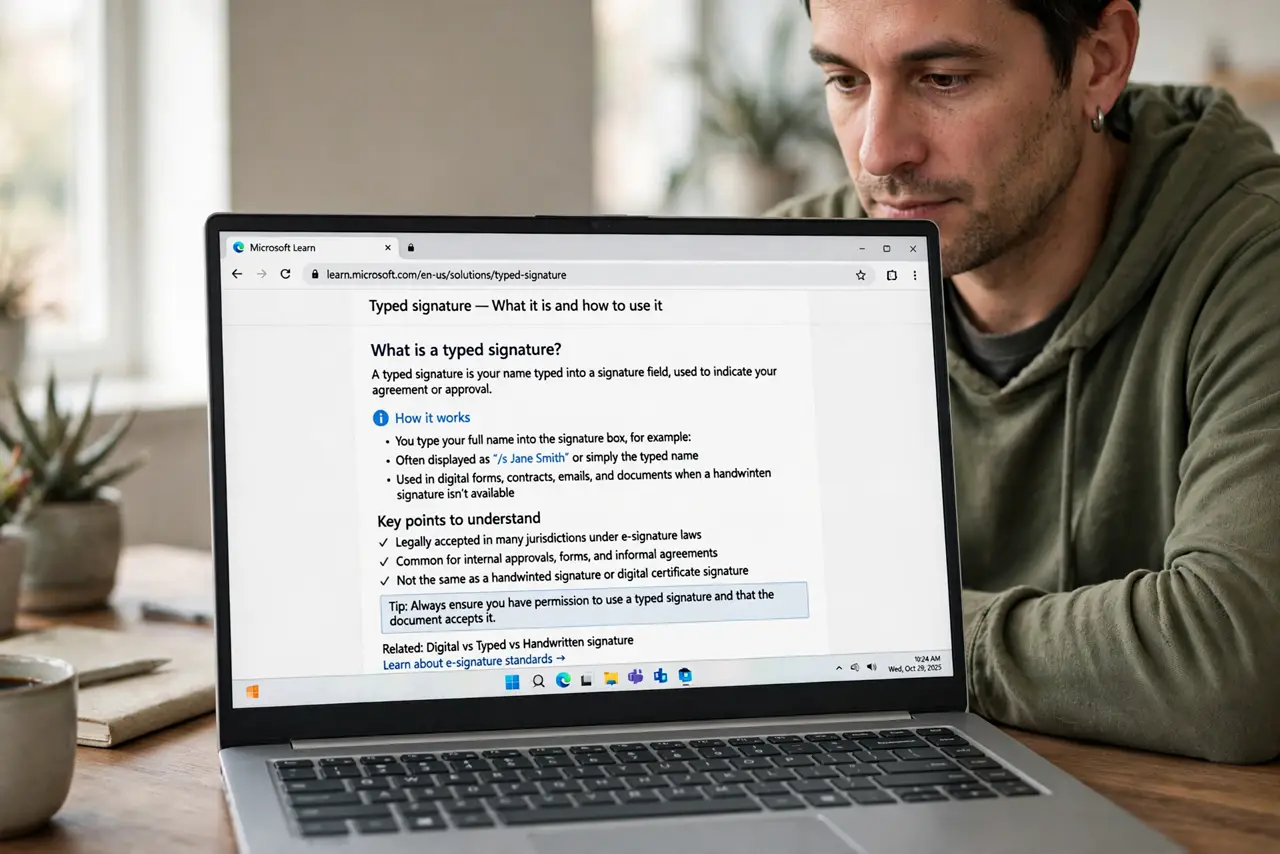
What NOT to do
- Do not assume typed signatures work everywhere. Some government and court filings require specific signature types.
- Do not sign a blank or incomplete form. A signature on an unfinished document is a blank check.
- Do not use a joke font for the signature. A script font looks professional; a novelty font looks like you are not serious.
- Do not skip keeping your own copy. Once you send it, you may never see that exact version again.
Frequently asked questions
Is a typed signature legally binding?
For most everyday agreements, yes, when both parties consent to electronic signing. High-stakes or regulated documents may require stronger signature types.
Typed or drawn signature — which is better?
Drawn looks more traditional and reassures skeptical recipients, but both are electronic signatures. Follow the recipient's instructions.
Can someone forge my typed signature?
Anyone can type a name, which is why the consent trail and document integrity matter more than how the signature looks.