PDF Text Copies as Garbled Characters
You copy a paragraph from a PDF, paste it, and get a string of strange symbols. The PDF is usually a scan with no real text layer, or its fonts are embedded in a way that scrambles copying.
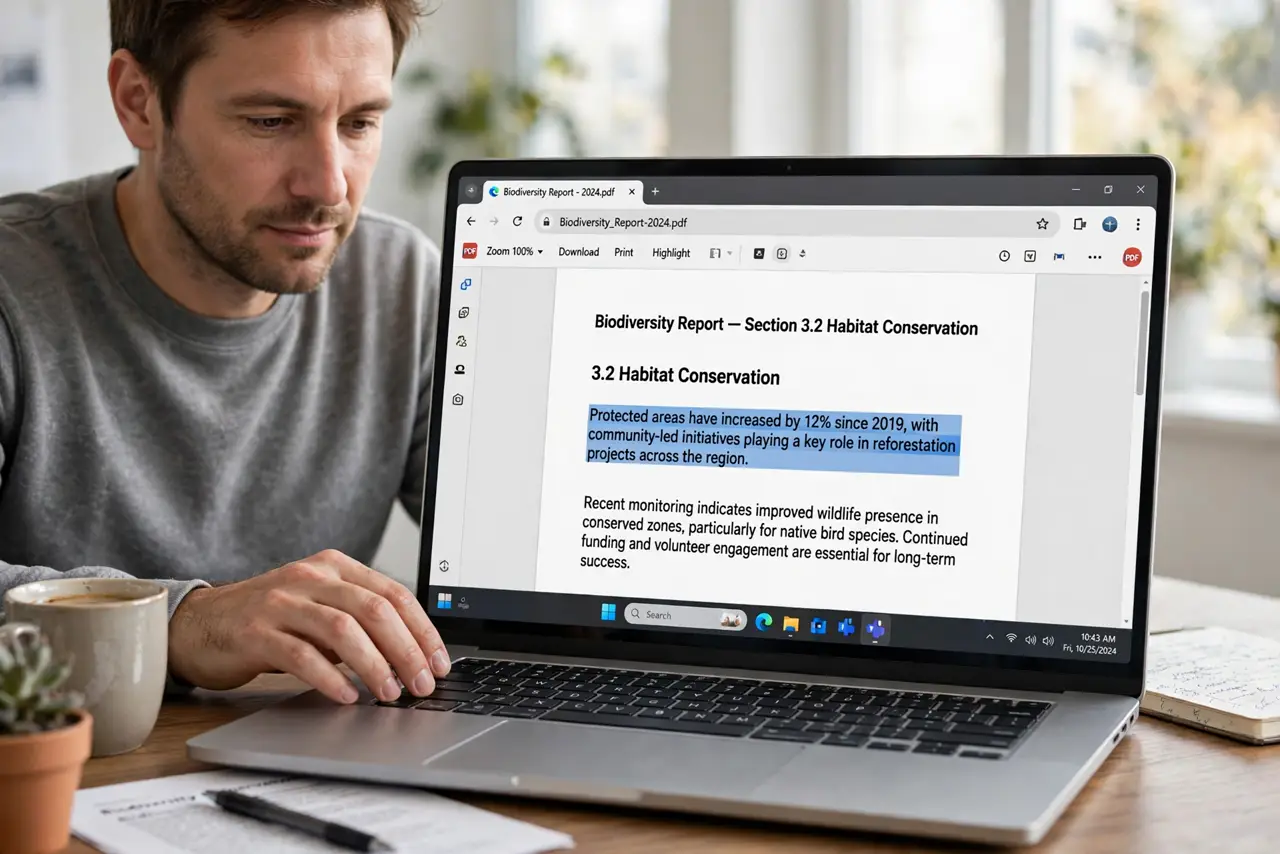
TL;DR / Quick Fix
Quick fix: the PDF is probably a scan without real text, so run it through OCR in your PDF app or phone scanner to add a text layer. Then copy again — if characters are still garbled, the scan quality was too low and a rescan is the honest fix.
Follow these steps
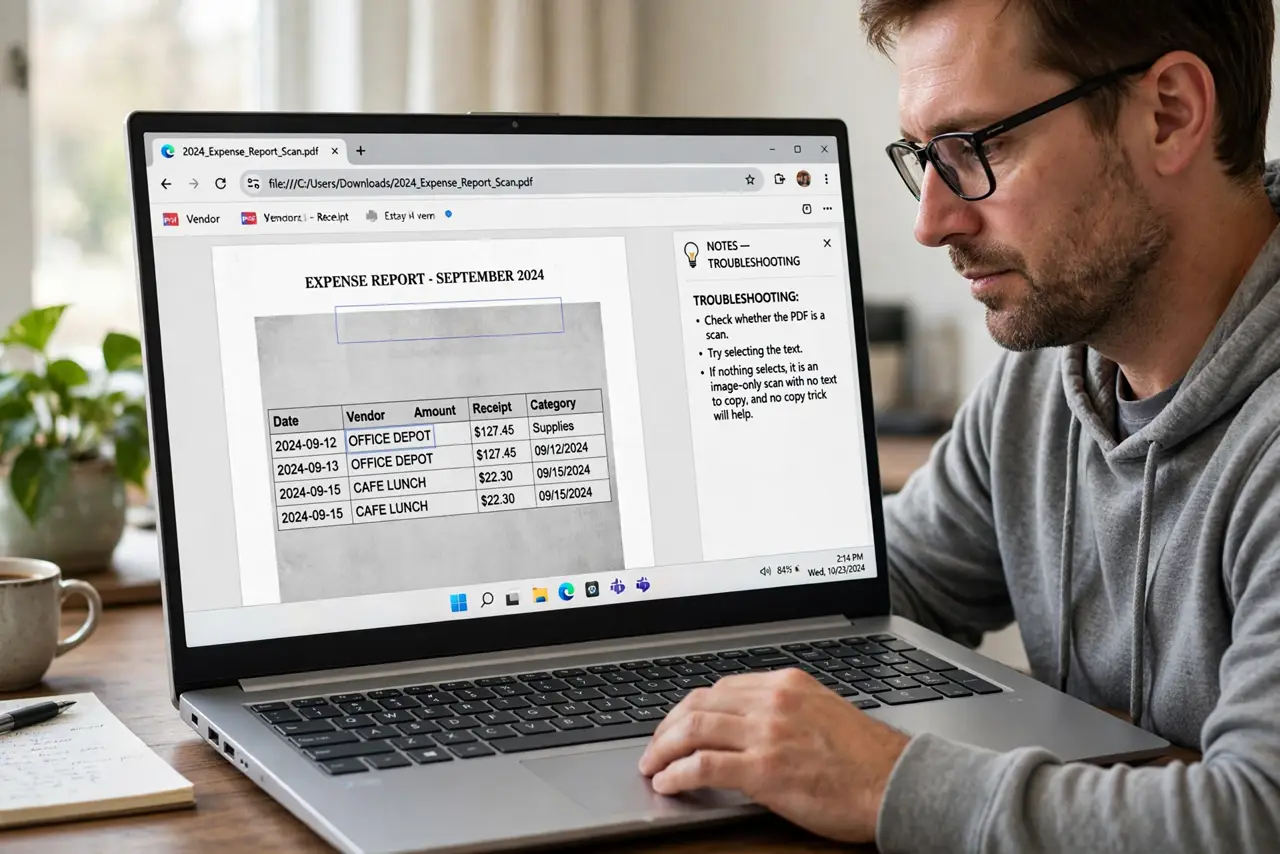
- Check whether the PDF is a scan. Try selecting the text. If nothing selects, it is an image-only scan with no text to copy, and no copy trick will help.
- Run OCR to add a text layer. Use your PDF app's OCR or text-recognition feature on the file. OCR reads the pictured letters and adds an invisible text layer you can copy from.
- Copy from the OCR'd version. After OCR finishes, select and copy the paragraph again. The new text layer should paste as clean, readable characters.
- Check the [[page order|pdf-page-order-wrong-after-scan]] if text jumps around. OCR on shuffled pages produces shuffled text. Fix the page order first, then rerun OCR so the text flows correctly.
- Rescan at higher quality if it is still garbled. A blurry or skewed original defeats OCR. Rescan at a higher resolution, straight and well-lit, then OCR the fresh scan.
- Ask the sender for the original document. If the PDF came from someone else, request the original file instead of the scan. Real document text copies perfectly every time.
What NOT to do
- Do not keep copying and pasting hoping for different characters. Garbled output comes from a missing text layer, and only OCR or a better source fixes it.
- Do not retype long passages by hand first. OCR handles pages in seconds, while hand-typing a scanned chapter wastes an afternoon.
- Do not run OCR on a skewed, dark scan and expect clean text. Garbage in means garbage out, so rescan properly before blaming the OCR.
- Do not assume every PDF has copyable text. Scanned PDFs are pictures of pages, and pictures have no letters to copy until OCR adds them.
Frequently asked questions
Why does copied PDF text look like gibberish?
Because the PDF is a scan with no real text layer, or its embedded fonts map characters in a way copying cannot decode.
What is OCR?
Text recognition that reads the letters in a scanned image and adds a real, copyable text layer to the PDF.
When should I just ask for the original?
When the scan is blurry, skewed, or handwritten. No OCR rescues a bad original as well as the real document does.