Phishing Text Asks for a Code? Spot It
A text asking for your verification code is almost always an attack, because real services never ask you to send them a code. The code is the key to your account, and anyone asking for it by text is trying to take that key from you.
TL;DR / Quick Fix
Quick fix: Never send a code to anyone who asks by text. Check whether you triggered a real code yourself. Do not click links in the suspicious text. Report the text as spam or phishing. If you already shared a code, change the password now. Then verify the result.
Follow these steps
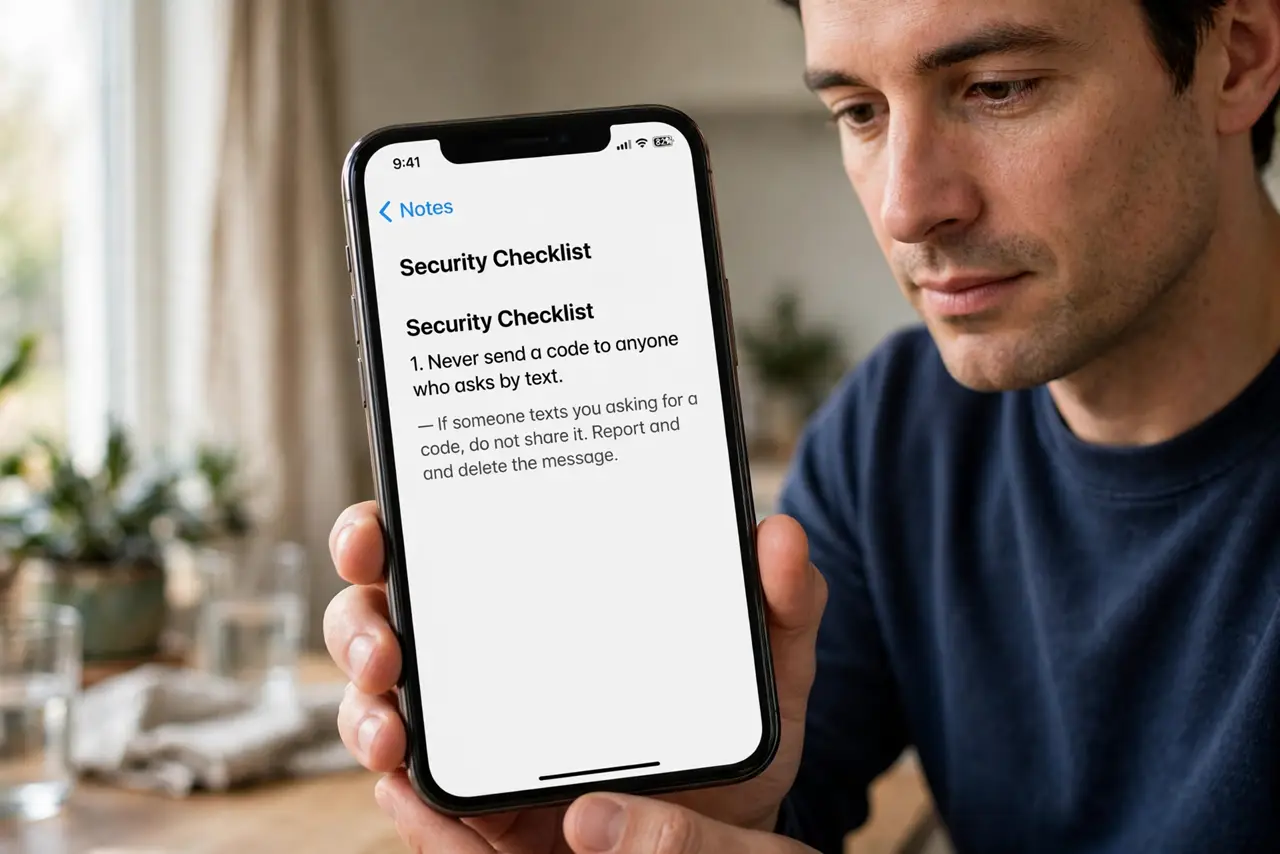
- Never send a code to anyone who asks by text. No genuine service asks you to reply with a verification code. Treat any such request as an attack, whoever the sender claims to be.
- Check whether you triggered a real code yourself. If you just signed in somewhere, a code arriving is expected. But even then, you enter it on the real site yourself; you never send it to someone.
- Do not click links in the suspicious text. Open the service's app yourself, or type its address manually, to check for real alerts. Links in suspicious texts can lead to imitation login pages.
- Report the text as spam or phishing. Use your phone's report-spam option and your carrier's reporting route. Reporting helps block the number for others.
- If you already shared a code, change the password now. Sign into the real account from its app, change the password immediately, and review recent activity for changes you did not make.
- Turn on stronger two-factor protection after an incident. Review your second-factor methods, generate fresh backup codes, and store them safely, so a leaked code alone cannot open the account again.
What NOT to do
- Do not share a verification code with anyone, for any reason. Codes are for you to enter, never to send.
- Do not click links in unexpected texts, even from familiar-looking numbers. Numbers can be faked.
- Do not assume a text is real because it knows your name. Attackers commonly include names to build false trust.
- Do not ignore a shared code and hope for the best. Change the password and check activity immediately.
Frequently asked questions
Will a real company ever ask for my code?
No. Genuine services never ask you to send a verification code to them.
What if the text claims to be support?
Real support also never asks for codes. It is still an attack, however helpful the sender sounds.
What do I do after sharing a code?
Change the password from the real app at once, check activity, and contact the service if anything changed.