Back Up Your Phone Before Trading It In
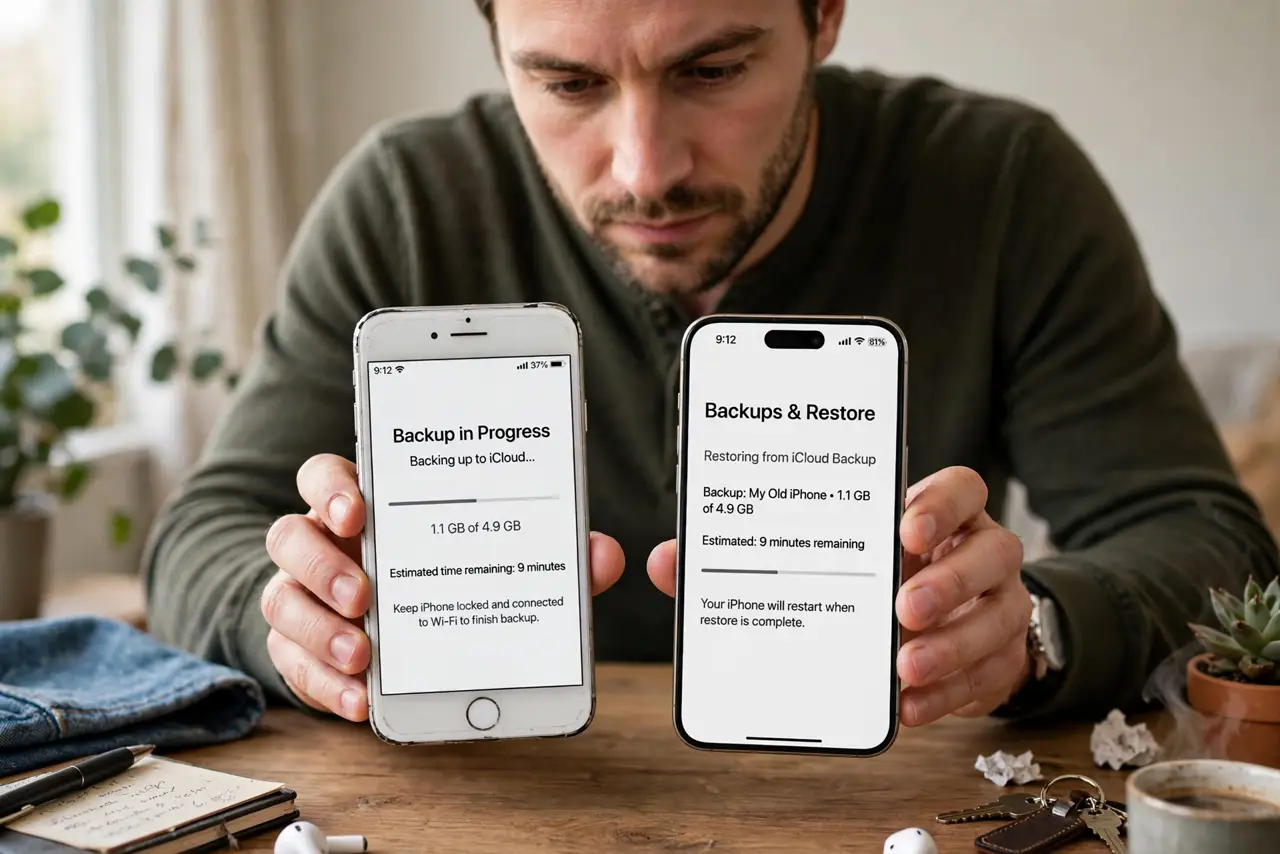
That trade-in credit is tempting — until you realize your two-factor codes, chat history, and authenticator apps live only on the old phone. A proper backup-before-trade-in is a checklist, not a single button: cloud backup, authenticator migration, and a verified restore. Do it in this order and nothing gets stranded.
TL;DR / Quick Fix
Quick fix: run an encrypted backup — iCloud or computer backup on iPhone, Google One on Android — then migrate authenticator apps individually, since codes often do not transfer. Verify the backup finished, sign out of everything, then factory-reset. Never wipe the old phone before the new one is verified.
Follow these steps
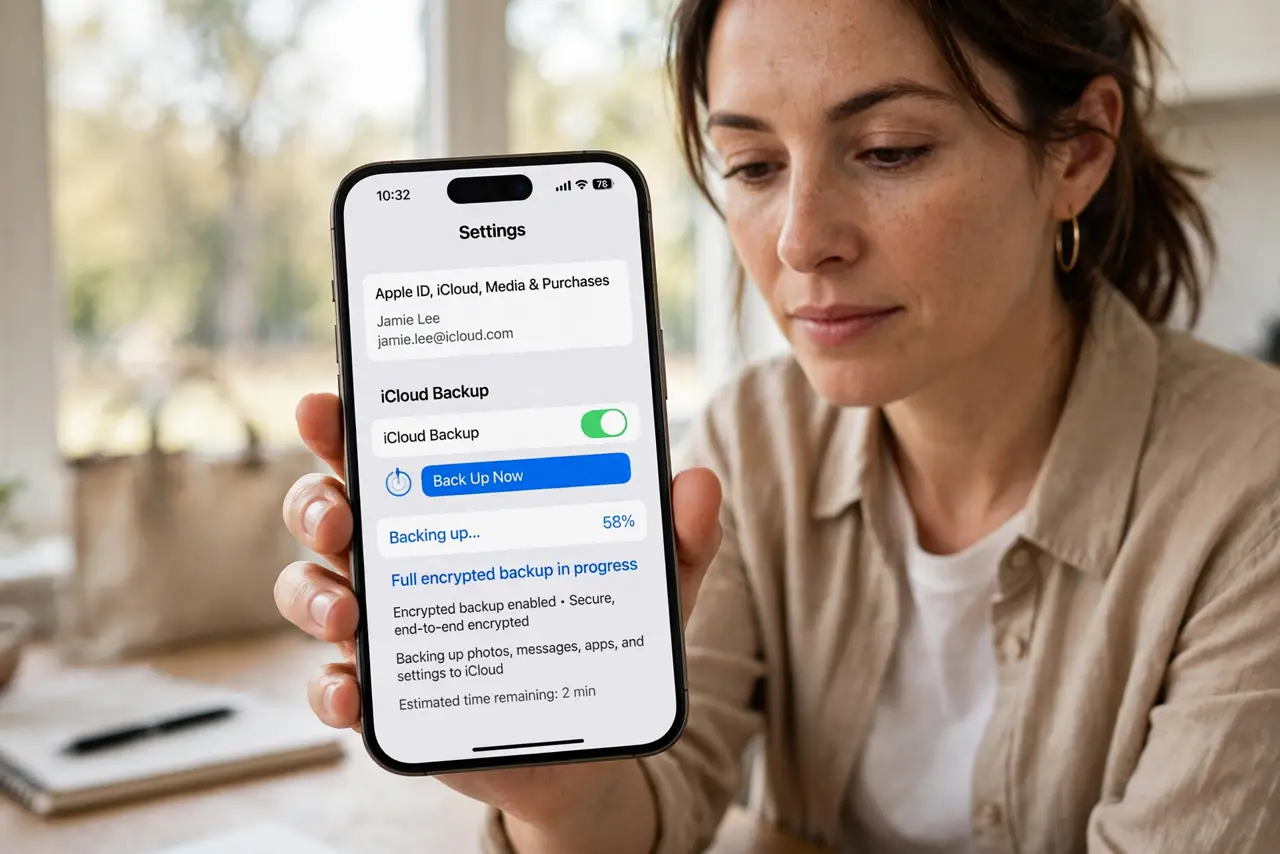
- Run a full encrypted backup first. On iPhone use iCloud Backup or an encrypted computer backup; on Android use Google One backup. Encrypted backups include passwords and health data.
- Migrate authenticator apps individually. Authenticator codes often do not transfer with the backup. Move each account to the new phone's authenticator before wiping — see the backup codes guide.
- Verify photos and chats transferred. Open the new phone and spot-check photos, messages, and WhatsApp history. A backup that never finished is the classic trade-in tragedy.
- Sign out of accounts on the old phone. Sign out of iCloud/Apple ID or Google, plus banking and email apps. This releases the device from your accounts cleanly.
- Unpair watches and accessories. Unpair your smartwatch from the old phone so it can pair fresh with the new one without a fight.
- Factory-reset only after verification. Settings > General > Transfer or Reset on iPhone; Settings > System > Reset on Android. Wipe only when the new phone proves everything arrived.
What NOT to do
- Do not wipe the old phone the moment the new one arrives. Verify first — wiping is one-way.
- Do not forget authenticator apps. They are the number one thing stranded on traded-in phones, locking people out of accounts.
- Do not rely on a single backup type. Cloud plus a local copy covers the case where one of them silently failed.
- Do not hand over the phone still signed into iCloud or Google. Activation locks can brick the trade-in value and leak your data.
Frequently asked questions
Does a factory reset really erase everything?
On modern phones, yes — encryption keys are destroyed, making the data unrecoverable. That is why verification before wiping matters so much.
What about my SIM and eSIM?
Move or transfer the eSIM to the new phone before wiping the old one, or you will be calling your carrier from a phoneless limbo.
How do I know the backup actually finished?
Check the backup timestamp in settings — it should show today, just now. Then spot-check the new phone for photos and codes.