Bluetooth Won't Pair? Fix It
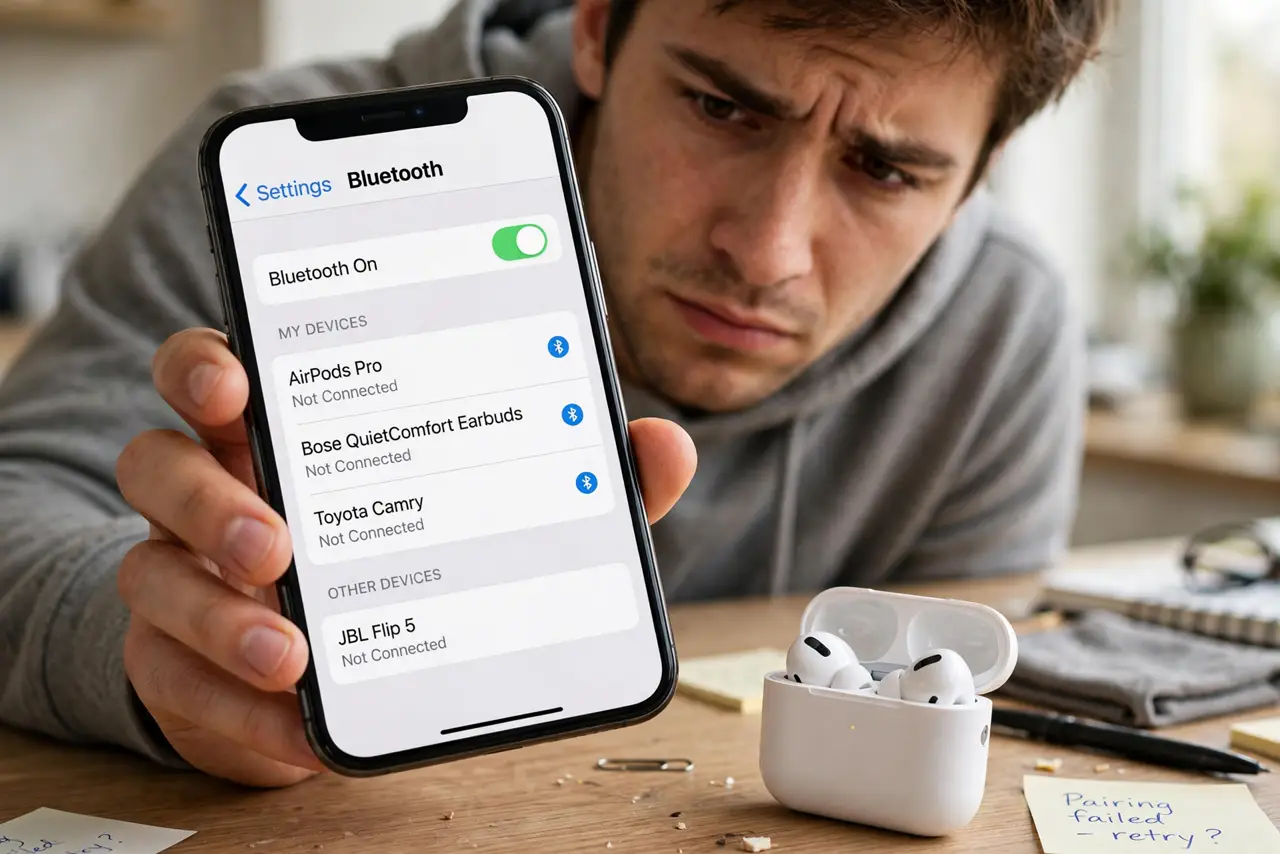
New earbuds, and the phone simply will not see them — or it sees them and pairing fails every time. Bluetooth pairing fails for boring reasons far more often than broken hardware: the earbuds are still married to the old phone, or they never entered pairing mode at all. This ladder starts with the two-minute checks that solve most cases.
TL;DR / Quick Fix
Quick fix: put the earbuds in pairing mode — hold the case button until the light blinks — then turn the phone's Bluetooth off and on and tap the earbuds' name in Settings, Bluetooth. If they paired elsewhere before, disconnect or forget them there first.
Follow these steps
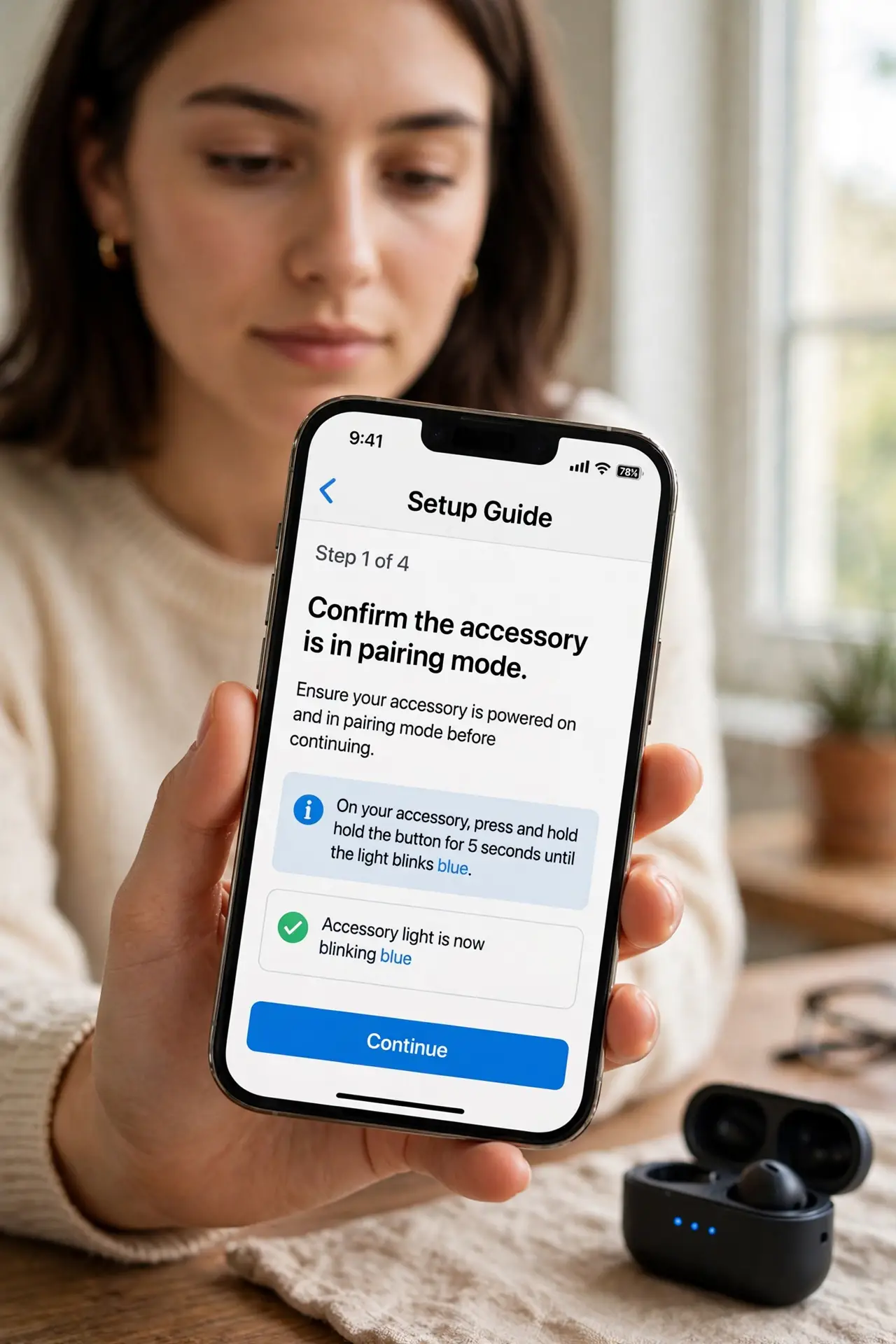
- Confirm the accessory is in pairing mode. Fresh out of the box is not always pairing mode. Hold the case or earbud button until the LED blinks in the pairing pattern — the manual shows the exact gesture.
- Turn the phone's Bluetooth off and back on. This clears transient radio glitches. Wait ten seconds between off and on so the radio fully resets.
- Move the devices close together. Pair within a few feet with a clear line of sight. Pairing across the room through walls is asking for failure.
- Disconnect the accessory from other devices. Earbuds often auto-reconnect to the last phone or laptop and ignore new pairing attempts. Turn Bluetooth off on those devices, or forget the earbuds there.
- Forget and re-pair on this phone. If it appears in the list but will not connect, forget the device and pair fresh. Stale pairing keys are a classic cause.
- Restart both ends before giving up. Power-cycle the earbuds (case them for 30 seconds) and restart the phone. If it still fails everywhere, suspect the accessory — and note that a busy Wi-Fi network can stutter Bluetooth too.
What NOT to do
- Do not factory-reset your phone over one stubborn accessory. Pairing problems are almost never fixed by wiping the phone.
- Do not keep tapping a failing entry. Each failed attempt can cache a bad key — forget it and start clean instead.
- Do not pair in a crowded radio environment if you can avoid it. Airports full of competing signals are the worst place to judge an accessory.
- Do not assume the accessory is broken after one phone fails. Test it against a second phone or laptop before returning it.
Frequently asked questions
Why do my earbuds pair with the old phone instead?
They auto-connect to the last paired device in range. Turn off Bluetooth on the old phone, or forget the earbuds there, and they will look for a new partner.
The earbuds pair but there's no sound — now what?
That is a different problem: the connection works but audio routing failed. Check the audio output selector and volume on both devices.
How do I know it's really in pairing mode?
The LED blinks in a distinct rapid pattern — different from the slow blink of 'connected' or 'idle.' When in doubt, hold the button longer.