Your Phone Camera Lens Fogs After Rain
You come in from the rain and every photo is a soft white haze. Moisture has condensed on or inside the lens — and wiping the outside is only half the fix.
TL;DR / Quick Fix
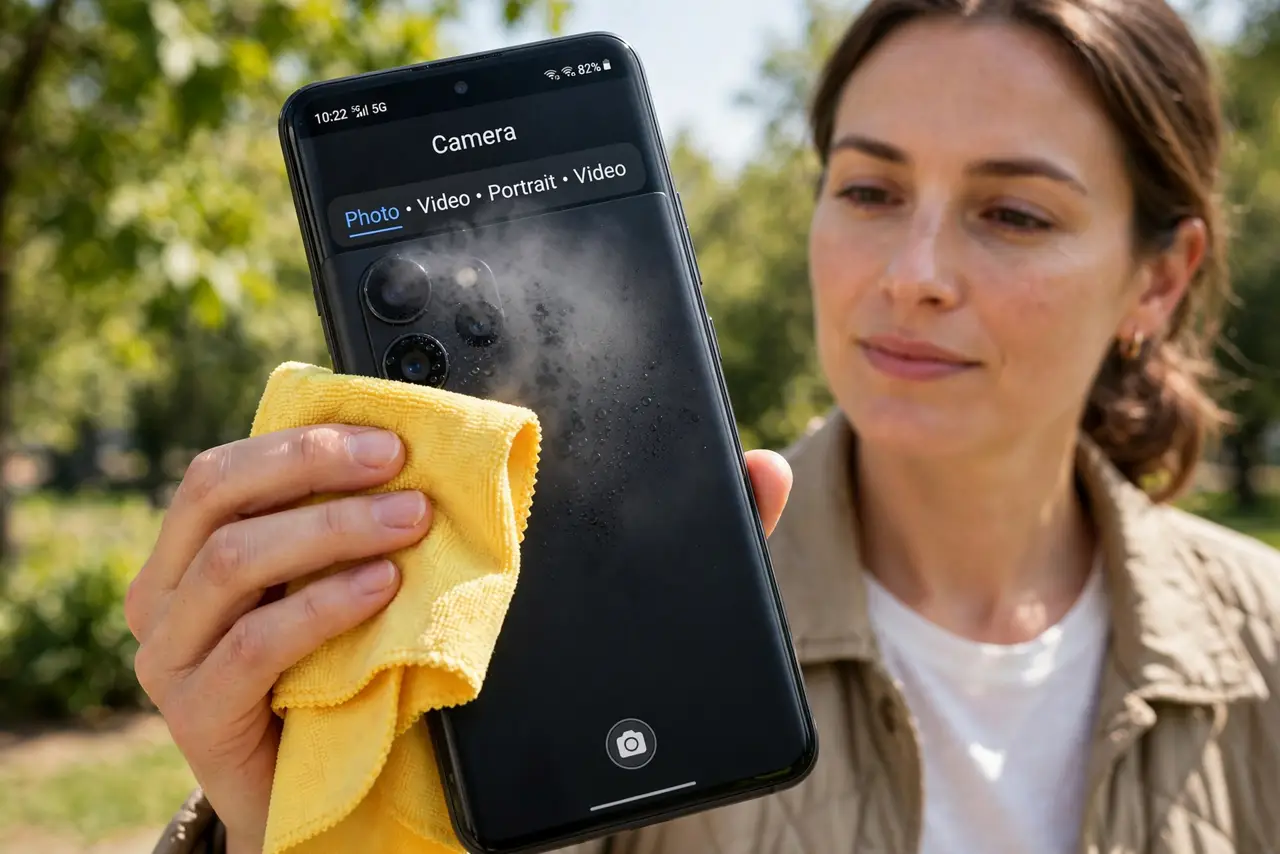
Quick fix: wipe the lens gently with a dry microfiber cloth and wait a few minutes — surface fog clears fast. If the haze is inside the lens, seal the phone in a bag of dry rice or silica packets for several hours. Do not use heat to rush it.
Follow these steps
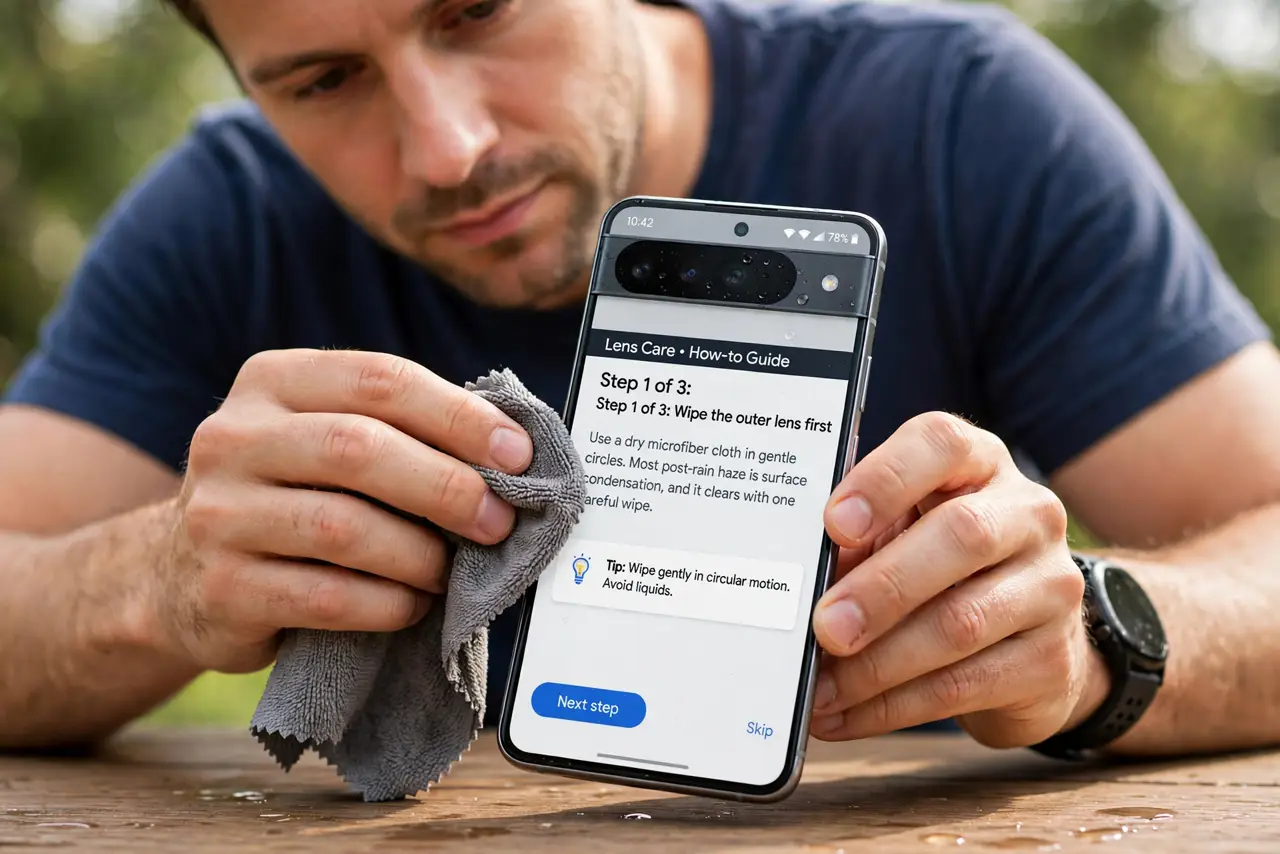
- Wipe the outer lens first. Use a dry microfiber cloth in gentle circles. Most post-rain haze is surface condensation, and it clears with one careful wipe.
- Check whether the fog is inside. Look at the lens at an angle. If the haze sits under the glass and wiping changes nothing, moisture got inside the camera module — and if photos stay blurry after drying, check camera focus problems.
- Dry it with silica, not heat. Seal the phone in a bag with silica gel packets for a few hours. Silica pulls moisture out gently; a hair dryer can damage seals and the lens coating.
- Remove the case while drying. Take the case off so air reaches the phone's edges and ports. Trapped moisture under a case slows the drying you are trying to speed up.
- Test with one photo, not twenty. Take a single test shot after wiping. If it is sharp, you are done — a full photo session before the lens clears just wastes the moment.
- Check the seals if it keeps happening. Frequent internal fogging means a seal is failing. A repair shop can check water resistance — which fades with age — before the next rainy day.
What NOT to do
- Do not use your shirt tail on the lens. Shirt fabric carries grit that scratches lens coatings; microfiber exists for this exact job.
- Do not blast the lens with a hair dryer. Heat can warp the lens assembly and damage the water seals that keep worse moisture out.
- Do not open the phone to wipe inside the lens. You will void water resistance and likely introduce dust that is harder to remove than fog.
- Do not keep shooting through the haze hoping software fixes it. Fog is optical, and no filter restores detail the lens never captured.
Frequently asked questions
How long does internal fog take to clear?
Hours, with silica in a sealed bag. Patience beats every shortcut — heat and sunlight risk more damage than the fog.
Is my phone still water-resistant after fogging?
Possibly less than when new. Internal fog suggests a seal weakened, so treat the rating as reduced from here on.
Can fog damage the camera permanently?
Surface fog, no. Repeated internal moisture can corrode contacts over time, which is why drying matters.