Your Phone Charges Slowly With Its Case On
With the case on, charging crawls; without it, the phone charges fine. Thick cases trap heat, and heat is the enemy of fast charging — the phone slows itself down to stay safe.
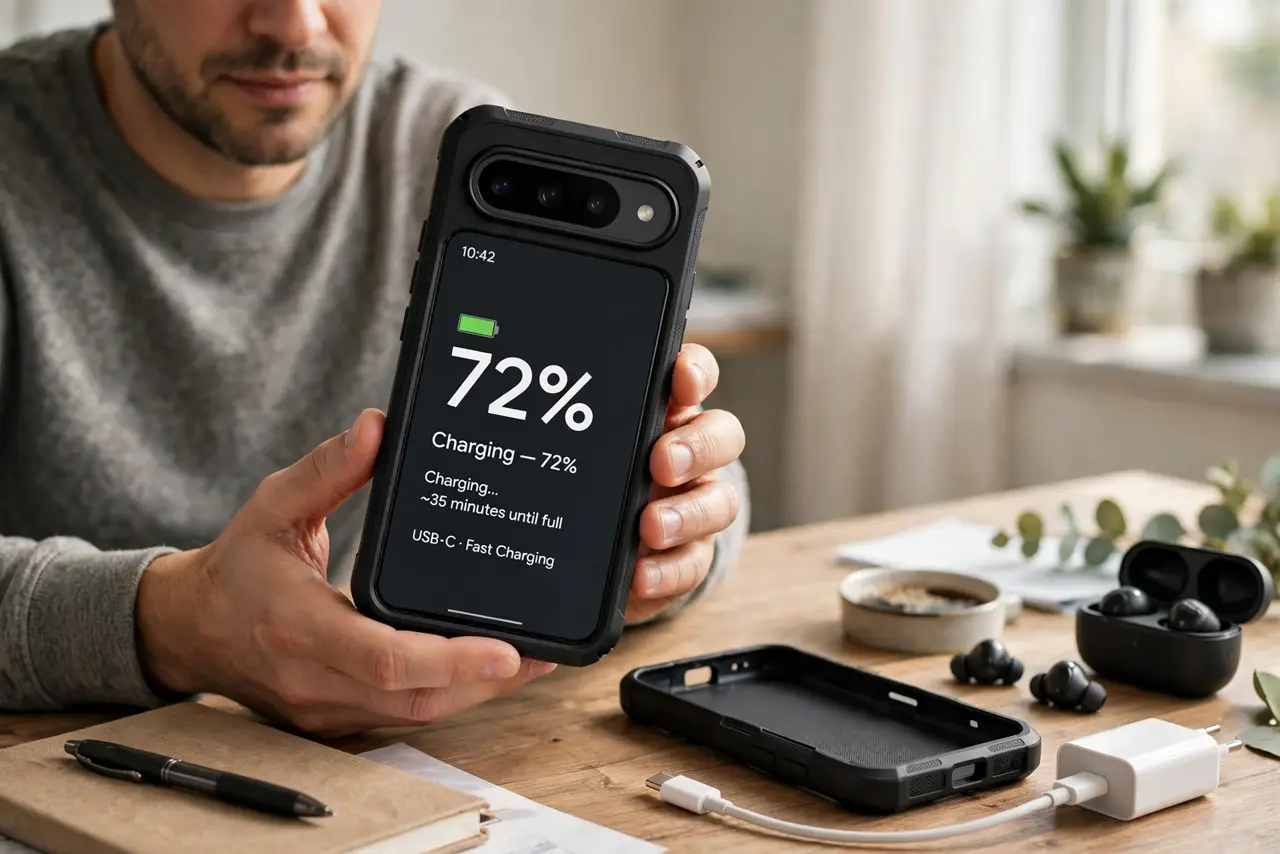
TL;DR / Quick Fix
Quick fix: take the case off while fast-charging — if speed returns, heat was the culprit. Charge on a hard cool surface, not a bed or couch. For daily charging, a thin case or a brief case-off session keeps speeds normal.
Follow these steps
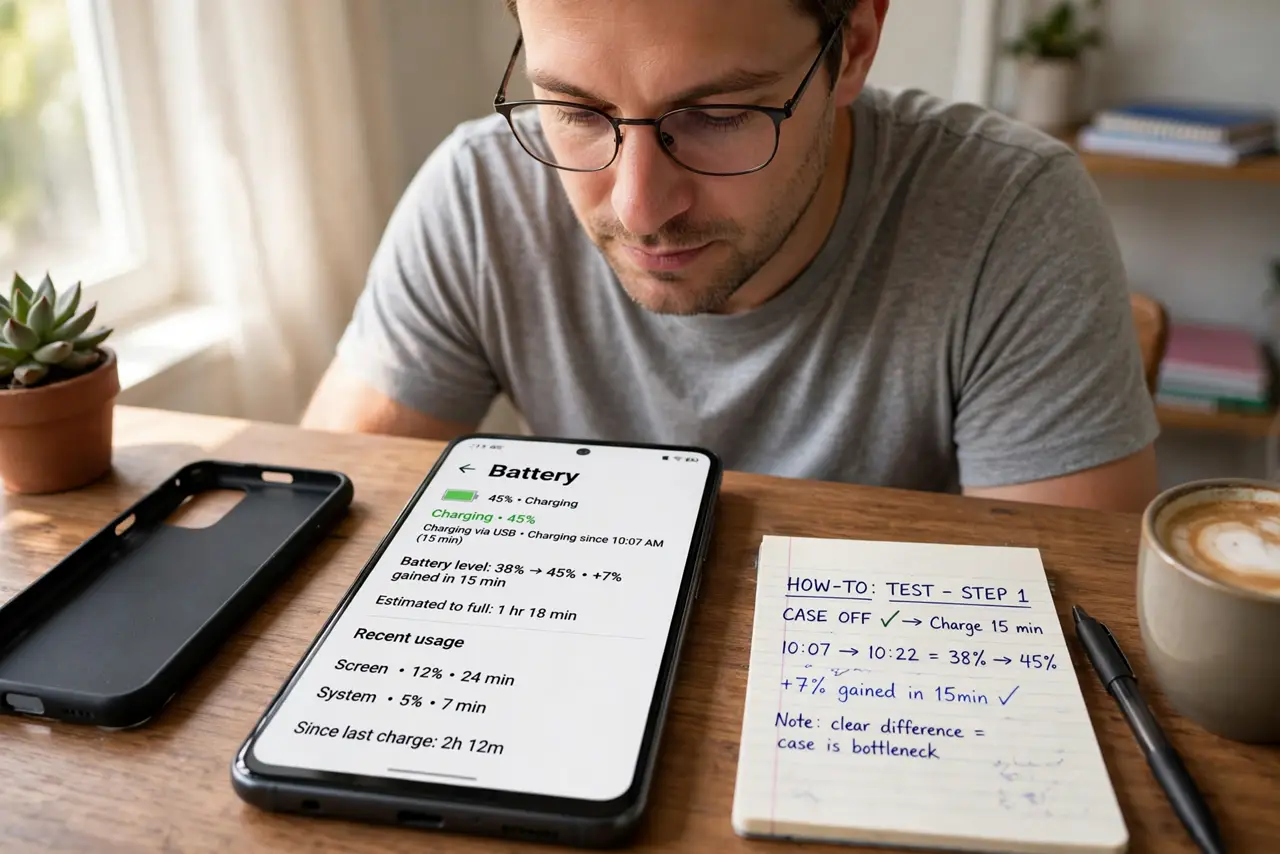
- Test with the case off. Charge for 15 minutes with the case on, note the percentage gained, then repeat with the case off. A clear difference proves the case is the bottleneck.
- Feel for heat. If the phone feels warm through the case while charging, heat is throttling the charge. Phones deliberately slow charging when hot to protect the battery.
- Charge on a hard, cool surface. Beds and couches insulate; desks and counters dissipate. Moving the phone to a hard surface while charging can restore full speed even with the case on.
- Use the right charger and cable. A weak charger plus a heat-trapping case is a double slowdown. Confirm the charger supports your phone's fast charging and the cable is undamaged — a charger that seems dead is a different problem.
- Consider a thinner case. Thin cases and open-back designs shed heat far better than rugged monsters. If you fast-charge daily, the case choice matters as much as the charger.
- Watch for the heat warning. If the phone shows a temperature warning while charging, stop and let it cool. Repeated hot charging ages the battery faster than any case convenience is worth.
What NOT to do
- Do not put the charging phone in the fridge. Condensation from rapid cooling can damage the phone worse than the heat you were fighting.
- Do not ignore a phone that gets painfully hot. Excessive heat during charging can signal a failing battery or charger — unplug and investigate.
- Do not charge under a pillow to hide the cable. Trapped heat plus a case is the worst combination, and it is also a fire-safety risk.
- Do not buy a 'cooling' charger as a first fix. Removing the case for the charging session is free and usually solves it completely.
Frequently asked questions
Does a case really slow charging?
Yes, indirectly. Thick cases trap heat, and the phone slows charging to protect itself when hot.
Is wireless charging worse with a case?
Often yes. Wireless charging already generates heat, and a thick case adds distance plus insulation on top.
Will this damage my battery?
Occasional warm charging is fine. Chronic hot charging does age the battery faster, which is why the phone throttles itself.