Data Roaming? What It Costs
The horror stories are real: someone lands abroad, the phone cheerfully connects, and the bill comes back in the hundreds. Data roaming means using mobile data on a network that is not your carrier's — usually in another country — and carriers charge for the privilege. But roaming is not automatically expensive anymore. Here is how it actually works and how to stay in control.
TL;DR / Quick Fix
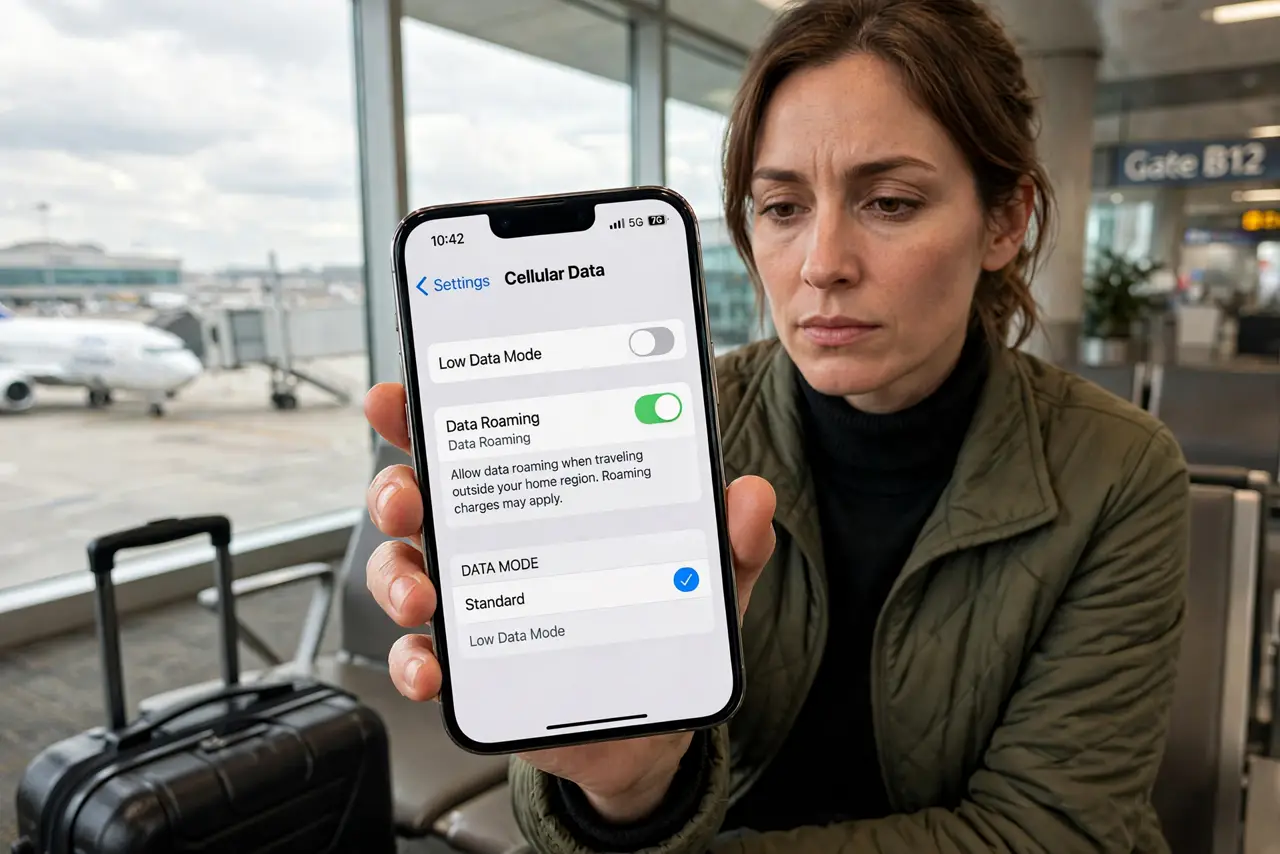
Quick fix: data roaming lets your phone use mobile data on partner networks abroad — check your plan first, since many now include free or cheap roaming in certain countries. On iPhone find it under Settings, Cellular, Cellular Data Options; on Android under Settings, Network, Mobile network.
Follow these steps
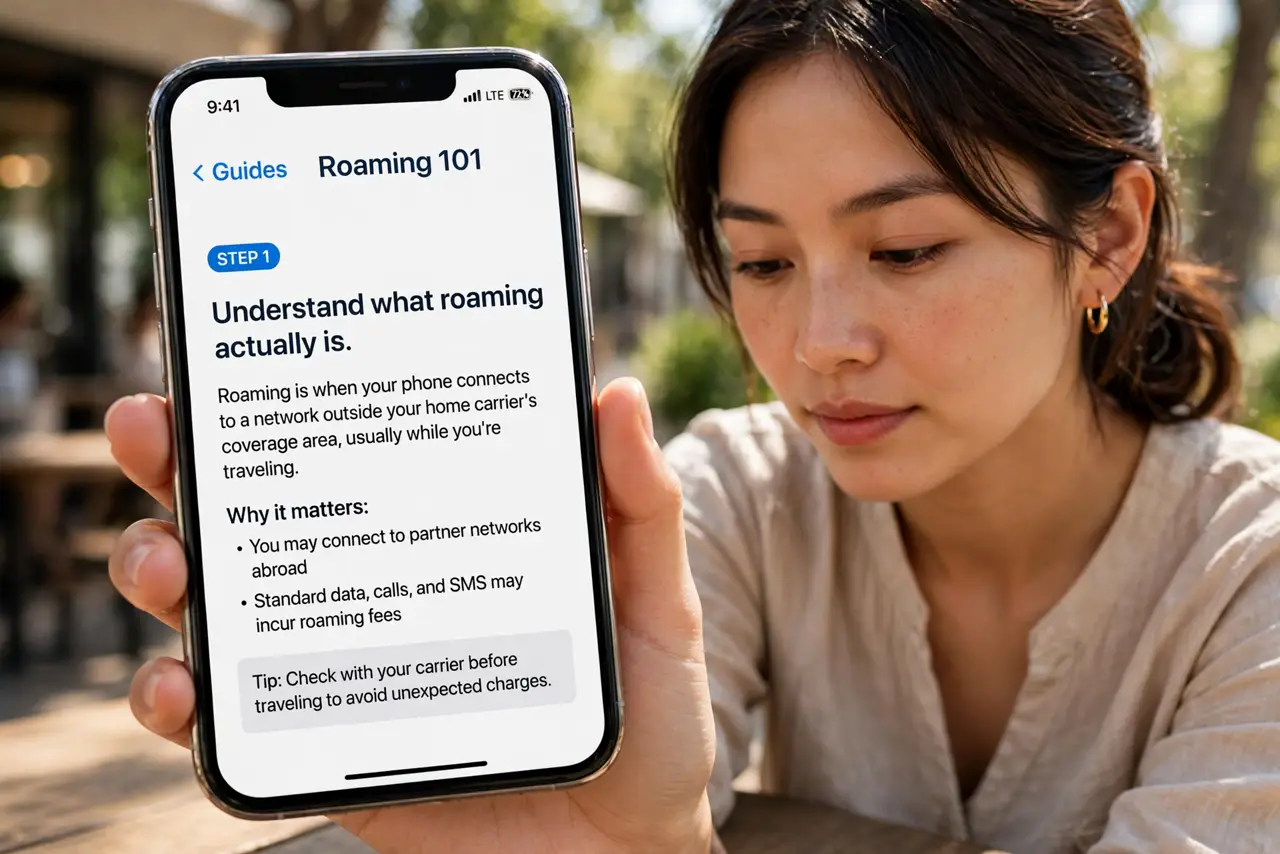
- Understand what roaming actually is. At home your phone uses your carrier's towers. Abroad it borrows a local partner's towers, and your carrier pays them — then bills you. That chain is why it can cost more.
- Check your plan before you fly. Many plans now include free roaming across regions (like the EU) or cheap daily passes. Log into your carrier's app before the trip — surprises come from not checking.
- Find the toggle. iPhone: Settings, then Cellular, then Cellular Data Options, then Data Roaming. Android: Settings, then Network and internet, then Mobile network, then Roaming. Off means no surprise data charges, period.
- Buy the travel pass if offered. A $10/day pass beats per-megabyte rates by orders of magnitude. Activate it in the carrier app before you need it — airport Wi-Fi is fine for that.
- Use Wi-Fi and offline downloads. Download maps, playlists, and translation packs on Wi-Fi. With roaming off and Wi-Fi on, the phone is a fully useful mini-tablet abroad.
- Watch for the 'welcome' text. Carriers text you the roaming rates when you land — see roaming charges for what to do if a bill already surprised you. Read that text before using data.
What NOT to do
- Do not leave data roaming on 'just in case' with a pay-per-MB plan. Background app refresh can burn through money while the phone sits in your pocket.
- Do not assume calls and texts follow the same rules. Some plans include roaming data but charge for calls — check all three.
- Do not trust 'free Wi-Fi' at face value abroad. Hotel and airport networks are convenient but often unsecured — avoid banking on them without protection.
- Do not forget to turn roaming back on at home. It does nothing domestically, but travelers who toggle it off sometimes panic later over 'no data.'
Frequently asked questions
Will I be charged if roaming is on but I don't use data?
Usually not for data — but incoming calls and texts can still cost on some plans. Check your carrier's specific terms.
Does airplane mode plus Wi-Fi avoid all charges?
Yes. Airplane mode kills the cellular radio entirely; Wi-Fi then works normally with zero roaming risk.
Is an eSIM travel plan cheaper?
Often dramatically. A local travel eSIM gives you local rates without touching your home plan's roaming at all.