A Travel eSIM Data Plan Fails to Activate
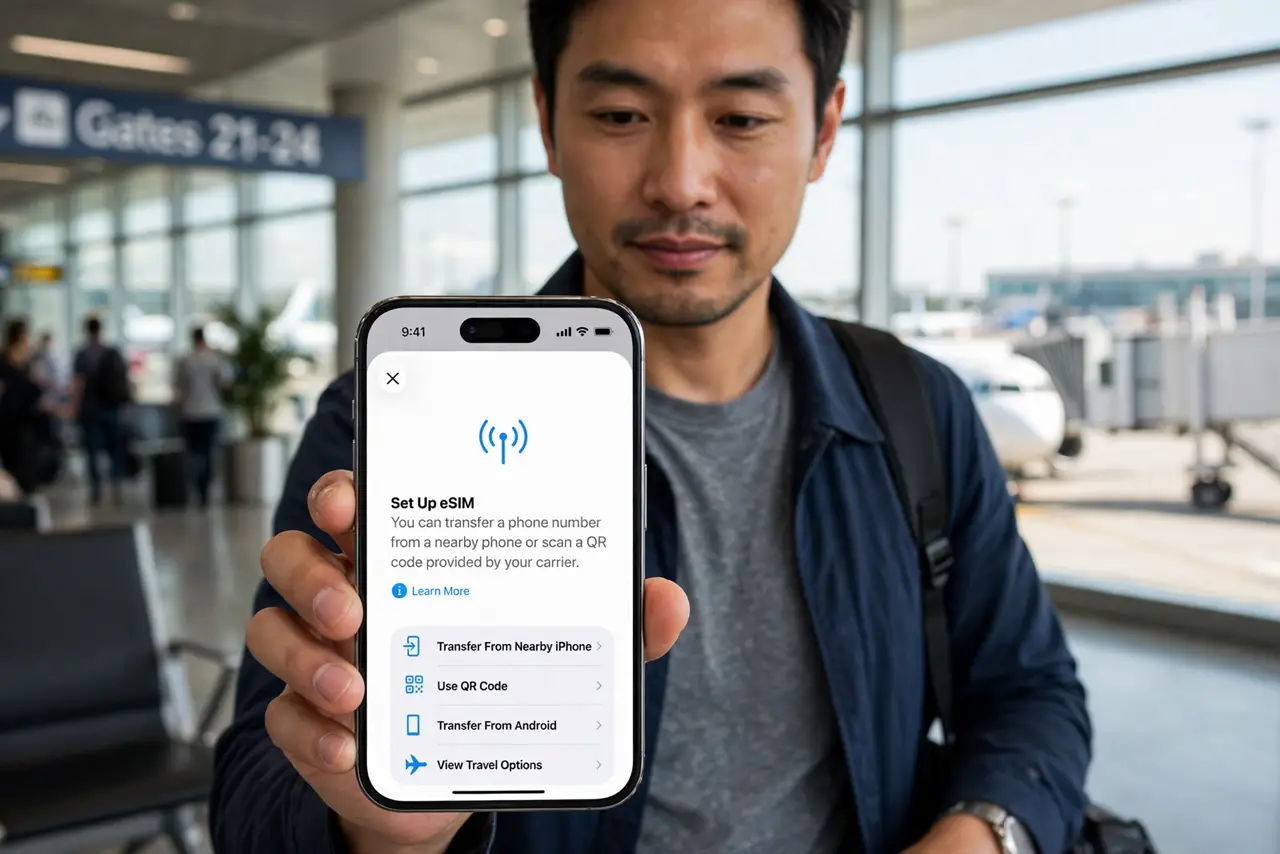
You bought a travel eSIM, scanned the code, and the plan just sits there refusing to activate. Most failures come down to timing, a weak install connection, or one wrong toggle — not a bad purchase.
TL;DR / Quick Fix
Quick fix: install the eSIM on strong Wi-Fi before you fly, not on shaky airport internet. Check the QR code has not expired, turn data roaming on for the travel line after landing, and restart the phone if the plan stalls on activating.
Follow these steps
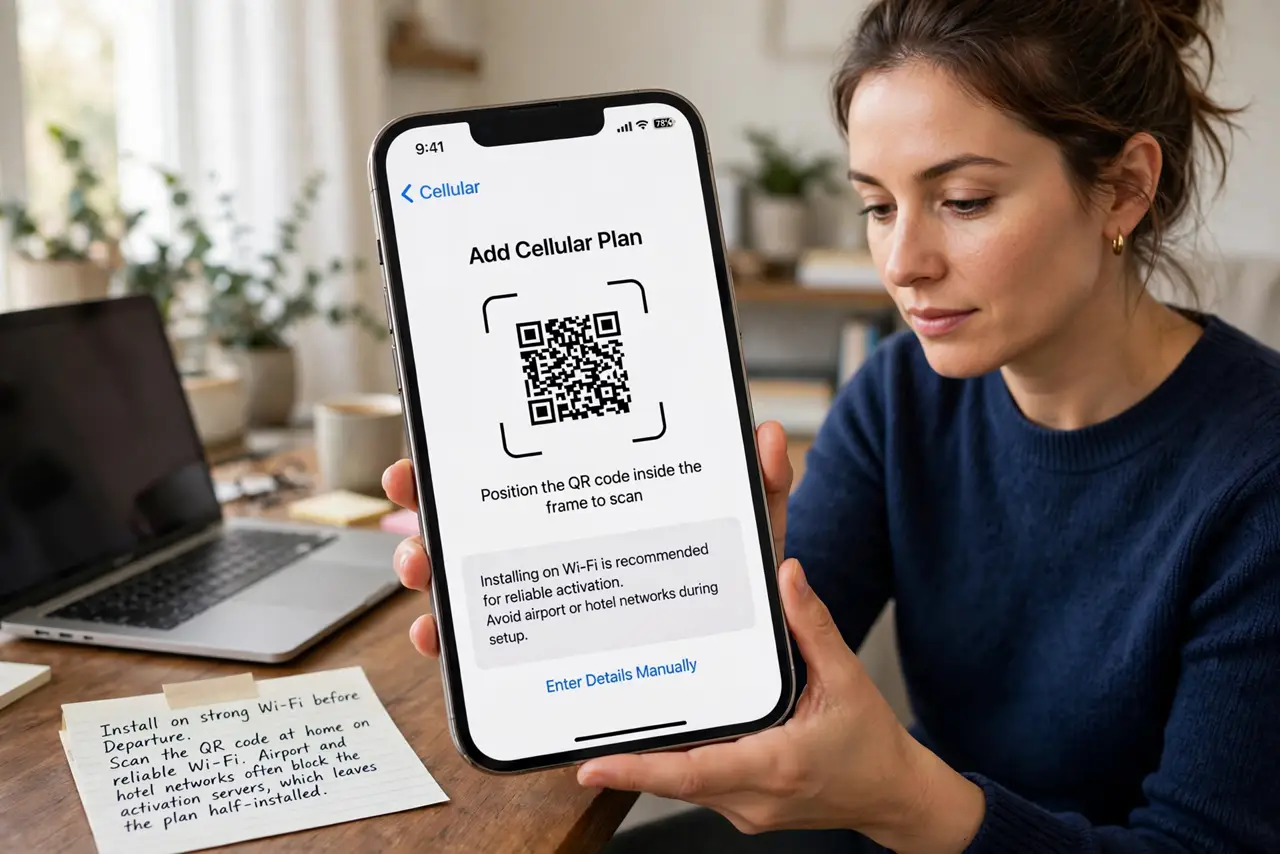
- Install on strong Wi-Fi before departure. Scan the QR code at home on reliable Wi-Fi. Airport and hotel networks often block the activation servers, which leaves the plan half-installed.
- Check the QR code is still valid. Travel eSIM codes can expire or be single-use. If scanning does nothing, ask the seller for a fresh code instead of retrying a dead one.
- Confirm the plan's start date. Some travel plans activate on first use, others on a fixed date. A plan that refuses to activate may simply not be valid until tomorrow.
- Turn on data roaming for the travel line. After landing, open cellular settings and enable data roaming on the eSIM line only. Travel eSIMs roam by design, and without that toggle they stay silent.
- Set the eSIM as the data line. Tell the phone to use the travel eSIM for mobile data, not your home line. The eSIM can be active yet unused if the phone still sends data through the home SIM.
- Restart if activation stalls. If the plan hangs on activating, restart the phone once on Wi-Fi. A restart lets the phone retry the handshake it fumbled the first time.
What NOT to do
- Do not delete the eSIM to reinstall it in a panic. Many travel eSIMs are single-install, and deleting one can burn the purchase with no way to get it back.
- Do not turn on data roaming for your home line abroad. Roam only the travel eSIM, or your home carrier may bill roaming charges alongside the eSIM plan.
- Do not buy the eSIM at the airport on airport Wi-Fi. Buy and install it at home, where a failure costs you minutes instead of a missed connection window.
- Do not assume the phone is broken when one seller's eSIM fails. Try the seller's support first, since a bad code batch affects many buyers at once.
Frequently asked questions
Why does the eSIM refuse to activate?
Usually a weak install connection, an expired QR code, or data roaming being off on the travel line after landing.
Can I reinstall a travel eSIM?
Often no. Many are single-install, so deleting one loses it — contact the seller before deleting anything.
Should data roaming be on for the eSIM?
Yes, for the travel line. Travel eSIMs work by roaming onto local networks, which needs that toggle enabled.