Mobile Data Works but Calls Don't? Fix It
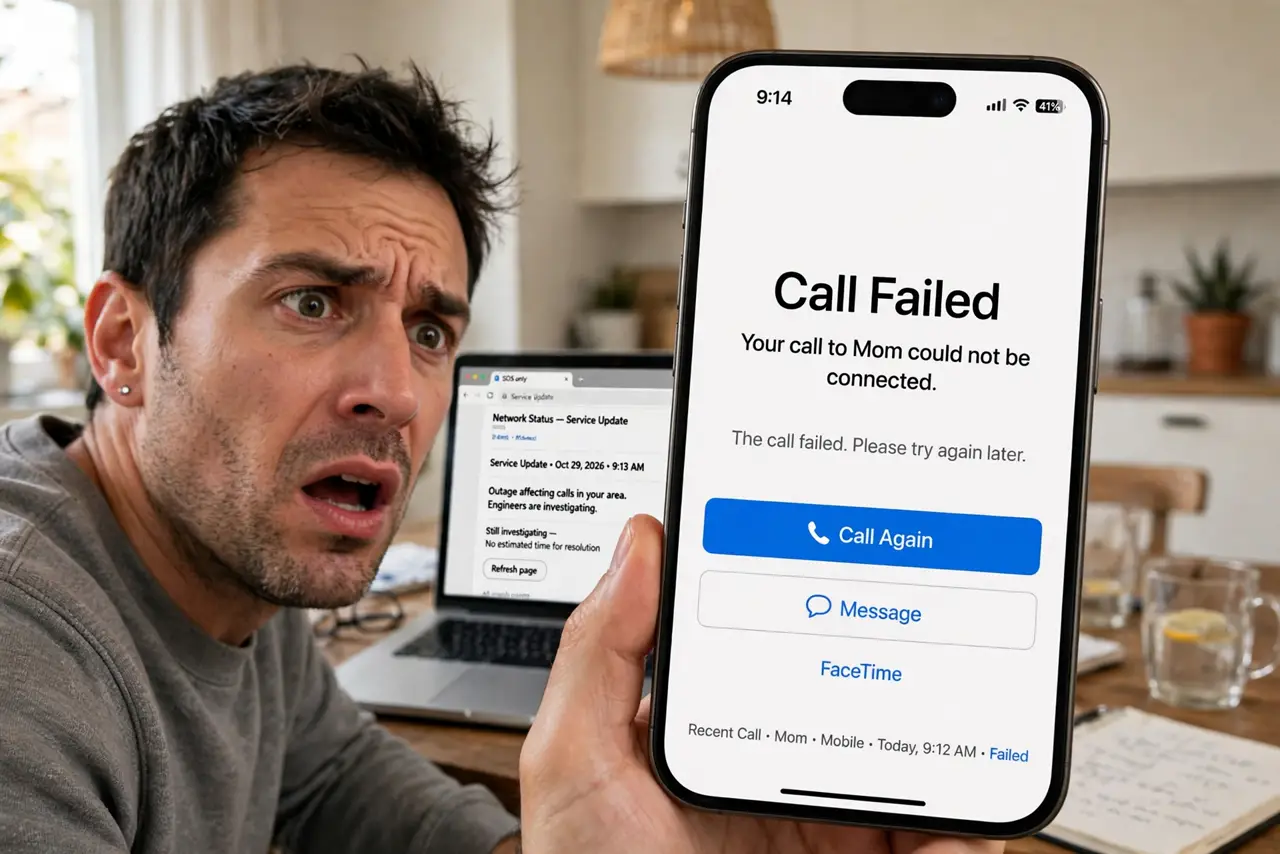
You can browse and message, but calls fail or drop instantly — data works, voice does not. Voice and data travel differently, so one can break while the other thrives. This guide checks the voice-specific settings, from VoLTE to carrier provisioning, that data never touches.
TL;DR / Quick Fix
Quick fix: turn on VoLTE or Wi-Fi Calling in your mobile settings — modern voice calls need them. Toggle airplane mode to re-register with the carrier. If calls still fail while data works, check for a carrier outage or an unpaid bill blocking voice specifically.
Follow these steps
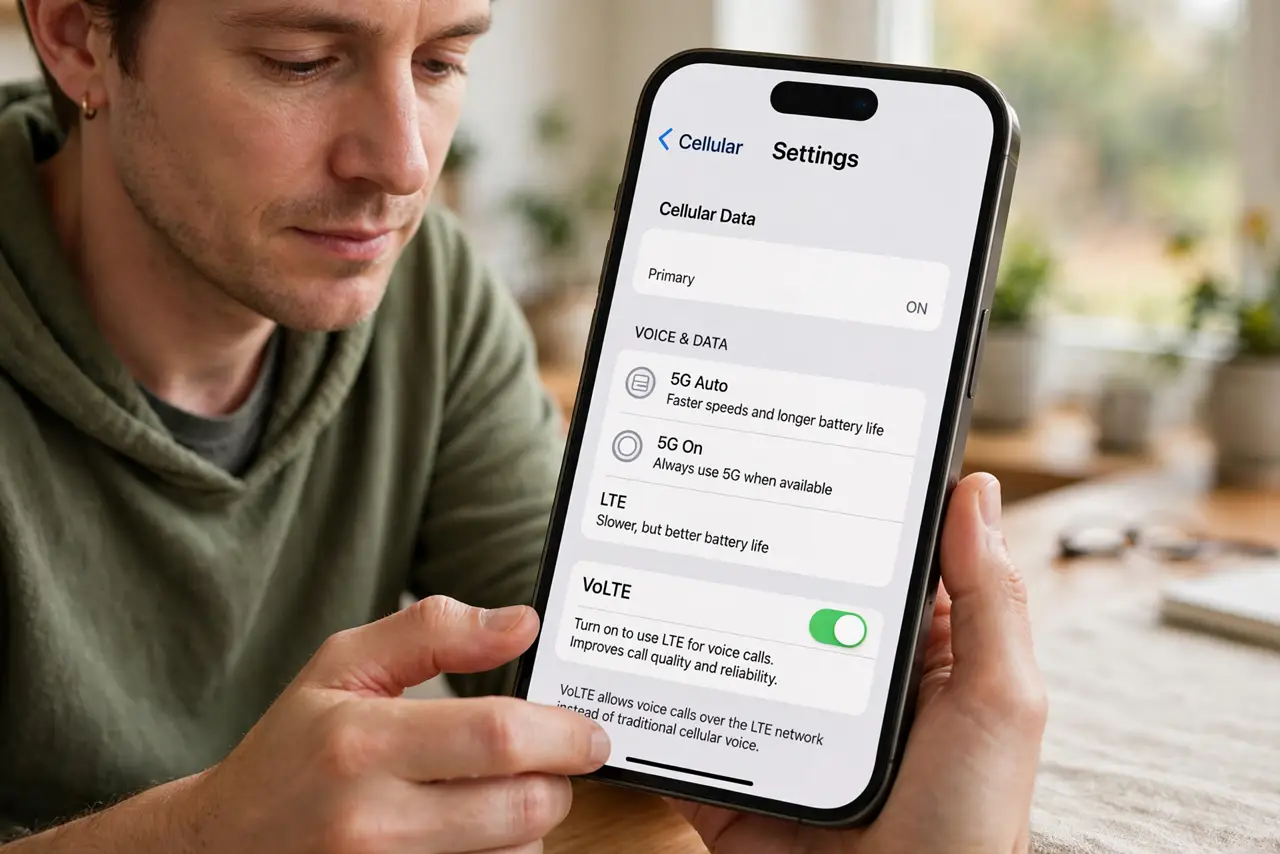
- Enable VoLTE. Modern networks carry calls as VoLTE. If it is off, calls may fail while data flows fine — enable it in mobile network settings.
- Try Wi-Fi Calling as a test. Enable Wi-Fi Calling and try a call on Wi-Fi. If it works there, the cellular voice path is the problem, not your account.
- Toggle airplane mode. Ten seconds on, then off. This re-registers the phone for both voice and data, and often restores a stuck voice registration.
- Check for a carrier voice outage. Carriers can have voice-only outages. Check their status page or social accounts — data working during a voice outage is a known pattern.
- Verify the account is in good standing. An unpaid bill or suspended line often blocks calls while leaving data trickling. Check the carrier app for account flags.
- Reset network settings if nothing else works. This clears all cellular configuration without touching your data. It is the last local fix before calling carrier support.
What NOT to do
- Do not assume the phone is broken. Voice and data are separate services — one failing while the other works points to settings or the carrier, not hardware.
- Do not ignore the VoLTE toggle. On modern networks it is not optional for voice — it is how calls work.
- Do not keep retrying the same failing call. Check the settings first; redialing a broken voice path changes nothing.
- Do not forget to test Wi-Fi Calling. It cleanly separates a voice-network problem from an account problem.
Frequently asked questions
How can data work but calls fail?
Voice and data use different network paths and settings. VoLTE carries modern calls, so a VoLTE or provisioning issue kills calls while data flows.
Will resetting network settings delete my photos?
No. It only clears Wi-Fi, Bluetooth, and cellular settings. Your photos, apps, and files are untouched.
Could my SIM be the problem?
Possibly, if it is very old. A failing SIM can lose voice registration while data limps along — the carrier can test and replace it.