Change Flashlight Brightness
Your phone's flashlight has two moods you never asked for: blinding and off. But the LED actually supports multiple brightness levels — a dim glow for finding the keyhole without waking anyone, full blast for the trail. The control is hiding in the flashlight's long-press menu. Here is where.
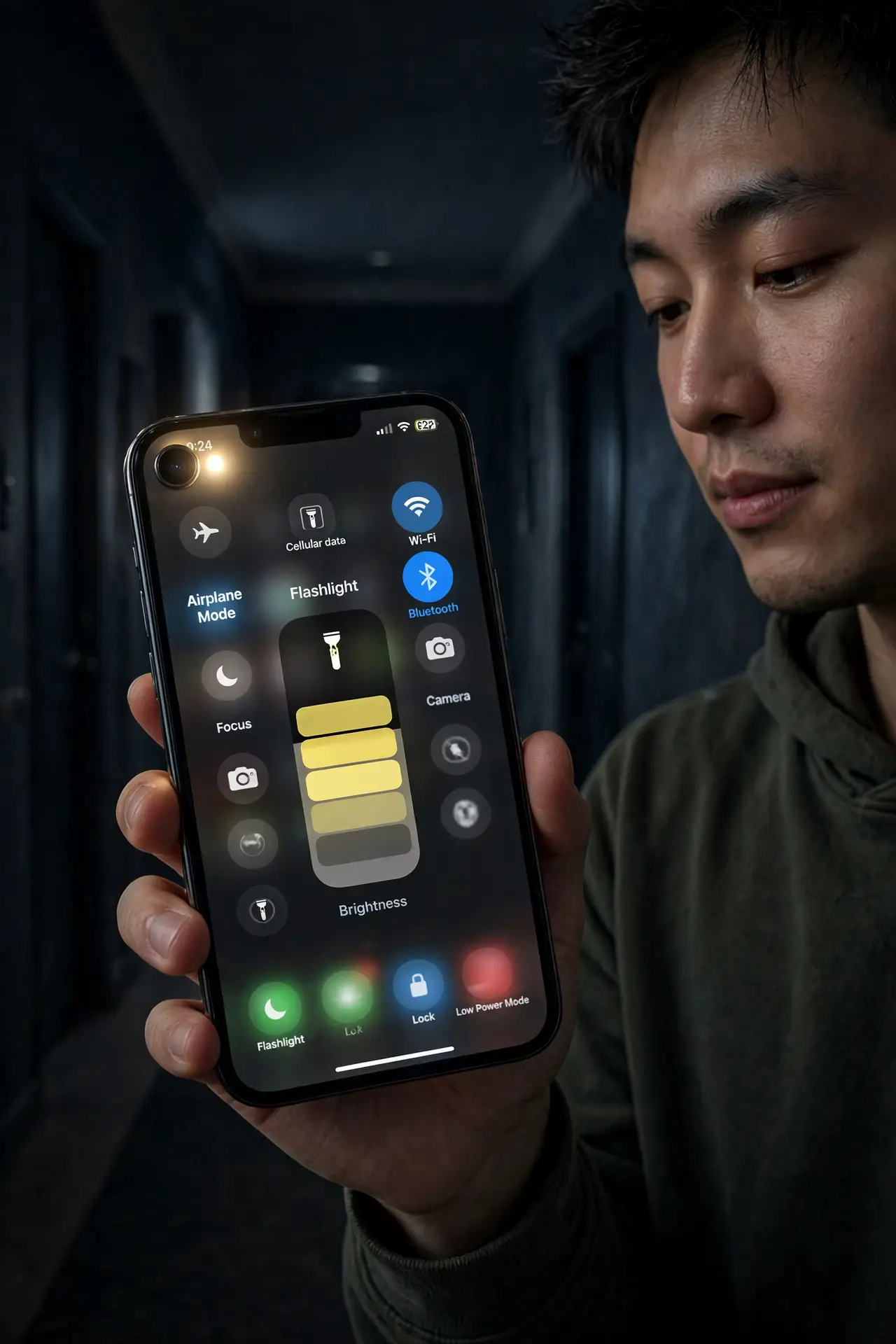
TL;DR / Quick Fix
Quick fix: the flashlight has adjustable brightness, not just on/off. On iPhone, open Control Center, long-press the flashlight icon, and drag the slider. On Android, long-press the flashlight quick-setting tile — many phones offer levels there. Dim for indoors, full for outdoors.
Follow these steps
- Find the slider on iPhone. Open Control Center, then press and hold the flashlight icon. A vertical slider appears with several brightness steps — drag to the level you want. It remembers your last setting.
- Find it on Android. Long-press the flashlight tile in Quick Settings. Many Android phones show brightness levels right there; others put a flashlight brightness option in Settings. It varies by maker — check both.
- Use dim indoors. Low brightness is plenty for keyholes, fuse boxes, and navigating a dark house — and it does not blast sleeping people or kill your night vision.
- Use full outdoors. Trails, parking lots, power outages — full brightness earns its keep outside. The LED is genuinely bright at max; treat it like a real flashlight.
- Remember it stays where you left it. The phone keeps your last brightness. If the flashlight seems weak one day, you probably left it on dim — long-press and slide back up.
- Watch the battery at full blast. Maximum brightness plus the screen is a real battery drain. For long outages, drop to medium — the runtime difference is dramatic. The same LED also powers flash alerts for calls — a different feature worth knowing.
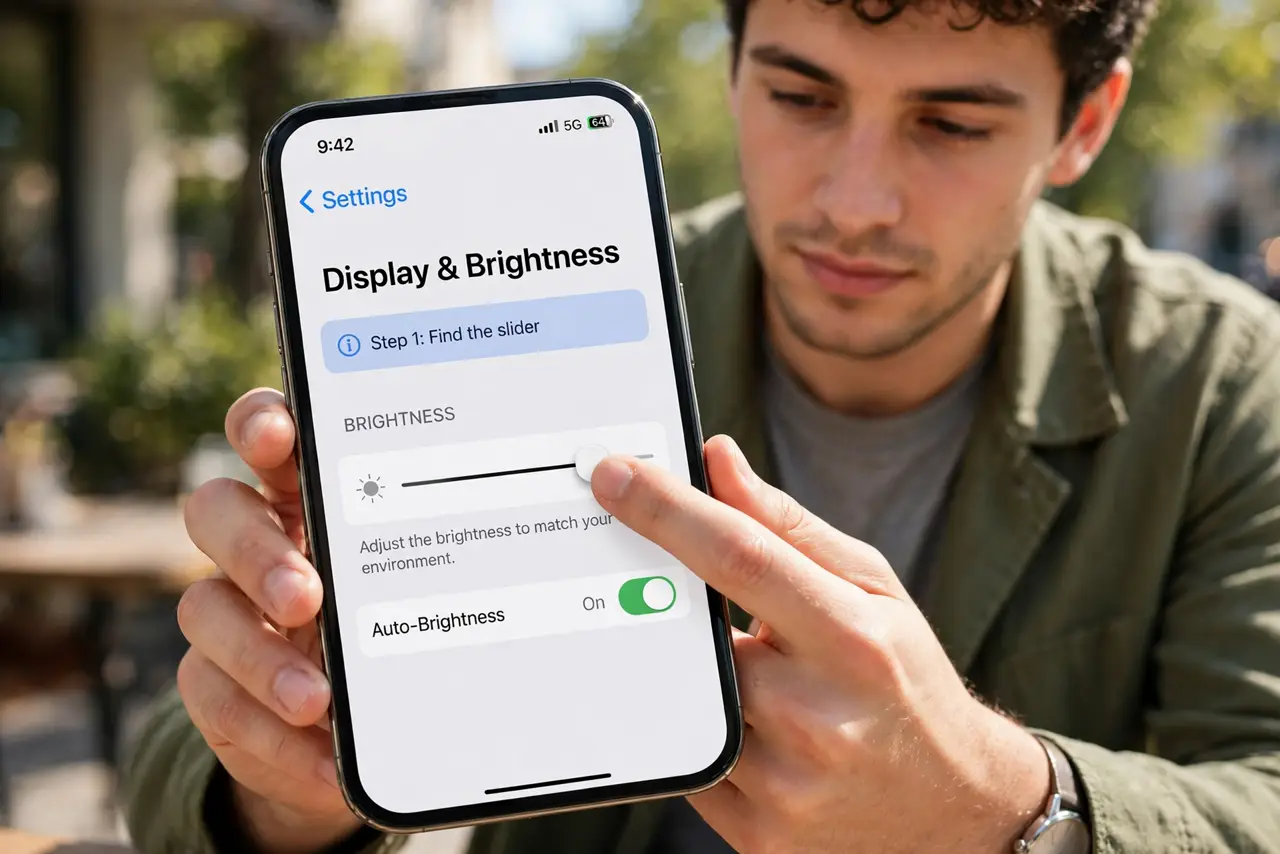
What NOT to do
- Do not shine full brightness in people's faces. The LED at max is genuinely dazzling — dim it around others.
- Do not use it as a video light unthinkingly. The color temperature is harsh — fine for utility, unflattering for faces.
- Do not leave it on in a pocket or bag. It drains the battery fast and the LED gets hot against fabric.
- Do not assume every phone has levels. A few budget models are on/off only — if no slider appears, yours is one of them.
Frequently asked questions
Why is my flashlight dim?
You left the brightness slider on low — long-press the icon and slide it up. If there is no slider, your model may be on/off only.
Does brightness affect battery?
Significantly. Full brightness can drain several percent in minutes; the lowest level sips. Match the level to the job.
Can I turn it on without unlocking?
Yes — Control Center (iPhone) and Quick Settings (Android) both work from the lock screen.