Forget a Bluetooth Device
Earbuds that connect but play nothing, a car stereo that pairs then drops, a speaker the phone sees but refuses to talk to — corrupted pairing data is behind a surprising share of Bluetooth weirdness. Forgetting the device wipes its saved keys so the next pairing starts truly fresh. It takes ten seconds and fixes what restarts cannot.
TL;DR / Quick Fix
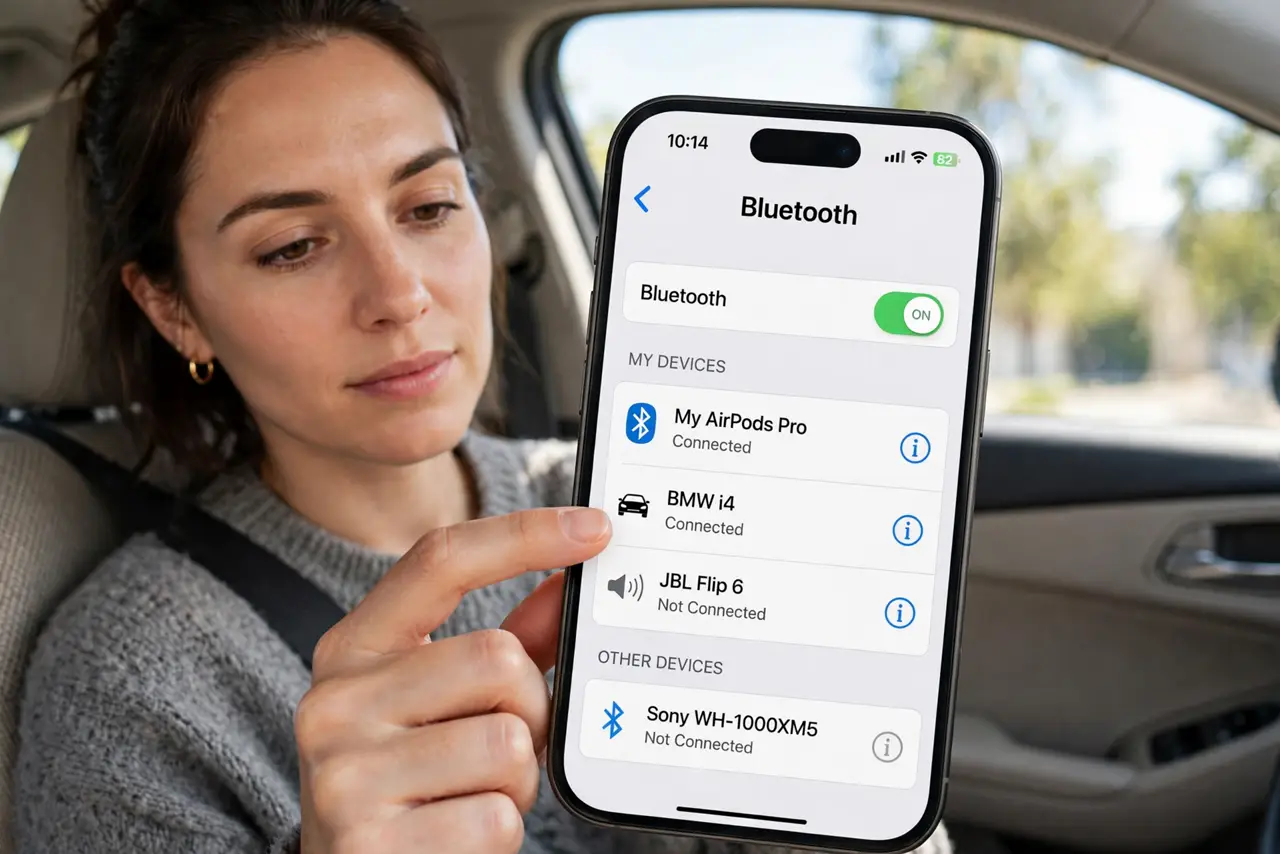
Quick fix: on iPhone open Settings, Bluetooth, tap the info icon next to the device, and choose Forget This Device. On Android open Settings, Connected devices, tap the gear, and choose Forget. Then put the accessory in pairing mode and pair fresh.
Follow these steps
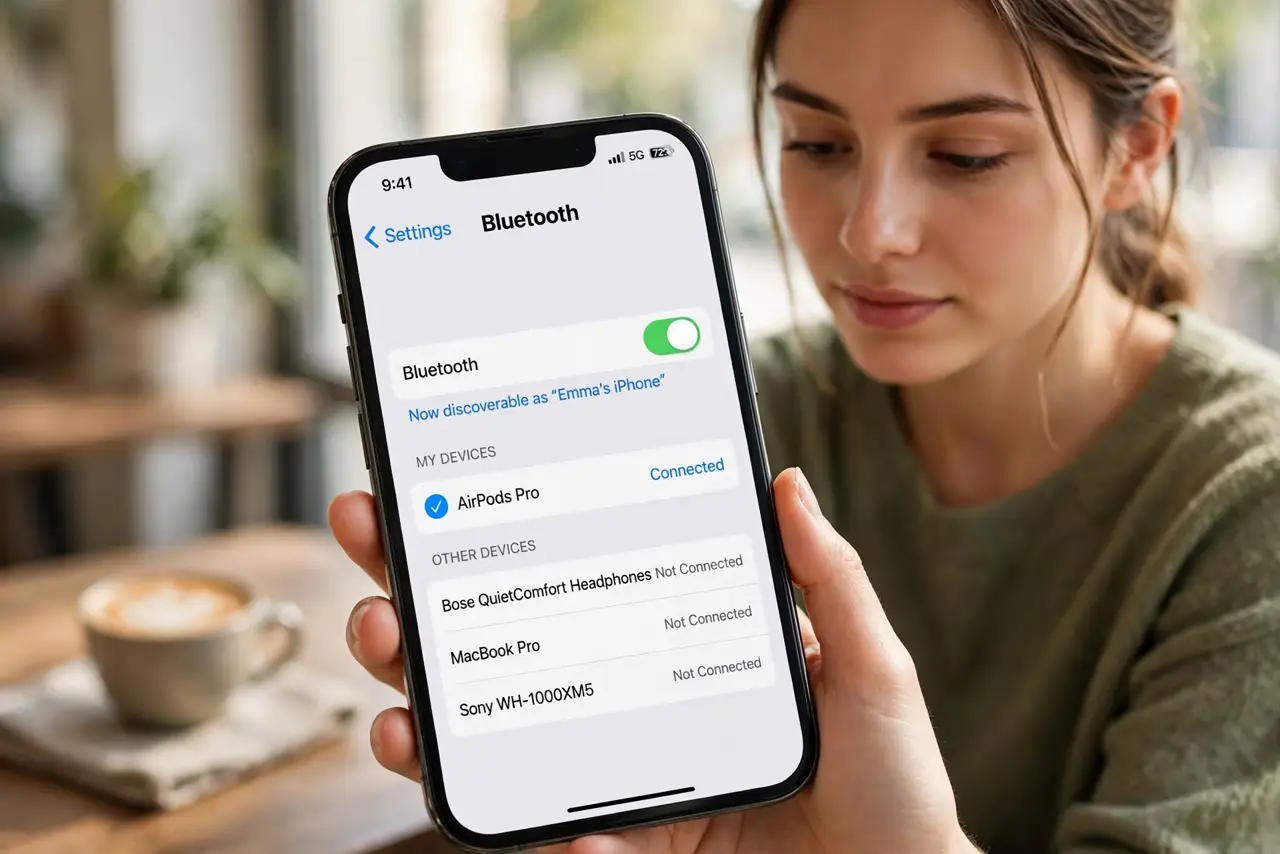
- Open the Bluetooth device list. On iPhone: Settings, then Bluetooth. On Android: Settings, then Connected devices (or Bluetooth). Find the troublemaker in the list.
- Forget it on iPhone. Tap the info (i) icon next to the device name, then Forget This Device, and confirm. Its saved pairing keys are now gone.
- Forget it on Android. Tap the gear or the device name, then Forget (or Unpair). Confirm — the accessory drops off the list.
- Forget it on the accessory side too. Many earbuds and speakers have their own reset gesture that clears their memory of the phone. Do both sides for a genuinely clean slate.
- Re-pair from scratch. Put the accessory in pairing mode and pair as if it were new. Do not restore from a backup of Bluetooth settings if offered.
- Test before re-pairing everything else. Confirm this one device works before re-adding the rest of your gadgets — if the first re-pair fails, the problem may be the phone's radio, not the keys.
What NOT to do
- Do not forget every device at once. Fix one troublemaker at a time so you know which forget actually helped.
- Do not skip the accessory-side reset. Forgetting on the phone while the earbuds still remember the phone leaves half the stale data in place.
- Do not forget a device someone else uses daily without warning them. The car stereo your partner relies on will need re-pairing too.
- Do not confuse Forget with turning Bluetooth off. Toggling the radio keeps the saved keys; only forgetting deletes them.
Frequently asked questions
Will I lose anything by forgetting a device?
Only the pairing itself. No files, apps, or settings are touched — you will just re-pair the accessory afterward.
The device won't even appear to forget — what now?
Reset the accessory to factory defaults with its button gesture, then restart the phone's Bluetooth. A device that cannot be forgotten usually cannot be seen either.
Should I forget devices I no longer own?
Yes, occasionally. A long list of dead pairings slows the Bluetooth menu and can confuse auto-connect. Prune yearly.