Mono Audio? Turn It On
If you hear mainly out of one ear — a hearing difference, or just one earbud in while the other charges — stereo audio quietly throws half the sound away. Movie dialogue panned left vanishes; a guitar solo panned right never arrives. Mono audio merges both channels so every ear gets the full mix. One toggle fixes it on iPhone and Android.
TL;DR / Quick Fix
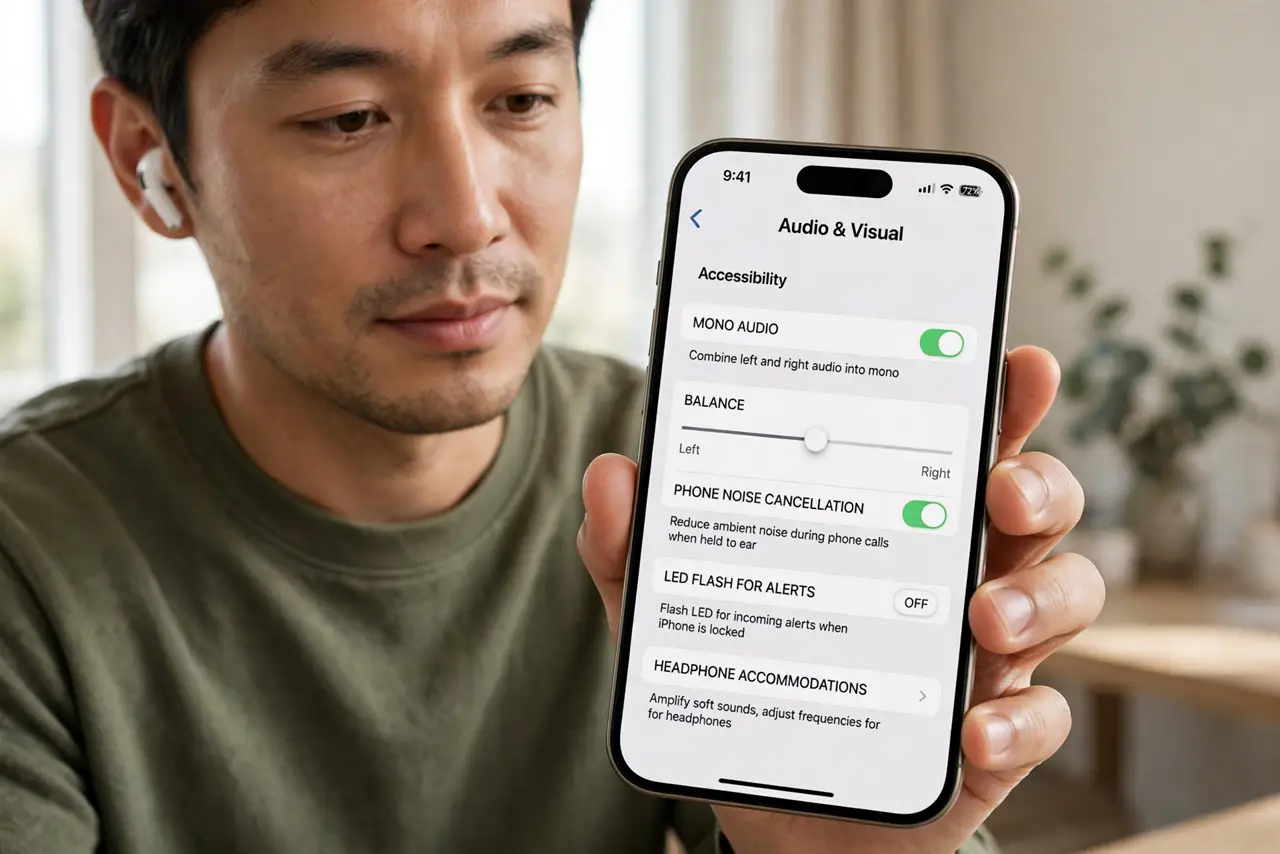
Quick fix: on iPhone open Settings, Accessibility, Audio and Visual, and turn on Mono Audio. On Android open Settings, Accessibility, Audio, and turn on Mono audio. Both ears — or your one working ear — now play the complete mix instead of half of it.
Follow these steps
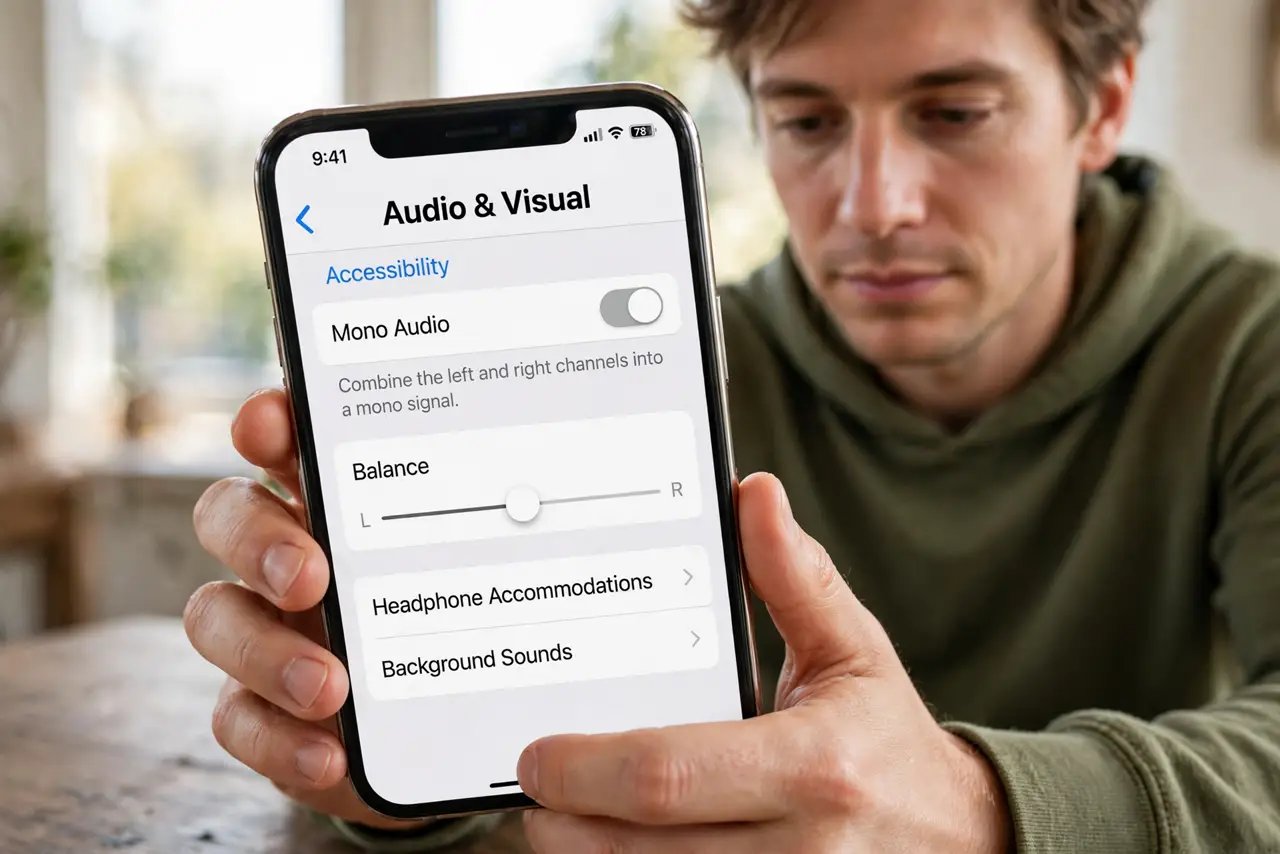
- Open the audio accessibility page on iPhone. Go to Settings, then Accessibility, then Audio and Visual. Mono Audio sits near the top of this screen.
- Turn on Mono Audio. Flip the switch. Left and right channels now merge — play a song you know and notice instruments that were previously missing from one side.
- Find it on Android. Open Settings, then Accessibility, then Audio (on Samsung it may sit under Hearing enhancements). Turn on Mono audio.
- Balance the channels if one ear is weaker. The same screens offer a left-right balance slider. Nudge it toward your stronger ear for the clearest result.
- Test with a familiar stereo track. Pick a song with obvious left-right separation. In mono, nothing should disappear when you cover one earbud.
- Leave it on guilt-free. Mono audio costs nothing in quality for speech, calls, and podcasts — and for one-ear listening it is strictly better than stereo.
What NOT to do
- Do not buy new earbuds over 'missing' instruments. If sound vanishes from one side, suspect stereo separation before suspecting hardware.
- Do not confuse mono audio with single-earbud mode. Some earbuds have their own mono trick; the system setting works with any headphones.
- Do not expect mono to fix crackling or dropouts. Those are pairing or connection problems, not channel problems.
- Do not turn it on and off per app. It is a system setting that applies everywhere — set it once and forget it.
Frequently asked questions
Will mono audio sound worse?
For one-ear listening, it sounds much better — you hear everything. With both ears, most people barely notice the difference on speech and casual music.
Does it affect phone calls?
Calls are already effectively mono, so nothing changes there. The difference shows in music, videos, and games.
Can I use it with hearing aids?
Yes — mono audio plus your hearing aid's own program often gives the clearest result. Ask your audiologist to tune both together.