Mute a Conversation? How To
You do not want to leave the group — you just want it to shut up for a while. Muting is the perfect middle ground: the conversation continues, messages still arrive, but your phone stays silent. Nobody knows you muted anything. Here is how to mute any conversation on iPhone and Android.
TL;DR / Quick Fix
Quick fix: muting silences one conversation without leaving it or blocking anyone. On iPhone, swipe left on the thread and tap the bell icon, or open the thread and enable Hide Alerts. On Android in Google Messages, long-press the conversation and tap Mute. Nobody is notified.
Follow these steps
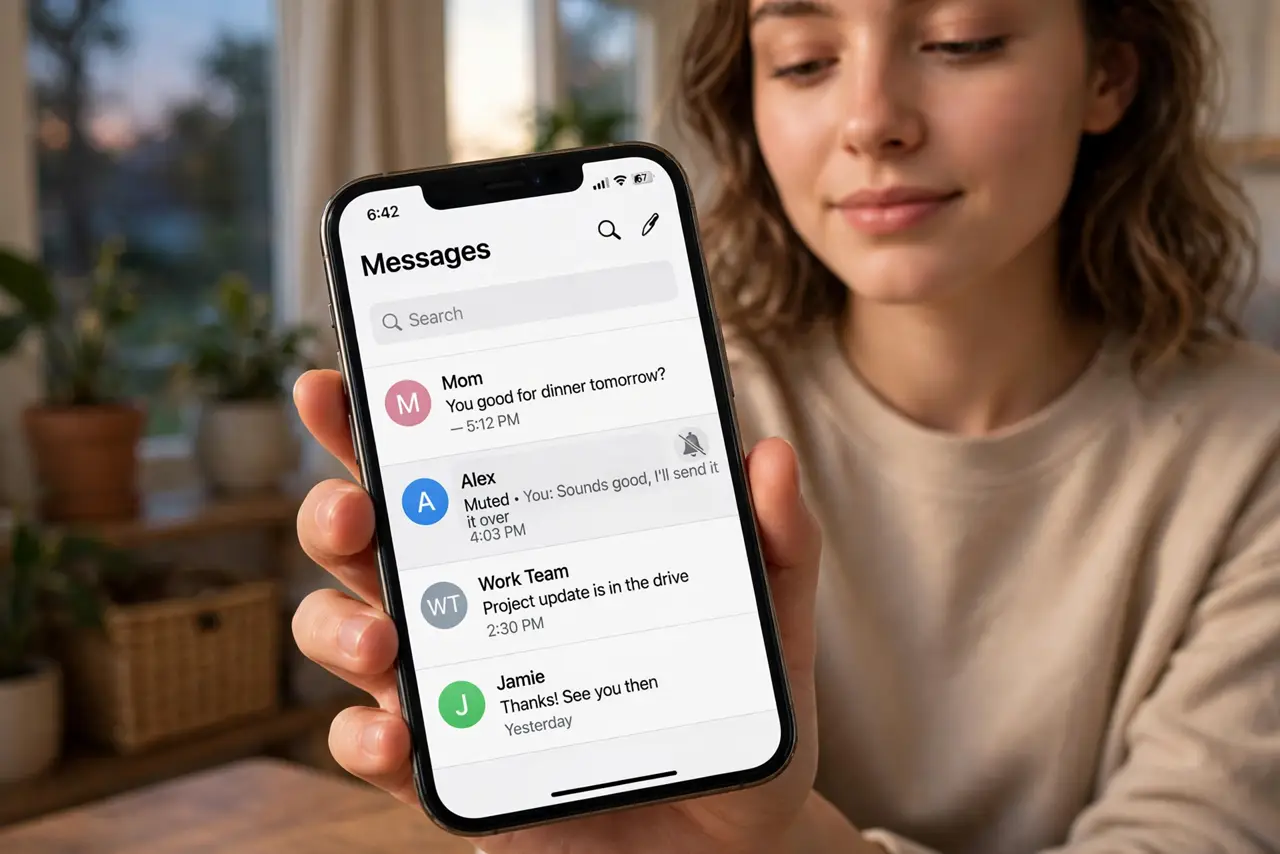
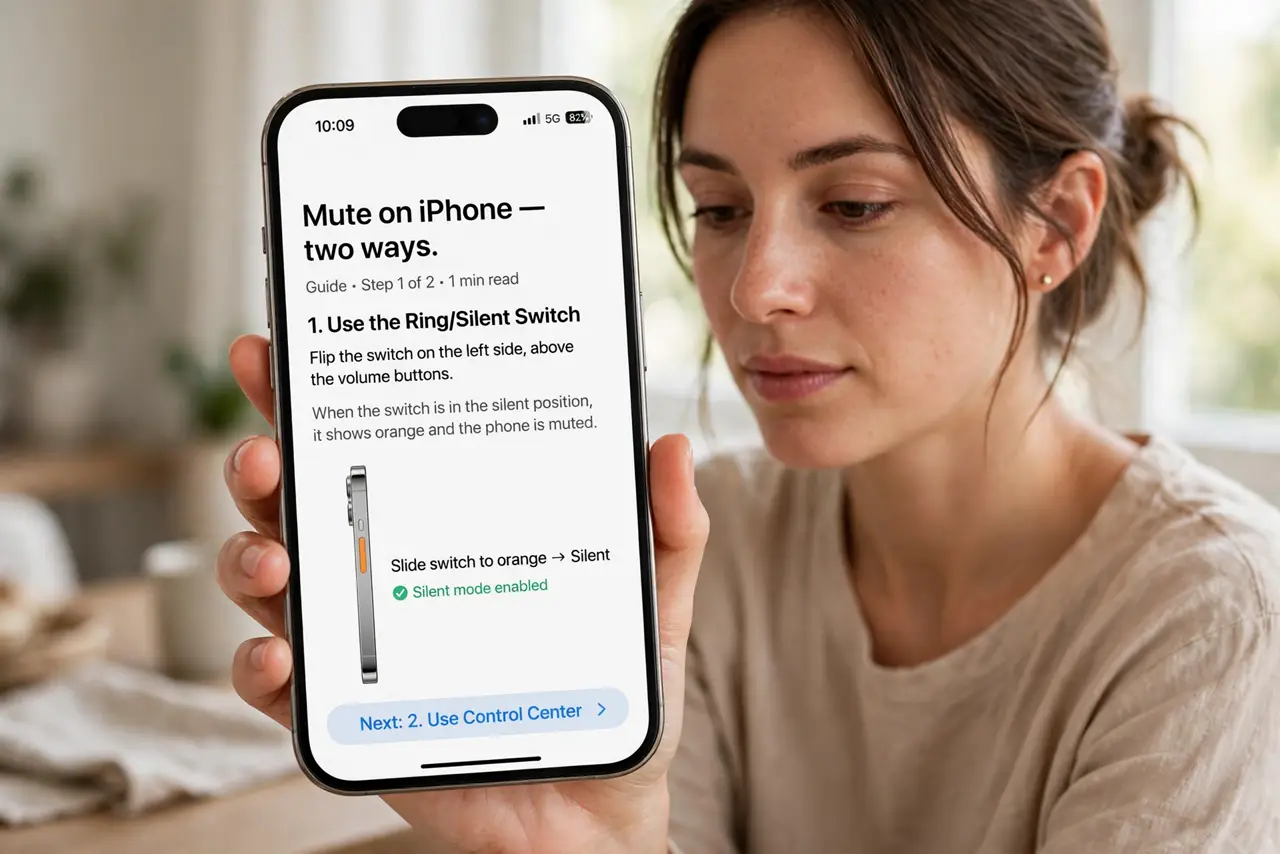
- Mute on iPhone — two ways. Swipe left on the conversation in the thread list and tap the bell icon, or open the thread, tap the contact name, and enable Hide Alerts. Both do the same thing.
- Mute on Android. In Google Messages, long-press the conversation and tap the mute or notifications-off icon. In other apps, open the thread's details and silence notifications there.
- Recognize the muted state. Muted threads show a crossed-bell or moon icon. The messages still arrive and the thread still shows unread counts — only the sound and vibration stop.
- Mute with a time limit in mind. Muting is not scheduled by default — it stays until you unmute. For a meeting or movie, set a reminder to unmute after, or use Do Not Disturb for time-boxed silence instead.
- Unmute the same way. Swipe left and tap the bell again on iPhone, or long-press and unmute on Android. The toggle is symmetric — nothing is lost while muted.
- Mute individuals too, not just groups. That one friend who texts in bursts of twenty? Mute their thread individually. Muting is per-conversation — use it surgically.
What NOT to do
- Do not mute and then complain you 'never saw it.' Muted messages still arrive — check muted threads when it matters.
- Do not confuse mute with block. Muted people can still reach you; you just do not hear the buzz. Blocked people cannot reach you at all.
- Do not mute emergency threads. Family emergency chains and work on-call threads should stay loud — mute the meme group instead.
- Do not forget you muted someone. Months later, 'why never text me' mysteries often end at a forgotten mute toggle.
Frequently asked questions
Will they know I muted them?
No. Muting is completely invisible to the other person — no notification, no indicator, nothing changes on their end.
Do muted messages still arrive?
Yes. Everything arrives normally and shows in the thread. Only the notification sound, vibration, and banner are suppressed.
What's the difference between mute and Do Not Disturb?
Mute silences one conversation; Do Not Disturb silences the whole phone. Use mute for the noisy thread, DND for the noisy evening.