Phone Photos Unsorted After Holiday? Fix It
A holiday leaves hundreds of unsorted phone photos, and the longer they sit, the less likely anyone sorts them. A favorites-first pass, plus albums by day, turns the pile into a collection you actually revisit.
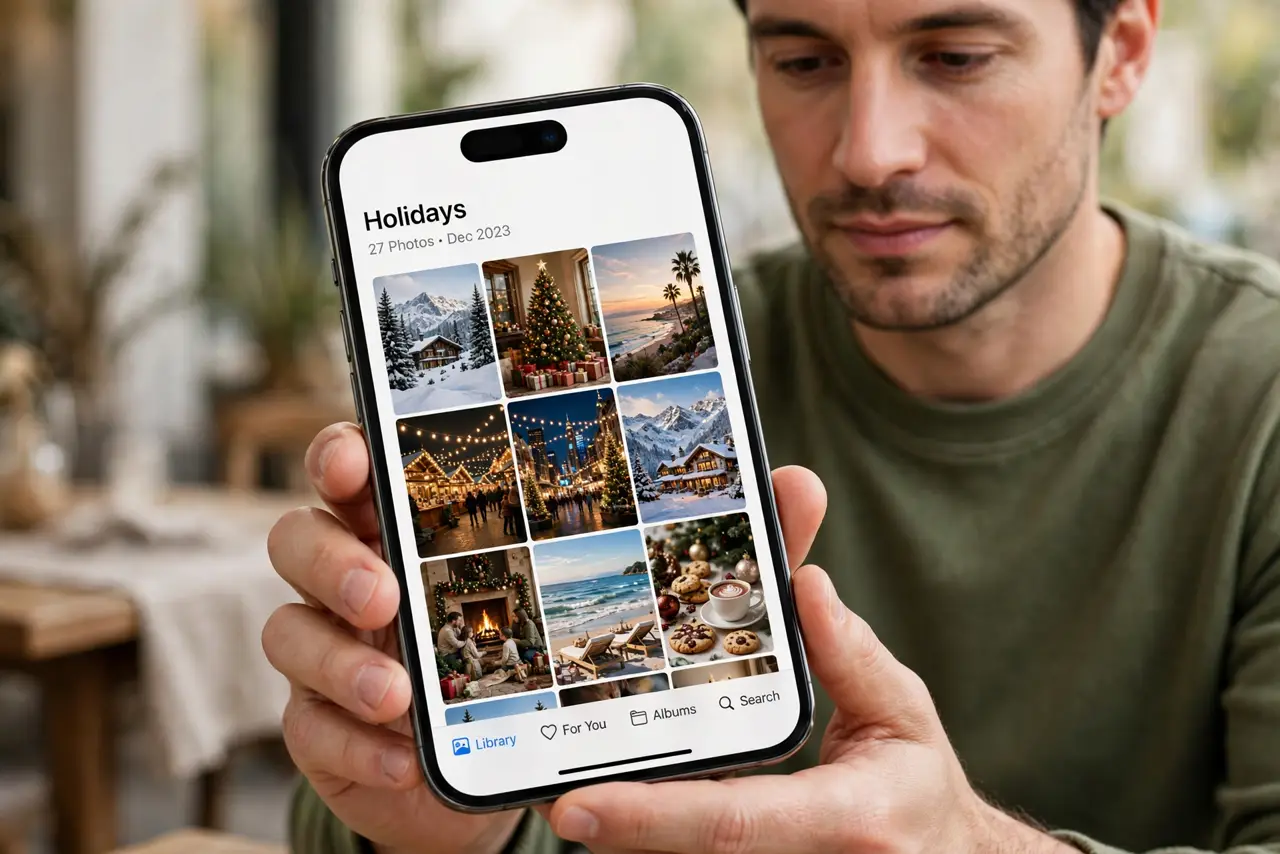
TL;DR / Quick Fix
Quick fix: Pick favorites first, before sorting anything. Delete duplicates, bursts, and accidents. Create one album per holiday day or place. Keep a small best-of album too. Back up before you delete anything. Check phone screenshots hiding among photos. Work in order, and verify each step before moving on.
Follow these steps
- Pick favorites first, before sorting anything. Scroll through once and favorite the best shots. Favorites give you a highlight set even if the full sort takes days.
- Delete duplicates, bursts, and accidents. Remove near-identical bursts, accidental pocket shots, and blurry failures. Deleting the obvious junk shrinks the pile fast.
- Create one album per holiday day or place. Make albums named by day or location, and move photos into them in batches. Day-based albums match how you remember the trip.
- Keep a small best-of album too. Gather the top twenty shots into a best-of album for sharing. A short best-of gets shown; a thousand-photo pile does not.
- Back up before you delete anything. Confirm the photos are backed up, then delete the junk. Backup first means deletion is safe, not scary.
- Check phone screenshots hiding among photos. Screenshots mixed into the camera roll inflate the pile and confuse albums. Move them to a screenshots folder first.
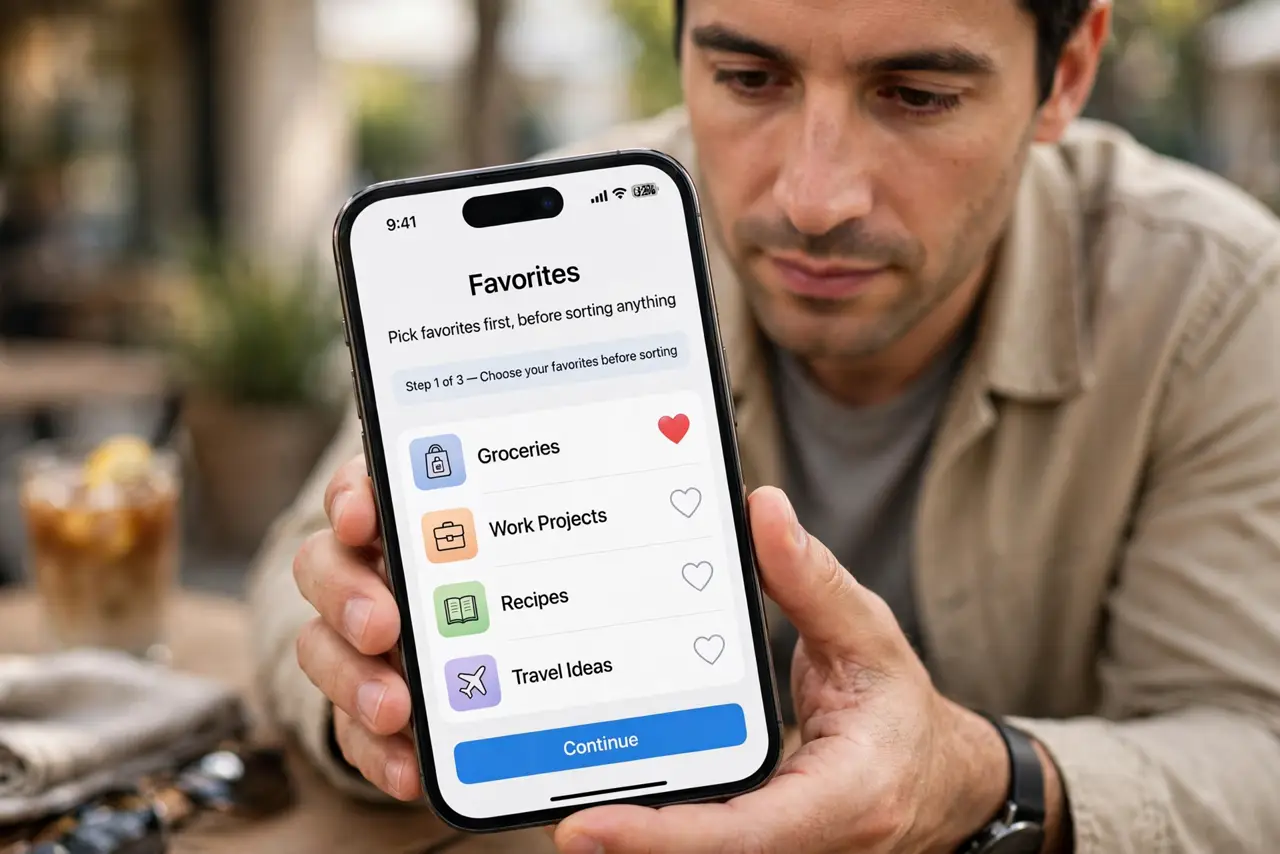
What NOT to do
- Do not try to sort every photo perfectly in one sitting. Favorites first, albums second, perfection never.
- Do not delete photos before confirming a backup. A deleted original with no backup is gone for good.
- Do not keep every burst frame. Keep the best frame or two and delete the rest.
- Do not leave holiday photos unsorted for months. Memories fade, and sorting gets harder as details blur.
Frequently asked questions
How many photos should I keep?
Keep the favorites, the meaningful moments, and one good shot per scene. Delete bursts, accidents, and near-duplicates.
Should I sort by day or by place?
By day usually works best, since days match how trips unfold. Add place names to album titles.
What if I never finish sorting?
Favorites alone are a win. A best-of album means the trip is shareable even if the full sort waits.