Phone 'RAM Cleaner' Apps? The Truth
RAM cleaner and booster apps promise a faster phone with one tap — and they are mostly theater. Modern phones manage memory better than any cleaner app, and aggressive cleaning often makes the phone slower and hungrier for battery. Here is what actually helps.
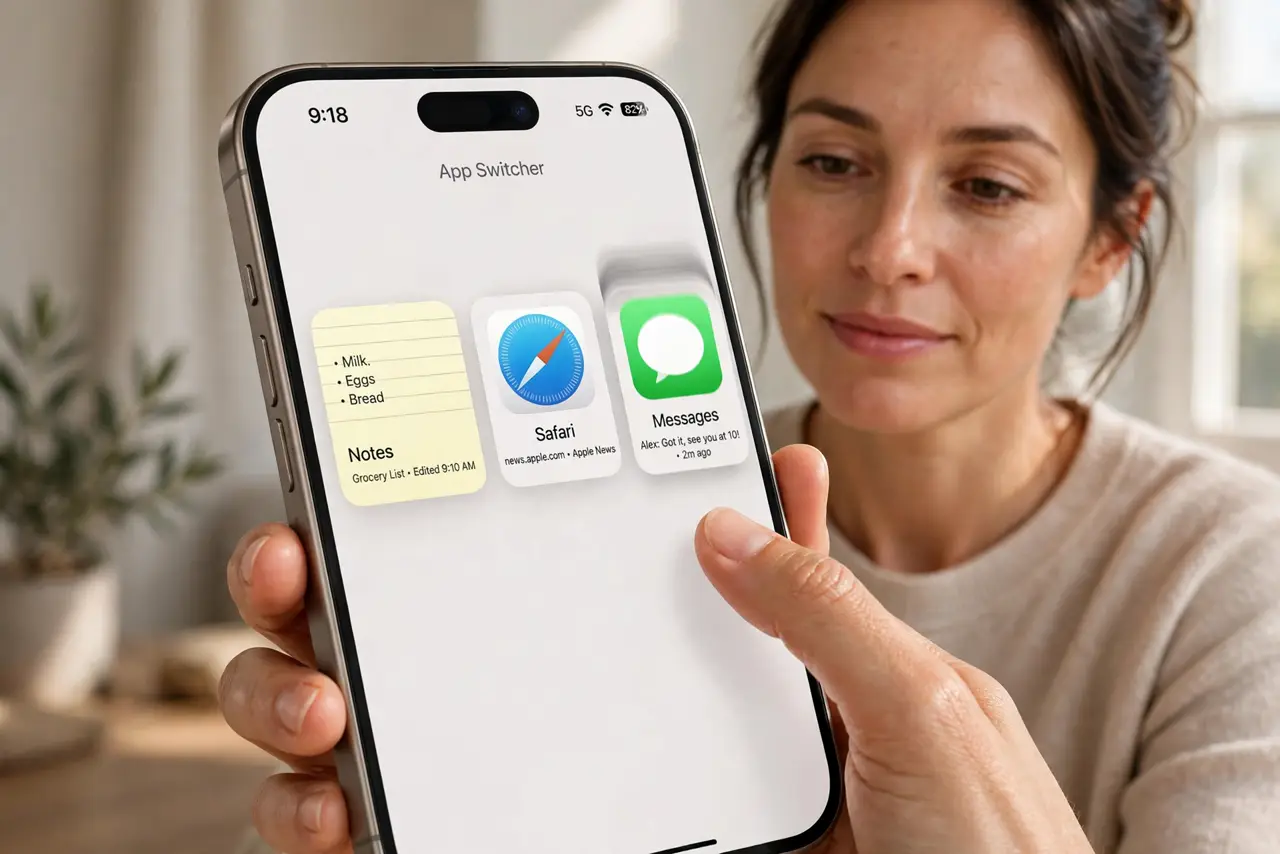
TL;DR / Quick Fix
Quick fix: uninstall the RAM cleaner app — it cannot speed up a modern phone and often hurts battery life. If the phone feels slow, restart it and check which app is actually misbehaving. Real fixes are updates, storage space, and replacing an aging battery.
Follow these steps
- Understand why cleaners cannot help. Android and iOS already manage RAM aggressively, freezing and compressing background apps. A cleaner app fights the system's own manager — and loses, wasting CPU and battery.
- Uninstall the cleaner app. Remove it and observe the phone for a day. Most people notice no slowdown — and often better battery — because the cleaner was the thing churning in the background.
- Restart instead of 'boosting.' A simple restart clears genuine memory pressure and stuck processes. It does in thirty seconds what a cleaner app pretends to do continuously.
- Find the real slowdown cause. Check battery health, free storage, and app updates. A phone with 95 percent full storage or a dying battery feels slow no matter how much RAM is 'freed.'
- Update the system and apps. Performance bugs get fixed in updates. An outdated app with a memory leak causes the exact sluggishness cleaner apps claim to cure.
- Reset as the last resort. If the phone stays slow after updates and cleanup, back up and factory-reset. A clean system beats any booster app ever made.
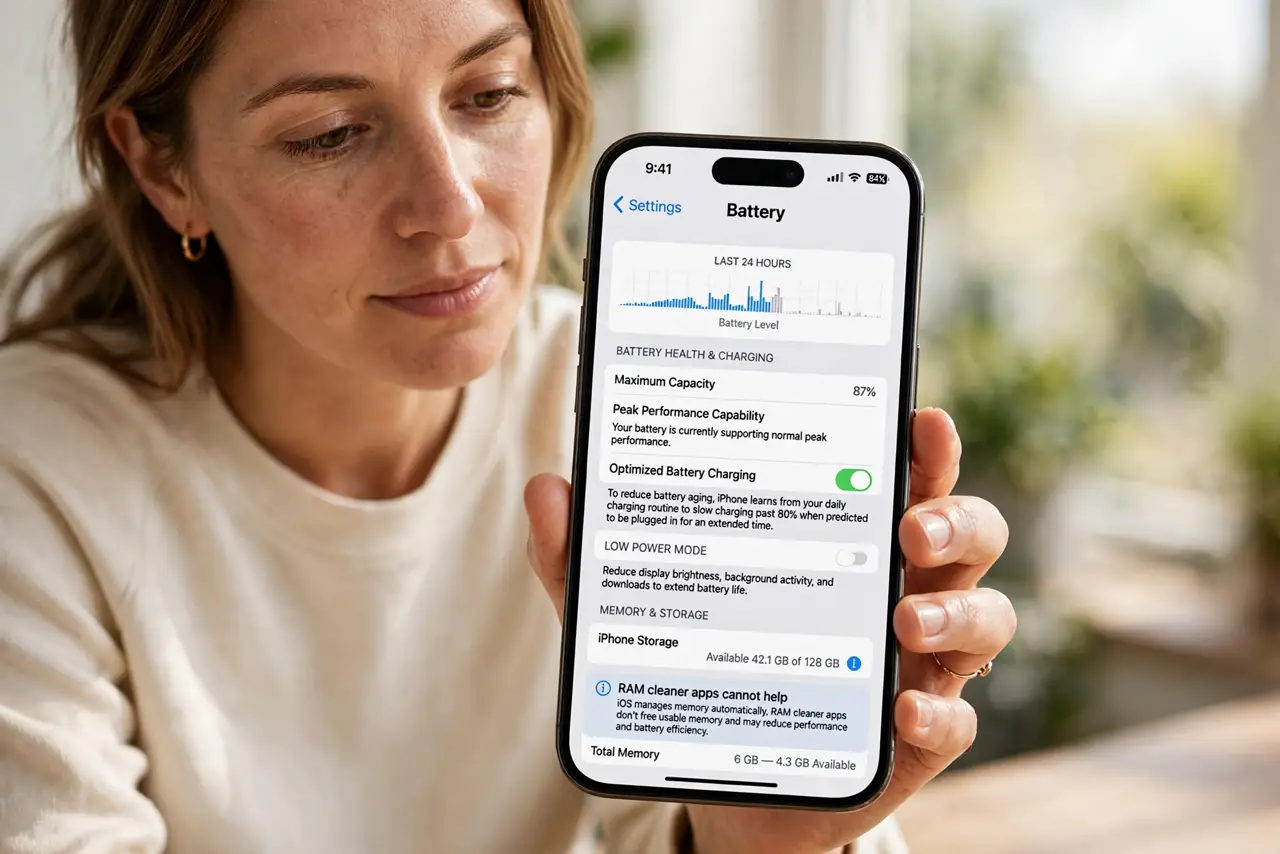
What NOT to do
- Do not pay for a RAM booster app. No app can give your phone more physical RAM, and paid boosters are the same theater with a price tag.
- Do not constantly swipe away all apps. Force-closing everything makes the phone reload apps from scratch, using more battery and feeling slower.
- Do not grant cleaner apps deep permissions. Many harvest data far beyond what a 'booster' needs — a red flag, not a feature.
- Do not expect a cleaner to fix an old phone. Slowness from an aging battery or full storage is hardware reality, not a memory problem.
Frequently asked questions
Do RAM cleaner apps actually work?
No. Modern phones manage memory themselves, and cleaner apps add overhead while fighting the system's own manager.
Why does my phone feel faster after boosting?
Placebo plus a fresh animation. Measurements show the 'boost' lasts minutes, while the app's background activity costs battery all day.
What actually speeds up a slow phone?
Freeing storage, updating software, restarting, and replacing a worn battery — the unglamorous fixes that address real causes.