Screen Unresponsive With Wet Hands? Fix It
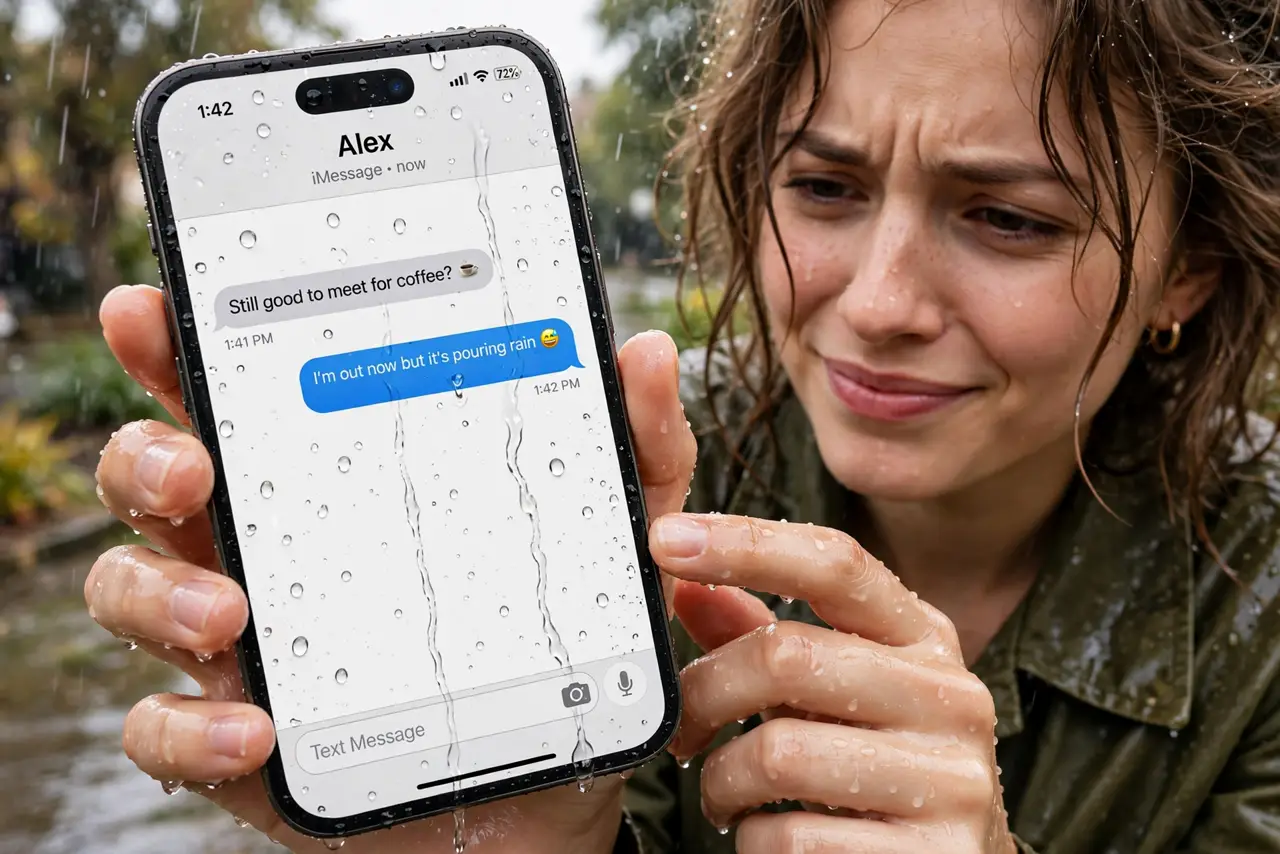
Rain, sweat, or a wet kitchen counter — and the touchscreen goes haywire: phantom taps, dead zones, scrolling on its own. Capacitive screens sense the electricity in your fingers, and water confuses that signal. The fix is drying technique plus a couple of settings, not a new phone.
TL;DR / Quick Fix
Quick fix: dry your hands and wipe the screen with a soft cloth — most wet-screen chaos vanishes instantly. If touches still misfire, enable the glove or touch-sensitivity mode under display settings. Never charge a wet phone; dry the port first. Screens that misbehave when dry have a different cause.
Follow these steps
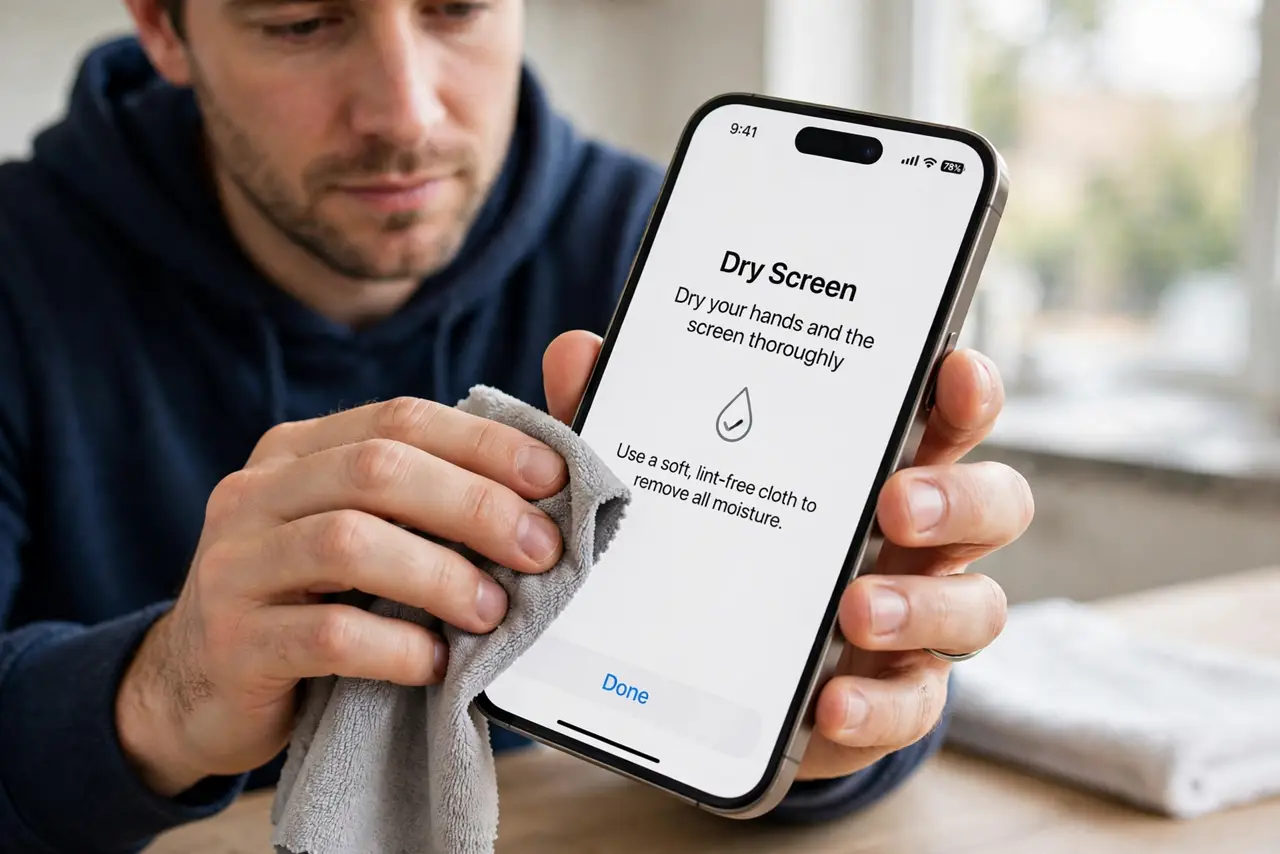
- Dry your hands and the screen. A soft cloth or your shirt fixes most cases immediately. Water bridges the capacitive field, so removing it is step one, not a setting.
- Wipe with a microfiber cloth. Paper towels can leave residue that keeps confusing the sensor. Microfiber cleans without smearing.
- Enable touch sensitivity mode. Many Androids have a glove mode or increased touch sensitivity under Settings > Display. It retunes the sensor for damp or gloved fingers.
- Dry the charging port before plugging in. Modern phones warn about moisture for a reason. Shake the phone gently, port down, and wait before charging.
- Remove the screen protector to test. A cheap protector plus water is a double layer of confusion. Peel it temporarily — if touches work, the protector was half the problem.
- Test with dry hands to isolate. If the screen still misbehaves bone-dry, the issue is not water — see taps land in the wrong spot for the dry-screen causes.
What NOT to do
- Do not use a hair dryer on high heat to dry the phone. Heat damages the battery and the screen adhesive.
- Do not put the phone in rice. Rice dust gets into ports and does almost nothing — airflow and time work better.
- Do not charge a phone that warns about moisture. That warning protects the port from shorting — respect it.
- Do not press harder when touches misfire. Force does not help a confused capacitive sensor; drying does.
Frequently asked questions
Why does water make touchscreens go crazy?
Capacitive screens detect the tiny electrical charge in your fingers. Water conducts, so droplets look like extra fingers — causing phantom taps and dead zones.
Is my phone broken if the screen fails when wet?
Almost never. This is normal physics for capacitive screens. If it works perfectly dry, the phone is fine.
Can I use my phone in the rain safely?
Briefly, yes, if it has a water-resistance rating — but the screen will still misbehave. Dry it afterward and never charge it wet.