A USB-C Cable Charges but Transfers No Data
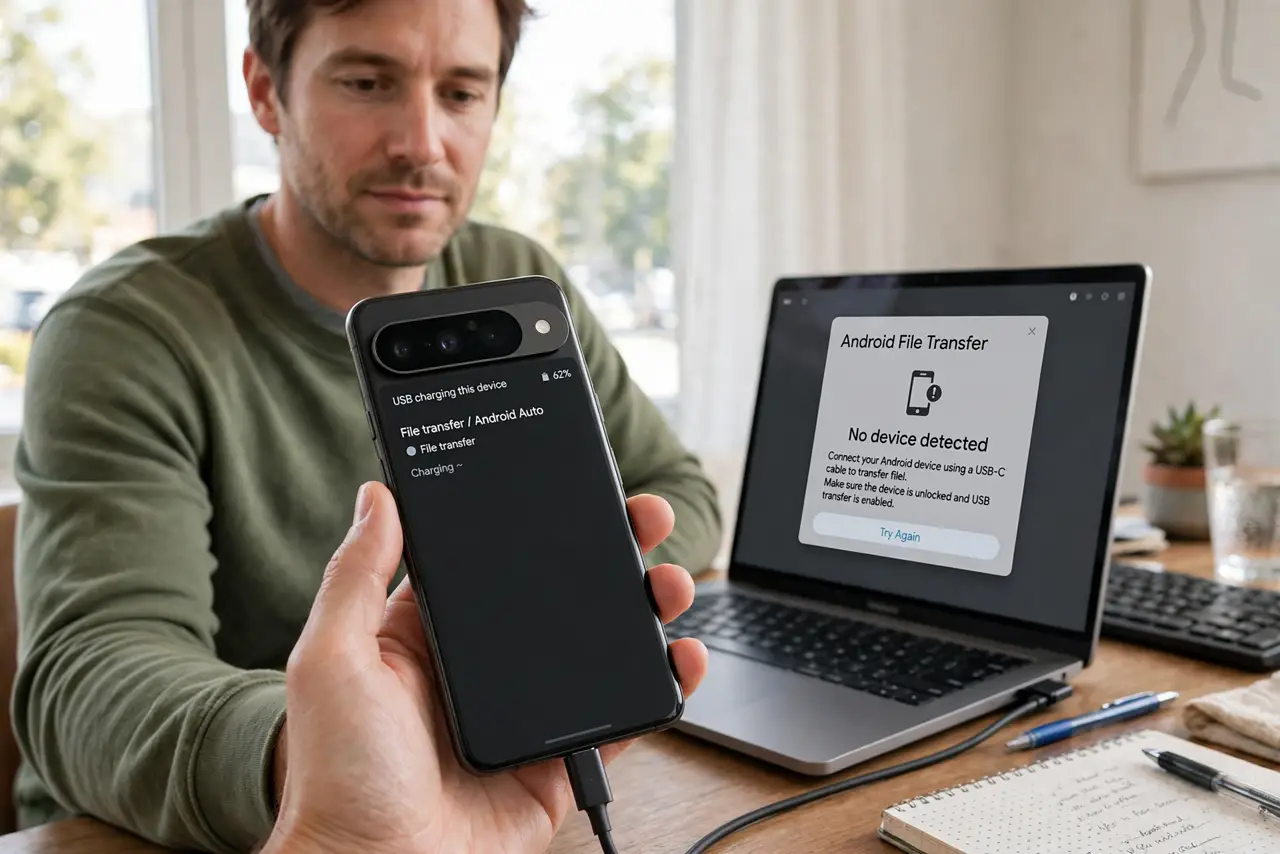
The cable charges your phone perfectly but the computer never sees it — no file transfer, no prompt. Many USB-C cables are charge-only by design, with the data wires simply missing.
TL;DR / Quick Fix
Quick fix: try a different USB-C cable — if the computer sees the phone, the old cable was charge-only. Look for cables labeled with data transfer or USB 2.0/3.x speeds. Also check the phone's USB mode is set to File transfer, not Charging only.
Follow these steps
- Swap the cable first. Borrow or buy a known data cable and retry. If the phone appears on the computer instantly, the original cable was charge-only — the most common cause by far.
- Check the cable's labeling. Charge-only cables are often thin and unmarked. Data cables usually advertise transfer speeds or a USB logo — when buying, look for those markings.
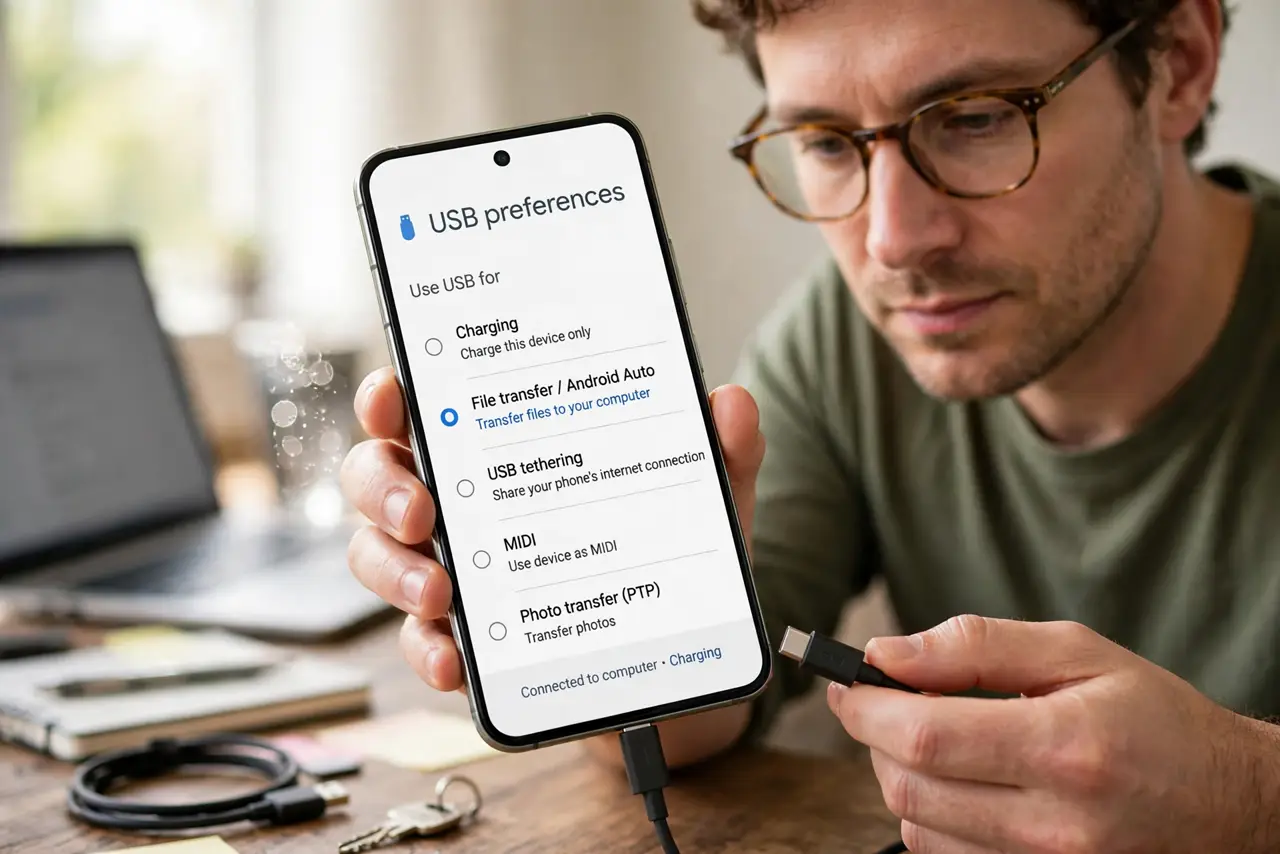
- Set the phone's USB mode. Plug in, swipe down the notification, tap the USB notification, and choose File transfer. Many phones default to Charging only for security.
- Try a different port and computer. A dead port or a driver issue mimics a bad cable. Testing another port — and ideally another computer — isolates the real culprit. If the phone charges from nothing at all, see charger plugged in but not charging.
- Clean the phone's USB-C port. Lint packed in the port can block the data pins while power pins still connect. Power off the phone and gently pick out lint with a wooden toothpick.
- Keep one good data cable labeled. Mark your proven data cable with a tag or a piece of tape. Charge-only cables are fine for nightstands; the labeled one lives with your laptop.
What NOT to do
- Do not assume the phone's port is broken. A charge-only cable explains this exact symptom perfectly, and cables are cheaper than repairs.
- Do not force the connector. USB-C fits either way, so resistance means lint or damage — forcing it bends pins and creates a real problem.
- Do not buy the cheapest cable multipack for data work. Bargain cables are the most likely to be charge-only, whatever the listing implies.
- Do not enable USB debugging to fix a cable issue. Debugging is for developers, and it will not conjure data wires a cable does not have.
Frequently asked questions
Why do charge-only cables exist?
They are cheaper to make. For a bedside charger, data wires are pointless cost, so makers leave them out.
Can a cable charge fast but carry no data?
Yes. Charging uses the power pins; data needs separate wires. A cable can be excellent at one and incapable of the other.
How do I spot a data cable in a store?
Look for stated transfer speeds — USB 2.0, 5 Gbps, 10 Gbps — or the USB trident logo. No speed claim usually means charge-only.