Pick a Mechanical Keyboard
Membrane, mechanical, optical, low-profile — keyboard shopping feels like learning a new language, and every enthusiast insists their switch is the only switch. Step back: a mechanical keyboard just means each key has its own physical switch, and picking one comes down to feel, size, and honest use-case. This guide cuts the jargon to the three decisions that matter, with switch types and hot-swap boards as deeper dives when you are ready.
TL;DR / Quick Fix
Quick fix: pick a mechanical keyboard by switch feel first — linear for smooth gaming, tactile for typing feedback, clicky only if nobody shares your room. Then choose size: full, tenkeyless, or compact. Try switches before buying; feel beats specs. A good starter board lasts a decade.
Follow these steps
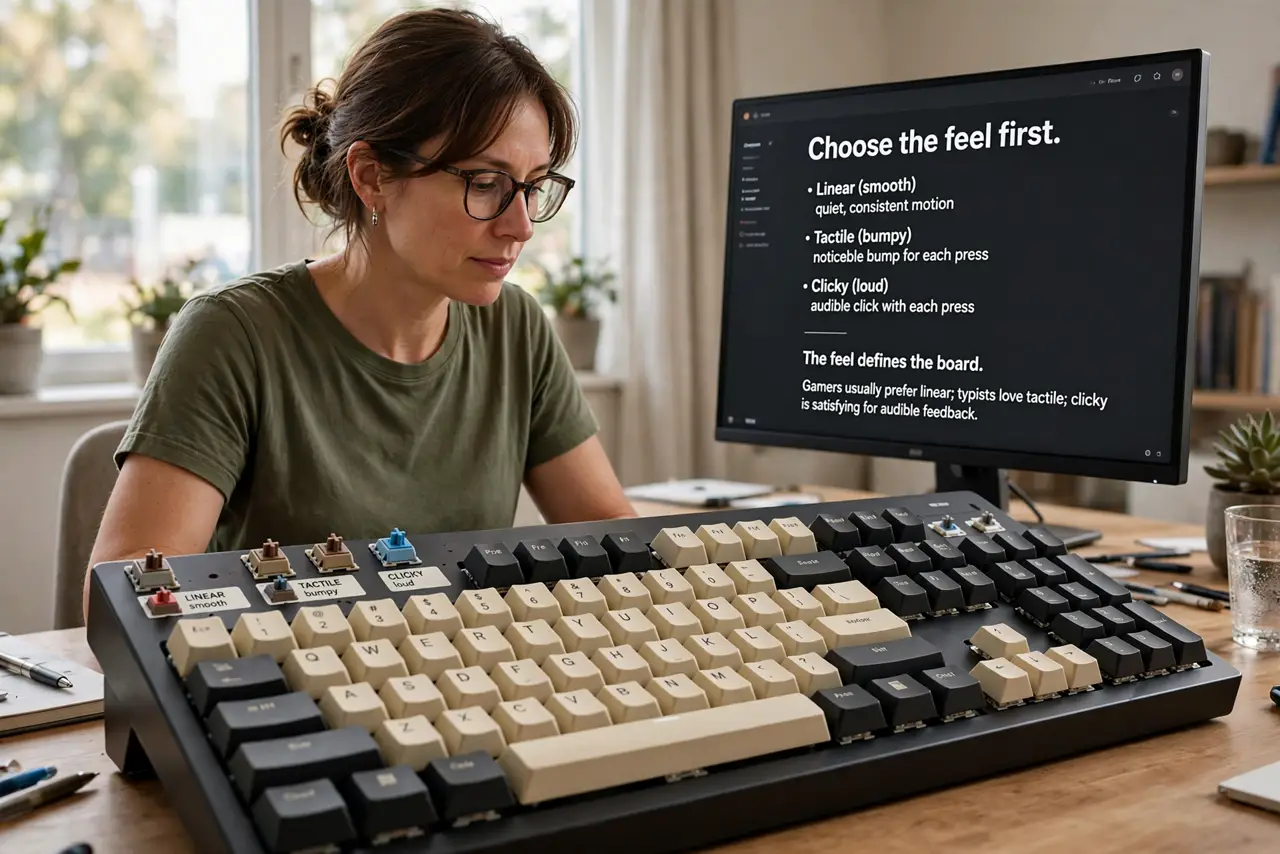
- Choose the feel first. Linear (smooth), tactile (bumpy), clicky (loud) — the feel defines the board. Gamers usually prefer linear; typists love tactile; clicky is glorious alone and a war crime in shared offices. See switch types explained for the full tour.
- Pick a size for your desk. Full-size has the numpad; tenkeyless drops it for mouse room; 75% and 60% go smaller still. Most people miss the numpad less than they fear — desk space is the real currency.
- Decide wired vs wireless. Wired is cheaper, lag-free, and never needs charging. Wireless (2.4 GHz or Bluetooth) cleans the desk but costs more and needs battery attention. For gaming, wired or 2.4 GHz — Bluetooth can lag.
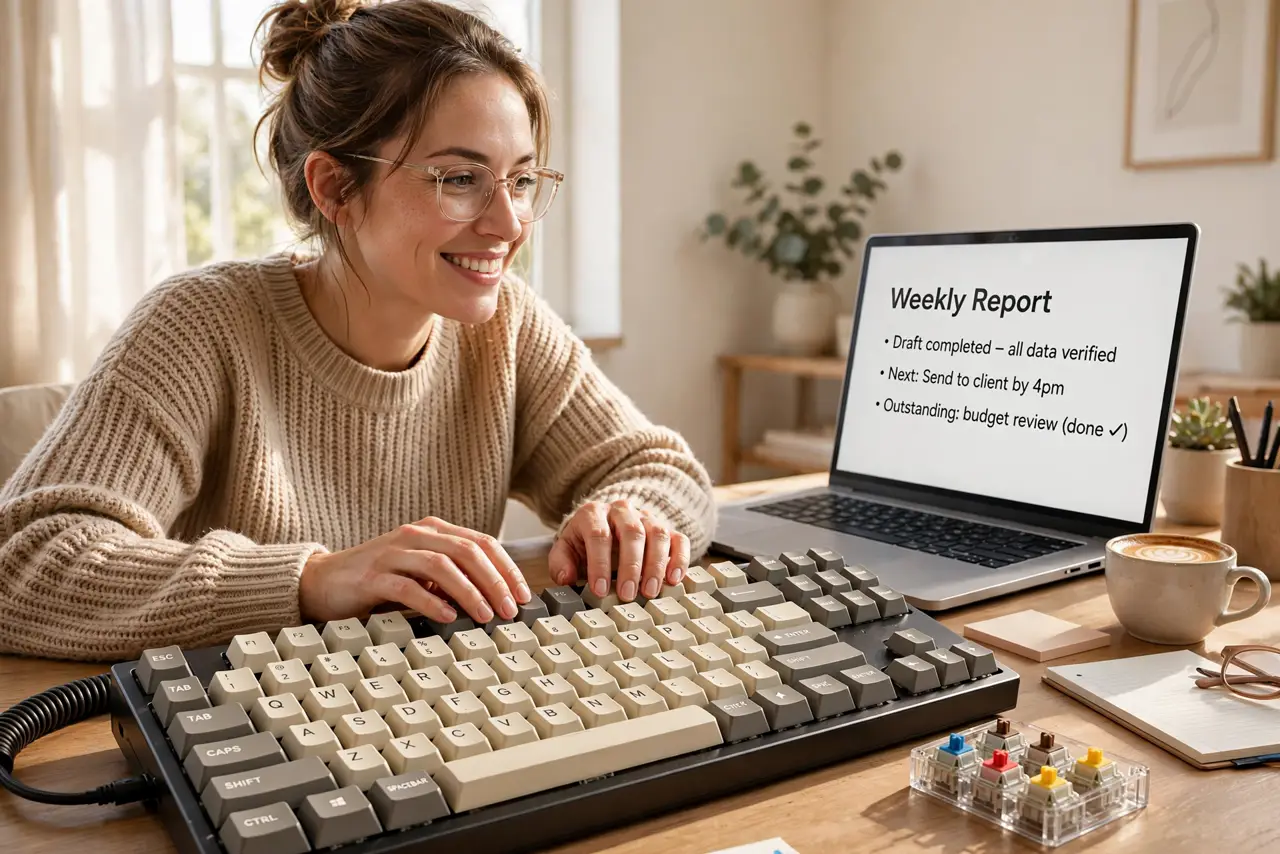
- Try before you buy. A cheap switch tester — a board of sample switches — tells your fingers more than a hundred reviews. Ten dollars of testing beats a hundred-dollar regret.
- Consider hot-swap for flexibility. A hot-swappable board lets you change switches later without soldering. For a first board, it is cheap insurance against picking the wrong feel.
- Buy from a place with returns. Keyboards are personal — a week of real typing reveals what a store demo cannot. Easy returns make the first purchase low-risk.
What NOT to do
- Do not buy clicky switches for a shared office. Your coworkers will stage an intervention — tactile gives the feedback without the noise.
- Do not choose by RGB lighting. Lights do not type — feel, size, and build quality decide; lighting is garnish.
- Do not assume expensive means better for you. A mid-range board with the right switches beats a premium board with the wrong ones.
- Do not skip the tester to save ten dollars. Switch feel is the entire purchase — guessing it from descriptions is how regret happens.
Frequently asked questions
Are mechanical keyboards actually better?
For feel and longevity, yes — individual switches outlast membranes and feel more precise. For raw speed, the difference is smaller than marketing claims.
How loud are they really?
Varies hugely by switch: silent linears are office-quiet, clickies carry through walls. The switch chooses the volume, not the 'mechanical' label.
Do I need to maintain it?
Barely: pull keycaps yearly, brush out dust, done. Switches themselves last tens of millions of presses — the board will outlive your PC.