Pick a Mouse Pad
Your mouse skips, stutters, or drifts — and the culprit is often the surface, not the mouse. A glossy desk or a worn-out pad confuses the sensor. Mouse pads are cheap, but the wrong one annoys you daily. Here is how to pick the right surface in two minutes.
TL;DR / Quick Fix
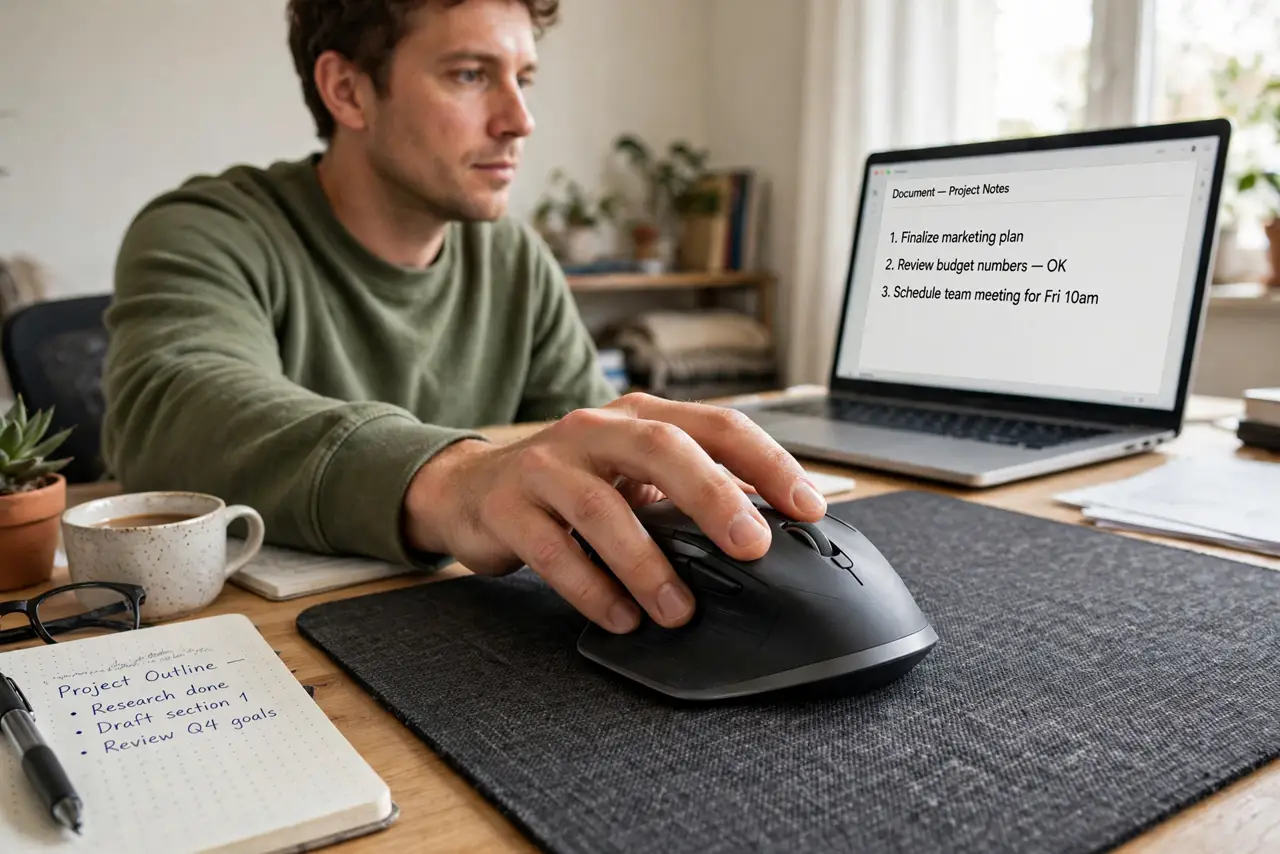
Quick fix: if your mouse skips, switch to a plain cloth mouse pad — the sensor-friendly surface fixes most tracking issues. Pick a large size so the mouse never runs off the edge, and replace pads when the surface gets shiny and worn.
Follow these steps
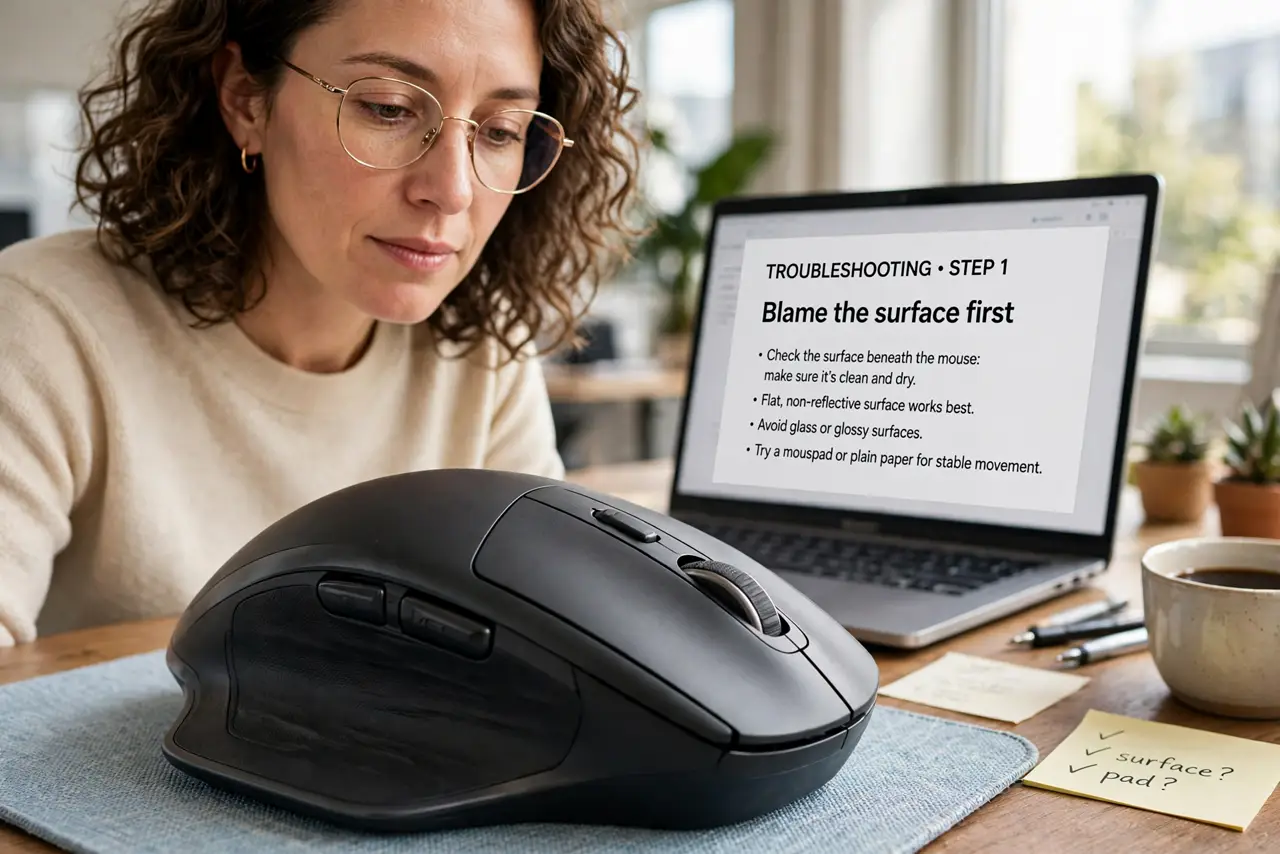
- Blame the surface first. Test the mouse on plain white paper. If it tracks fine there, the desk — not the mouse — is the problem, and a pad will fix it.
- Choose cloth for most people. Cloth pads suit the widest range of sensors and feel comfortable for long sessions. Hard pads are faster but louder and pickier about sensors.
- Go bigger than you think. A pad the mouse never runs off beats a tiny one you constantly recenter on. Desk-sized mats also protect the desk and look tidy.
- Match thickness to your wrist. Thick pads cushion the wrist; thin pads keep the mouse closer to desk height. If your wrist aches, try thicker before blaming the mouse.
- Check the base grip. A rubber base that actually grips stops the pad migrating across the desk mid-game. Smooth-bottomed cheap pads slide — read reviews on this.
- Replace worn pads. When the surface goes shiny and smooth, tracking degrades. A pad is a consumable — yearly replacement keeps the sensor happy.
What NOT to do
- Do not use a mouse on bare glass. Glass is nearly invisible to optical sensors — the classic skip culprit.
- Do not buy a tiny pad for a low-sensitivity setup. Gamers with low DPI need room to sweep.
- Do not wash a cloth pad in hot water. It warps the rubber base — lukewarm water and air-dry only.
- Do not ignore a shiny worn spot. That smooth patch is where the sensor struggles; rotate or replace the pad.
Frequently asked questions
Do I need a mouse pad with a modern mouse?
Usually yes — not for the mouse's sake, but for the desk's. Pads give consistent tracking and protect surfaces.
Cloth or hard pad for gaming?
Cloth for control, hard for speed. Most players land on a medium cloth pad as the all-rounder.
Why does my mouse still skip on a pad?
Check the sensor lens for hair and dust, try fresh batteries or a different USB port, and see cursor jumping if it persists.