Mouse Cursor Jumps Around? Fix It
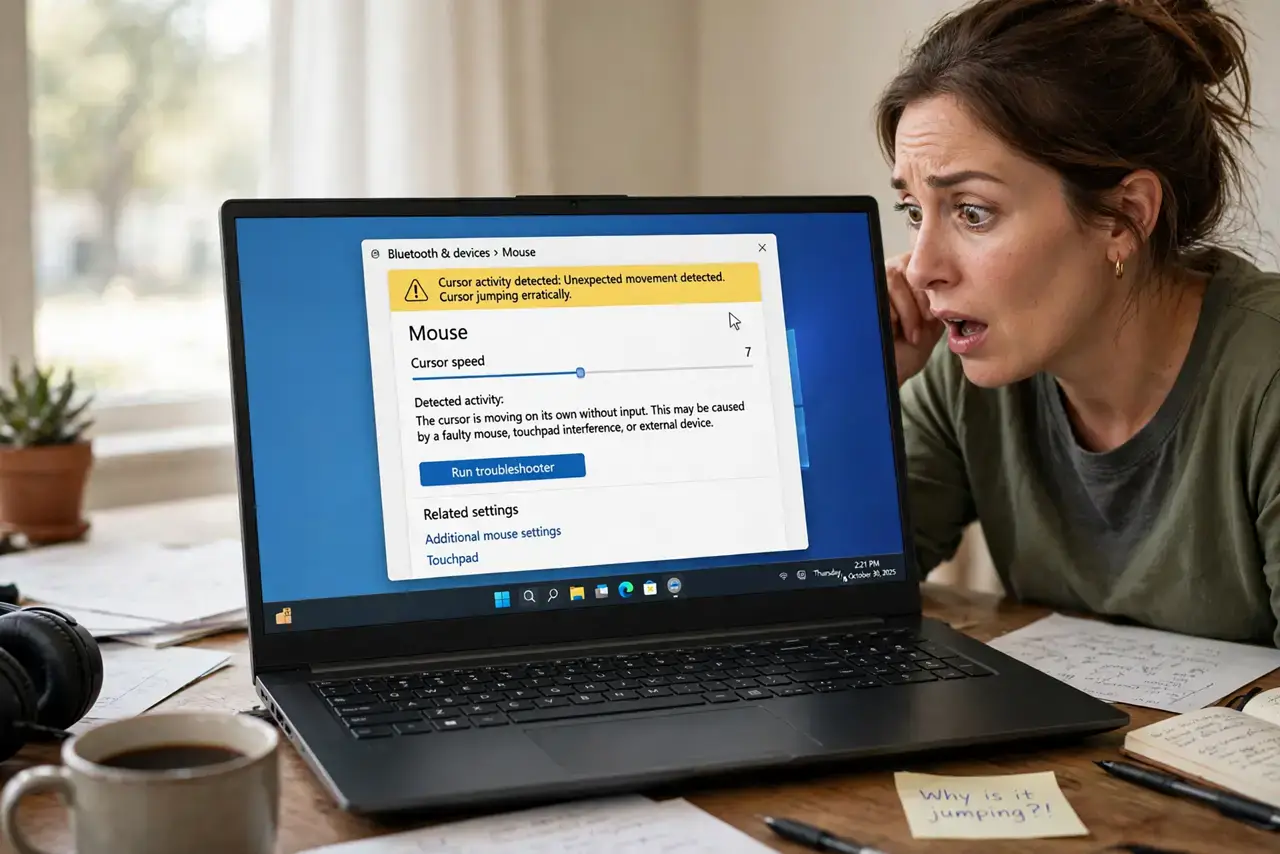
Your cursor teleports across the screen, clicks things you never aimed at, and generally behaves possessed. The cause is almost always the surface, the sensor, or an accidental touchpad input — rarely the mouse itself. This guide calms the chaos step by step, including the touchpad suspect.
TL;DR / Quick Fix
Quick fix: clean the mouse sensor with a dry cloth and switch to a plain, non-reflective mousepad — glass and glossy desks confuse optical sensors. If you use a laptop, disable the touchpad while typing or lower its sensitivity. Test with a different mouse to isolate the culprit in seconds.
Follow these steps
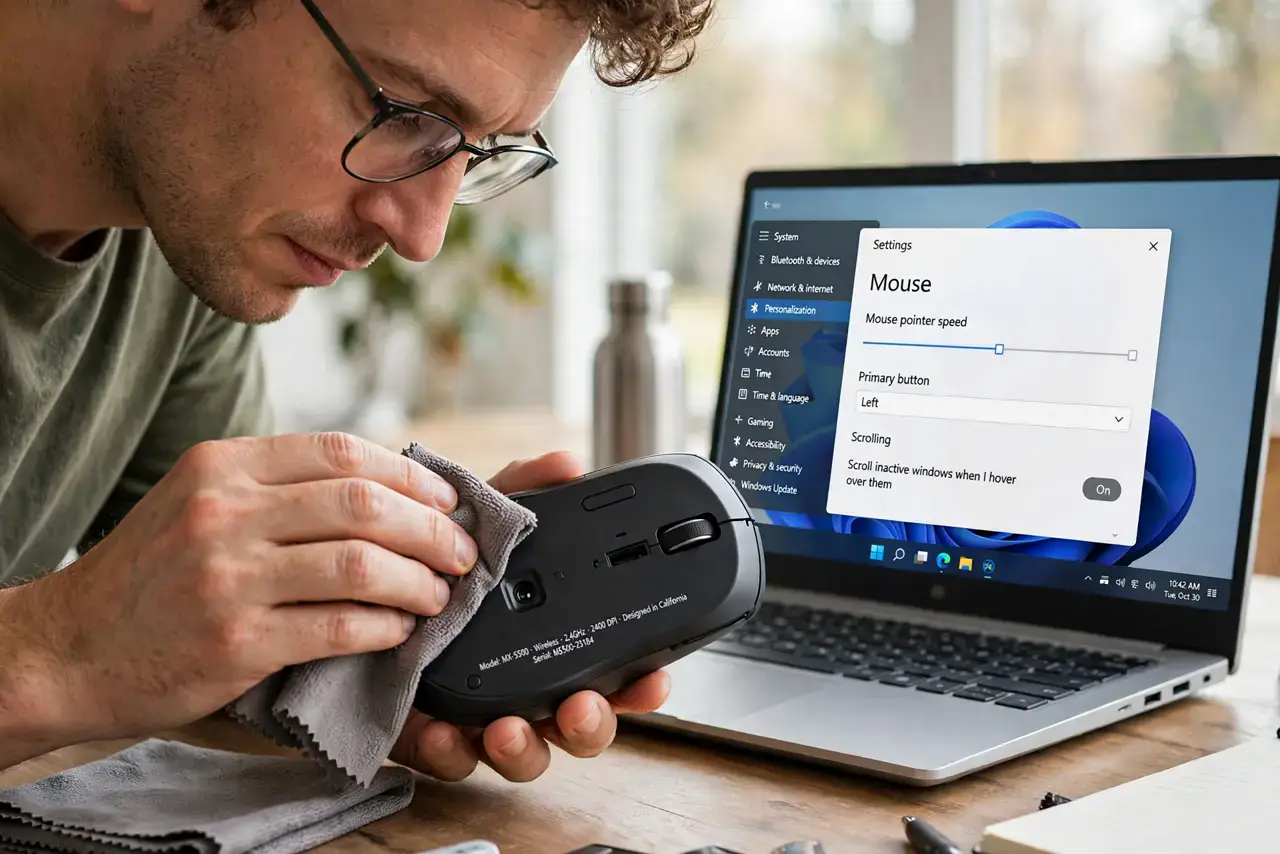
- Clean the sensor. Turn the mouse over and wipe the sensor lens with a dry microfiber cloth. A single hair or crumb across the lens causes wild jumping.
- Fix the surface. Use a matte mousepad. Glass, mirrors, and glossy wood grain confuse optical sensors; even a sheet of paper beats a reflective desk.
- Tame the touchpad. On laptops, palms brushing the touchpad fling the cursor mid-typing. Enable 'disable touchpad while typing' or lower its sensitivity.
- Check for interference. For wireless mice, move the receiver to a front port with line of sight, and replace weak batteries — the same interference story as keyboards.
- Lower the pointer speed. An overly high DPI or pointer speed amplifies every tiny sensor error into a screen-wide jump. Drop it a notch and test.
- Test a different mouse. Borrow any other mouse for two minutes. If the jumping stops, your mouse's sensor is dying; if it continues, the computer's USB or software is suspect.
What NOT to do
- Do not use the mouse on glass without a pad. Optical sensors and glass are fundamentally incompatible — no setting fixes physics.
- Do not crank sensitivity to compensate. Higher DPI magnifies sensor errors; lower it while troubleshooting, not higher.
- Do not ignore a dying battery. Weak batteries cause erratic behavior long before the mouse dies completely.
- Do not reinstall the OS for a jumping cursor. This is a sensor, surface, or touchpad problem essentially every time — not a system problem.
Frequently asked questions
Why does my cursor jump only sometimes?
Intermittent jumping points to the surface or interference — a reflective spot on the desk, or wireless congestion that comes and goes.
Can a dirty sensor really cause this?
Absolutely. The sensor takes thousands of pictures per second; one hair across the lens corrupts enough of them to teleport the cursor.
My touchpad moves the cursor while I type — help?
Enable palm rejection or 'disable while typing' in touchpad settings. It is the single most effective fix for laptop cursor jumps.