Fix Ping Spikes
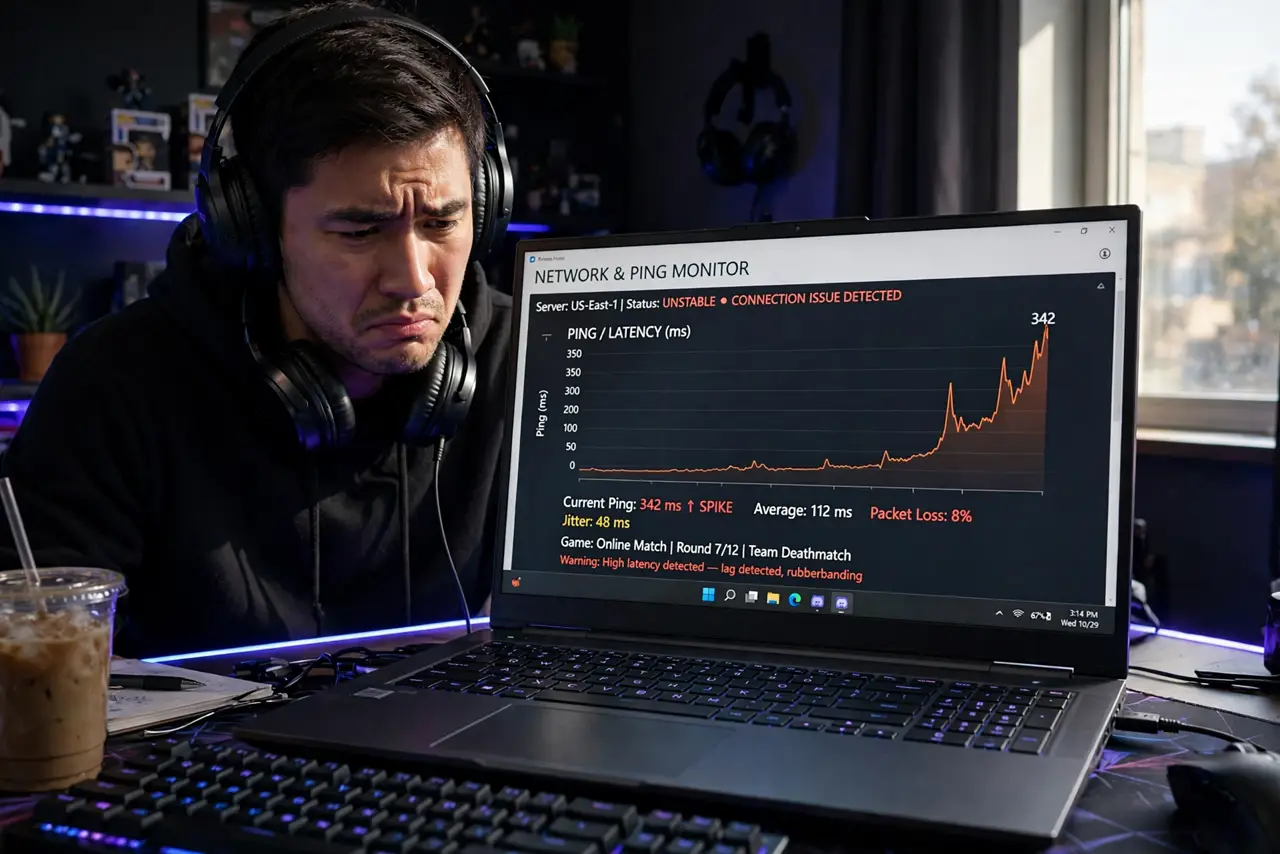
Your game runs fine, then freezes for a second, then teleports you across the map — ping spikes. Your average ping can look great while these spikes ruin everything, because games care about consistency, not averages. The causes are almost always local and fixable. Here is the hunt, in order.
TL;DR / Quick Fix
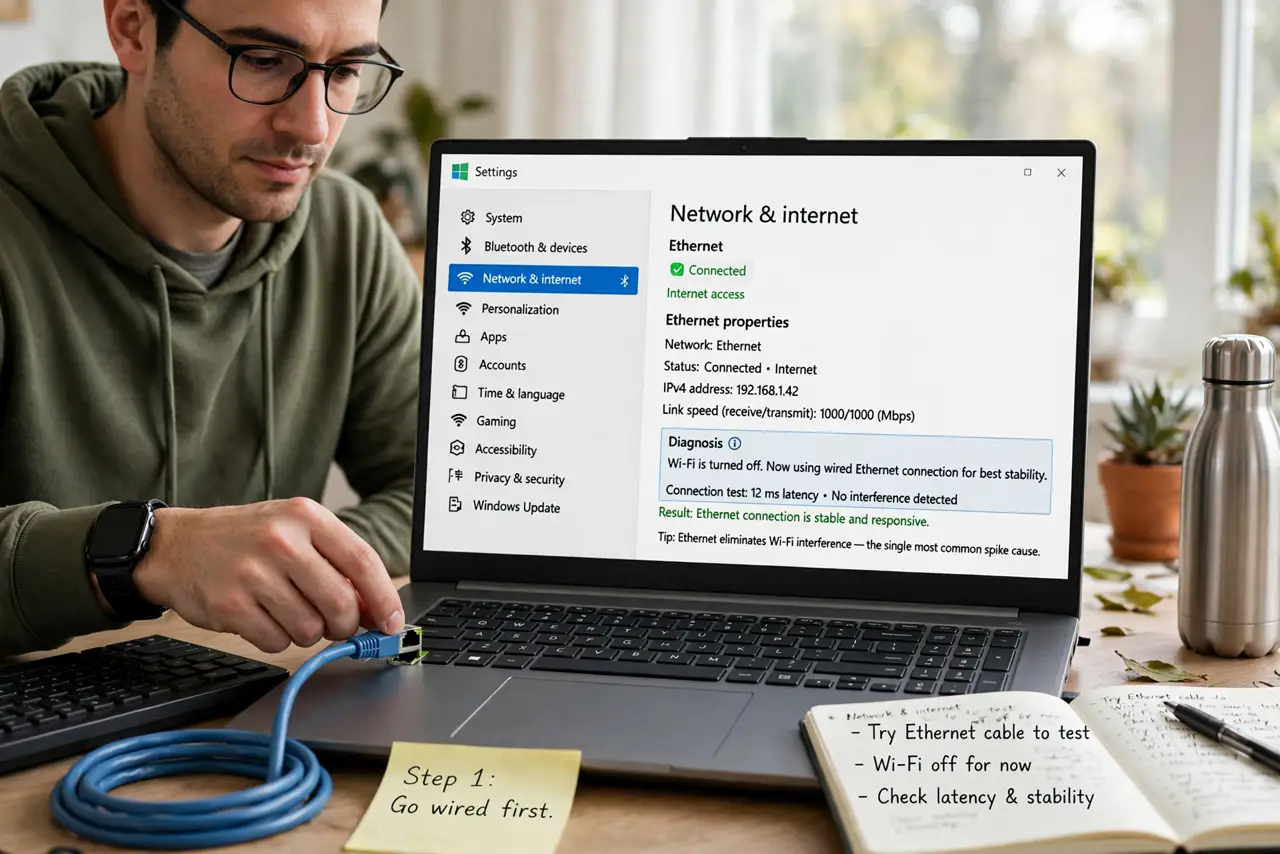
Quick fix: plug in with an ethernet cable — Wi-Fi interference is the top cause of ping spikes. Close cloud backups and streams, then restart your router. If spikes persist on wired, run a ping test and call your provider with the results.
Follow these steps
- Go wired first. An ethernet cable eliminates Wi-Fi interference — the single most common spike cause. Even a temporary cable test tells you whether the problem is Wi-Fi or the line itself.
- Kill background uploads. Cloud backups, photo syncs, and streams saturate your connection in bursts. Pause them during gaming; one backup starting mid-match explains 'random' spikes.
- Restart the router properly. Unplug it for 30 seconds, then plug back in. This clears stale states and forces a fresh connection — the oldest trick because it works.
- Measure, don't guess. Run a continuous ping test for a few minutes and watch for spikes. A clean wired test with spikes points at your provider; spikes only on Wi-Fi point at your home network.
- Check for bufferbloat. If spikes hit whenever anyone uploads anything, your router may suffer bufferbloat — latency exploding under load. Modern routers with SQM/fq_codel fix it; see latency vs speed.
- Call the provider with data. Spikes on a wired, idle connection are their problem. Report times, the ping test results, and that you're wired — it skips the script.
What NOT to do
- Do not buy a 'gaming router' as the first move. Most spikes are Wi-Fi interference or background uploads — free fixes beat new hardware.
- Do not confuse ping spikes with low FPS. Spikes are network (teleporting, rubber-banding); low frame rate is your PC. Different problems, different fixes.
- Do not run speed tests mid-diagnosis and declare victory. A fast speed test says nothing about spike consistency — only a sustained ping test shows spikes.
- Do not ignore the pattern. Spikes every evening at 8pm suggest congestion; spikes when the microwave runs suggest interference — the pattern is the diagnosis.
Frequently asked questions
My ping is fine but the game still stutters — why?
Average ping hides spikes. Run a sustained test and look at the maximum and jitter, not the average — see gaming ping spikes.
Can my neighbor's Wi-Fi cause spikes?
Yes — congested Wi-Fi channels cause interference spikes. Switching to 5 GHz or a cleaner channel often helps.
Do VPNs cause ping spikes?
They add latency and can add instability. Game without the VPN unless you need it; a VPN never improves ping.