Ping vs Speed for Gaming?
Your speed test screams 500 Mbps but your game stutters, teleports, and loses fights you should have won. Here is the secret the speed test does not tell you: gaming barely uses bandwidth — it lives and dies on ping. Understanding the difference saves you from buying a faster plan that fixes nothing.
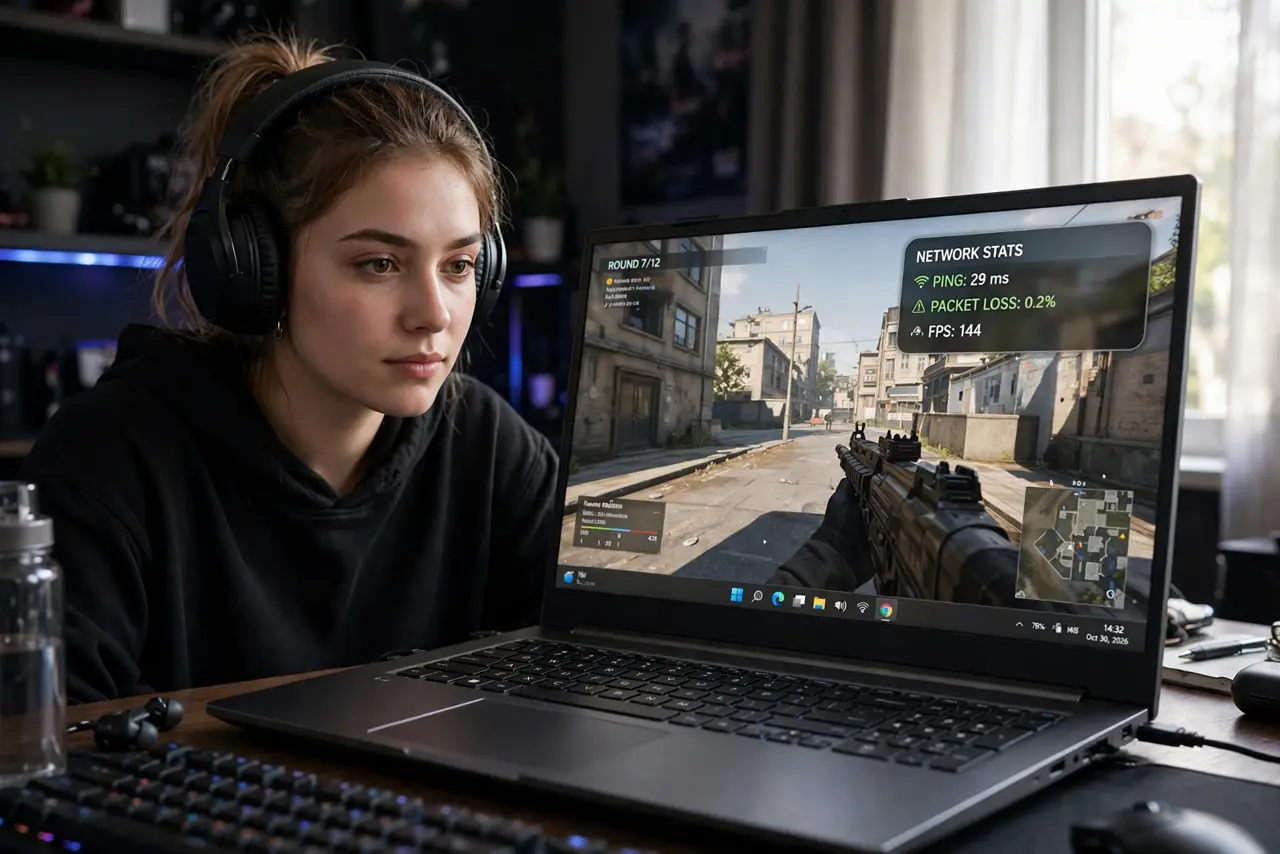
TL;DR / Quick Fix
Quick fix: for gaming, low ping beats download numbers — ping measures delay, speed measures volume. A 50 Mbps line with 20 ms ping plays far better than gigabit with 150 ms. Test ping to your game server, use a wired connection, and close background uploads before blaming your plan.
Follow these steps
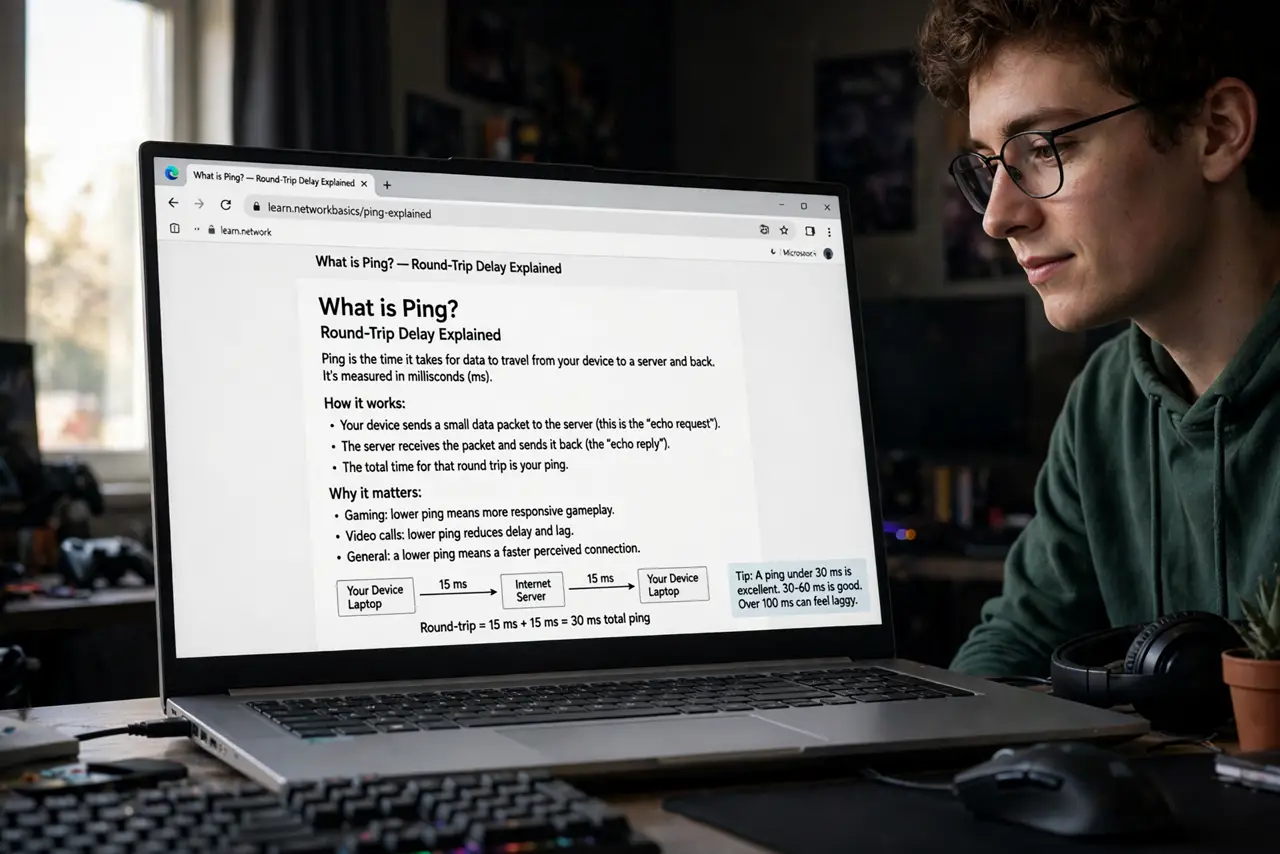
- Learn what ping actually is. Ping is round-trip delay in milliseconds — how long your input takes to reach the server and come back. Under 50 ms feels instant; over 150 ms feels broken. Run a ping test to see yours.
- Learn what speed actually is. Speed is how much data moves per second — great for downloads and 4K streams. Games send tiny packets constantly, so a huge pipe with high delay still lags.
- Test ping to your game server. Generic speed tests ping nearby servers. Your game's server may be far away — check the game's own network stats or ping its region. Distance is delay you cannot negotiate.
- Go wired. Wi-Fi adds jitter — inconsistent delay that feels worse than steady high ping. An Ethernet cable is the single biggest gaming-network upgrade, bigger than any plan change.
- Kill background uploads. Cloud backups, photo syncs, and streams uploading saturate your upstream and spike ping. Pause them during play — uploads hurt gaming far more than downloads.
- Check for packet loss too. Lost packets cause teleporting and rubber-banding even with decent ping. If you see loss, work through the packet loss guide before upgrading anything.
What NOT to do
- Do not buy a faster plan to fix lag. If ping is the problem, more megabits change nothing — test ping first.
- Do not game on Wi-Fi and blame the provider. Wireless jitter is your network's problem to fix with a cable.
- Do not ignore the server region. Playing on a distant server guarantees high ping no settings can fix — switch regions.
- Do not run speed tests as lag diagnosis. A speed test measures the wrong thing for gaming — ping and loss are the metrics that matter.
Frequently asked questions
What ping is good for gaming?
Under 50 ms is great, 50-100 ms is playable for most games, over 150 ms hurts in anything fast-paced. Consistency matters as much as the number.
Why do I lag with 500 Mbps?
Because bandwidth was never the bottleneck — delay was. Your game uses a trickle of data; it needs that trickle to arrive fast.
Does a gaming router lower ping?
Slightly, via traffic prioritization — but it cannot beat physics. Server distance and a wired connection matter far more.