Power Devices with PoE
Security cameras, Wi-Fi access points, and desk phones often sit where no power outlet exists — high on a wall, above a ceiling, out in the garage. Power over Ethernet (PoE) solves this elegantly: one network cable carries both data and electricity. Here is how it works and how to buy the right switch.
TL;DR / Quick Fix
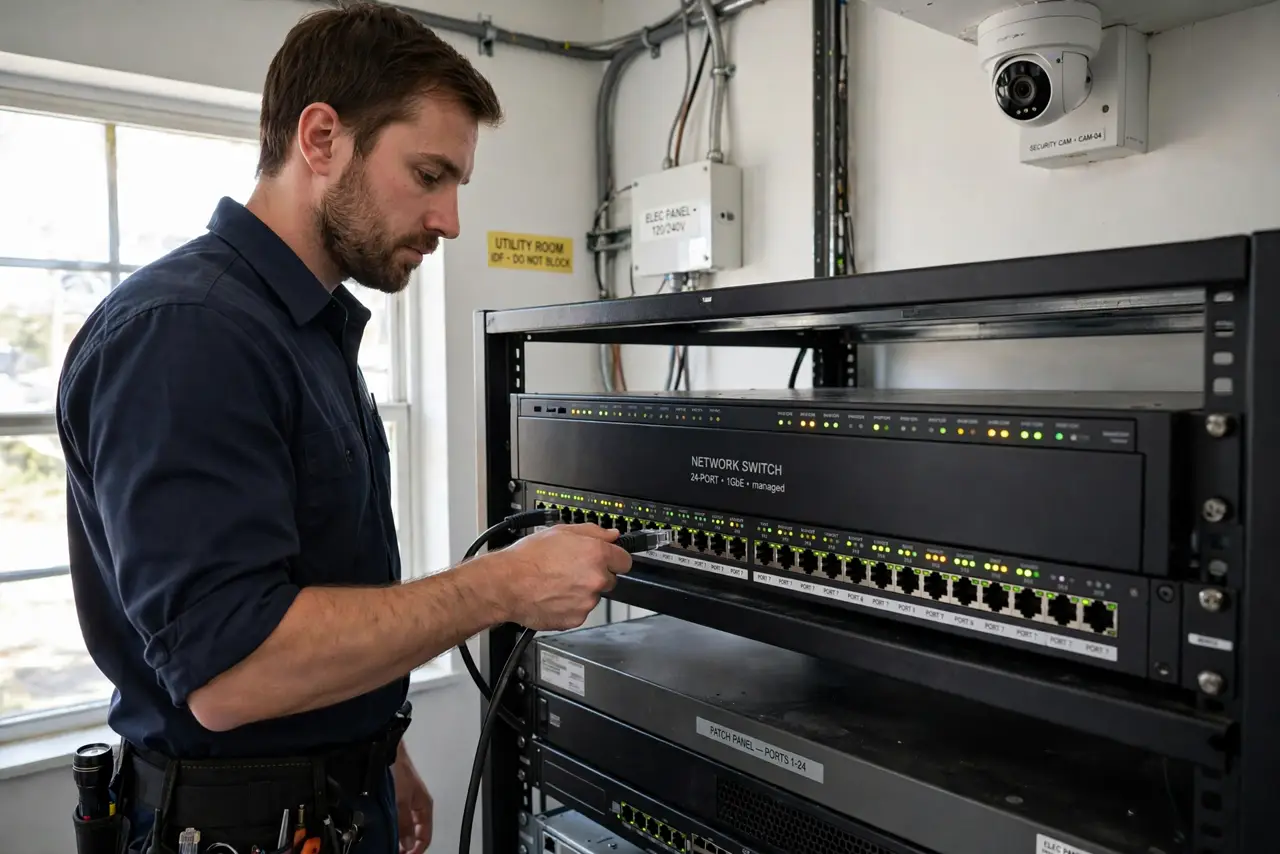
Quick fix: a PoE switch sends power and data over one Ethernet cable — ideal for cameras and access points with no outlet nearby. Confirm the device supports PoE, match the switch’s wattage budget, and use solid Ethernet cable. Power negotiates automatically; you just plug in.
Follow these steps
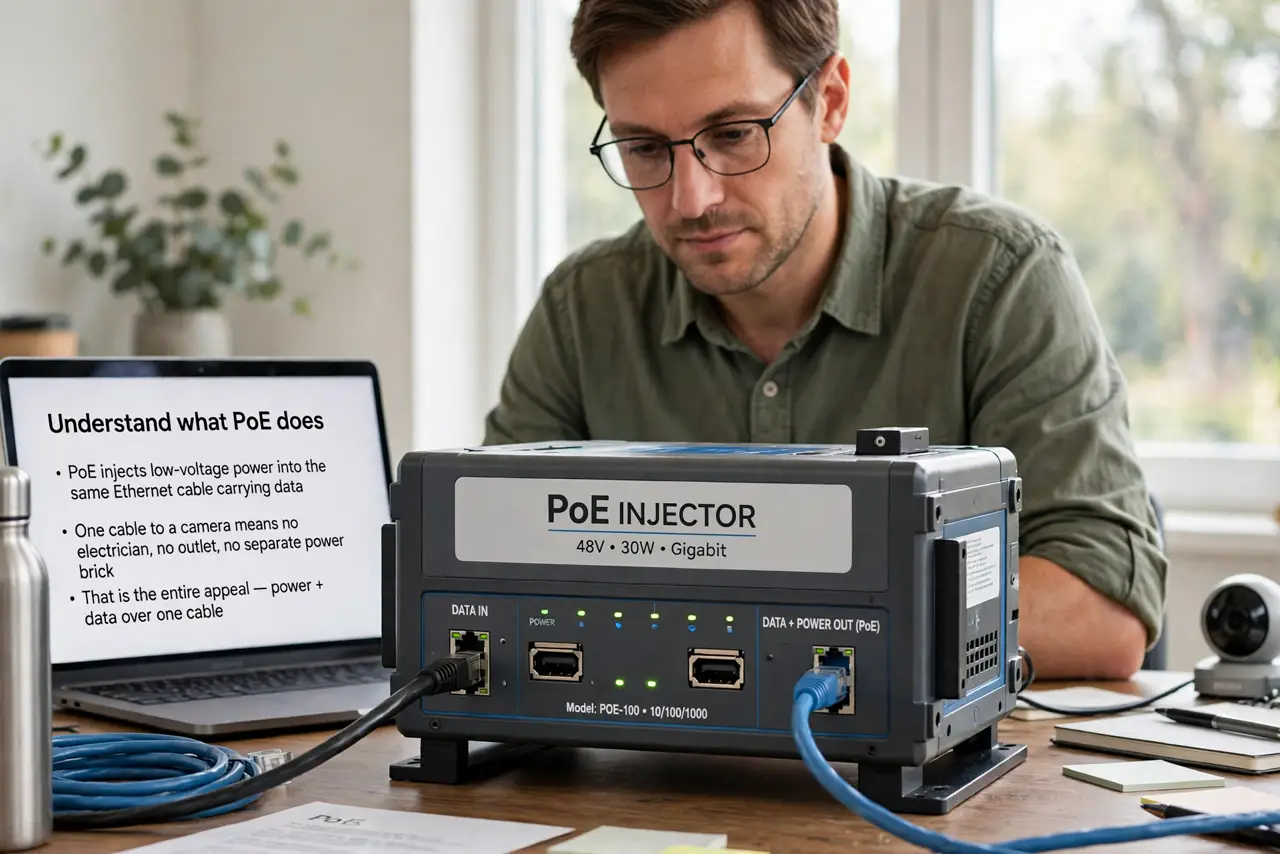
- Understand what PoE does. PoE injects low-voltage power into the same Ethernet cable carrying data. One cable to a camera means no electrician, no outlet, no separate power brick — that is the entire appeal.
- Confirm your device actually needs PoE. Check the device specs for 802.3af, 802.3at (PoE+), or 802.3bt (PoE++). Not every camera or access point supports it — some need their own power supply regardless.
- Match the power budget. Each PoE switch has a total wattage budget shared across ports. Add up what your devices draw — four 15W cameras need at least 60W plus headroom. An under-budgeted switch browns out under load.
- Use proper Ethernet cable. Solid copper Cat5e or better, within 100 meters — see cable categories if you are buying fresh. Thin, flat, or copper-clad-aluminum cable can overheat or under-deliver power.
- Plug in and let it negotiate. Connect the device and the switch agrees on power automatically — no configuration. If a device does not power up, the usual culprits are a non-PoE port or an exhausted budget.
- Know when you need managed. Basic PoE switches are plug-and-play. If you want per-port power control or monitoring, step up to managed — see managed vs unmanaged.
What NOT to do
- Do not assume every switch port provides PoE. Many ‘PoE switches’ power only some ports — check the per-port spec, not just the headline.
- Do not exceed the power budget. Too many hungry devices on a small budget causes random reboots that look like network problems.
- Do not use cheap copper-clad cable for PoE. It resists power delivery poorly and can run hot — solid copper only.
- Do not plug non-PoE devices into a PoE port fearfully — but do know passive PoE exists. Standard 802.3 PoE negotiates safely; passive PoE injectors do not, and can damage gear.
Frequently asked questions
Can PoE damage a non-PoE device?
Standard 802.3af/at/bt negotiates before sending power, so no. Passive PoE is the risky variant — never mix passive injectors with standard gear.
How far can PoE reach?
100 meters over proper Ethernet cable, same as data. Beyond that you need a mid-span extender or a local power source.
Do I need a special switch for one camera?
No — a single-port PoE injector is cheaper than a whole switch for one device. Buy the switch when you have several PoE devices.