UPnP vs Manual Forwarding?
Your game console or server needs an open port, and your router offers two ways: UPnP, which opens ports automatically when apps ask, or manual port forwarding, where you configure each rule yourself. One is effortless and slightly risky; the other is work and precise. Choosing wrong means either a broken game night or an unnecessarily exposed network.
TL;DR / Quick Fix
Quick fix: for gaming consoles and trusted games, UPnP is fine — it opens only what apps request and closes ports when they exit. For a server that must always be reachable, use manual port forwarding for precision. Turn UPnP off if you do not game or host anything.
Follow these steps
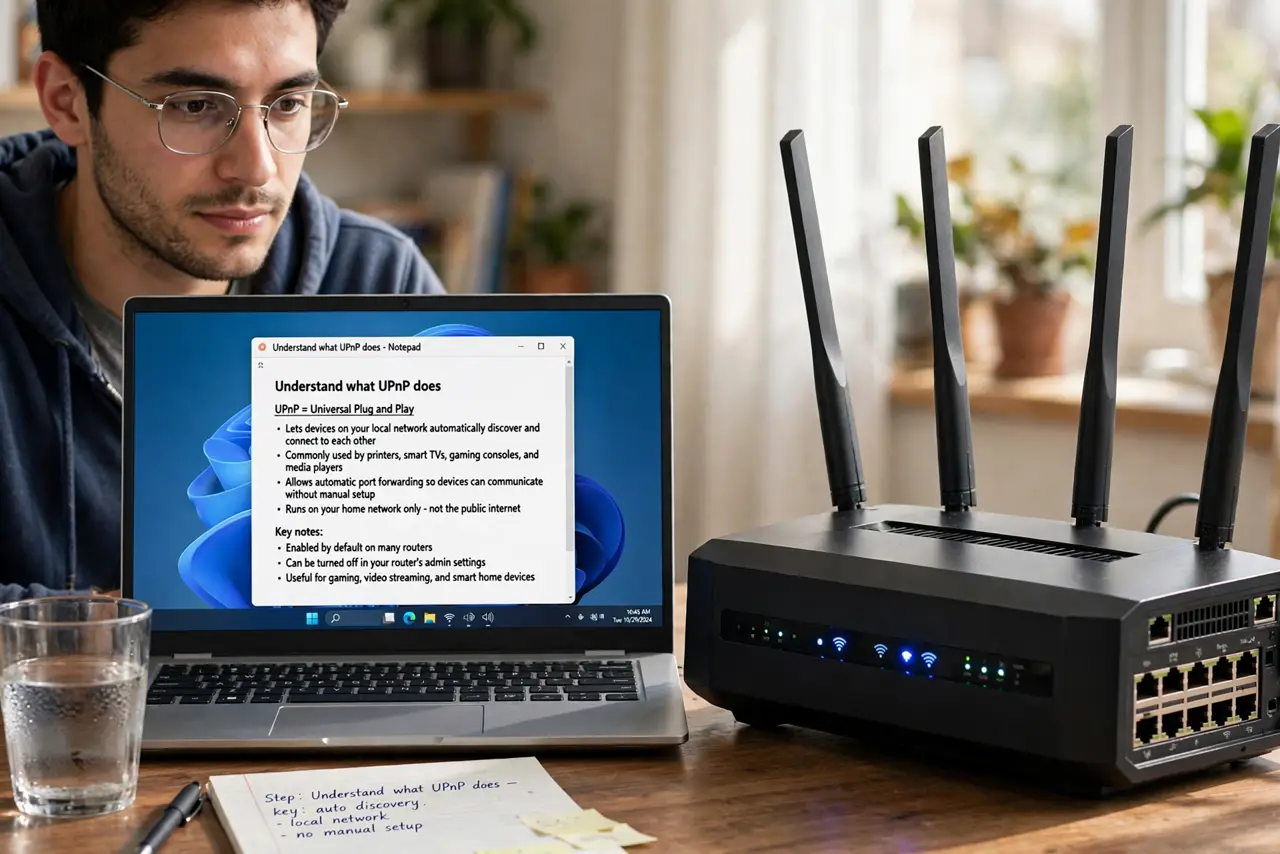
- Understand what UPnP does. Universal Plug and Play lets devices and apps on your network open router ports automatically, no configuration needed. Consoles and many games rely on it to get an open NAT.
- Understand what manual forwarding does. You create each rule yourself: this port, this protocol, this device, always. Nothing opens unless you say so — precise, permanent, and entirely under your control.
- Compare the security tradeoff honestly. UPnP's risk is that malware on your network could open ports too — the convenience has a real, if uncommon, downside. Manual forwarding has no such hole, but it takes effort and knowledge.
- Pick by use case. Gaming consoles and casual play: UPnP is the pragmatic choice. A permanent game or media server: manual forwarding wins. Neither gaming nor hosting: disable UPnP and enjoy the smaller attack surface.
- Check what is currently open. Many routers show active UPnP port mappings on a status page. Glance at it — if you see ports opened by apps you do not recognize, investigate before assuming the worst.
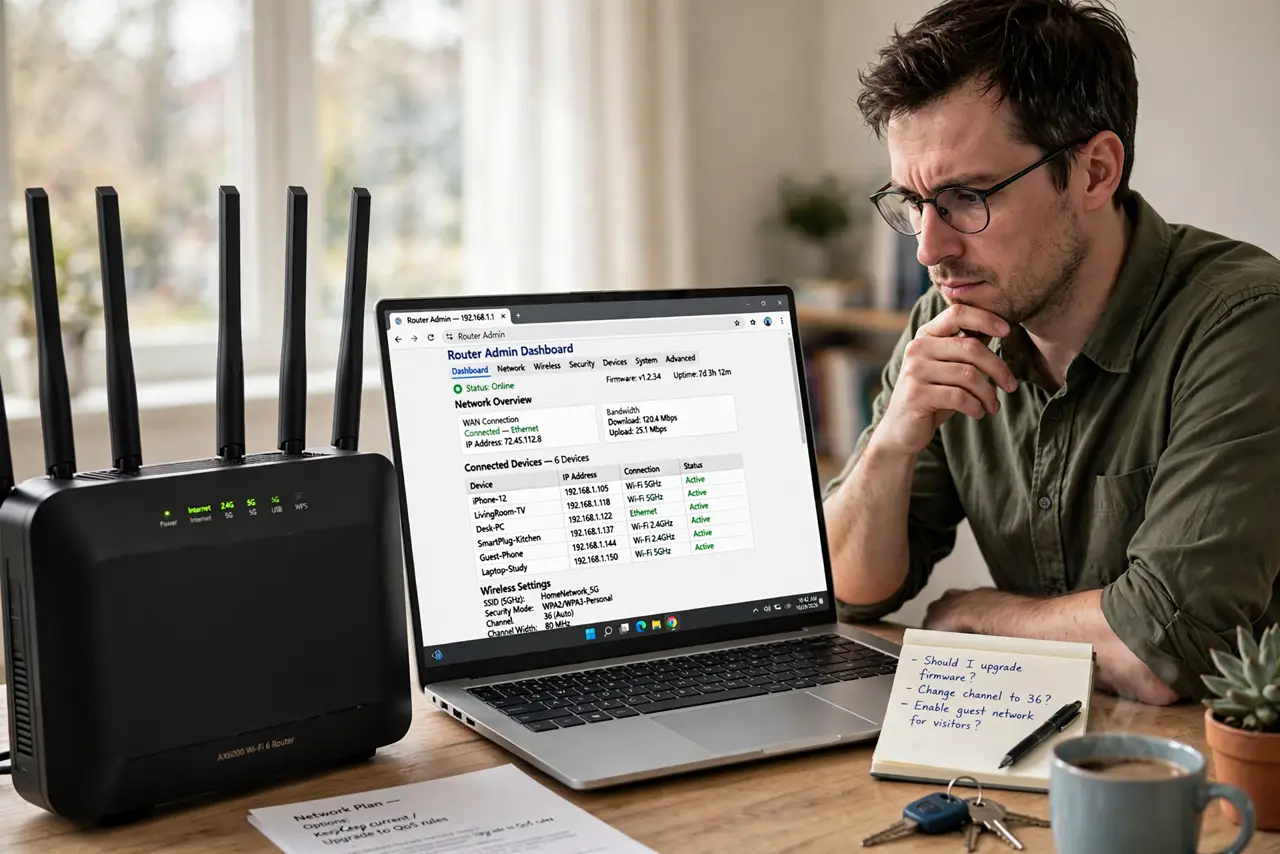
- Know the CGNAT exception. If your provider uses carrier-grade NAT, neither method works for inbound connections — the blockage is upstream of your router. Confirm this before troubleshooting your own settings.
What NOT to do
- Do not enable UPnP and forget it exists. If you stop gaming, turn it back off — an open-by-request router you no longer need is pure risk.
- Do not run both for the same port. A manual rule plus UPnP fighting over one port creates flaky, hard-to-diagnose behavior.
- Do not forward the DMZ as a lazy alternative. Exposing a whole device because port rules felt tedious is the worst of both worlds — see what DMZ really does.
- Do not assume UPnP is instant. Some routers apply UPnP requests slowly — if a game still shows strict NAT, give it a minute or restart the game.
Frequently asked questions
Is UPnP safe to leave on?
For typical home use with trusted devices, yes — the practical risk is low. The cautious move is enabling it only while you need it.
Why do guides disagree about UPnP?
Because the tradeoff is genuine: convenience versus a theoretical attack path. Your use case decides which side wins.
Can I use manual forwarding for a console?
Yes — forward the console maker's documented ports to the console's reserved IP. It is more work than UPnP but fully deterministic.