Power Bank Charges Slowly? Check This
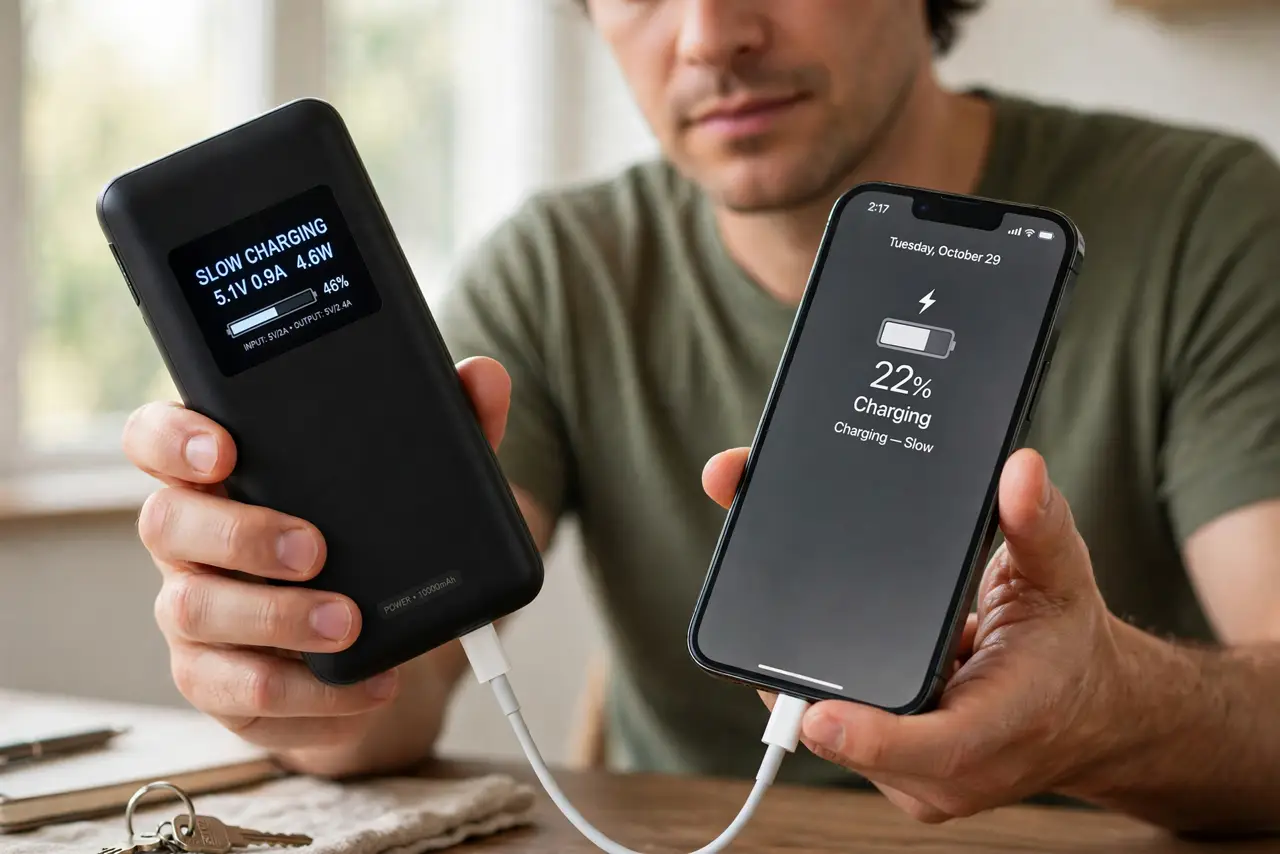
Your power bank takes forever to charge your phone — or takes forever to recharge itself. Slow charging in either direction usually comes down to the cable, the port, or mismatched fast-charge protocols. This guide speeds both directions up.
TL;DR / Quick Fix
Quick fix: use the bank's fastest port with a good cable, and make sure both devices agree on a fast-charge protocol. Charge the bank itself with a wall brick, not a laptop USB port. If one direction is slow, that side's cable or port is the bottleneck.
Follow these steps
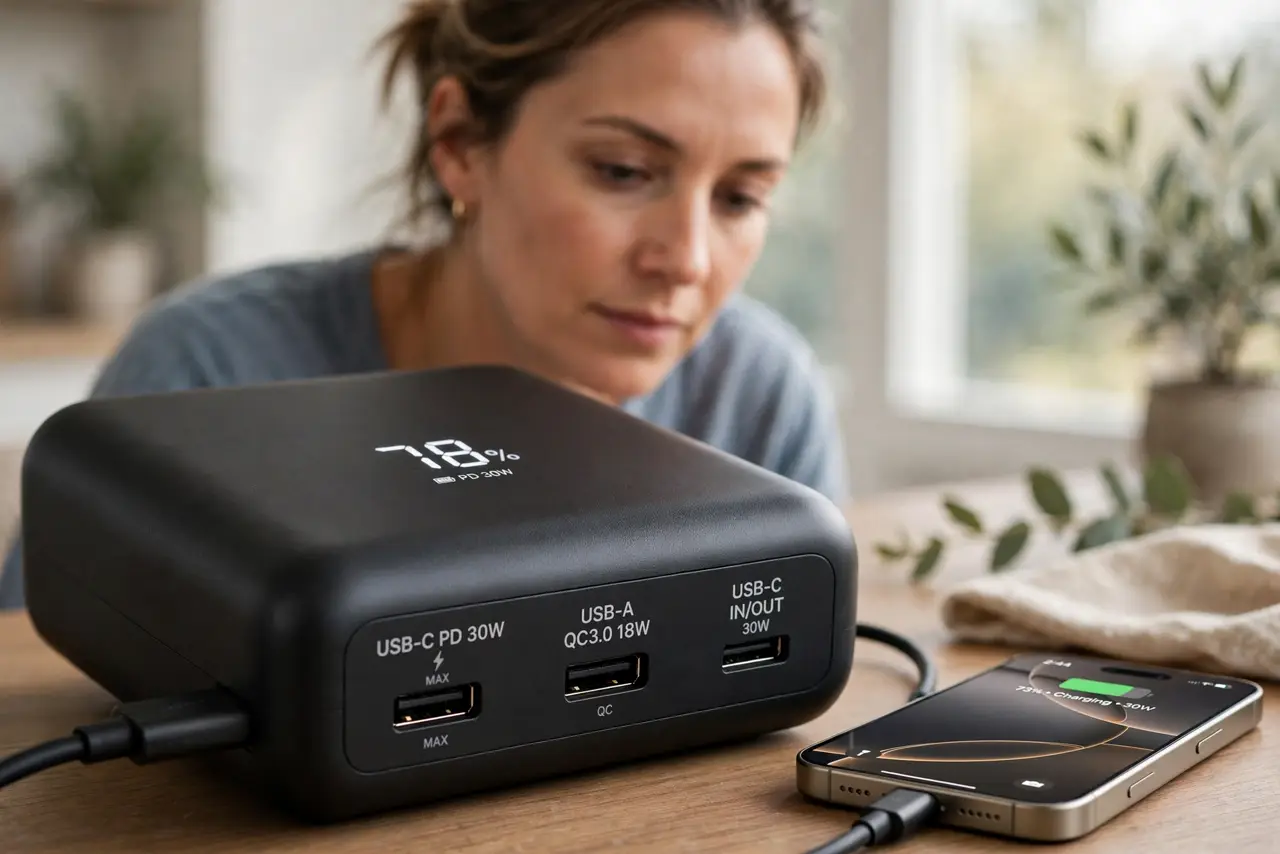
- Use the bank's fastest port. Banks often have one fast port and one slow legacy port. Check the labels — the slow port exists for low-power gadgets, not your phone.
- Match the fast-charge protocol. Phone and bank must speak the same fast-charging language — PD, Quick Charge, or the vendor's own. Mismatched protocols fall back to slow trickle charging.
- Upgrade the cable. Use a short, quality cable rated for the current. A thin freebie cable is the most common slowdown — the same story as phone chargers.
- Recharge the bank from the wall. Refill the bank with a proper wall brick, not a computer's USB port. A bank filled slowly starts every trip half-crippled.
- Check the bank's remaining capacity. A nearly empty bank may throttle its output. Top it up and retest before judging its speed.
- Cool it down. Heat throttles charging speed. Charge the bank and phone in the open air, not in a bag or under a pillow.
What NOT to do
- Do not judge speed from a nearly full battery. Charging slows deliberately near 100 percent — test speed between 20 and 80 percent.
- Do not use the bank while it charges itself. Pass-through charging is slow and heats the bank; charge one direction at a time.
- Do not ignore a bank that never fills. A bank stuck at the same percentage for hours has a failing cell — retire it.
- Do not buy a new bank before testing the cable. Cables cause more slow-charging complaints than banks do.
Frequently asked questions
Why is my power bank charging so slowly?
Usually the cable, the wrong port, or mismatched fast-charge protocols. The bank itself is rarely the slowest link.
How long should a power bank take to charge a phone?
With matched fast charging, roughly an hour or two for a full phone charge. All-day charging means something is throttling.
Can I fast-charge from any power bank port?
No — use the labeled fast port. Legacy ports are intentionally slow for small devices.