Power Bank Won't Charge Your Laptop? Why
Your power bank charges your phone fine but the laptop ignores it completely. Laptops need far more power — and the right delivery protocol — than phones. This guide checks whether your bank can ever charge the laptop, or if it was never capable.
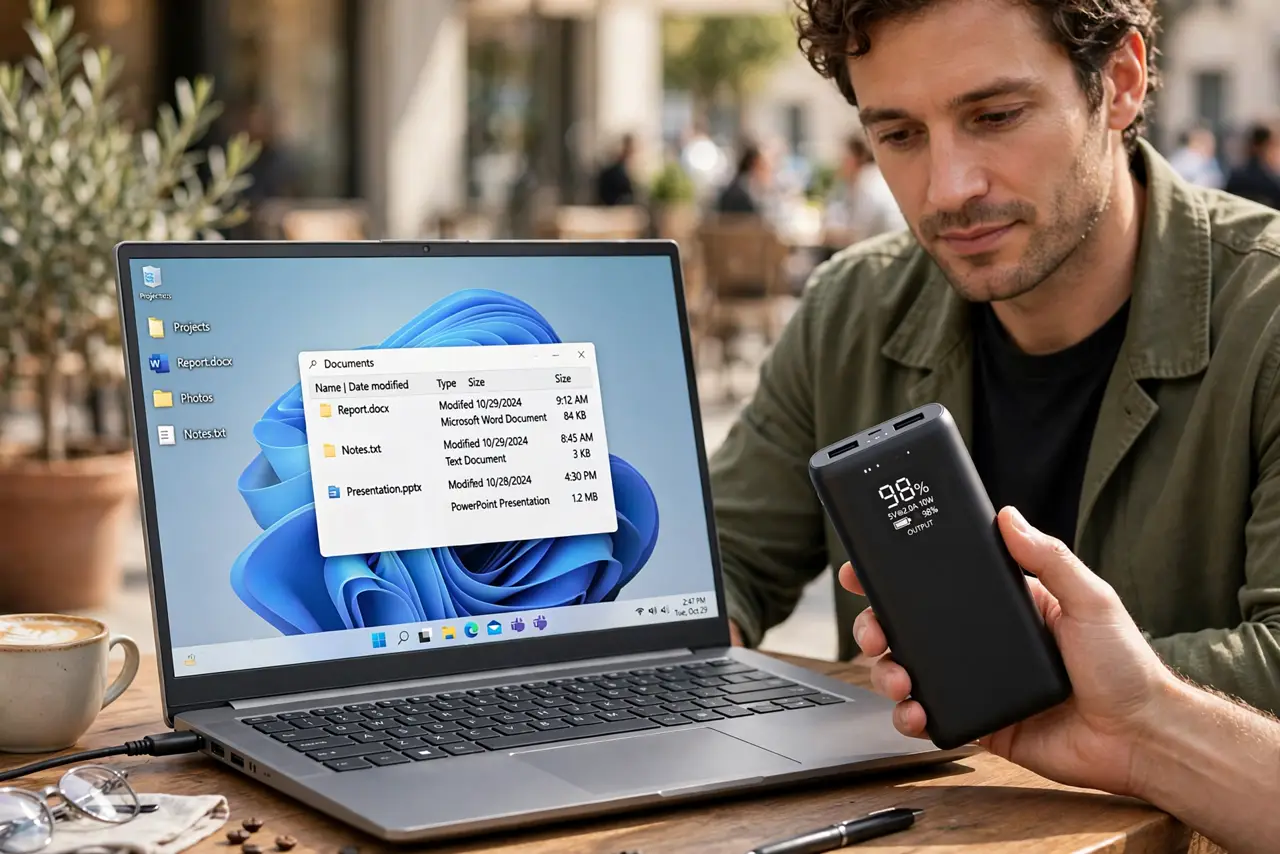
TL;DR / Quick Fix
Quick fix: check that the power bank supports USB-C Power Delivery at your laptop's wattage — most phone banks do not. Use a proper USB-C to USB-C cable, not a charge-only cable. If the bank's output is below what the laptop demands, it will never charge it.
Follow these steps
- Read the bank's output specs. Check the power bank's labeled wattage and whether it lists USB-C PD. A 10,000 mAh bank with 18W output cannot feed a laptop asking for 45W or 65W.
- Confirm the laptop charges over USB-C. Not all laptops accept USB-C charging — some need their barrel plug. Check the manual before blaming the bank.
- Use a real USB-C to USB-C cable. Use a cable rated for the wattage, ideally the one that came with the bank or laptop. Thin charge-only cables cannot carry laptop power — the same wattage math problem as hubs.
- Plug into the bank's right port. Use the USB-C PD port, not the USB-A port. The USB-A port on most banks tops out far below laptop needs.
- Charge the bank fully first. A half-empty bank may refuse high-wattage output to protect itself. Top it up, then try the laptop again.
- Accept the verdict if specs fall short. If the bank simply lacks the wattage, no setting changes physics. You need a laptop-rated bank — typically 45W PD minimum.
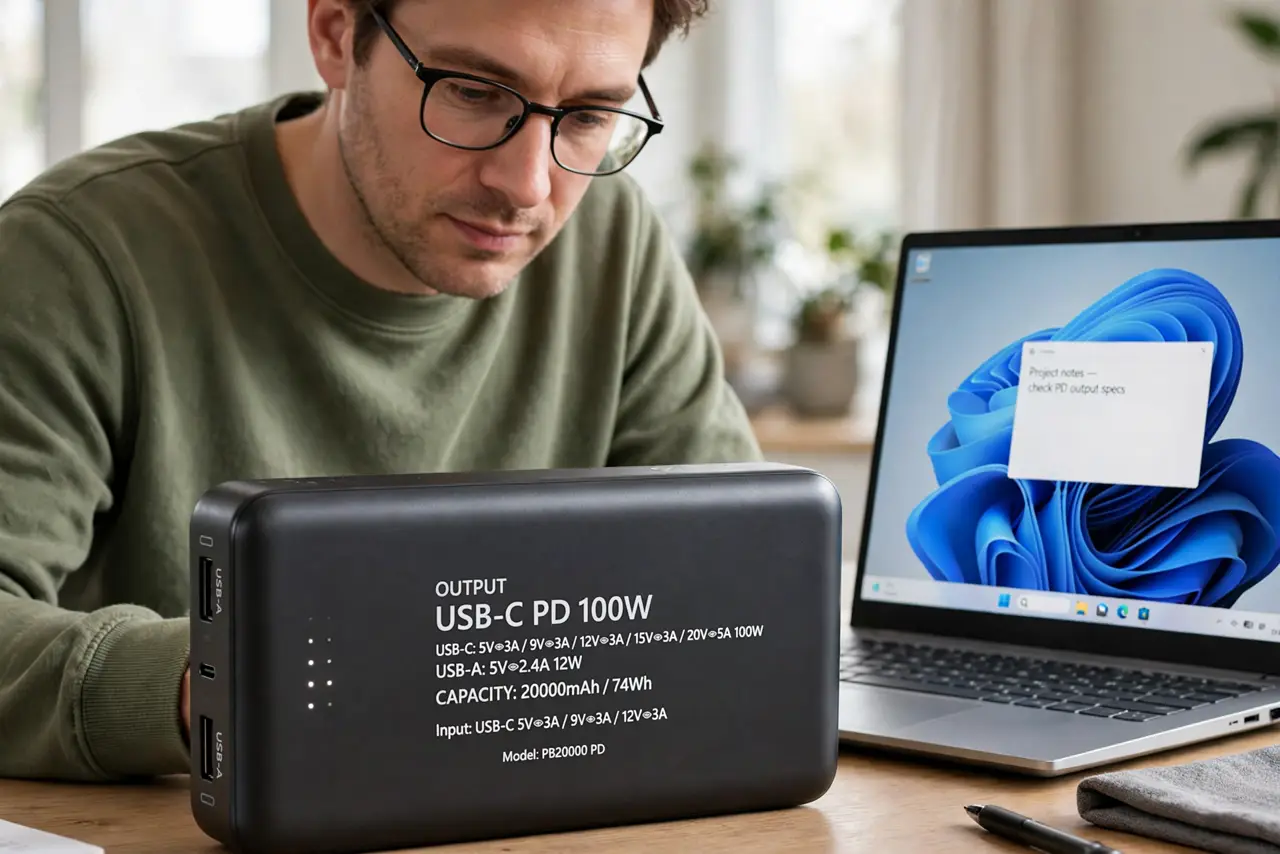
What NOT to do
- Do not buy a bigger bank without checking wattage. Capacity in mAh means runtime; wattage means whether the laptop charges at all.
- Do not use a USB-A to USB-C cable for laptop charging. USB-A ports rarely deliver the power delivery negotiation laptops require.
- Do not leave a struggling bank connected for hours hoping. If the laptop rejects it in the first minute, it will reject it all day.
- Do not ignore heat. A bank getting very hot while failing to charge is stressed — unplug it and reassess.
Frequently asked questions
Can any power bank charge a laptop?
No. The bank must support USB-C Power Delivery at the laptop's required wattage — typically 45W or more.
Why does my laptop say 'plugged in, not charging'?
The bank delivers some power but below the laptop's threshold. The laptop sees power it cannot use.
Does mAh tell me if it charges a laptop?
No — mAh is capacity, not power. A huge mAh bank at 18W still cannot charge a 65W laptop.