Powered vs Passive Hubs?
Your external drive, webcam, and audio interface all hang off one USB hub — and they randomly disconnect, stutter, or refuse to power on. The hub is probably starving them: a passive hub splits one port's power among everything, while a powered hub brings its own power supply. For anything beyond a mouse and keyboard, that difference is the whole story.
TL;DR / Quick Fix
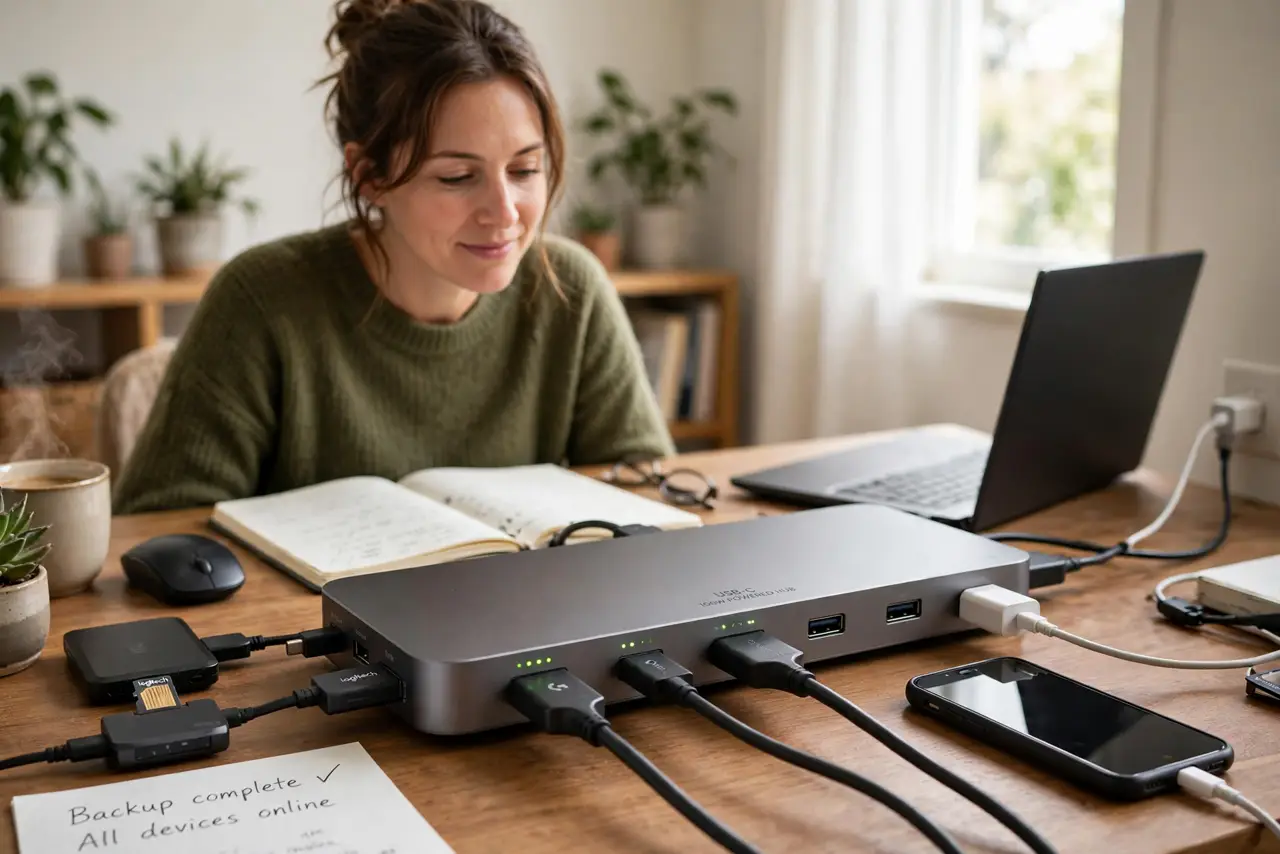
Quick fix: a passive hub shares one port's power across all devices, which starves hard drives, webcams, and audio gear — causing random disconnects. A powered hub has its own wall adapter and gives every device full power. If peripherals disconnect randomly, switch to a powered hub.
Follow these steps
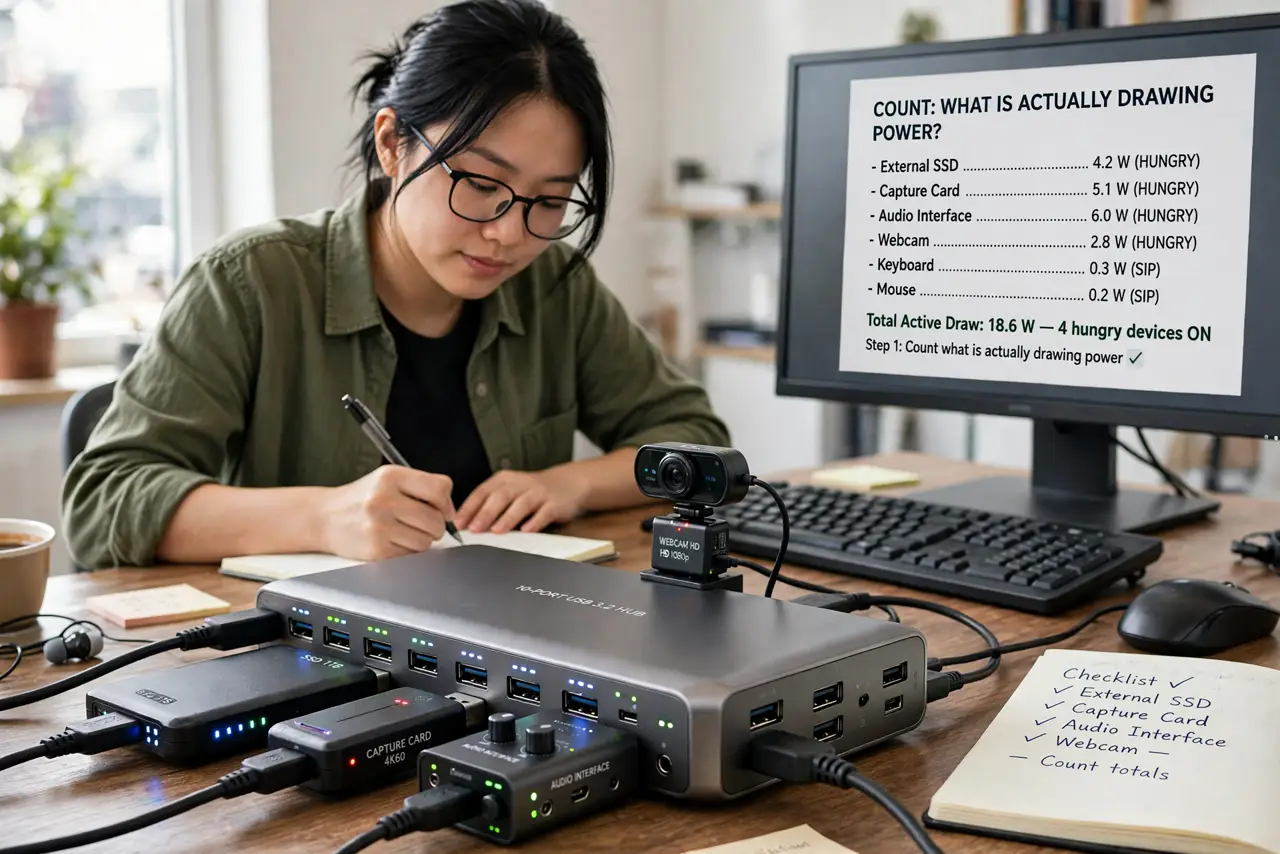
- Count what is actually drawing power. Keyboards and mice sip power; external drives, webcams, capture cards, and audio interfaces drink it. Two or more hungry devices on a passive hub is the classic recipe for random disconnects.
- Check the hub's power rating. A passive hub shares the host port's ~4.5–7.5W across everything. A powered hub adds its own 30–60W+ supply. If the hub has no wall adapter and your devices misbehave, you have found the suspect.
- Move storage to the powered hub first. External drives are the most common victims — they disconnect mid-transfer on passive hubs and can corrupt data. Plug drives directly into the computer or a powered hub only.
- Match USB versions honestly. A USB 2.0 hub chokes modern devices regardless of power. For drives and docks, use USB 3.x or better on both the hub and the cable — see the cable guide for the other half of the chain.
- Test one device at a time. Unplug everything, add devices back one by one. If problems start at device three, that is power starvation, not a bad device — a powered hub is the fix, not replacements.
- Watch for sleep disconnects. Some hubs drop devices when the computer sleeps and never reconnect them. A quality powered hub plus the sleep-disconnect fix pattern solves most of these.
What NOT to do
- Do not run external drives through a passive hub. Mid-transfer disconnects can corrupt files — drives need real power.
- Do not daisy-chain passive hubs. Each hop splits the same small power budget further; the end of the chain starves.
- Do not assume all 'powered' hubs are equal. A weak 12W adapter barely beats passive — check the wattage on the brick.
- Do not buy a hub without checking its USB version. A shiny new hub on an old USB 2.0 controller still crawls.
Frequently asked questions
Do I need a powered hub for just a keyboard and mouse?
No — low-power peripherals are perfectly happy on a passive hub. Power only becomes the issue with drives, cameras, and audio gear.
Can a powered hub charge my laptop?
Only if it explicitly supports USB-C Power Delivery passthrough at your laptop's wattage — most plain powered hubs do not.
Why does my hub work on one computer but not another?
Different ports supply different power. A desktop's rear ports often deliver more than a laptop's single port — another sign power is the variable.