Turn Off Precise Location
A weather app knows which room of your house you are in. A shopping app logs your exact parking spot. Most apps ask for your precise coordinates when a rough neighborhood would do fine — and once granted, that precision feeds profiles you never agreed to. Turning it off app by app takes minutes.
TL;DR / Quick Fix
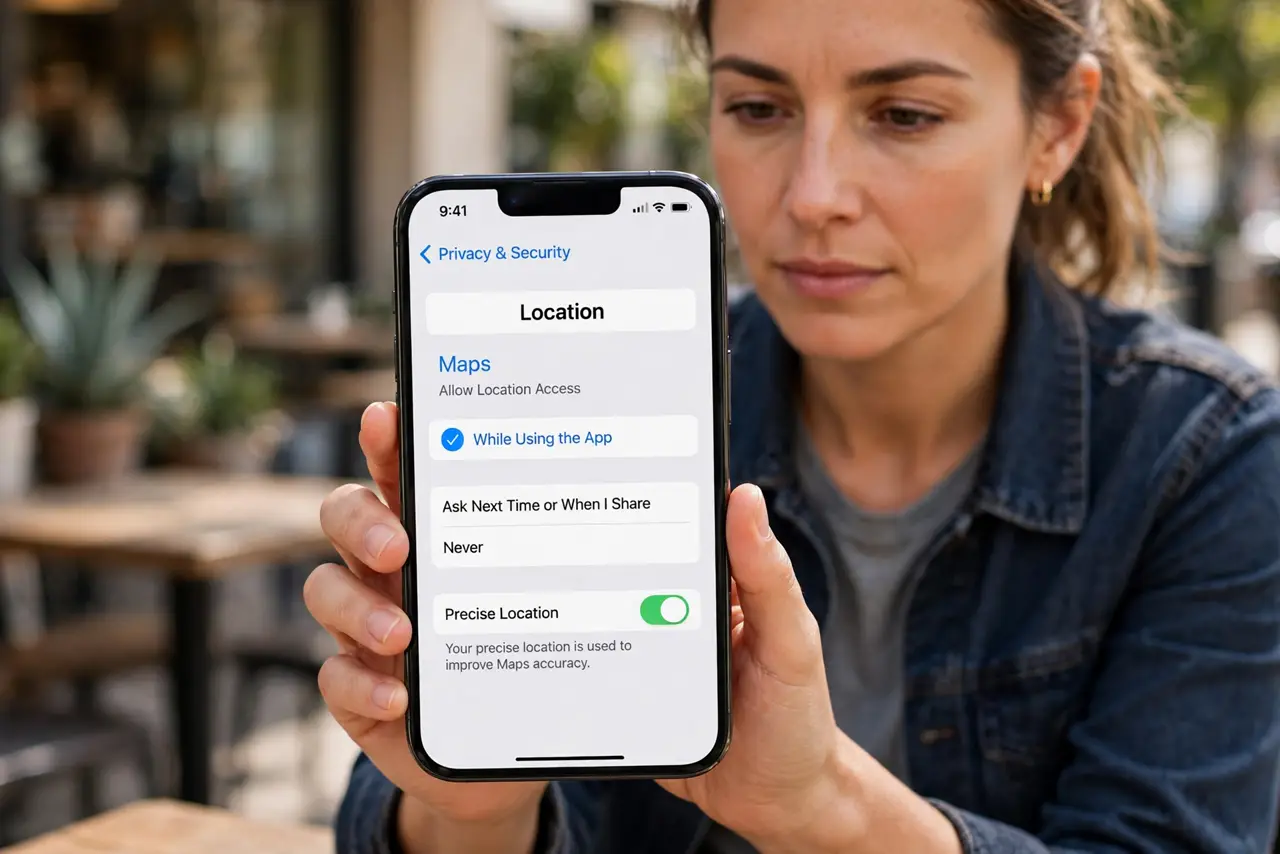
Quick fix: on iPhone, go to Settings, Privacy and Security, Location Services, tap an app, and turn off Precise Location — the app gets your approximate area instead of your exact spot. Do this for every app that does not need doorstep accuracy, like weather or news apps.
Follow these steps
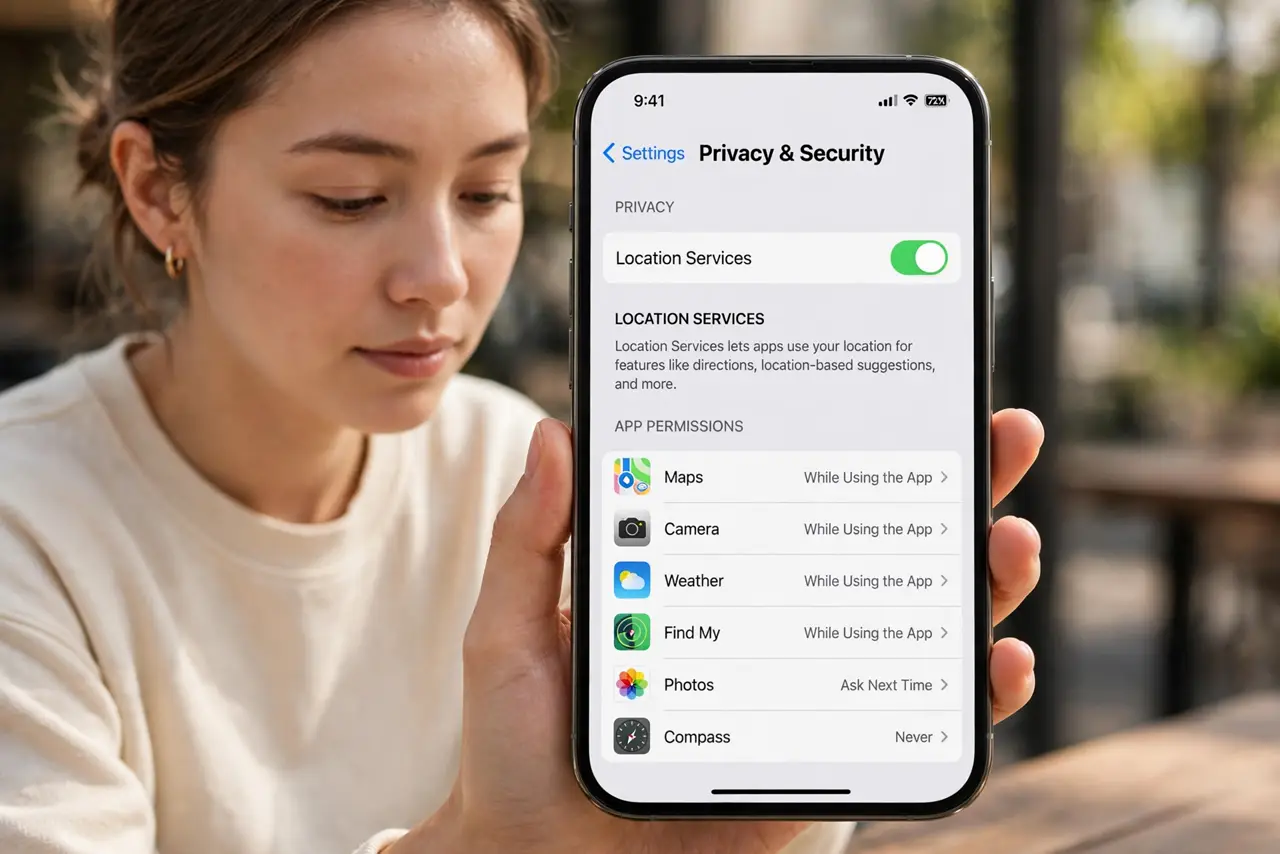
- Open Location Services. Go to Settings, then Privacy and Security, then Location Services. Every location-aware app is listed with its current permission.
- Turn off Precise per app. Tap an app and disable Precise Location. The app still gets an approximate area — plenty for weather, news, and local search. See precise vs approximate for what changes.
- Keep it on only where needed. Navigation, ride-sharing, and delivery genuinely need your exact spot. Everything else gets approximate — audit with the same mindset as Mac location controls.
- Check Android too. On Android, the same per-app precise toggle lives in Location permissions. The principle is identical across platforms.
- Review new apps at install. Apps ask for precise by default and most people tap Allow. Make the toggle part of your new-app routine — ten seconds now saves a permanent trail.
- Revisit the list quarterly. Permissions accumulate. A quick pass every few months catches the apps that crept back to precise.
What NOT to do
- Do not leave precise on for social apps. They build movement profiles from your coordinates — approximate location breaks the trail.
- Do not assume 'While Using' means safe. An app used for hours still logs a precise path — precision and frequency are separate issues.
- Do not grant precise to apps you barely use. If you open it twice a year, it does not need to know your doorstep.
- Do not forget system services. Check Significant Locations and system-level items too — apps are only half the tracking story.
Frequently asked questions
Will apps break without precise location?
Rarely. Weather, news, and search work fine on approximate. Only navigation-grade apps notice.
What's the difference between precise and approximate?
Precise is your exact coordinates within meters; approximate is a several-kilometer area. Most apps cannot tell the difference in function.
Can apps track me anyway?
Approximate location plus other signals can still profile roughly — but you have removed the most invasive piece.