Set Up a Projector
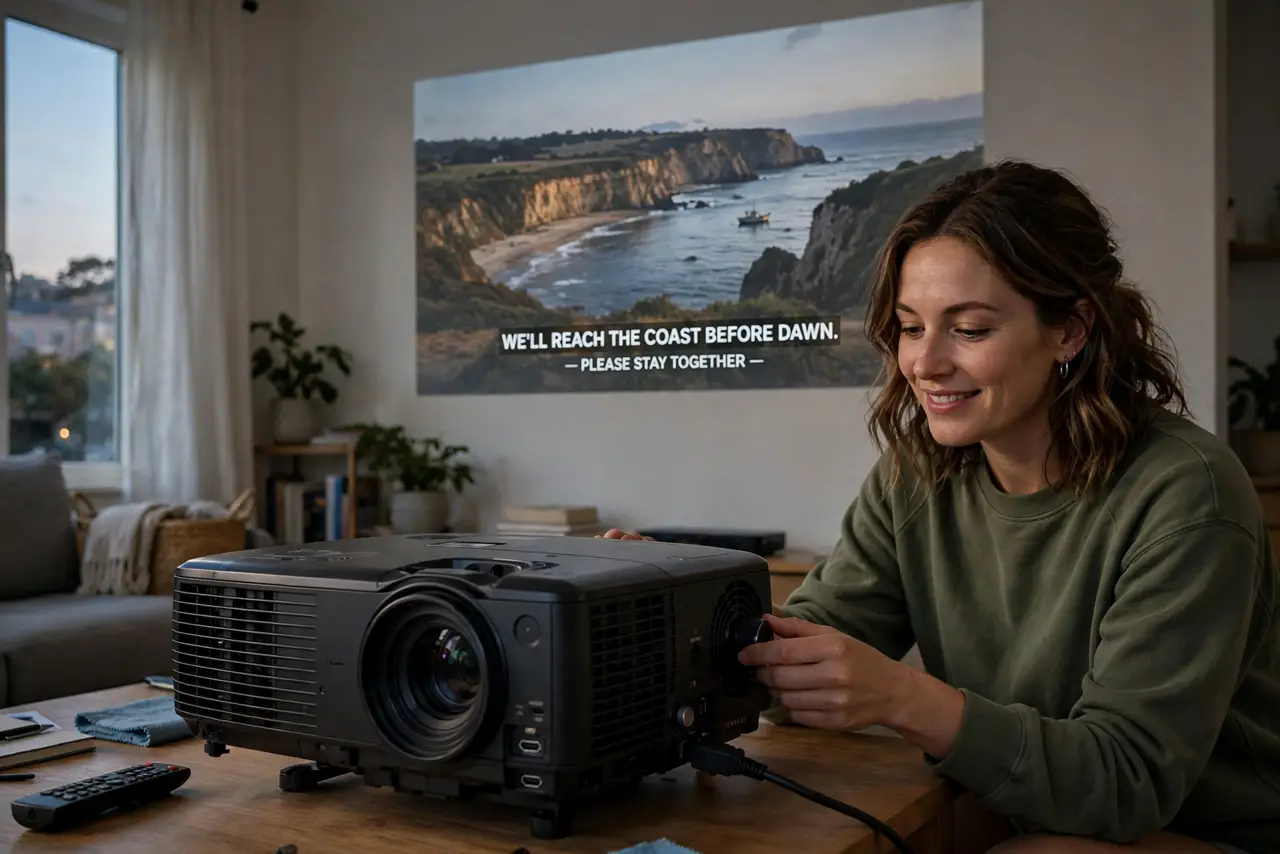
A projector promises a hundred-inch screen for the price of a TV, but the first setup can be humbling: a dim trapezoid on the wall instead of cinema magic. The three things that matter are placement distance, a dark enough room, and a flat surface to aim at. Get those right and the rest is fine-tuning.
TL;DR / Quick Fix
Quick fix: place the projector at the distance its throw ratio requires, aim it square at a white wall or screen, and dim the room — brightness matters more than resolution. Connect your source, focus the lens, then fix any trapezoid with keystone correction.
Follow these steps
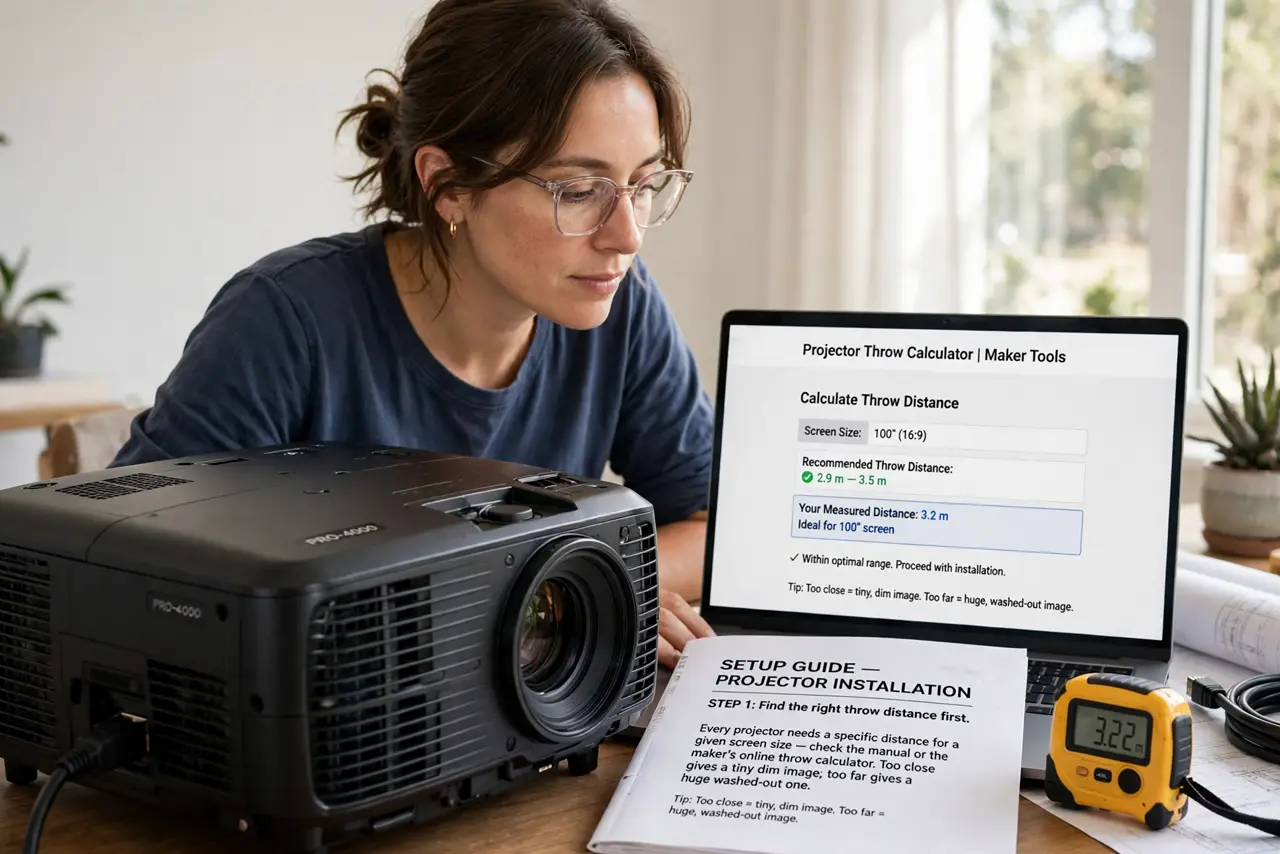
- Find the right throw distance first. Every projector needs a specific distance for a given screen size — check the manual or the maker's online throw calculator. Too close gives a tiny dim image; too far gives a huge washed-out one.
- Aim it square at the wall. Center the projector with the screen and keep it level. Angled projection creates the trapezoid distortion that keystone correction then has to fix — less angle means less correction needed.
- Darken the room as much as you can. Projectors compete with ambient light and usually lose. Close curtains and dim lamps — a dark room does more for picture quality than any settings menu.
- Connect your source and select the input. Plug in your streaming stick, laptop, or console with HDMI and switch the projector to that input. If the laptop shows nothing, check its display output shortcut — Windows sometimes needs the projector display mode toggled.
- Focus the lens carefully. Use the focus ring or motorized focus while looking at small text on screen. Text is the best focus test — when the smallest menu text is sharp, the picture is sharp.
- Adjust keystone and picture settings last. Fix geometry first, then set brightness and color for your room. Save the settings — many projectors forget adjustments when unplugged.
What NOT to do
- Do not project onto a colored or textured wall and expect cinema quality. Beige walls tint everything; texture shimmers — a white screen or smooth white wall matters.
- Do not max out brightness in a dark room. Torch-mode settings wash out blacks and strain eyes — match brightness to the room.
- Do not ignore ventilation. Projectors run hot and need clear airflow — blocking vents shortens lamp life dramatically.
- Do not buy the cheapest mount or stand first. A wobbly projector means a wobbly hundred-inch image — stability is picture quality.
Frequently asked questions
How big a screen can my room fit?
Divide your throw distance by the projector's throw ratio (in the specs). A 3-meter distance with a 1.5 ratio gives about a 100-inch image — use the maker's calculator for exact numbers.
Do I need a special screen?
Not to start — a smooth white wall works surprisingly well. Screens help with ambient light rejection and perfect flatness, worth it once you are committed.
Why does the image look washed out?
Almost always ambient light. Darken the room first; only then touch brightness and contrast settings.