Signed In on a Public Computer? Sign Out Fully
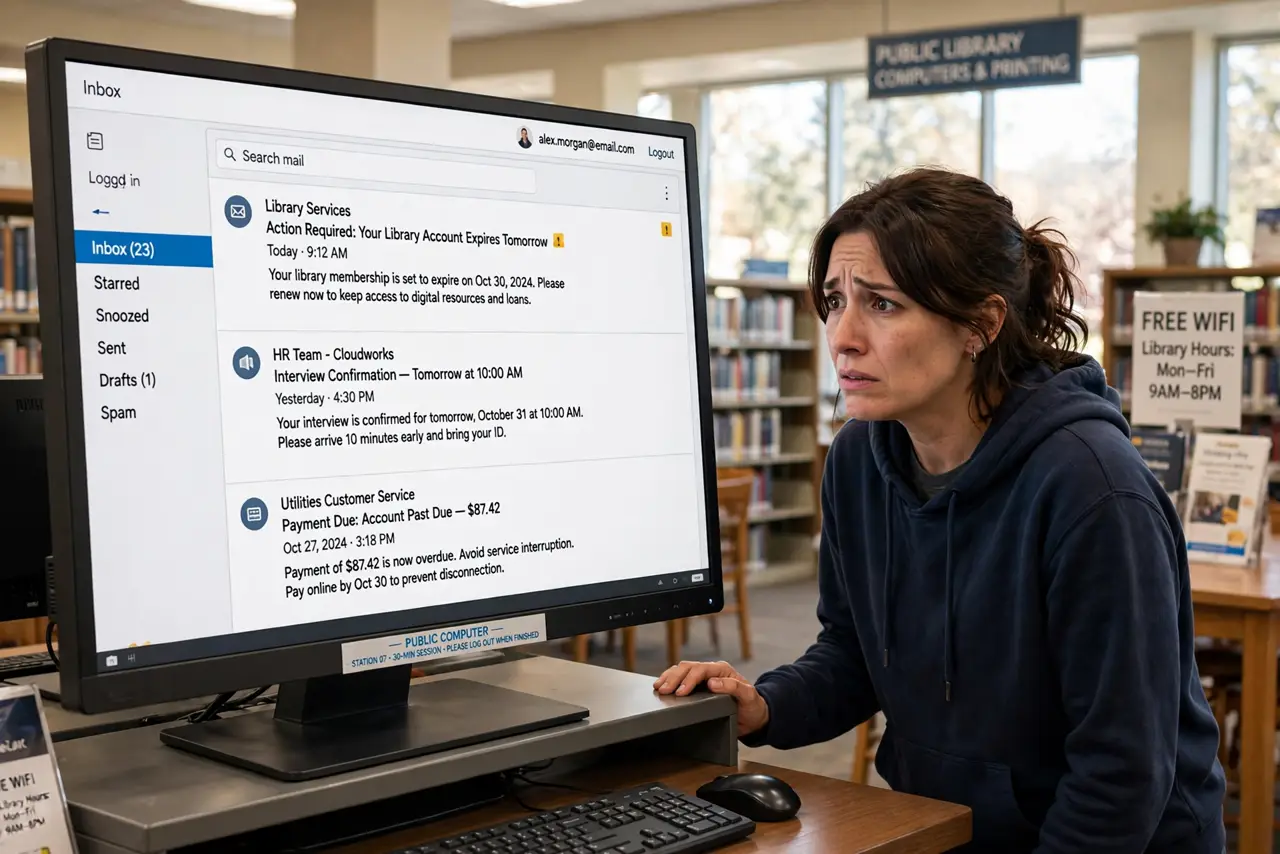
You checked email on a library or hotel computer and now you are worried you left yourself logged in. Closing the tab is not enough — sessions, passwords, and downloads can linger. This guide shows how to sign out fully, even after you walked away.
TL;DR / Quick Fix
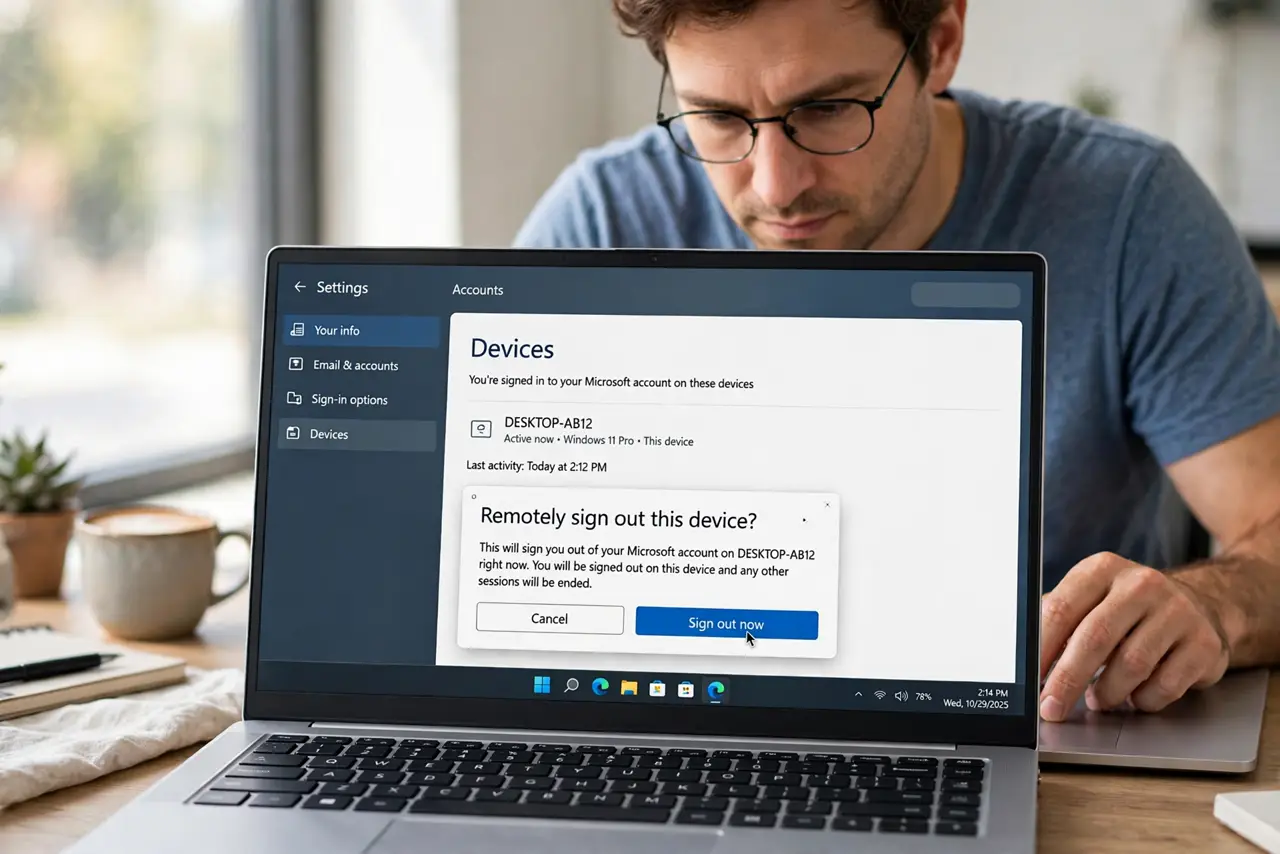
Quick fix: on your phone, open the account's security page and sign out of the public computer's session remotely. Then change the password if you typed it on that computer. Next time, use private browsing and sign out before you stand up — closing the tab alone is not enough.
Follow these steps
- Remotely sign out right now. On your phone, open the account's security settings and find active sessions. End the session on the public computer — this works even miles away.
- Change the password if you typed it there. Keyloggers on public machines are rare but real. If the account matters, change its password from your own device.
- Check for saved passwords. If the browser asked to save your password and you clicked yes, remove it. On your phone you cannot reach that browser, so changing the password covers you.
- Review recent account activity. Check the account's recent activity for anything you did not do. A quick scan now beats discovering a problem weeks later.
- Turn on two-factor. With two-factor on, a leftover session or a stolen password alone is not enough for someone else to get back in.
- Do it right next time. Use the browser's private window and sign out before you leave. And know what incognito actually hides — it helps on the machine, but it is not a full shield.
What NOT to do
- Do not just close the tab and walk away. Closing a tab does not end your login session on most sites.
- Do not let the browser save your password on a public machine. Click Never when it asks, every single time.
- Do not download sensitive files to a public computer. If you must, delete them and empty the recycle bin before leaving.
- Do not assume private browsing makes you invisible. It skips local history but the network and the site still see you — which is why signing out still matters.
Frequently asked questions
I already left — can I still sign out?
Yes. Almost every major service lets you end other sessions remotely from your phone's security settings.
Should I change all my passwords?
Change the ones you typed on that computer, starting with email. One strong session of changes beats worrying for weeks.
Is hotel Wi-Fi on my own laptop safer?
Yes, much. Your own device plus the hotel network is far safer than a public computer on any network.