Saved Public Wi-Fi Networks Auto-Join Risk
Your phone remembers every coffee shop and airport network — and happily rejoins anything with a familiar name. Attackers broadcast those same names to catch your phone auto-joining a fake network.
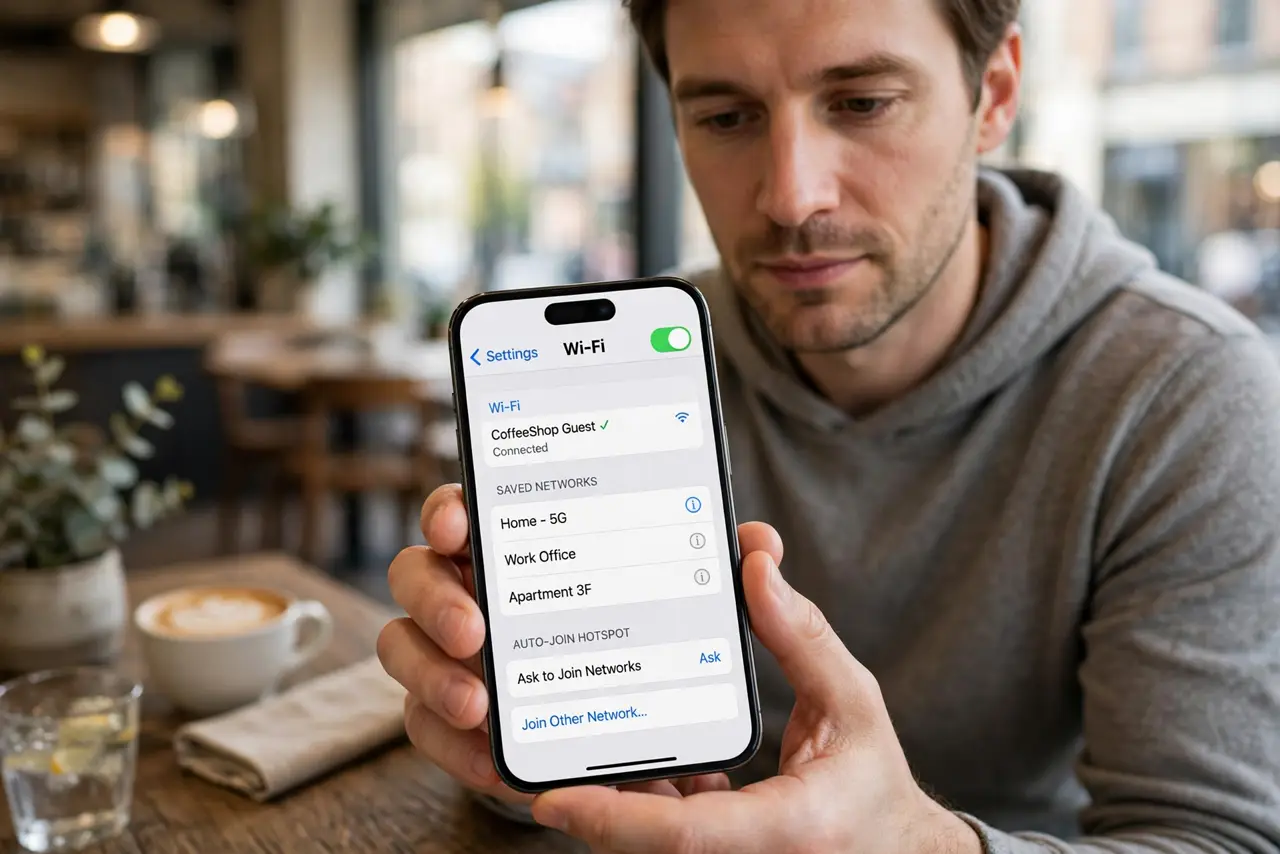
TL;DR / Quick Fix
Quick fix: open your Wi-Fi settings, turn off auto-join for public networks you no longer use, and forget the ones you will not revisit. Then keep auto-join on only for home and work, and use a VPN on any public network you do join.
Follow these steps
- Turn off auto-join for public networks. Open Wi-Fi settings and disable auto-join on saved public networks. Your phone then asks before joining, instead of connecting silently to any familiar name.
- Forget networks you will not revisit. Delete saved networks for airports, hotels, and cafes from past trips. Each forgotten network is one less name an attacker can spoof to catch you.
- Keep auto-join for home and work only. Leave auto-join on for networks you trust and control. The goal is not disabling the feature, but limiting it to networks whose owners you know.
- Watch for the evil-twin trick. An attacker can broadcast the same name as a saved network. If a familiar network appears where it should not, or asks for a login it never needed, do not join.
- Use a VPN on public networks you do join. When you must use public Wi-Fi, run a trustworthy VPN with its kill switch on. Encryption beats hoping the network is legitimate.
- Check the auto-connect setting too. Some devices have a separate auto-connect or ask-to-join option. Set it to ask, so no network joins without your explicit okay.
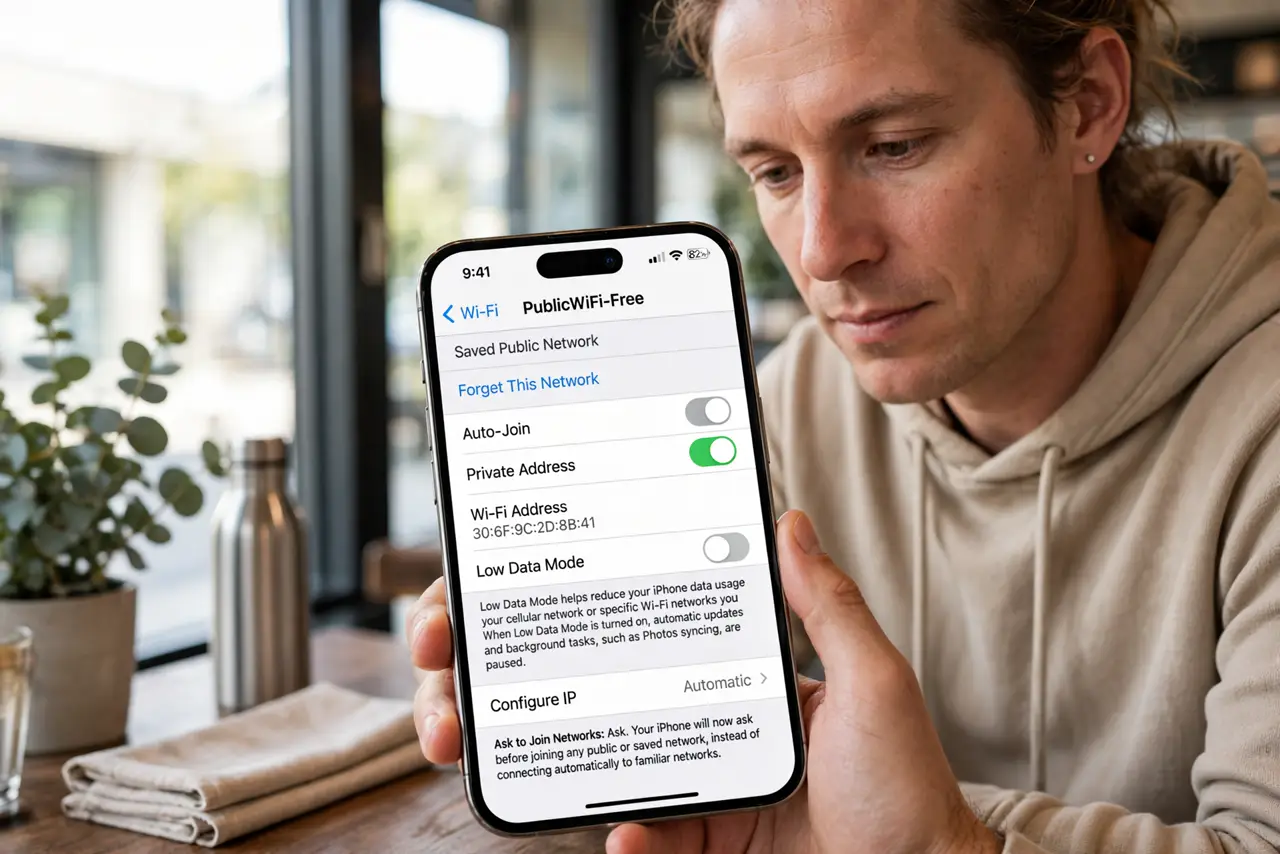
What NOT to do
- Do not leave dozens of old public networks saved. Every saved name is a lure an attacker can copy, so prune the list regularly.
- Do not join a familiar network name in a strange place. Your home network's name at an airport is a trap, not a coincidence.
- Do not do banking on public Wi-Fi without a VPN. Auto-join risks plus unencrypted traffic is the worst combination for sensitive accounts.
- Do not assume a password-protected public network is safe. The password is shared with everyone in the room, including anyone listening.
Frequently asked questions
Why is auto-join risky?
Because your phone joins any network with a saved name, and attackers broadcast those names to intercept your traffic.
Should I forget hotel networks after a trip?
Yes. You will not need them again, and each saved name is a future spoofing opportunity.
Does a VPN fix public Wi-Fi risks?
Largely. It encrypts your traffic so the network operator and snoopers cannot read it, especially with a kill switch on.