Public Wi-Fi Login Asks for Personal Data?
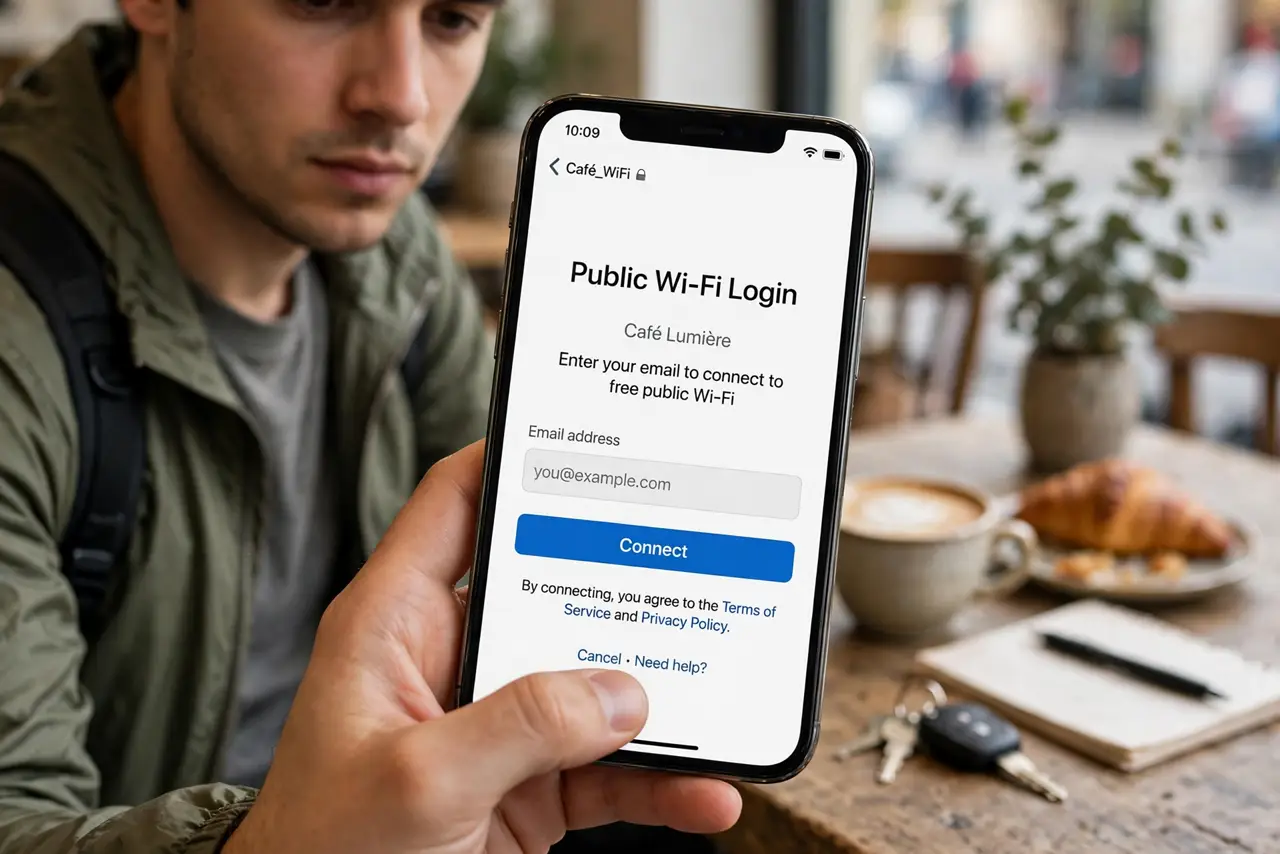
Captive portals at cafes, airports, and hotels often ask for a name, email, or phone number before connecting. Some of that is normal for the venue, but you should share as little as possible, and never do banking or sensitive work on a network you do not trust.
TL;DR / Quick Fix
Quick fix: share only what the venue truly requires, using an email you use for such sign-ups rather than your main one. Skip optional marketing boxes, avoid banking and sensitive accounts on public Wi-Fi, and use mobile data for anything important.
Follow these steps
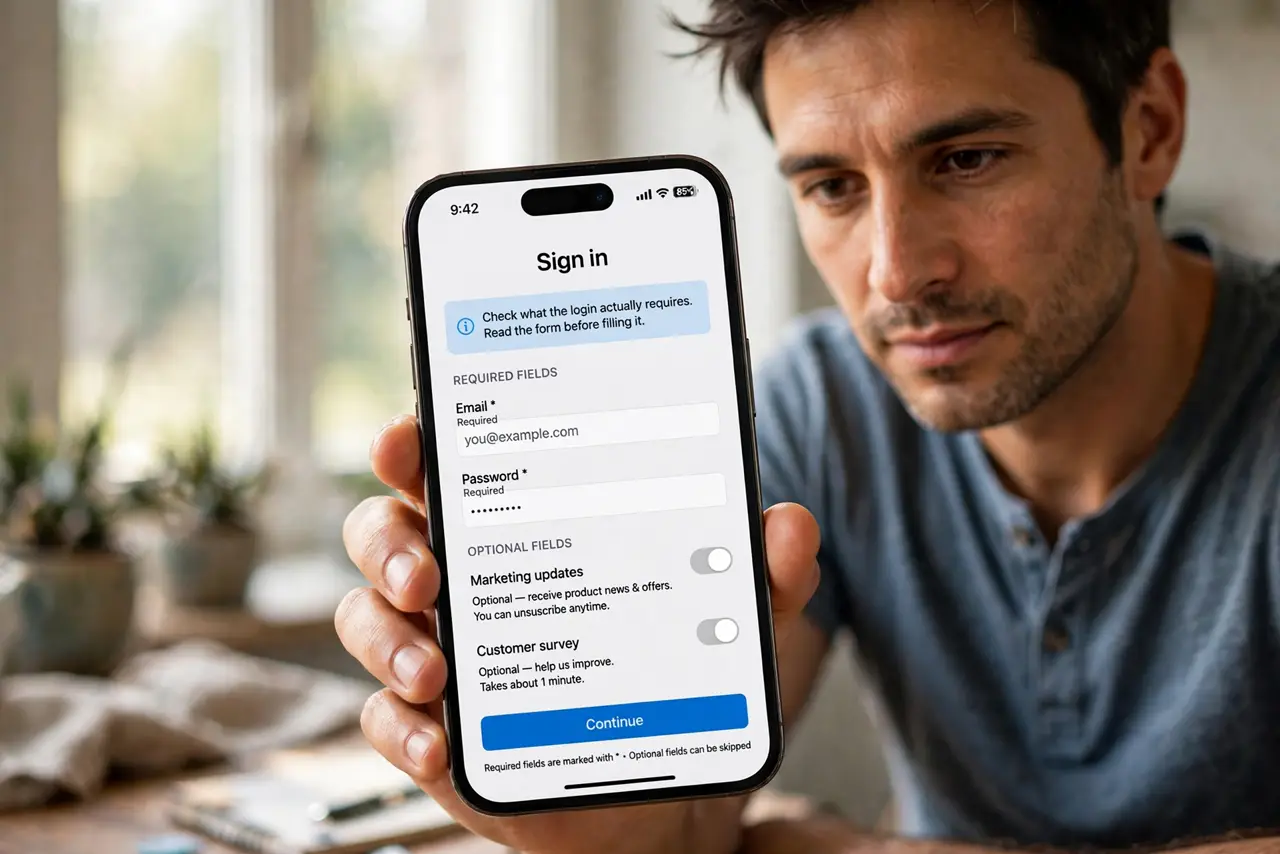
- Check what the login actually requires. Read the form before filling it. Required fields are usually marked, while marketing and survey fields are optional, even when they look mandatory.
- Use a secondary email if one is asked. If an email is required, use an address you reserve for sign-ups, not your main personal or work email. That limits spam and tracking tied to your main address.
- Skip optional marketing boxes. Uncheck boxes for offers, newsletters, and partner sharing. Those boxes are how a free connection turns into ongoing marketing.
- Avoid sensitive accounts on that network. Do not open banking, work systems, or account recovery pages on public Wi-Fi. Wait for mobile data or a trusted network for those tasks.
- Disconnect when you are done. Turn Wi-Fi off or forget the network when you leave, so your phone does not reconnect automatically next time you pass by.
- Watch for a fake portal. If the login page looks broken, asks for card details, or appears for a network you did not choose, disconnect and ask staff which network is genuine.
What NOT to do
- Do not enter card details to join a public Wi-Fi network. A genuine venue portal does not need payment card data for free access.
- Do not use your main email and phone number for every portal. A secondary email limits the fallout from a later leak.
- Do not do banking or password changes on public Wi-Fi, even if the login looked official.
- Do not leave the network saved with auto-connect on. Forget it when you leave, so it cannot reconnect silently later.
Frequently asked questions
Is it ever safe to give an email for Wi-Fi?
Often yes, if the venue is genuine and the email is a secondary one. The risk is spam and tracking, not instant account theft, when no password is involved.
What if the portal demands a phone number?
Consider using mobile data instead. A phone number is harder to change than a secondary email, and it can attract spam calls and texts.
How do I know the portal is genuine?
Ask staff for the exact network name, and be wary of twin networks with similar names. A genuine portal matches the venue you are in.