QR Parking Meter Scams
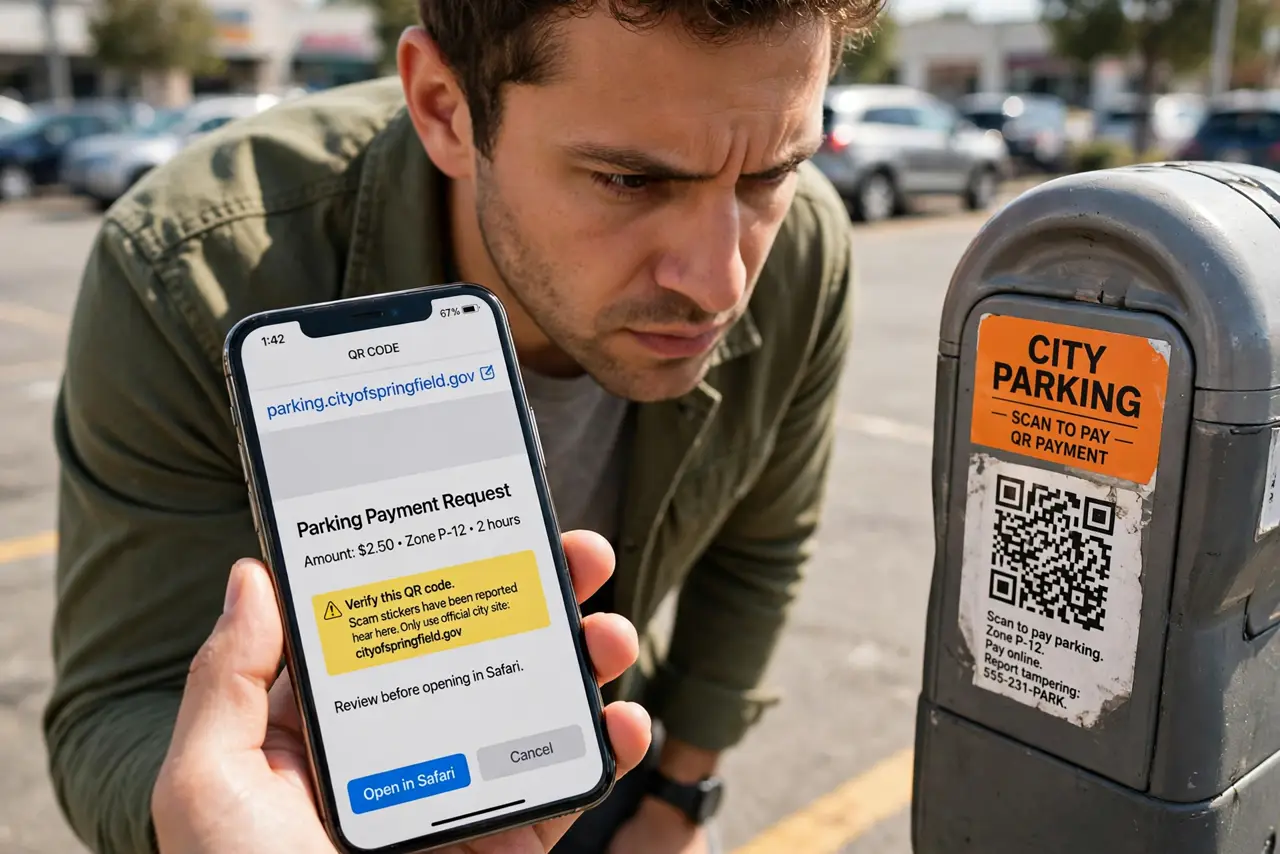
The parking meter has a QR code sticker: scan to pay, quick and easy. Except the sticker was placed by a scammer over the real code, and your payment — plus your card details — just went to a thief. Fake QR codes on parking meters are spreading because they exploit a moment when you are rushed and not looking closely. A ten-second check defeats them.
TL;DR / Quick Fix
Quick fix: before scanning a parking QR, check whether the sticker looks added on — peeling edges, covering the original code, or mismatched branding. When in doubt, pay through the city's official parking app, typed or downloaded yourself, never via the sticker's link.
Follow these steps
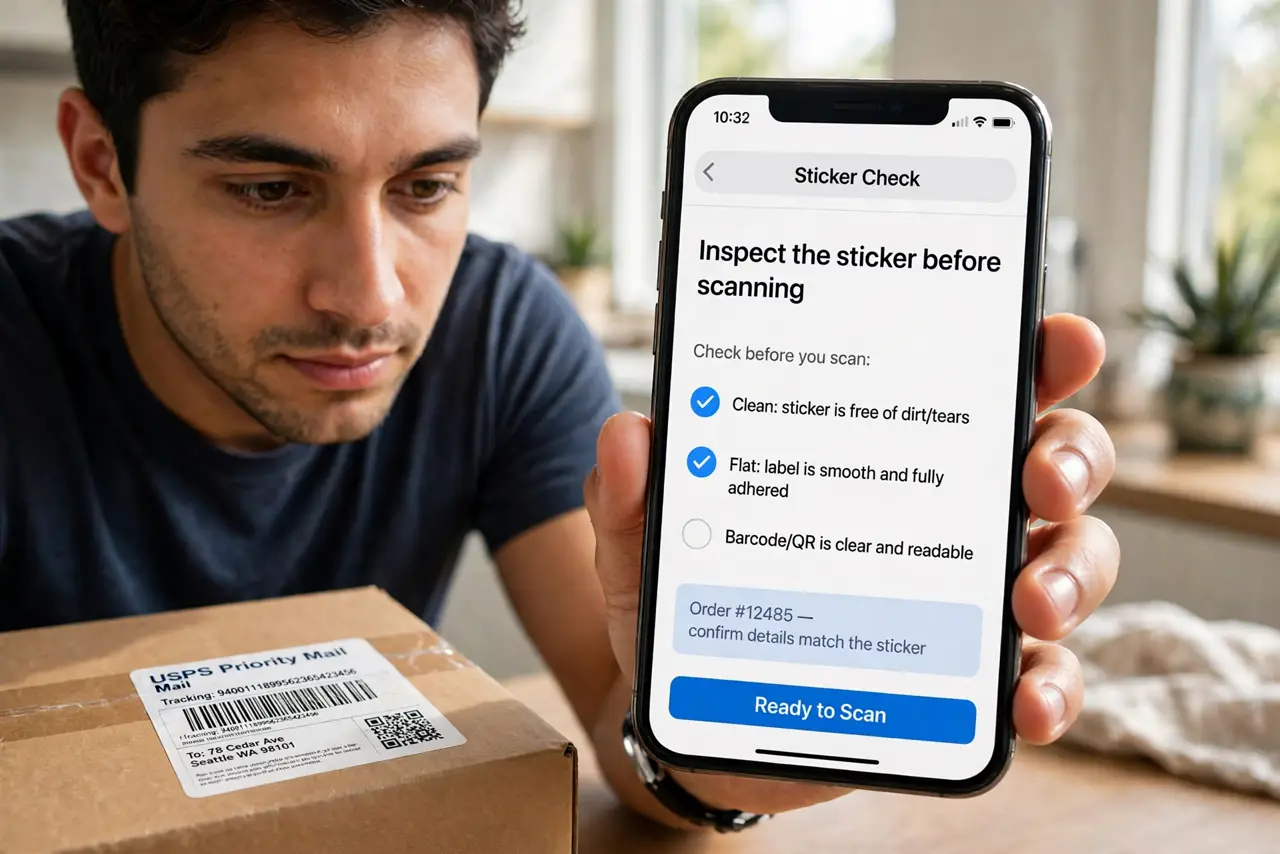
- Inspect the sticker before scanning. Look for signs of tampering: a sticker layered over another code, peeling edges, crooked placement, or branding that does not match the meter. Real codes are usually printed on the meter or behind glass.
- Never trust a sticker's URL blindly. After scanning, check the web address before entering anything — a misspelled city name or odd domain is the giveaway. Scammers need you to not look.
- Use the official app instead. Download your city's parking app from the app store yourself — not via any QR code. Paying through the official app bypasses the sticker entirely.
- Check what the code asks for. A legitimate parking payment asks for the zone and your plate. If the page demands full card details plus personal information upfront, stop — compare with common QR scams.
- Look for the tamper-evident signs. Many cities now use codes that show damage when peeled. If the code area looks disturbed or re-stuck, treat it as compromised and pay another way.
- Report suspicious stickers. Tell the parking authority or use their reporting line — and warn other drivers if you can. One report can get a whole row of fake stickers removed.
What NOT to do
- Do not scan without looking first. The entire scam depends on you scanning on autopilot — ten seconds of inspection kills it.
- Do not enter card details on a page you reached via sticker. If anything feels off, close it and use the official app.
- Do not peel the sticker off yourself and assume safety. Report it — removing one sticker does not warn the next driver.
- Do not assume meters are too official to fake. Scammers count on exactly that assumption — official-looking is their camouflage.
Frequently asked questions
How common is this scam?
Common enough that multiple cities have issued warnings. It spreads because it is cheap to execute and targets people in a hurry.
What if I already paid through a fake code?
Contact your bank immediately to dispute the charge, monitor statements for further charges, and consider replacing the card.
Do the fake stickers steal my card number?
Often yes — the fake payment page harvests card details for later fraud. Treat any payment through a suspect code as compromised.