Spot Malicious QR Codes
QR codes are everywhere — menus, parking meters, package slips — and you scan them without thinking. Scammers know this: they stick fake codes over real ones and text malicious codes that lead to phishing pages. A QR code is just a link you cannot read first. Here is how to scan safely without giving up the convenience.
TL;DR / Quick Fix
Quick fix: treat unexpected QR codes like links — preview the address before opening, and never scan codes stuck over other codes or sent by strangers. If a scan lands on a login page you did not expect, close it. When in doubt, type the address yourself instead of scanning.
Follow these steps
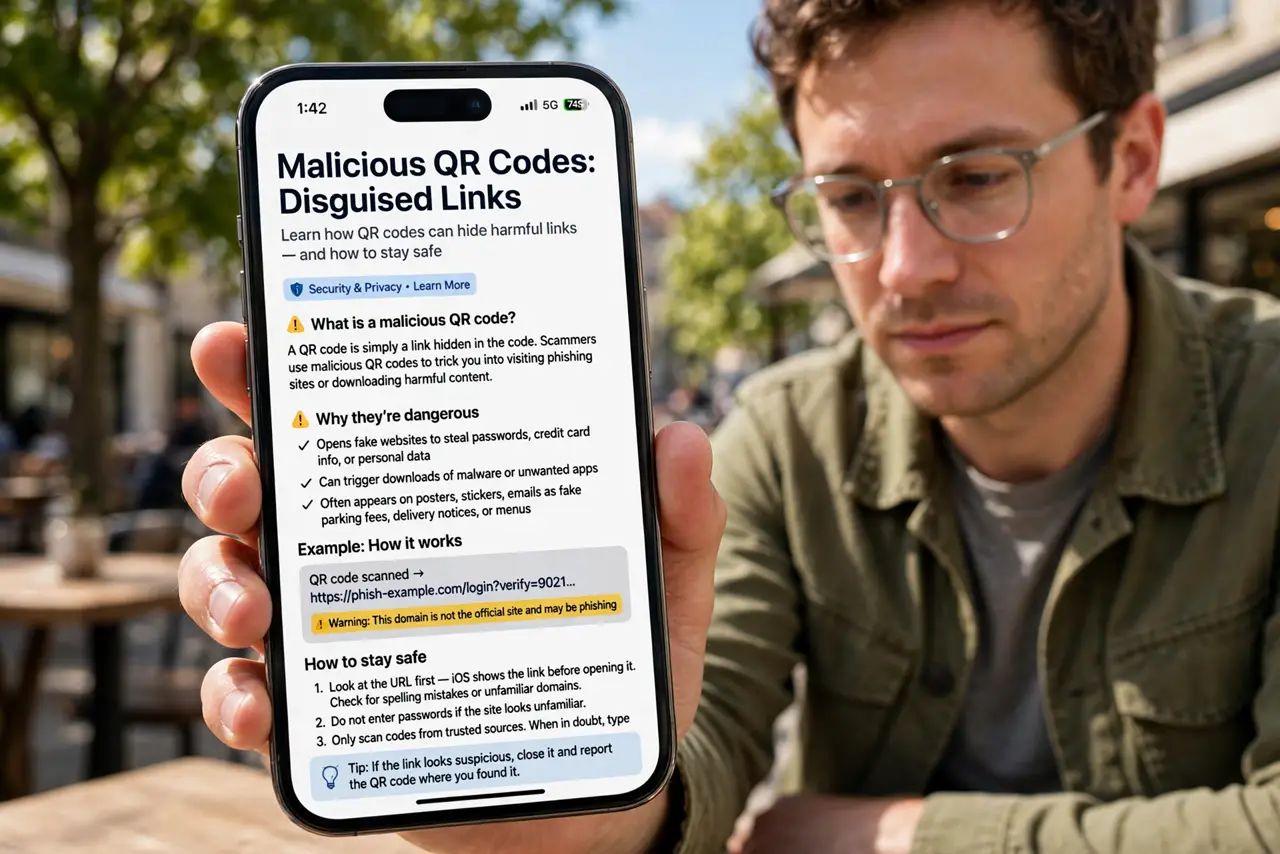
- Know what a malicious QR code does. It is just a link in disguise — usually to a phishing login page or a malware download. The danger is identical to a bad link; the code only hides the destination. Classic QR phishing follows the same playbook as email scams.
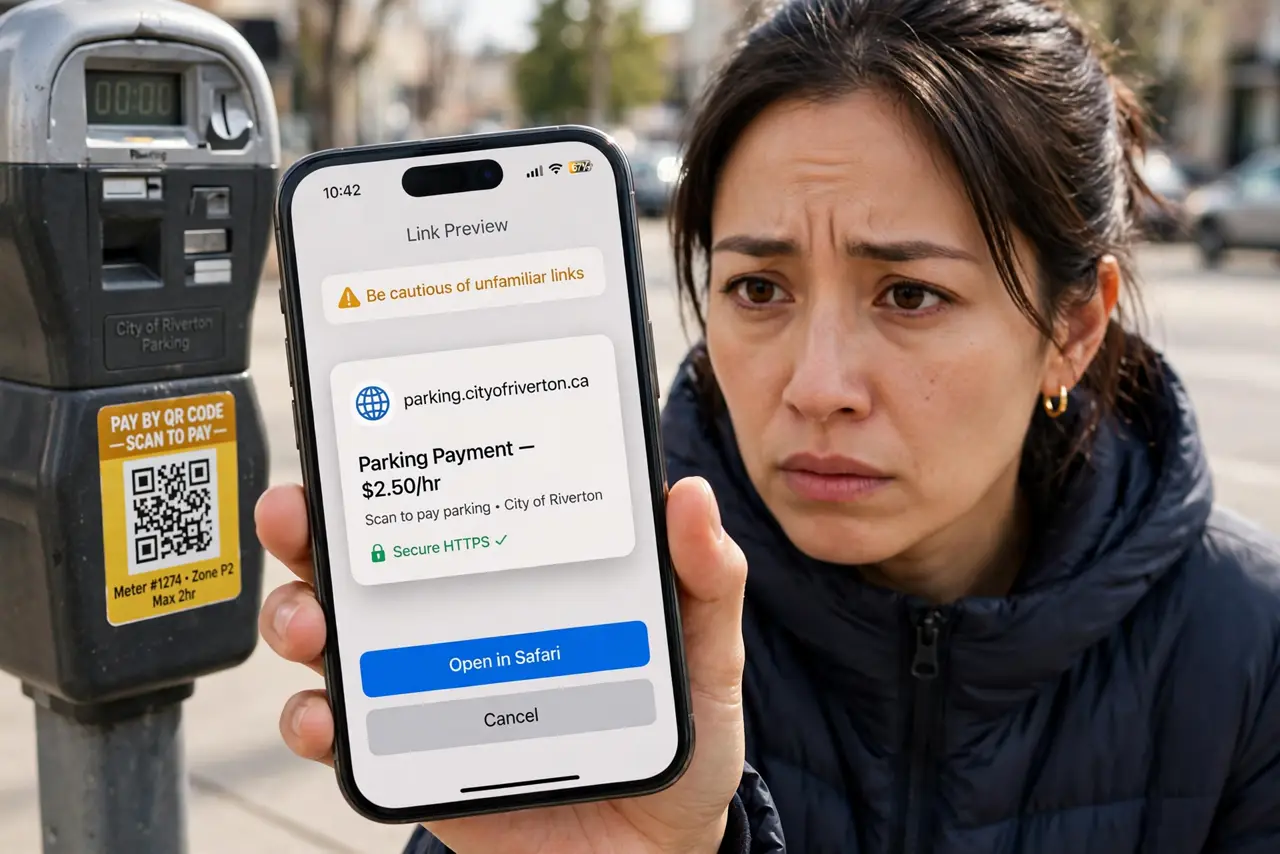
- Preview before opening. Your phone shows a link preview after scanning — read it before tapping through. Misspelled brands and odd domains are the same red flags as anywhere else.
- Check for sticker overlays. On parking meters, restaurant tables, and package slips, feel for a sticker placed over the original code. The sticker-over scam is the most physical QR attack — a raised edge is the tell.
- Be wary of codes from strangers. A QR code in an unexpected text, email, or flyer deserves the same suspicion as a link. Legitimate senders rarely need you to scan to reach them.
- Never enter credentials after a scan. If scanning lands you on a login page you did not expect, stop. Close it and navigate to the site yourself — the fake login page pattern is the number-one QR scam.
- Type it yourself when unsure. For anything involving money or accounts, skip the scan and type the official address manually. Thirty seconds of typing beats a compromised account.
What NOT to do
- Do not scan QR codes stuck over other codes. A sticker on a meter or menu is guilty until proven innocent.
- Do not auto-open scanned links. Turn off any setting that opens QR destinations immediately — always preview first.
- Do not trust a QR code because it looks official. Anyone with a printer can make an official-looking code.
- Do not scan to pay someone you do not know. Payment QR codes are irreversible in most systems — verify the recipient first.
Frequently asked questions
Are QR codes on restaurant menus safe?
Usually, but check for sticker overlays on the table tent. When in doubt, ask staff for the direct web address.
Can a QR code install malware directly?
Scanning alone rarely installs anything — the danger is the page it opens, which tricks you into downloading or logging in. Preview first, tap second.
What should I do if I scanned a bad code?
If you entered credentials, change them immediately and enable authenticator codes. If you only opened the page, close it — exposure without interaction is low risk.