Quick Access Folders Disappeared? Restore Them Fast
Your favorite folders vanished from Quick Access, leaving only recent files or nothing at all. Pinned folders can drop after an update, a cleanup, or a profile change, but repinning them takes seconds once you know where they live.
TL;DR / Quick Fix
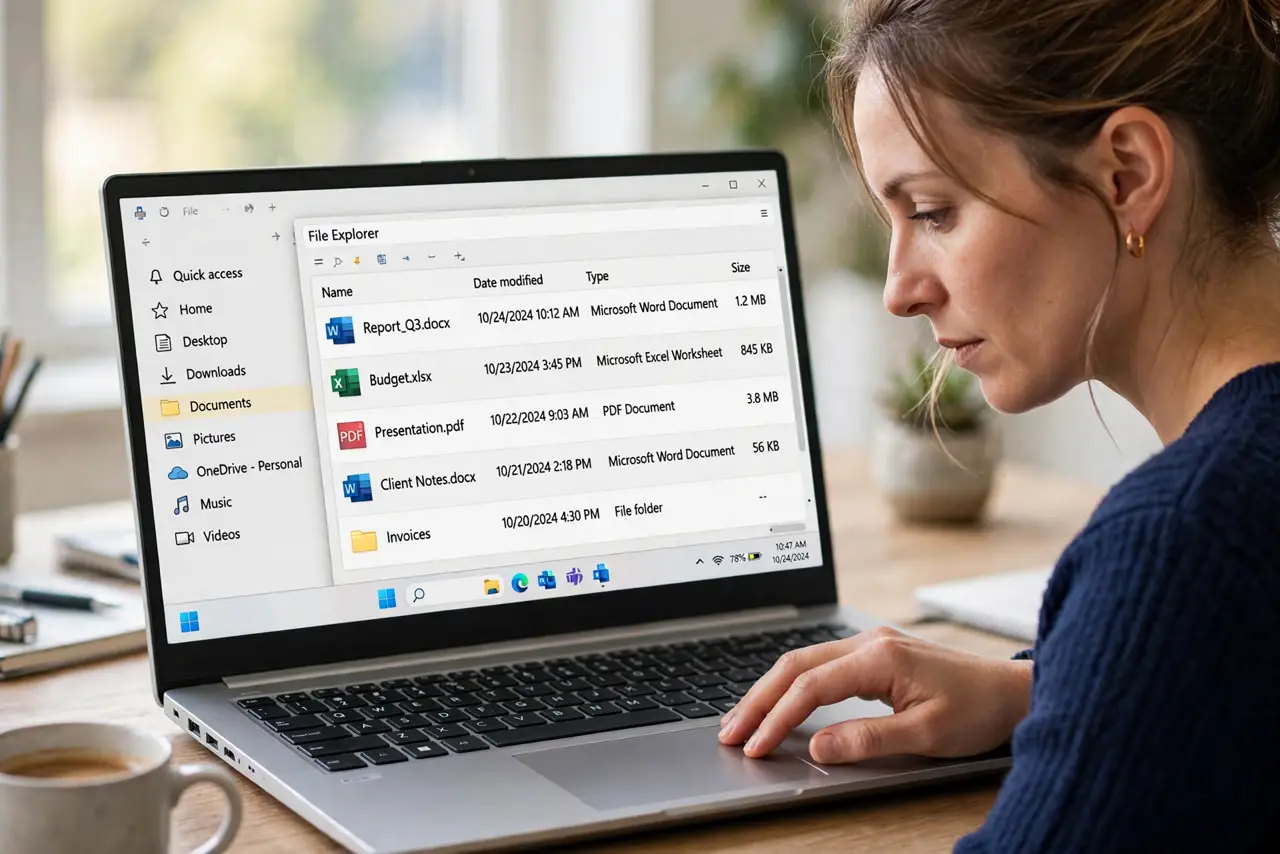
Quick fix: open File Explorer Home, find the folder in its original location, right-click it, and choose Pin to Quick Access. Repeat for each missing folder, then restart File Explorer and confirm the pins survive a restart before you finish.
Follow these steps
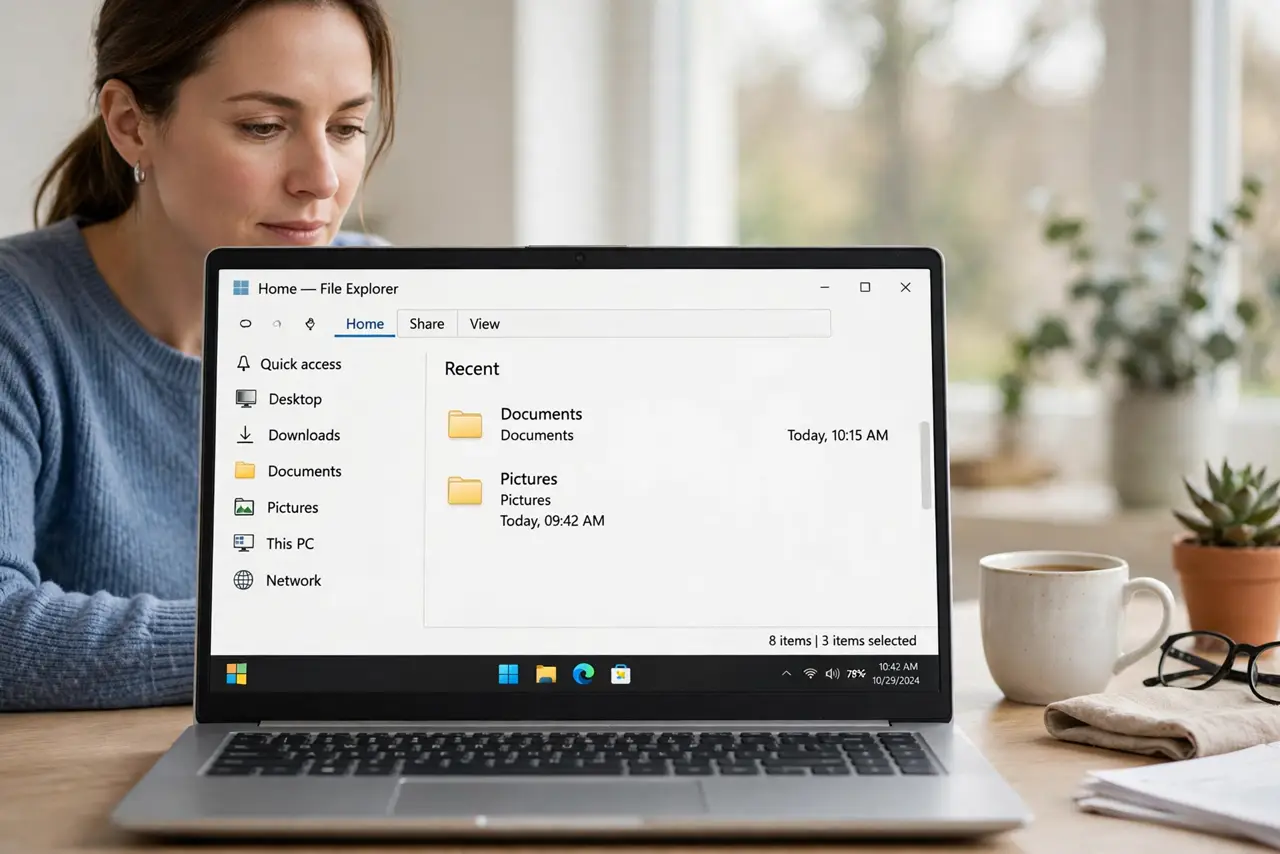
- Check the Home view first. Open File Explorer and confirm you are on Home. Quick Access pins live there, and a folder view or a search view will not show them.
- Find the folder in its original place. Navigate to the folder where it actually lives, such as Documents or a drive folder. Your files are still there; only the shortcut pin is missing.
- Pin the folder again. Right-click the folder and choose Pin to Quick Access. The folder should appear in the Quick Access list at once.
- Repeat for each missing folder. Pin each missing folder one by one, rather than pinning a parent folder and hoping. Individual pins are clearer and easier to reorder later.
- Restart File Explorer. Open Task Manager, find Windows Explorer, right-click it, and choose Restart. After the taskbar returns, check that your fresh pins are still listed.
- Check the user profile. If pins vanish again, confirm you are signed into the same user account. Quick Access pins belong to a profile, so a different account shows a different list.
What NOT to do
- Do not move folders to restore Quick Access. Moving files to chase a shortcut risks breaking other shortcuts and does not fix the pin itself.
- Do not assume the folders are deleted because pins vanished. A pin is a shortcut, and the folder remains wherever it always lived.
- Do not pin a parent folder as a substitute for several pins. One broad pin hides the specific folders you actually use every day.
- Do not ignore a profile switch. Pins that vanish after a sign-in change usually belong to the other account, not to a broken File Explorer.
Frequently asked questions
What is Quick Access?
It is a list of pinned folders and recent files in File Explorer Home, designed to reach your usual folders in one click.
Why do pinned folders disappear?
Updates, cleanups, and profile changes can drop pins. The folders stay put; only the shortcuts need repinning.
Can I reorder Quick Access pins?
Yes. Drag pinned folders into your preferred order in the Quick Access list, and Windows remembers that order.