RAID for Home Backup: The Myths, Explained
RAID sounds like the ultimate safety net: multiple disks protecting each other. But several popular beliefs about RAID are flat-out wrong — and believing them can leave your family photos with less protection than you think.
TL;DR / Quick Fix
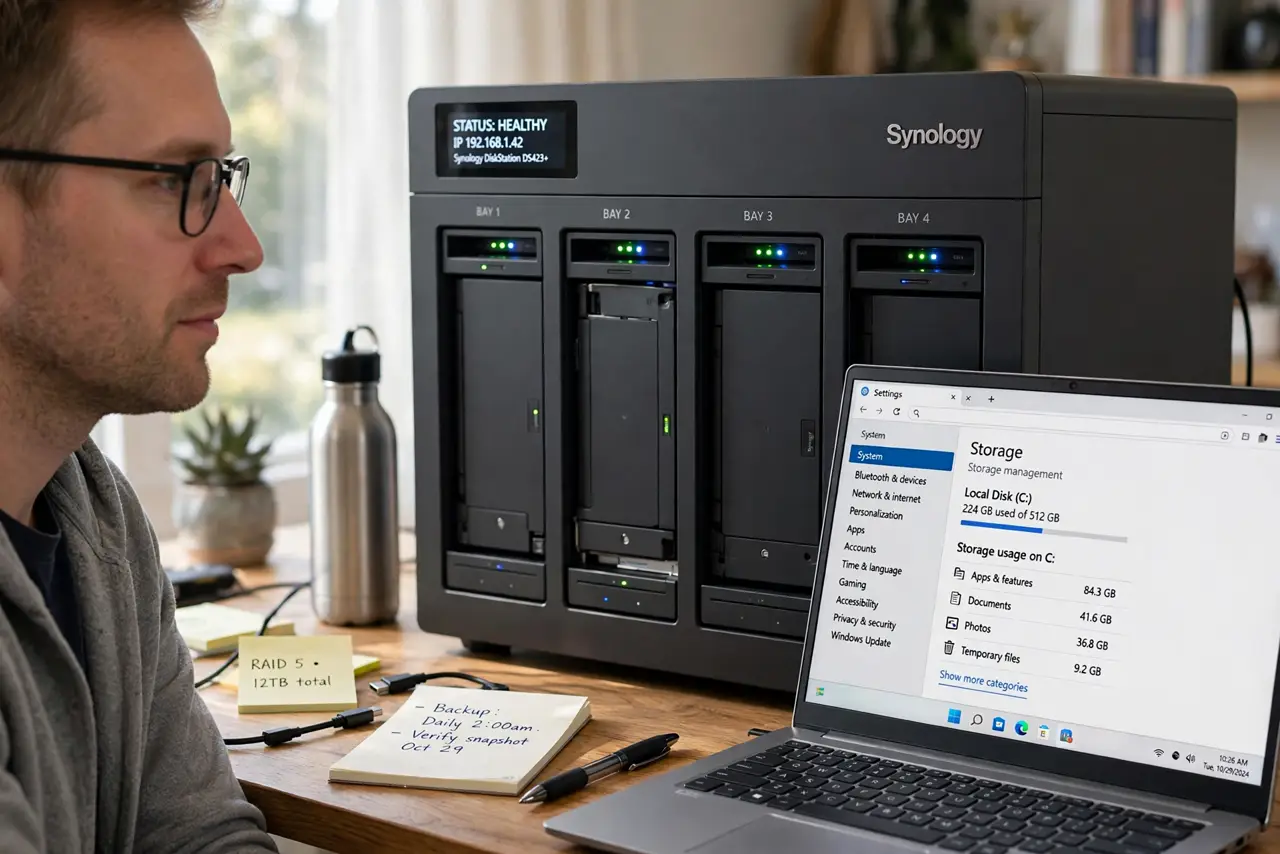
Quick fix: treat RAID as uptime insurance against one disk dying, not as a backup. Keep real backup copies elsewhere including off-site, replace a failed disk immediately, and test your restores yearly so the backups truly work when a disk or a mistake strikes.
Follow these steps
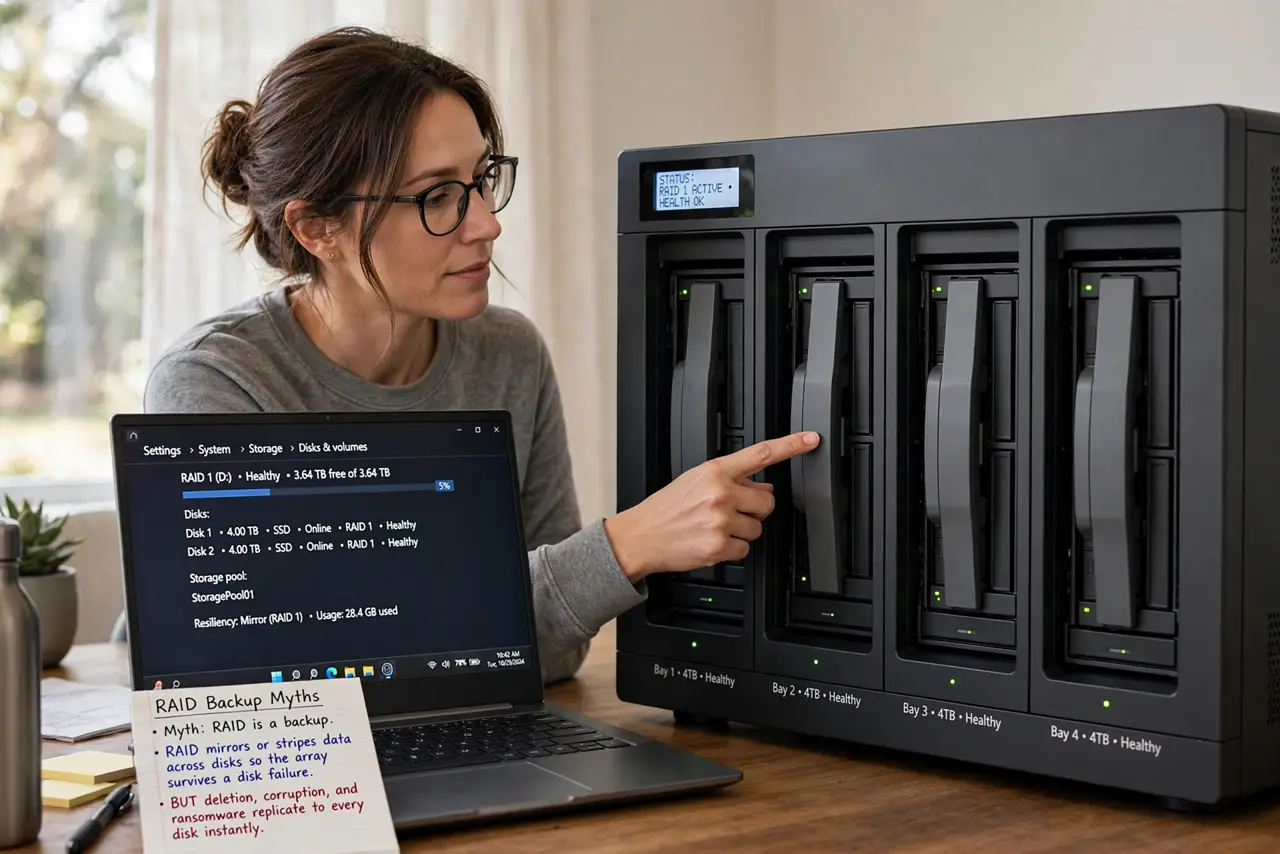
- Myth: RAID is a backup. RAID mirrors or stripes data across disks so the array survives a disk failure. But deletion, corruption, and ransomware replicate to every disk instantly — RAID protects against hardware death only.
- Myth: more disks means safer data. Each added disk is another part that can fail. RAID 0 even doubles your risk, since one dead disk kills the whole array — which is why a NAS needs real backups too.
- Myth: you can ignore a failed disk. A degraded array runs with zero redundancy until you replace the disk. Every day degraded is a day when one more failure takes everything.
- Reality: RAID buys uptime, not safety. RAID's real gift is staying online through a disk failure. That is valuable for a home server, but it never replaces copies stored elsewhere.
- Reality: rebuilds stress old disks. Rebuilding an array hammers the surviving disks for hours. On aging drives, the rebuild itself can kill a second disk — another reason backups matter more than RAID levels.
- Do the backup math anyway. Keep the 3-2-1 habit: three copies, two different media, one off-site. RAID can be one of the three copies, never the whole plan.
What NOT to do
- Do not choose RAID 0 for precious data. It is fast but doubles failure risk, so it belongs in scratch space, not in family archives.
- Do not run degraded for months. Replace a failed disk promptly, since a degraded array is one failure from total loss.
- Do not assume the NAS handles everything. A NAS with RAID still needs its backup schedule configured and its off-site copy maintained.
- Do not rebuild onto a questionable spare. A used or failing spare can die mid-rebuild, so use a healthy, tested replacement disk.
Frequently asked questions
Is RAID a backup?
No. RAID protects against disk failure, while backup protects against deletion, corruption, theft, and ransomware.
Which RAID is safest for home?
RAID 1 or RAID 5/6 with healthy disks, plus real backups. The RAID level matters far less than the backup plan.
How often do RAID disks fail?
Often enough to plan for it. Budget for replacements and watch the NAS health alerts instead of assuming disks last forever.